
- Age rating4+
- CategoryUtilities
- Developer享风 赵
- LanguagesEnglish+ 1 more
- Size7.6 MB
Links to the official App Store page
Download.org hosts no file of THLPlay. The button opens its official App Store page, published by 享风 赵. Listing last checked on Nov 17, 2026.
Screenshots
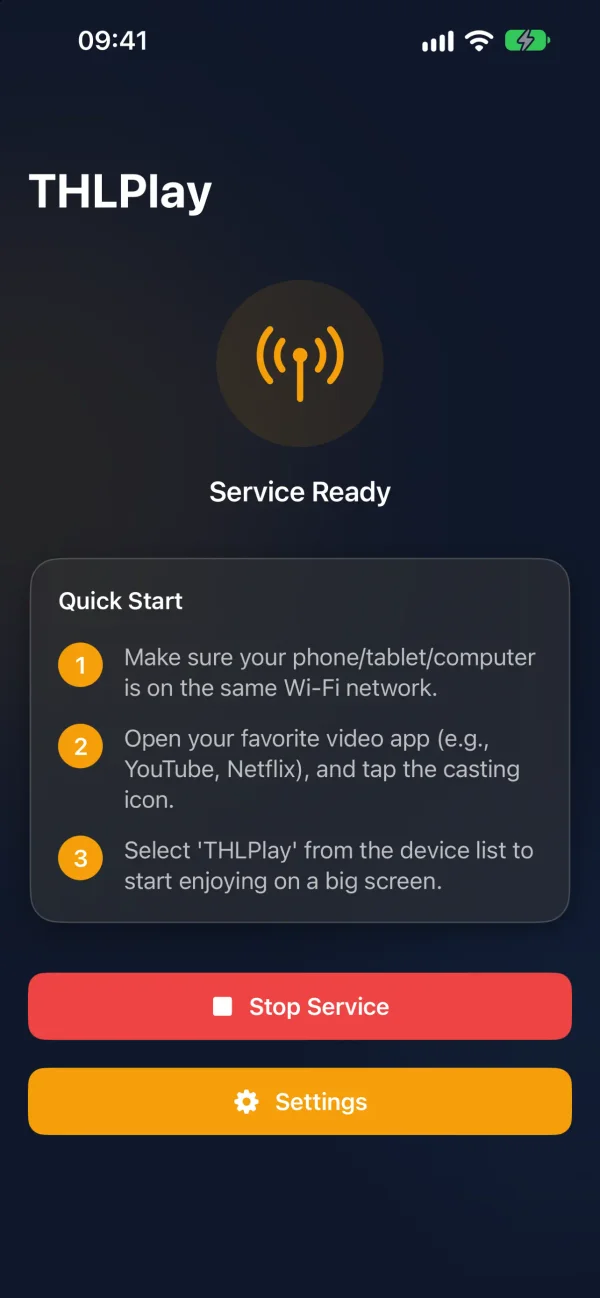

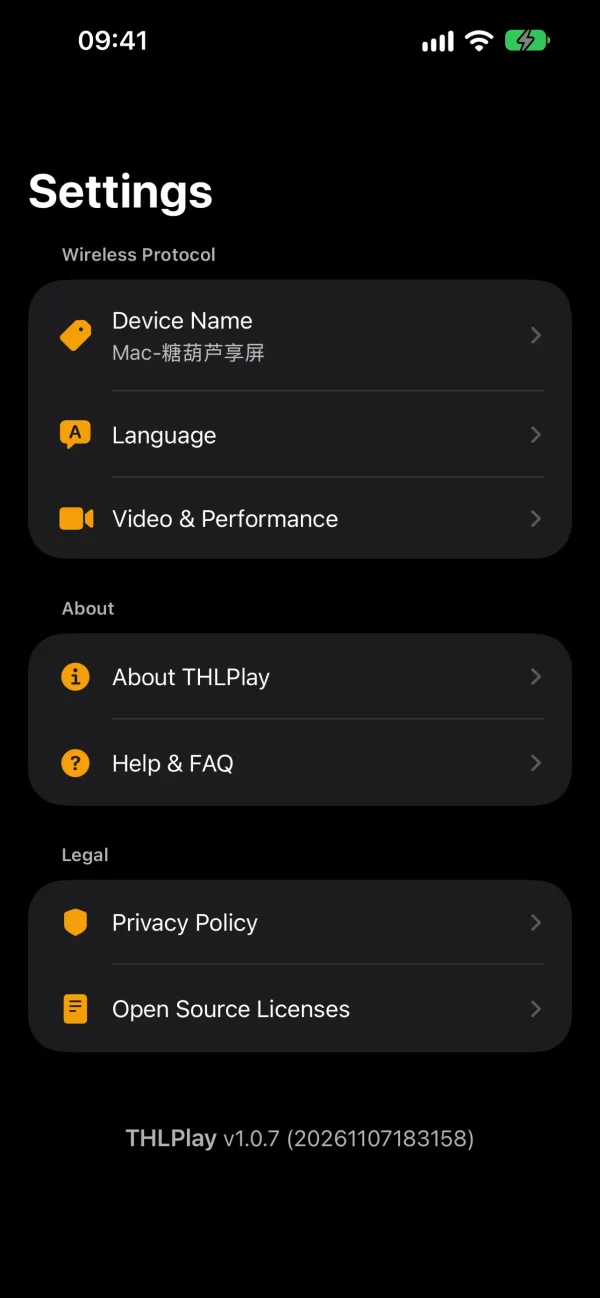
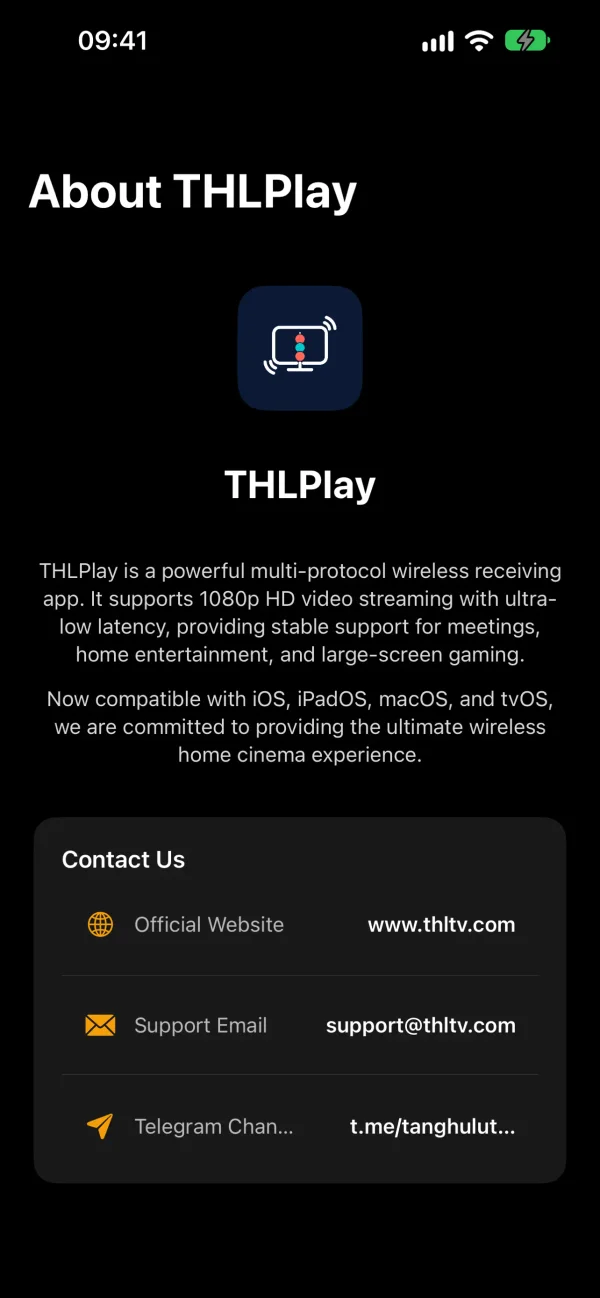

About
THLPlay is a high-performance, ultra-low-latency wireless display and screen mirroring receiver designed for iOS, iPadOS, macOS, and tvOS.
Whether you are hosting a business presentation, enjoying home theater streaming, or sharing photos and videos with family, THLPlay turns your device into an intelligent casting hub.
Key Features:
• Ultra-Low Latency Screen Mirroring:
Experience smooth, real-time screen sharing with hardware-accelerated decoding (Metal & H.265). Perfect for presentations, demos, and interactive meetings.
• 4K Ultra HD DLNA Video Player:
Seamlessly cast your favorite movies, web videos, and music from apps on phones, tablets, and PCs directly to your screen with full playback controls.
• Multi-Screen & Dual-Screen Adaptation:
Optimized for the latest foldable and dual-screen devices (such as iPhone Duo) as well as iPad Pro split-screen layouts, delivering native multi-window workflows.
• Interactive Whiteboard & Annotation:
Annotate, highlight, and doodle directly over the mirrored screen during meetings or lectures to emphasize key insights with colleagues.
• Privacy & Local Network Security:
All audio and video streams are transmitted strictly over your secure local Wi-Fi network. No personal data is collected or uploaded to any external cloud servers.
• Cross-Platform Multi-Protocol Support:
Enjoy seamless compatibility across Apple TV, iPad, iPhone, and Mac with unified settings and clean, elegant designs.
How to Connect:
1. Connect both devices to the same Wi-Fi network.
2. Swipe to open Control Center on your sending device and tap "Screen Mirroring", or tap the casting icon in your video app.
3. Select "THLPlay" from the device list to start enjoying large-screen wireless sharing instantly!
What’s new
Version 1.0.7 · Nov 8, 2026
1. Optimize settings interaction experience
2. Update app icons and visual details
3. Improve casting and connection stability
App privacy
What 享风 赵 declares on the App Store about how this app handles data.
-
Data not collected
The developer does not collect any data from this app.
Privacy practices may vary, for example with the features you use or your age.
Information
- Seller
- 享风 赵
- Category
- Utilities
- Version
- 1.0.7
- Updated
- Nov 8, 2026
- Released
- Apr 28, 2026
- Size
- 7.6 MB
- Requires
- iOS 16.6 or later
- Age rating
- 4+
- Price
- Free
- Languages
- English, Simplified Chinese
- Copyright
- © 糖葫芦
You might also like
-
 TV Remotely: Smart TV RemoteUniversal Control & Cast
-
 Duo widget: Battery & WiFiBattery & Wi-Fi, 3-in-1
-
 Pixel Pet AlarmCustom Sounds & Daily Hatching
-
 Notchet: Clipboard ManagerClipboard history & snippets
-
 CloneVoice — copy your voicethe words change your voice.
-
 Tallied - Score KeeperScore keeper for game night
-
 Readmory - Book NotesSave Quotes, Scan & Revisit
-
 觅境附近设备与信号观察
-
 BTWN – Hide Messages in PhotosSecret Texts Inside Any Image
-
 TokCut-Save&Edit TT VideoTT HD Video Downloader