QR コードリーダー / きゅーあーるこーど読み取り・生成
QR コードスキャナー / ばーこーどりーだー / 読み取り
Designed for iPhone, iPad
Free
- Age rating4+
- CategoryProductivity
- DeveloperdotColors LLC
- LanguagesEnglish+ 1 more
- Size41.6 MB
Links to the official App Store page
Download.org hosts no file of QR コードリーダー / きゅーあーるこーど読み取り・生成. The button opens its official App Store page, published by dotColors LLC. Listing last checked on Nov 27, 2026.
Screenshots




About
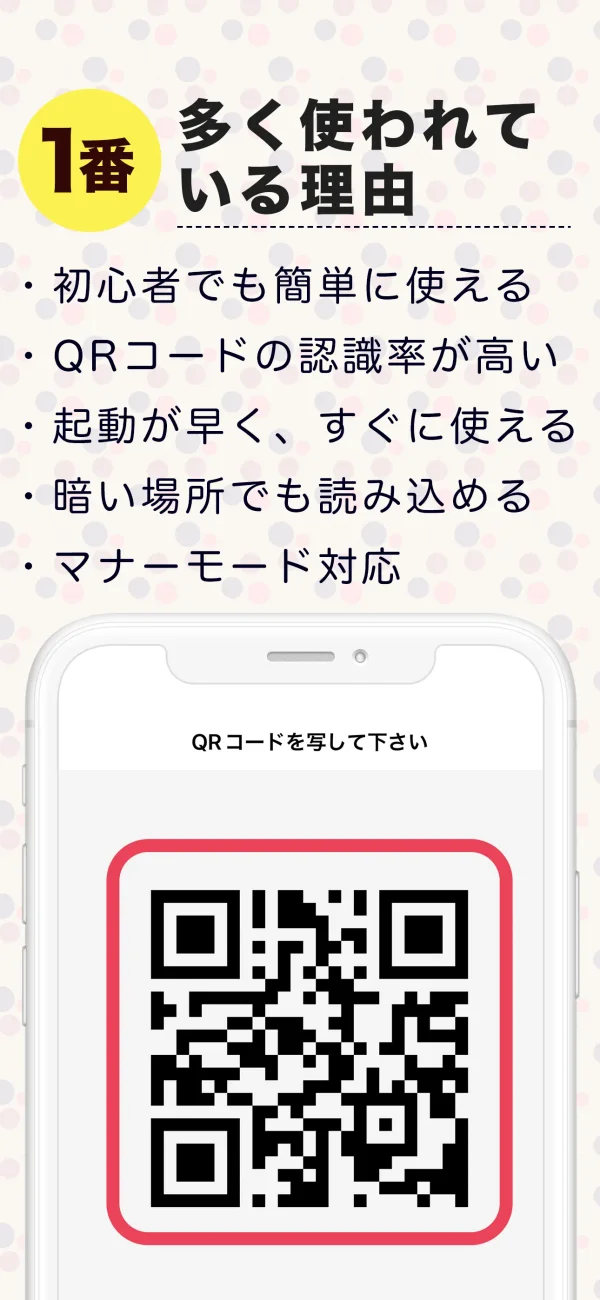
Point your camera to scan QR codes and barcodes instantly, then choose what to do next with a single tap, based on what you scanned.
Every feature, from scanning to creating QR codes, is free.
■ Just open and scan
The camera starts as soon as you open the app. Simply point it at a QR code to scan it.
You can also start scanning right away from Home Screen and Lock Screen widgets or Control Center.
■ Take the next step right away
• URLs: Open them in Safari, Chrome, or another browser you use, or in the in-app browser. You can also add them to your Reading List.
• Wi-Fi: Connect without typing the password
• Passkeys: Scan a passkey sign-in QR code to sign in
• Product barcodes: Search for the product on Amazon and other online stores
• Text in other languages: Translate it on the spot
• You can also copy, share, or send it with LINE
■ Scan from screenshots and photos
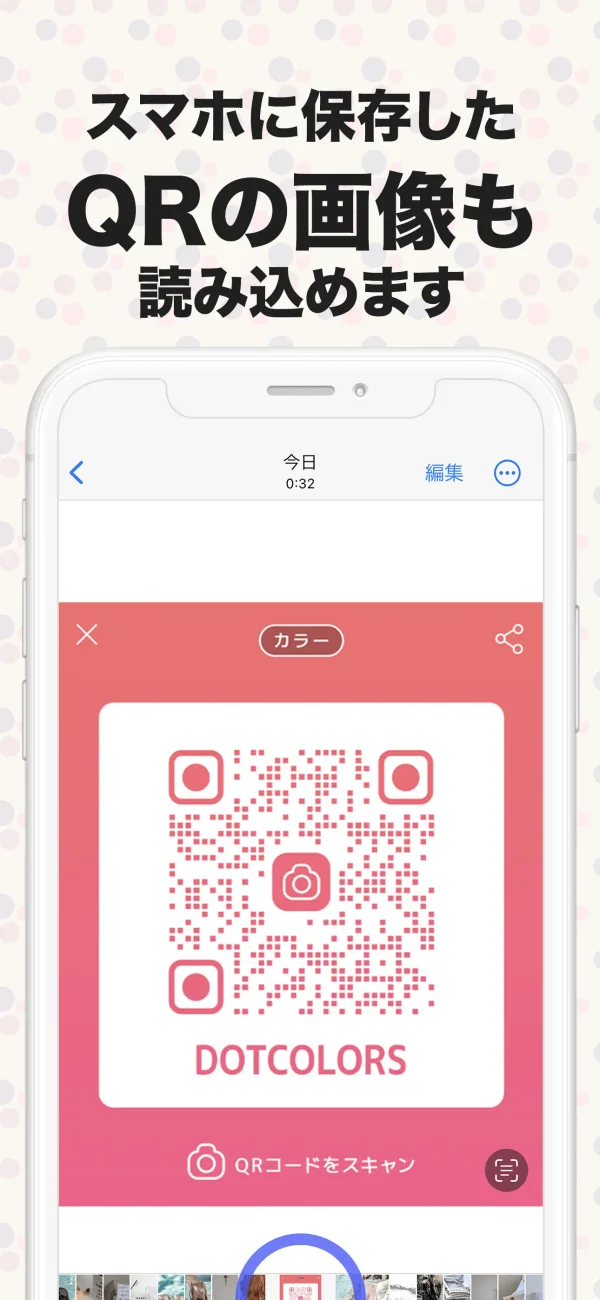
In Photos or Files, tap the Share button and choose “QR code” to scan QR codes and barcodes in screenshots and images. You can select up to 10 images at once.
■ Detect multiple codes at once
Even when several codes are in view, the app detects them all at once. Just tap the one you want to open.
■ Create your own QR codes
Create QR codes from URLs or text. Choose from 15 themes and customize the shape (dots, rounded, and more), colors, a center logo (including your own photos), and even a transparent background, then save it to Photos.
You can also turn the page you’re viewing in Safari into a QR code right from the Share button.
■ History and favorites
Scanned codes are saved to your history automatically. Add the ones you use often to your favorites.
■ More features
• Tap the screen to focus on that spot
• Macro mode for scanning small codes up close (supported models only)
• Flashlight for scanning in the dark
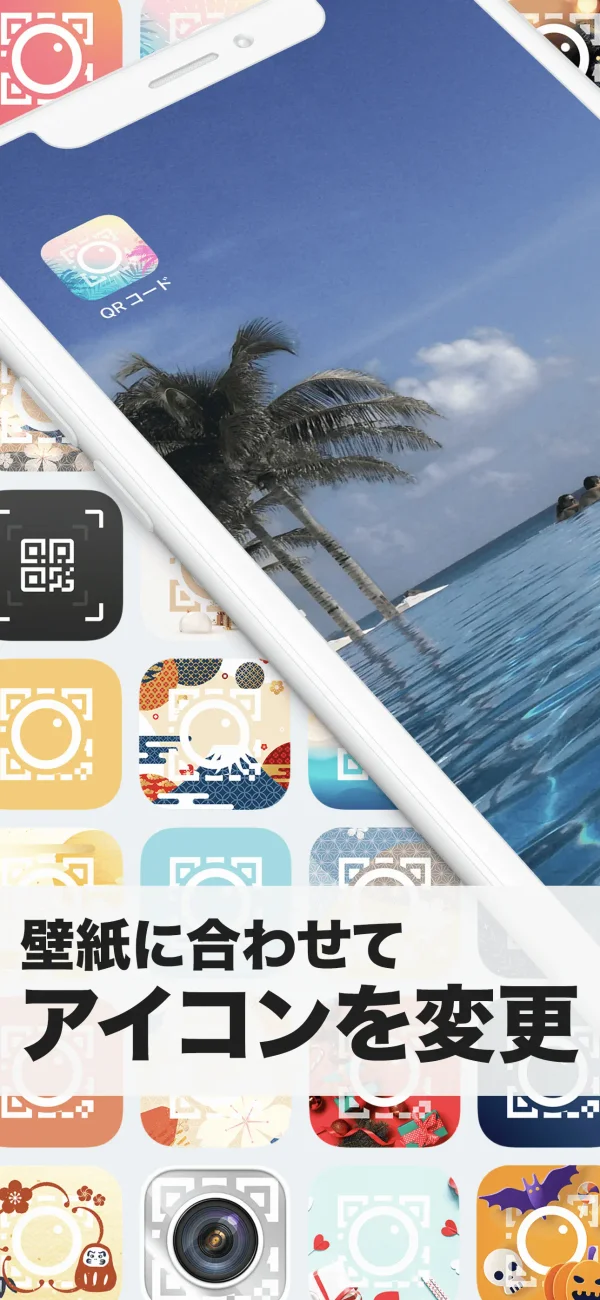
• 25 app icons to choose from, including seasonal designs
• Works with Siri and Shortcuts
• Supports iPad, iPhone Duo, and Dark Mode
■ Supported codes
2D codes: QR, Micro QR, Aztec, Data Matrix, PDF417, Micro PDF417
Barcodes: EAN-13, EAN-8, UPC-E, Code 39, Code 39 mod 43, Code 93, Code 128, Codabar, ITF, ITF-14, GS1 DataBar, GS1 DataBar Expanded, GS1 DataBar Limited
* Scanning from the Share button supports all of the codes above. “Scan a QR code from an image” in the app’s menu supports QR codes only.
■ Camera access
When the app asks for camera access the first time you open it, tap “OK”.
If you didn’t allow access, go to Settings > Privacy & Security > Camera and turn on “QR code”.
■ About the QR Code trademark
This app is developed in Japan, where the QR code was invented, in line with the usage guidelines of DENSO WAVE INCORPORATED, the trademark holder (the conditions of its trademark license).
* Trademark license registrations of DENSO WAVE INCORPORATED:
No. 4075066: Class 9
No. 6181403: Classes 9 and 35
No. 6181404: Classes 9 and 35
QR Code is a registered trademark of DENSO WAVE INCORPORATED.
What’s new
Version 3.2.1 · Nov 24, 2026
- "Scan a QR code from an image" in the menu screen now supports barcodes other than QR codes
- Other feature improvements and design adjustments for better stability
App privacy
What dotColors LLC declares on the App Store about how this app handles data.
-
Data used to track you
May be used to track you across apps and websites owned by other companies.
- Identifiers
- Usage data
- Diagnostics
-
Data linked to you
May be collected and linked to your identity.
- Location
- Identifiers
- Usage data
- Diagnostics
- Other data
-
Data not linked to you
May be collected but is not linked to your identity.
- Usage data
- Diagnostics
Privacy practices may vary, for example with the features you use or your age.
Information
- Seller
- dotColors LLC
- Category
- Productivity
- Version
- 3.2.1
- Updated
- Nov 24, 2026
- Released
- Jan 16, 2014
- Size
- 41.6 MB
- Requires
- iOS 17.0 or later
- Age rating
- 4+
- Price
- Free
- Languages
- English, Japanese
- Copyright
- © 2014 dotColors LLC
You might also like
-
 ICONIT QRcode ReaderProductivity
-
 QR & Barcode Reader・ScannerProductivity
-
 QRコード作成アプリ|誰でも簡単・読み取りもProductivity
-
 QRQR - QR Code® ReaderQR Code® and Barcode Reader
-
 ChouseisanEasy scheduling application
-
 QR Code Generator - QRHyperCreate Every QR Code You Need
-
 QR Code Reader: Quick ScanSimple QR Code Scanner app
-
 AI Assistant kun - chat, essayYour AI for Life & Study
-
 請求書作成アプリ - MisocaProductivity
-
 ToDo List Widget & TabsReminder, Notes & Planner