QR Code Reader: Quick Scan
Simple QR Code Scanner app
Designed for iPhone, iPad, iPod touch
Free
- Age rating4+
- CategoryProductivity
- DeveloperKomorebi Inc.
- LanguagesEnglish+ 34 more
- Size48.6 MB
Links to the official App Store page
Download.org hosts no file of QR Code Reader: Quick Scan. The button opens its official App Store page, published by Komorebi Inc. Listing last checked on Nov 24, 2026.
Screenshots
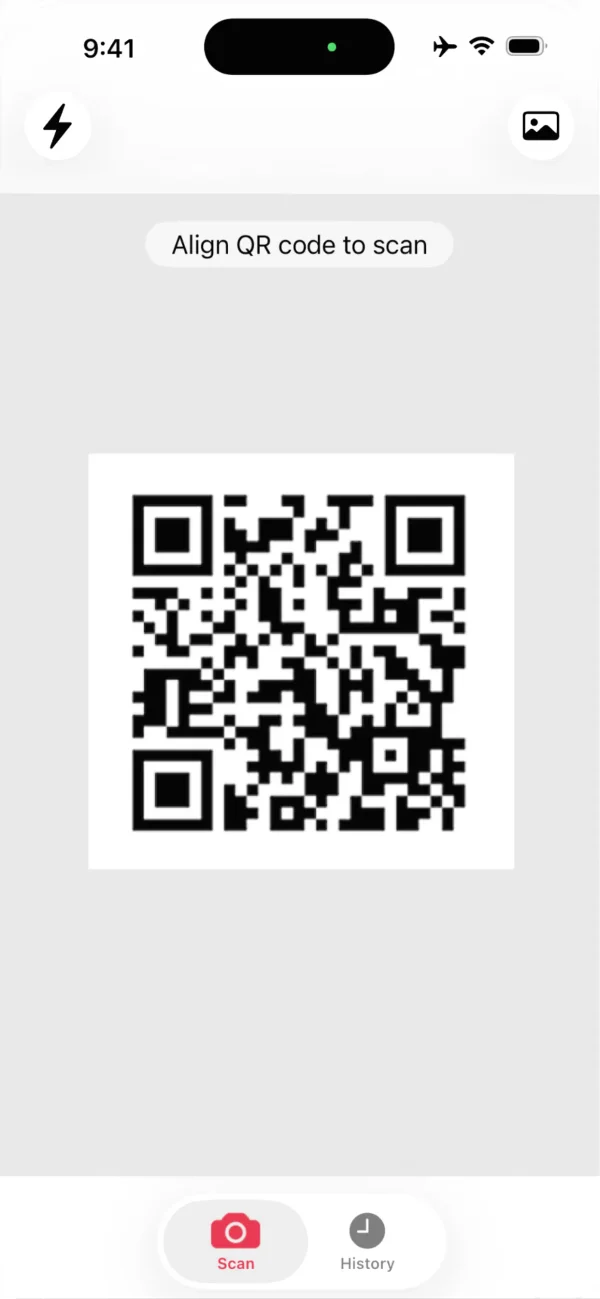
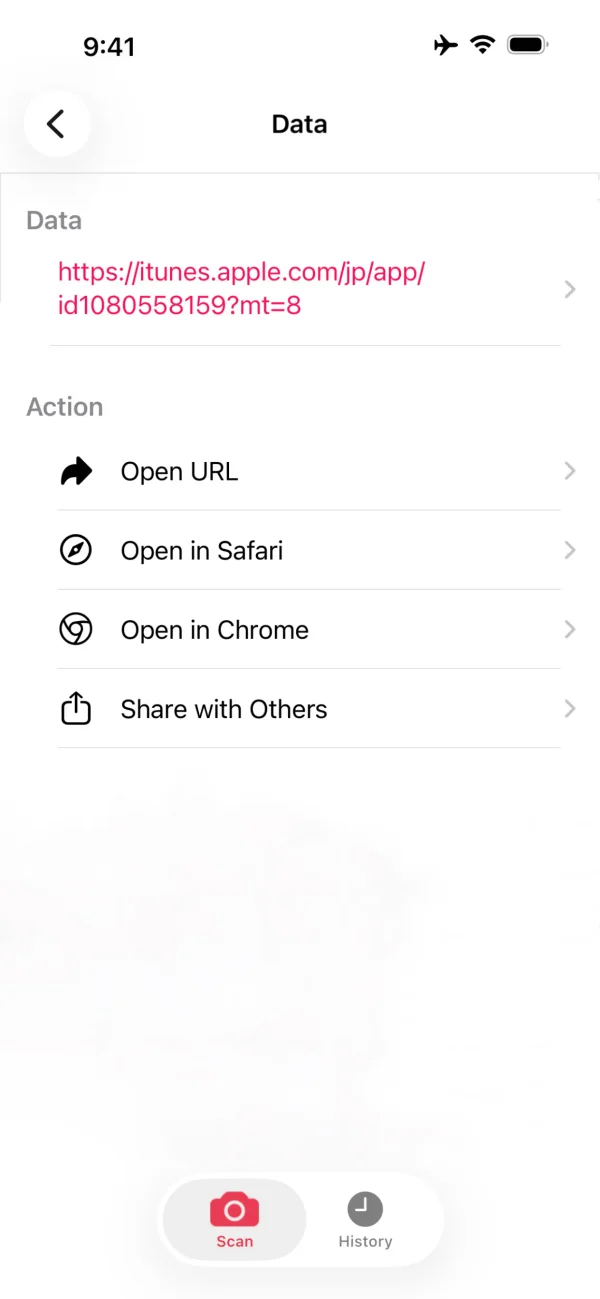
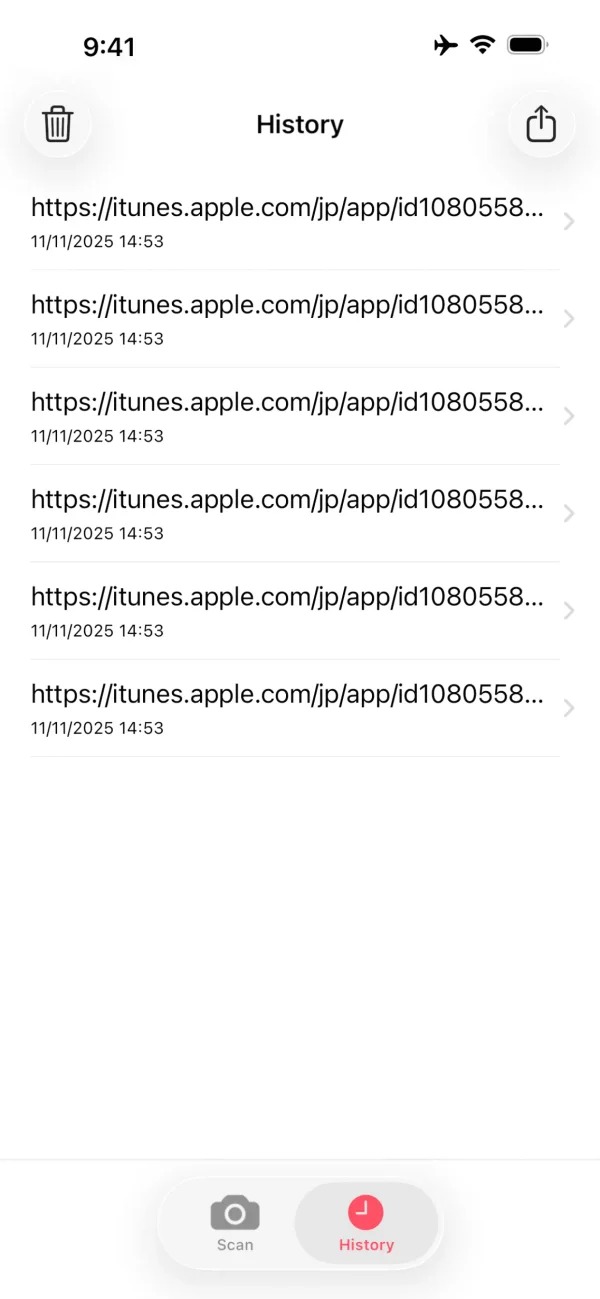
About
QR Code Reader is a fast, free QR code scanner for iPhone. Simple and easy to use: open the app, point your camera at a code and it reads instantly, with no buttons to press and no photos to take. The scanned content is recognized automatically, so URLs and text are ready to open, copy or share in seconds. Barcode scanning is supported too.
■ Scan QR codes in seconds
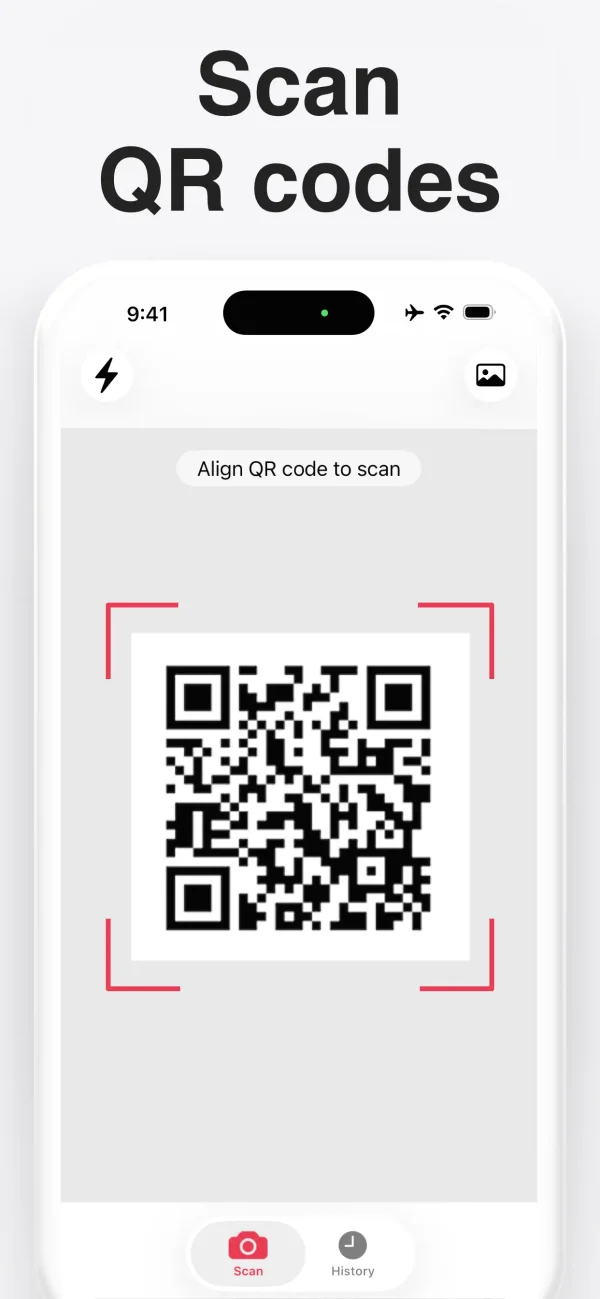
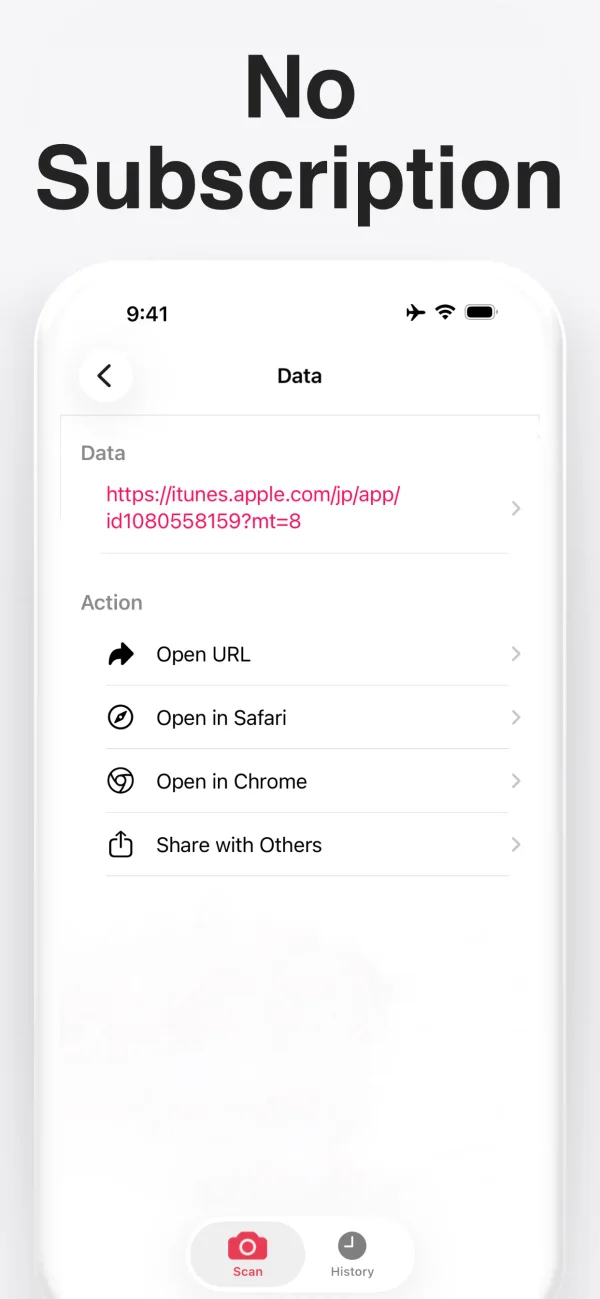
The camera starts as soon as you open the app. Aim it at a QR code and it is detected automatically, so you can scan the moment you need to. The app recognizes what the code contains: open the link, copy the text or share it, without typing web addresses by hand.
■ Scan QR codes from images
Got a QR code in a screenshot or a photo? The app reads QR codes directly from images in your photo library. When a code appears on your own iPhone screen, you don't need a second device: take a screenshot and read it right away. It also works for QR code images sent by email or chat.
■ Scan history always at hand
Every scan is saved to your history automatically, so you can reopen links, websites and text anytime. You can also share the whole history list at once: scan many QR codes or barcodes in a row, then send them all together. Your history is stored locally on your device.
■ Scan barcodes to look up products
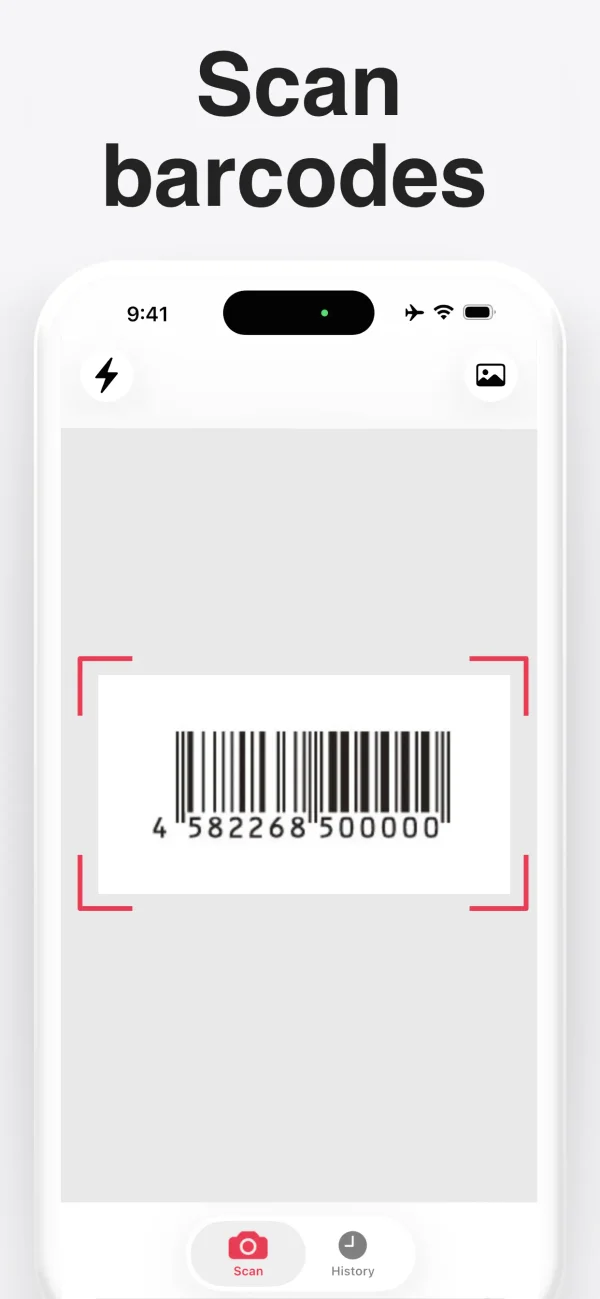
Point the camera at a product barcode and jump straight to a product search: compare prices and check details while shopping.
■ Main features
- Automatic scanning — point the camera at a code and scanning starts on its own
- QR code & barcode scanner — reads both QR codes and barcodes
- Scan from image — detect codes in photos and screenshots
- Scan history — reopen any past scan with one tap
- Share in bulk — send your scan history list in one go
- Flashlight — scan even in the dark or in low light
- Copy, open or share — open results in Safari or Chrome, copy them or send them to friends
- Private — scan history stays on your device
- No account — no sign-up, no registration
- Free — all features are free to use
■ One scanner for many codes
- QR codes — open websites, read text, view details
- Restaurant menus — scan the code on the table to see the menu
- Coupons & promos — scan discount codes from your favorite brands
- Food packages — open product pages from QR codes on the label
- Posters, flyers & ads — jump to campaigns and event pages
- Product barcodes — scan an item and jump to a product search to compare prices
■ Simple, fast and easy to use
QR codes are everywhere these days: menus, ads, posters, packages and tickets. With a simple QR scanner on your iPhone, you can check any code the moment you see it. The design is clean, there are no complicated settings, and the app is made for everyday use. If you are new to the iPhone, or you simply want a scanner that just works, this app is for you.
■ Good to know
This app is a scanner only: it does not create or generate QR codes. Your scan history is stored locally on your device, and no account is needed at any point.
■ Pricing
All features are free to use. The app shows ads, and there are no subscriptions, no in-app purchases and no paid plans.
■ Download QR Code Reader today
Scan, save and share QR codes and barcodes with one simple app. Download now and read your first code just seconds after opening the app!
What’s new
Version 4.1.1 · Oct 28, 2026
Now supports iPhone Duo.
App privacy
What Komorebi Inc. declares on the App Store about how this app handles data.
-
Data used to track you
May be used to track you across apps and websites owned by other companies.
- Identifiers
- Usage data
-
Data not linked to you
May be collected but is not linked to your identity.
- Identifiers
- Usage data
- Diagnostics
Privacy practices may vary, for example with the features you use or your age.
Information
- Seller
- Komorebi Inc.
- Category
- Productivity
- Version
- 4.1.1
- Updated
- Oct 28, 2026
- Released
- Mar 19, 2016
- Size
- 48.6 MB
- Requires
- iOS 15.0 or later
- Age rating
- 4+
- Price
- Free
- Languages
- English, Arabic, Bulgarian, Catalan, Croatian, Czech, Danish, Dutch, Finnish, French, German, Greek + 23 more
- Copyright
- © QR Code Reader
You might also like
-
 QRCode BarcodeFast, easy reader & creator.
-
 QR Code Generator - QRHyperCreate Every QR Code You Need
-
 QR Code Scanner Pro *Scan and create QR codes
-
 QR Reader- Scanner & GeneratorQR Code Barcode Scanner Reader
-
 Qrafter: QR Code ReaderCreate and Design QR Codes
-
 Shared Family Calendar: FamCalShare Schedules & To Do Lists
-
 Zap QR Codes. Scan & createGenerate, Read, make QR codes
-
 Barcode ScannersProductivity
-
 Grades - Grade Calculator, GPAGrade Calculator & GPA Tracker
-
 Easy QR Code Reader - ScannerQR Scanner - Fast and Simple