- Age rating4+
- CategoryProductivity
- DeveloperYurii Koshkin
- LanguagesSpanish+ 43 more
- Size60.0 MB
Links to the official App Store page
Download.org hosts no file of App Blocker: Screen Time. The button opens its official App Store page, published by Yurii Koshkin. Listing last checked on Nov 22, 2026.
Screenshots

About
App Blocker: Screen Time — Focus is easier when distractions are out of reach.
App Blocker combines a flexible focus timer with real app blocking, so your chosen apps and categories stay unavailable while you work, study, read, create, or take time for yourself.
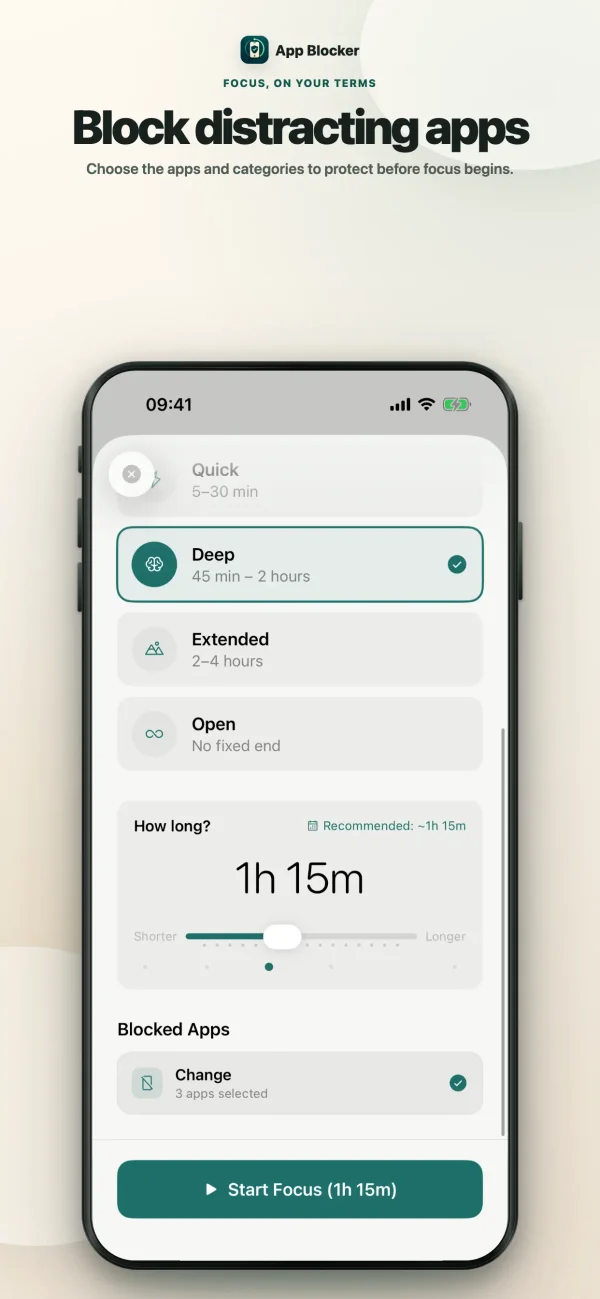
BLOCK DISTRACTING APPS
Choose the apps and categories that pull you away. App Blocker uses Apple's Screen Time permissions to shield them during an active focus session, then restores access when the session ends.
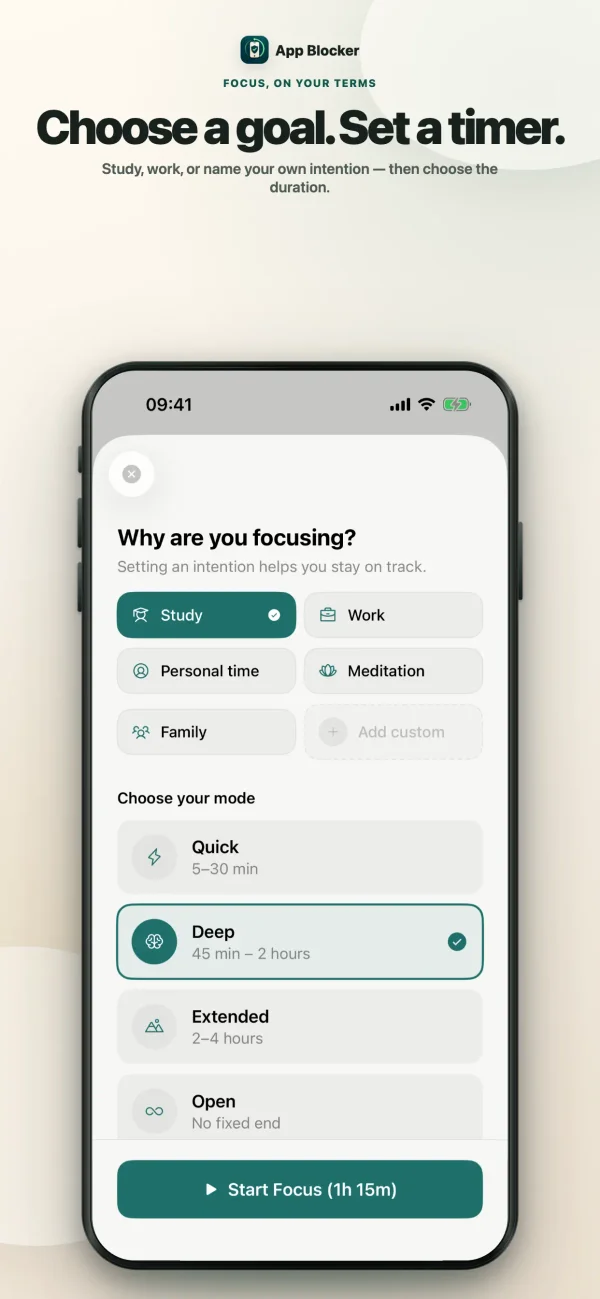
START WITH A CLEAR GOAL
Write down what you want to finish, choose a session length, and begin. Pick Quick, Deep, Extended, or Open mode depending on the time and attention you have available.
MAKE FOCUS FEEL BETTER
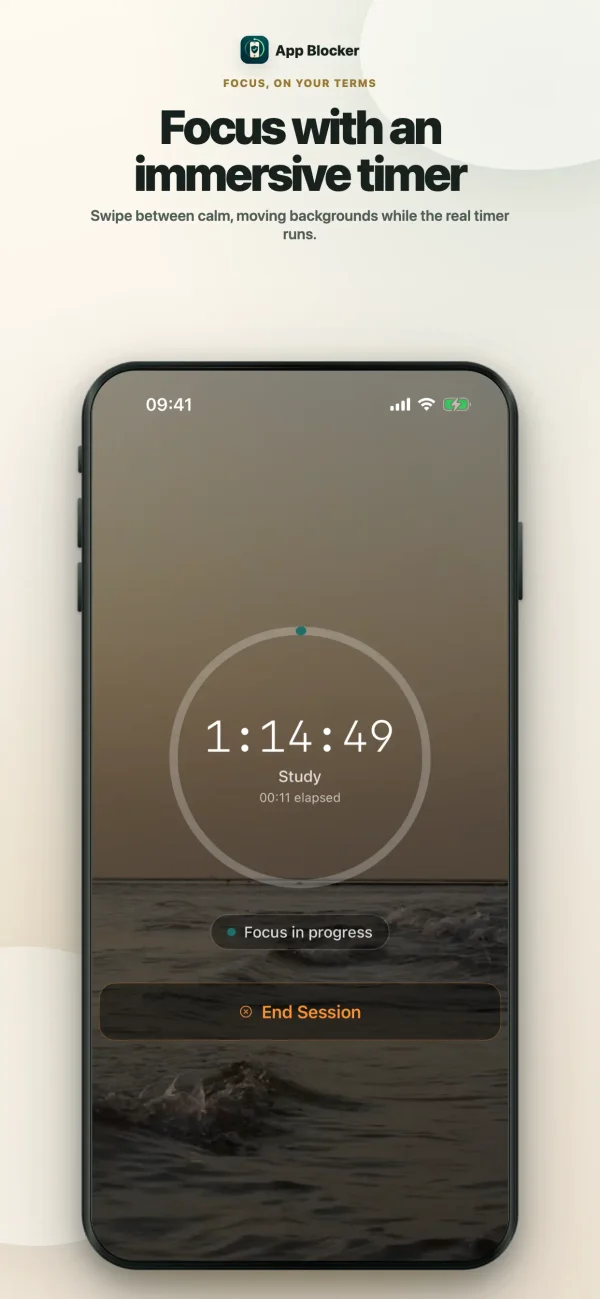
Settle into an immersive timer with ocean, beach, forest, mountains, campfire, rain, or a clean minimal background. Keep the session visible through Live Activities and supported widgets.
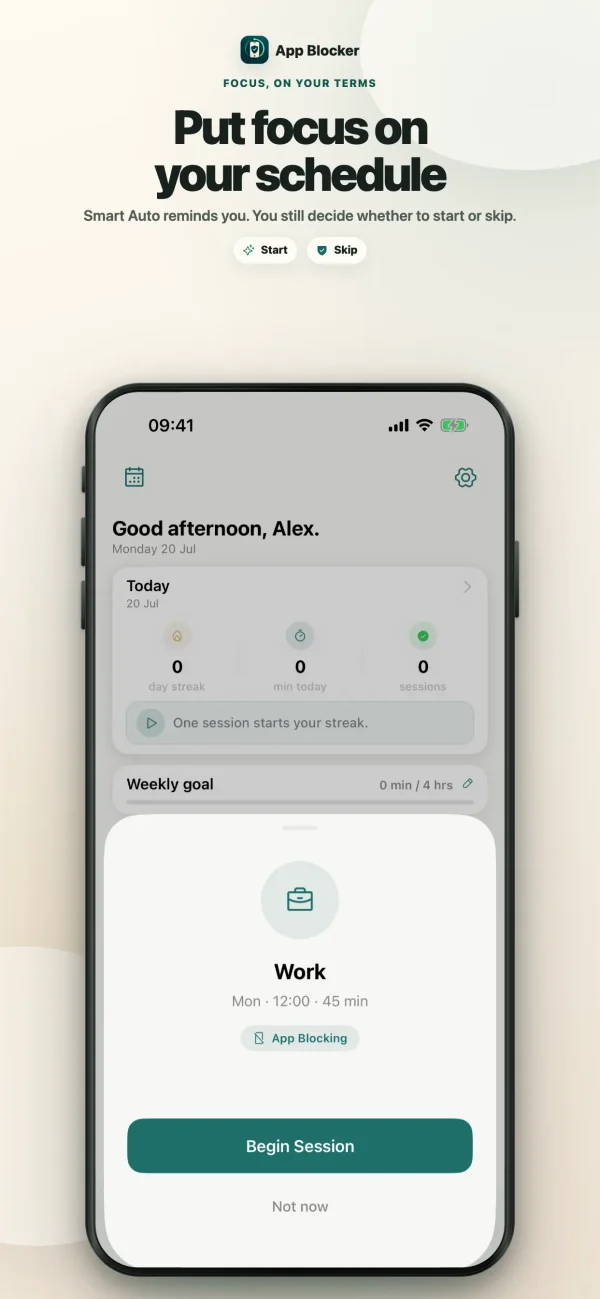
PUT FOCUS ON YOUR SCHEDULE
Create recurring Smart Auto routines for the moments you want to protect. When a scheduled session is due, App Blocker asks you to Start or Skip, so you stay in control.
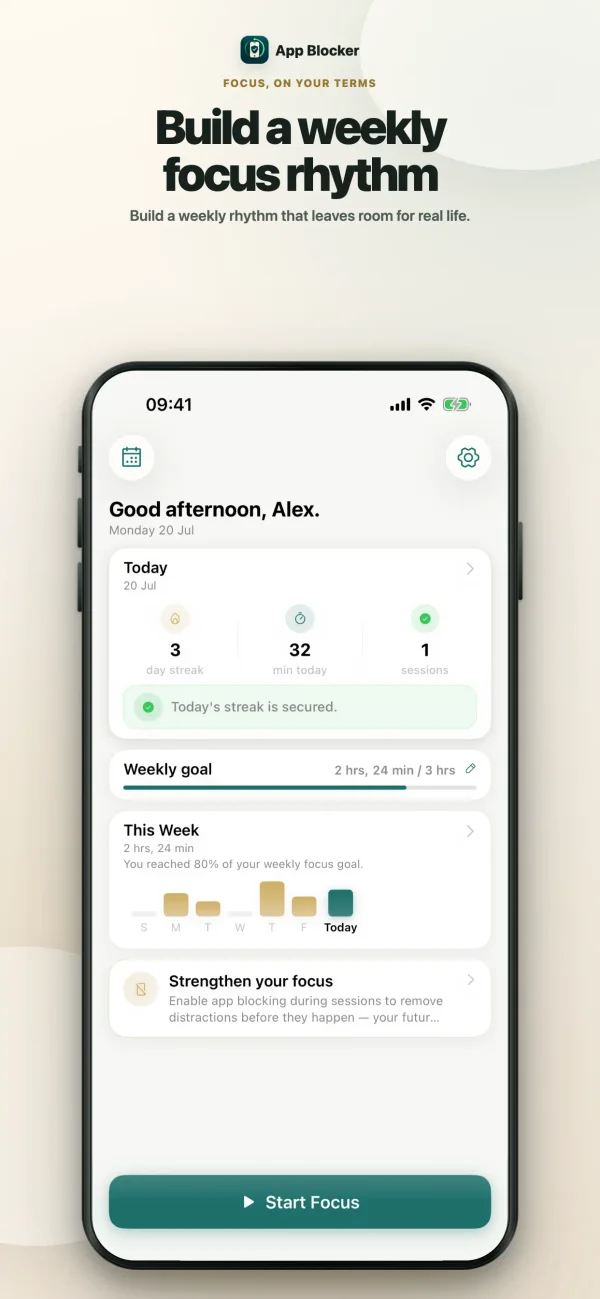
TRACK REAL PROGRESS
Review focused time, weekly goals, streaks, and session history. Completed, ended-early, and skipped sessions are recorded honestly, helping you see the routine you are actually building.
BUILT FOR DAILY FOCUS
• App and category blocking during active sessions
• Flexible goal-led focus timer
• Quick, Deep, Extended, and Open modes
• Immersive animated backgrounds
• Recurring Smart Auto schedules
• Weekly goals, streaks, and history
• Live Activities, Dynamic Island, and widgets
• Calm design without a cluttered dashboard
App blocking requires Screen Time authorisation and only applies after you select what App Blocker should block.
One full 15-minute focus session is free. No purchase or subscription trial is required for this session. Continued focus sessions and Smart Auto require a subscription or a one-time lifetime purchase. Existing lifetime owners keep access. Prices and any eligible annual trial are shown before purchase. Subscriptions renew automatically unless cancelled and can be managed in your Apple Account settings.
Terms of Use (EULA): https://www.apple.com/legal/internet-services/itunes/dev/stdeula/
What’s new
Version 1.5.5 · Nov 20, 2026
Updated age rating information.
App privacy
What Yurii Koshkin declares on the App Store about how this app handles data.
-
Data linked to you
May be collected and linked to your identity.
- Purchases
- Identifiers
- Usage data
-
Data not linked to you
May be collected but is not linked to your identity.
- Identifiers
- Usage data
- Diagnostics
Privacy practices may vary, for example with the features you use or your age.
Information
- Seller
- Yurii Koshkin
- Category
- Productivity
- Version
- 1.5.5
- Updated
- Nov 20, 2026
- Released
- Jun 6, 2026
- Size
- 60.0 MB
- Requires
- iOS 17.6 or later
- Age rating
- 4+
- In-app purchases
- Yes
- Languages
- Spanish, German, Bengali, Kannada, Catalan, Czech, Simplified Chinese, Traditional Chinese, Korean, Croatian, Danish, Slovak + 32 more
- Copyright
- © 2026 Yurii Koshkin
You might also like
-
 Stratum: Study & App BlockerPomodoro Timer & Deadlines
-
 App Blocker: Verge Stop ReelsScreen Time & Parental Control
-
 Study GateProductivity
-
 PactUp: Habits with FriendsSocial accountability tracker
-
 Nearby: Drop a PinReminders for places you go
-
 Block Apps: Study Focus TimerRevision & deep work sessions
-
 ReceptAI AssistantAI Call Assistant & Follow-ups
-
 LOCKD: Block Apps & FocusScreen Time & App Blocker
-
 Nudgr: Build Your Future SelfPersonalized Daily Nudges
-
 SETL: Screen Time Control AppFocus, App Blocker & Timer