Block Apps: Study Focus Timer
Revision & deep work sessions
Designed for iPhone
In-app purchases
- Age rating4+
- CategoryProductivity
- DeveloperLEAN ASIA CO., LTD
- LanguagesEnglish
- Size2.9 MB
Links to the official App Store page
Download.org hosts no file of Block Apps: Study Focus Timer. The button opens its official App Store page, published by LEAN ASIA CO., LTD. Listing last checked on Nov 12, 2026.
Screenshots



About
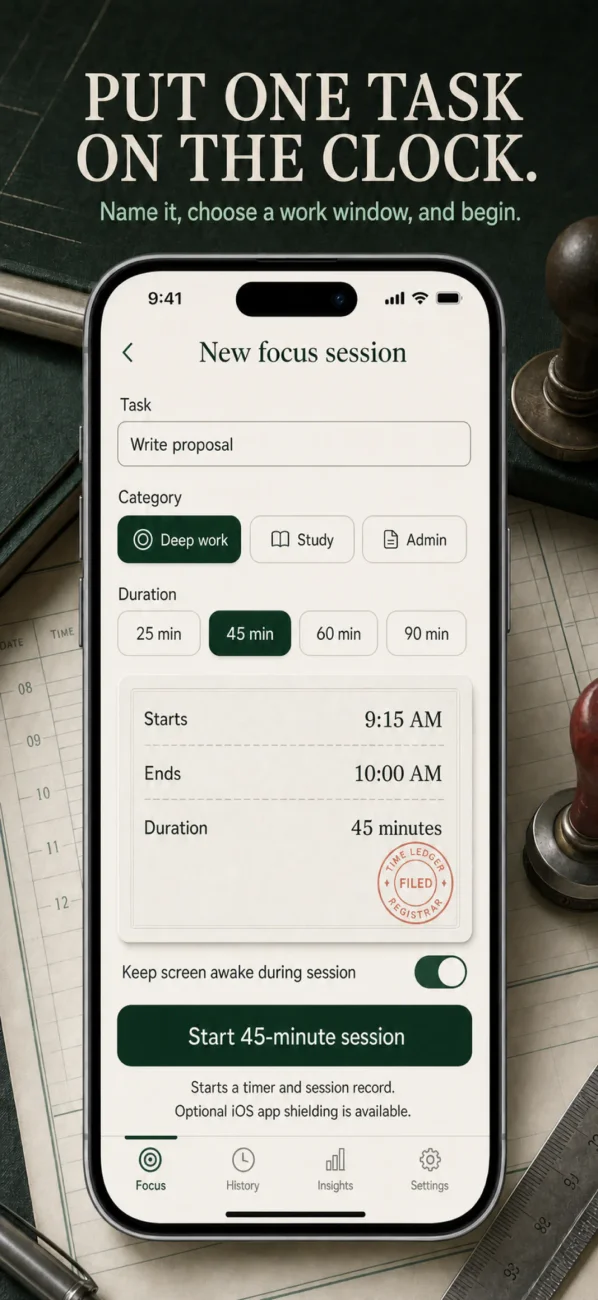
Put your phone under lockdown and get proper work done. FocusLock is a deep work timer paired with app blocking: launch a session and iOS Screen Time shields the apps you've chosen until the timer runs out.
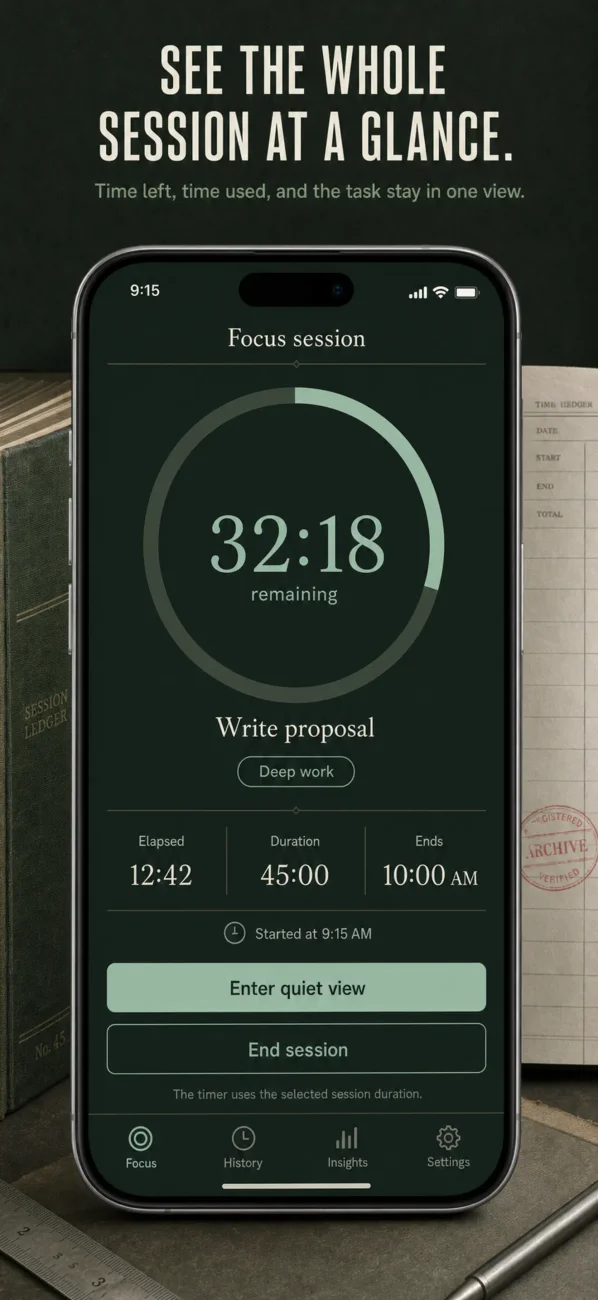
Most timers just tick while your worst distraction waits one tap away. FocusLock combines a precise wall-clock timer with Apple's Family Controls, so the apps that wreck your focus stay locked during the session — selected privately via Apple's picker, never visible to us.
WHAT YOU GET
• Start a 15, 25, 45, 60 or 90 minute session and your chosen apps lock behind a shield until time's up
• A wall-clock timer that survives backgrounding and app relaunches — every minute logged is a minute genuinely elapsed
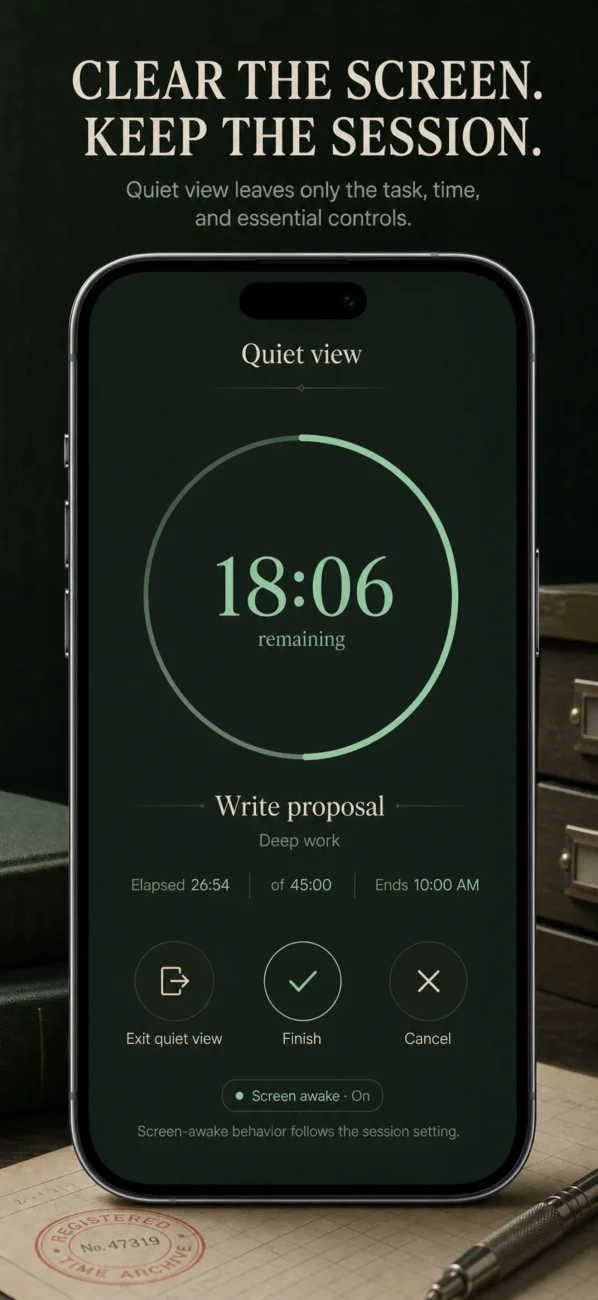
• Zen Mode: a silent full-screen clock that keeps the display lit, nothing else visible
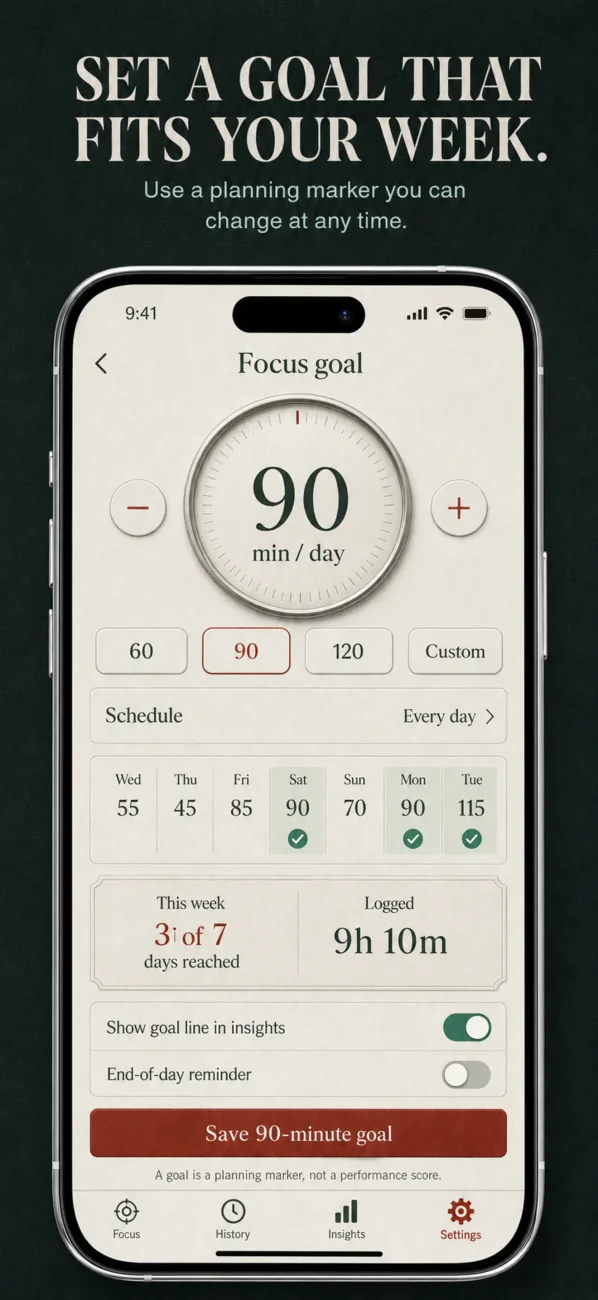
• A daily minute goal with current and best streaks — maintain your chain, day after day
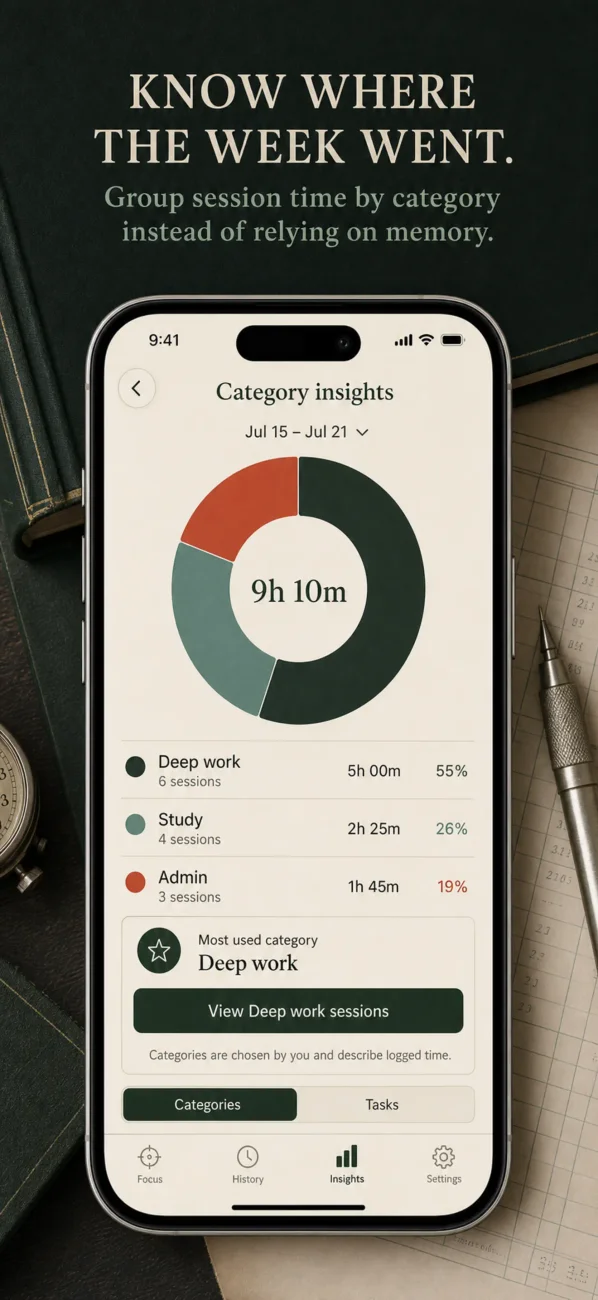
• Complete on-device session history: categories, notes, search capability, and a seven-day chart across Deep work, Study, Creative and Admin
PERFECT FOR
• University students who need study blocks without social media interruptions
• Freelancers and office workers protecting their deep work hours from their own phone
• Illustrators, engineers and writers tracking genuine maker time
• Anyone tackling a phone addiction one shielded session at a time
WHY NOT JUST USE iOS SCREEN TIME LIMITS?
System limits are simple to override and difficult to apply to single work blocks. FocusLock harnesses the same system capability but anchors it to an actual session: a beginning, an end, a target, and a log. You see precisely how many focused minutes you've genuinely earned. Should you decline Screen Time permission, the timer continues — FocusLock makes it clear that shielding is disabled.
PRIVATE BY DEFAULT
Sessions, goals, streaks and preferences stay on this device alone. App selections are opaque Apple tokens — FocusLock never discovers which apps or websites you picked. No account, no adverts, no analytics, no tracking.
FULL ACCESS
FocusLock requires Full Access via an auto-renewing Weekly or Yearly subscription, or a single Lifetime purchase. Every plan includes the session timer, app shielding, Zen Mode, full session history, streaks and lifetime totals. Subscriptions auto-renew unless you cancel via your Apple ID settings no later than 24 hours before the next renewal.
Start one session now: select 25 minutes, shield your worst app, and watch the streak begin.
Terms of Use: https://leanstudio.asia/terms-of-use
Privacy Policy: https://leanstudio.asia/privacy-policy
Support: support@leanstudio.asia
What’s new
Version 1.1 · Sep 13, 2026
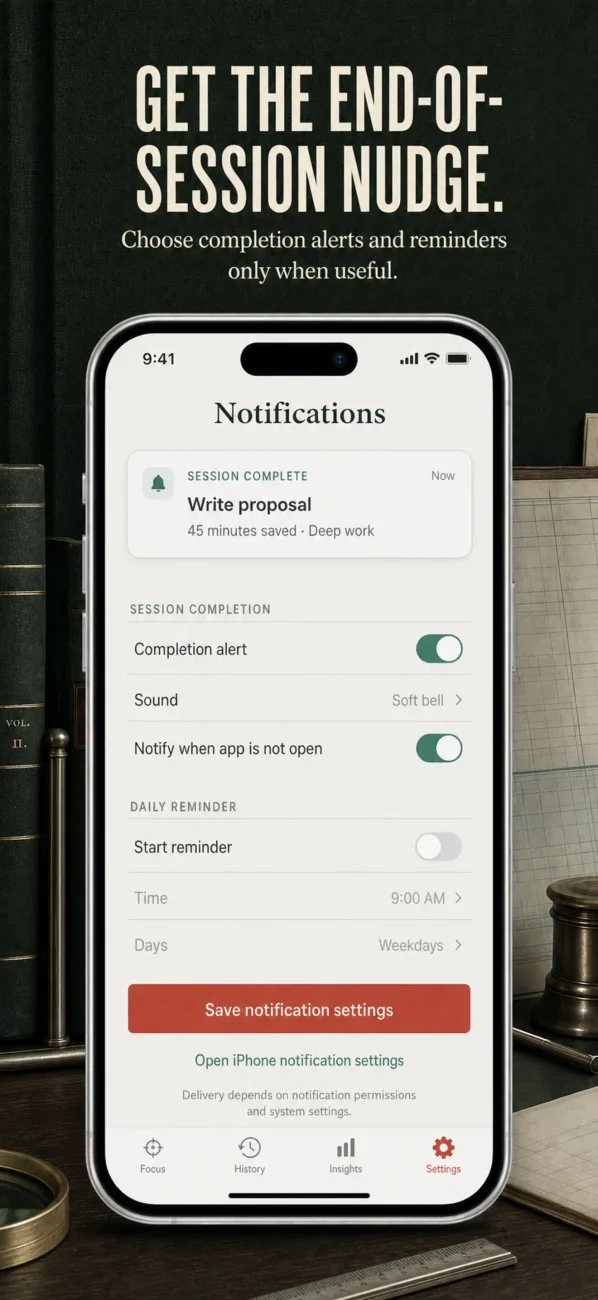
A focused redesign with four-step setup, optional Screen Time shielding, completion review and notes, searchable sessions, category insights, optional daily reminders, verified StoreKit purchases, and reliable timer recovery.
App privacy
What LEAN ASIA CO., LTD declares on the App Store about how this app handles data.
-
Data not collected
The developer does not collect any data from this app.
Privacy practices may vary, for example with the features you use or your age.
Information
- Seller
- LEAN ASIA CO., LTD
- Category
- Productivity
- Version
- 1.1
- Updated
- Sep 13, 2026
- Released
- May 27, 2026
- Size
- 2.9 MB
- Requires
- iOS 17.0 or later
- Age rating
- 4+
- In-app purchases
- Yes
- Languages
- English
- Copyright
- © 2026 LEAN ASIA CO., LTD
You might also like
-
 Lockify: App Blocker & FocusScreen Time Lock · Deep Work
-
 FocusLock App BlockerScreen Time & Pomodoro Timer
-
 Enough for Now: App BlockerFocus & Screen Time Control
-
 Unscroll: Less ScrollingMore time for what matters.
-
 NoCrast: App Blocker & PlannerFinish tasks, earn screen time
-
 Focus Timer: Tomato FriendBlock apps, beat distraction
-
 Unfry: Stop DoomscrollingApp Blocker: Earn Screen Time
-
 Pomodoro Timer!Focus & Manage Time
-
 Pact: App & Website BlockerTime Limit & Block Reels
-
 Cita TodoFrom ADHDer, to ADHDer