App Locker: Lock Apps Securely
Privacy Lock with Face ID &2FA
Designed for iPhone, iPad
Free · In-app purchases
- Age rating4+
- CategoryUtilities
- DeveloperHuseyin Sefa Kucuk
- LanguagesEnglish+ 24 more
- Size15.4 MB
Links to the official App Store page
Download.org hosts no file of App Locker: Lock Apps Securely. The button opens its official App Store page, published by Huseyin Sefa Kucuk. Listing last checked on Nov 21, 2026.
Screenshots

About
LOCK ANY APP YOU CHOOSE
Protect WhatsApp, Instagram, Telegram, Snapchat, Photos, Messages, TikTok, YouTube, email, banking apps, and more*.
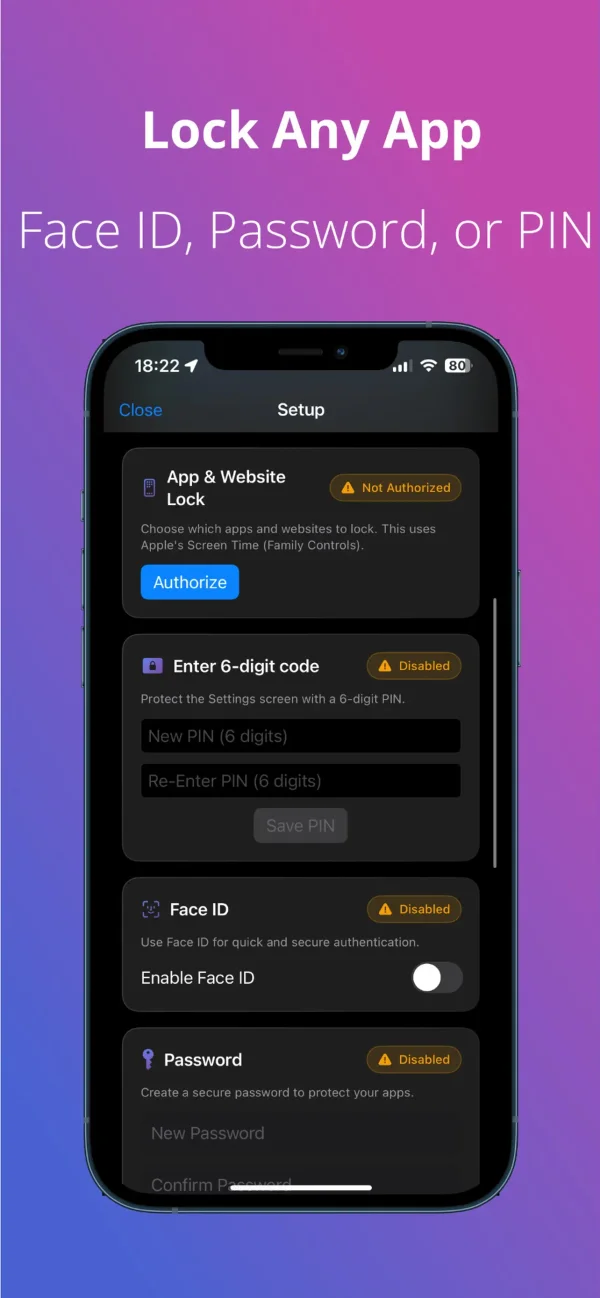
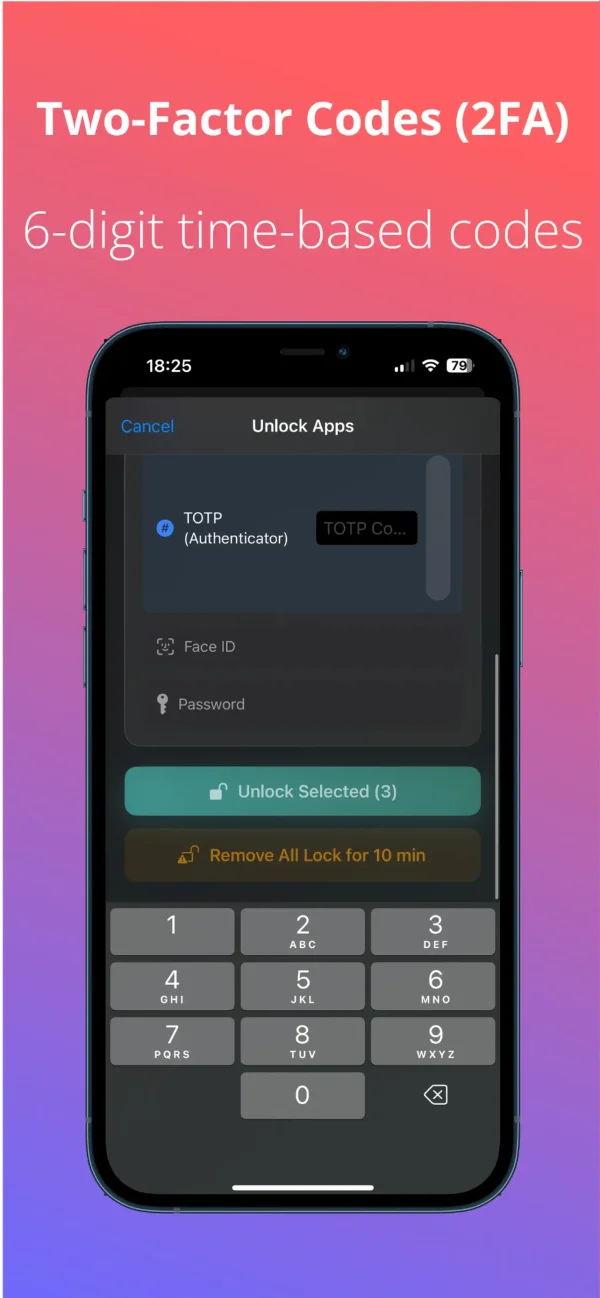
App Locker restricts app launches using Apple Screen Time until you unlock with Face ID, PIN, Password, or 2FA (6-digit, time-based codes).
WHY IT WORKS
Uses Apple Screen Time (Family Controls) to restrict app launches.
No content is read, scanned, or uploaded.
Fast, reliable, and privacy-first by design.
Uses only official Apple APIs (no jailbreak, no hacks).
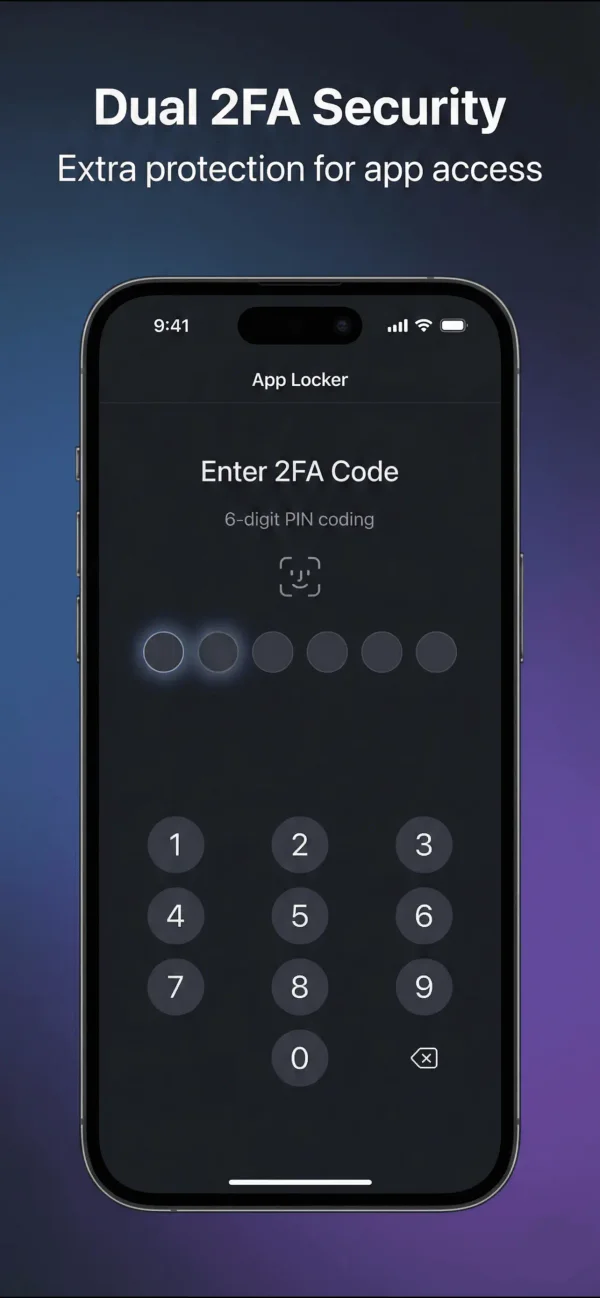
DUAL 2FA (6-DIGIT CODES)
App Unlock 2FA: require a fresh time-based code to open App Locker.
App Access 2FA: require a fresh code every time a protected app is launched.
Two independent layers. One strong defense.
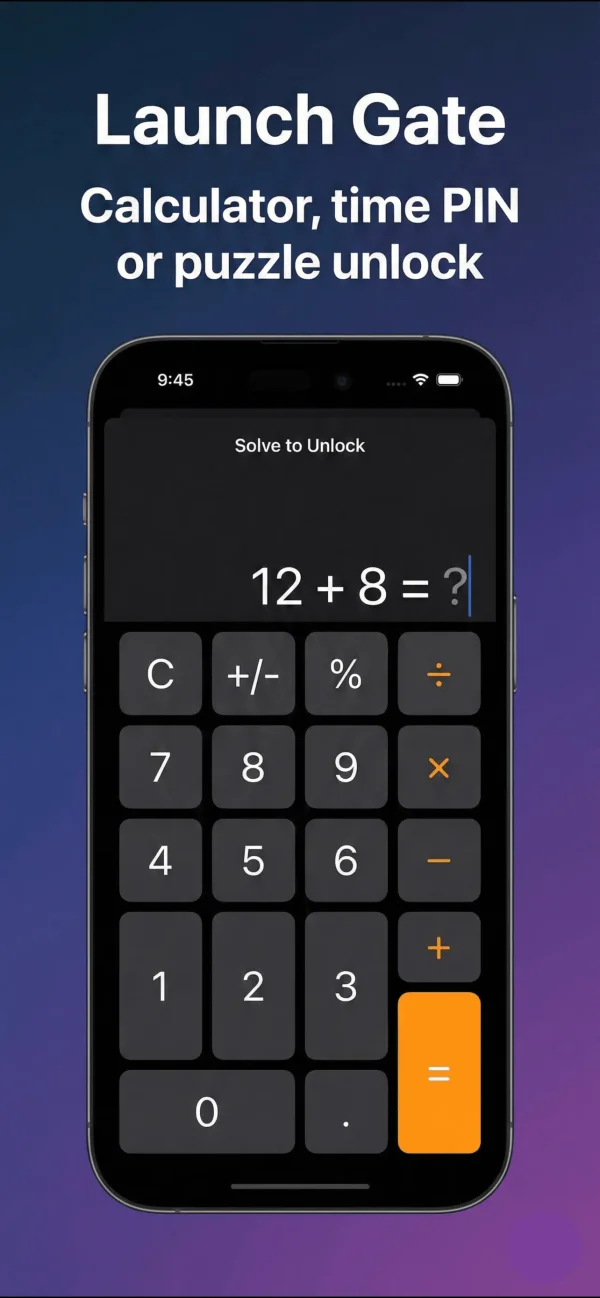
LAUNCH GATE (NEW)
Add an optional launch-time unlock challenge before accessing the app:
Calculator challenge
Time-based PIN
Icon sequence puzzle
If multiple methods are enabled, you choose which one to solve.
This gate works inside the app only and does not change system behavior or app icons.
UNLOCK MODES
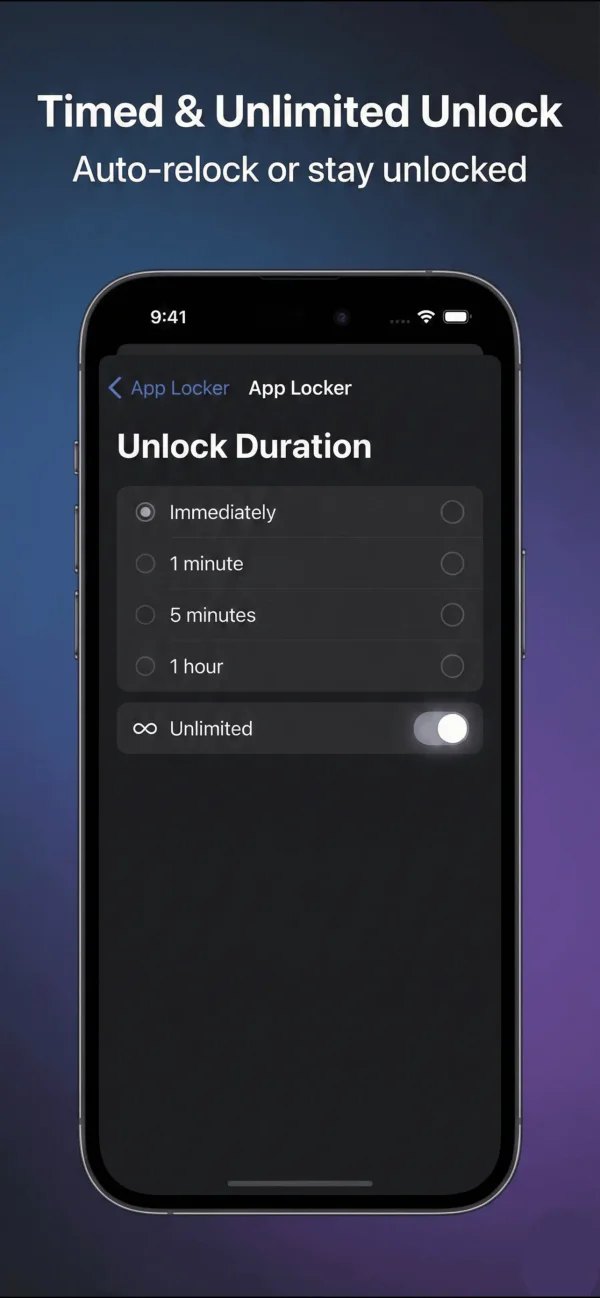
Timed Unlock: open apps for 5–60 minutes, then auto-relock.
Unlimited Unlock (∞): keep apps accessible until you manually relock.
WHAT YOU CAN DO
Lock individual apps or app groups.
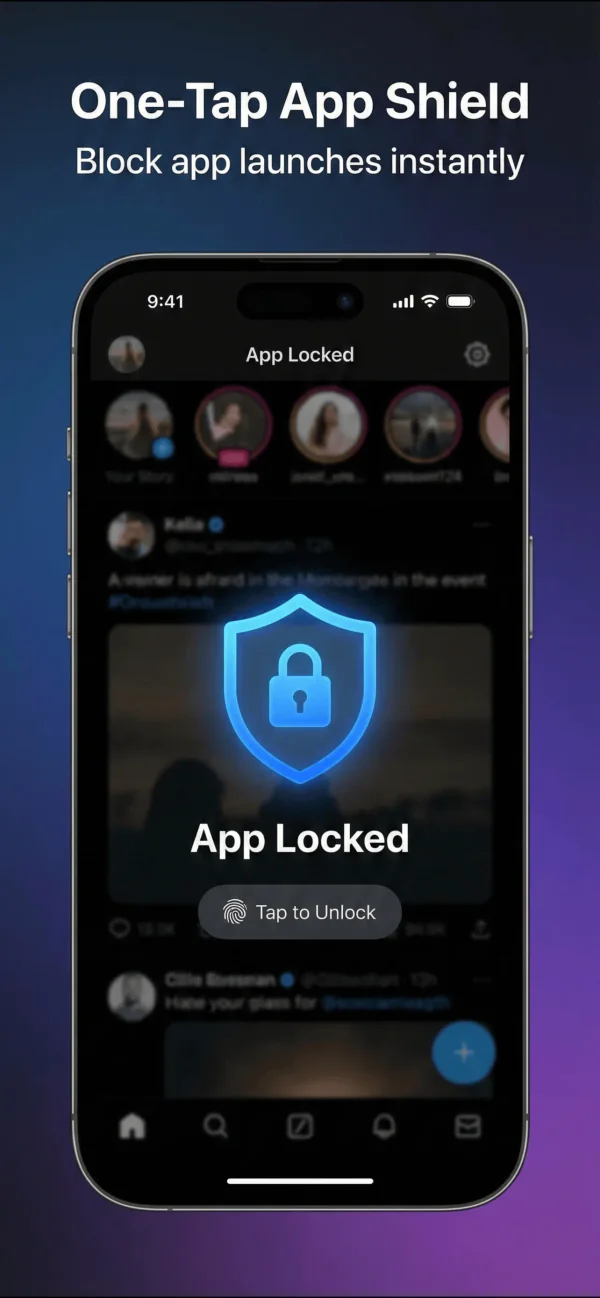
One-Tap App Shield to instantly restrict launches.
Face ID, PIN, Password, and 2FA (use one or combine).
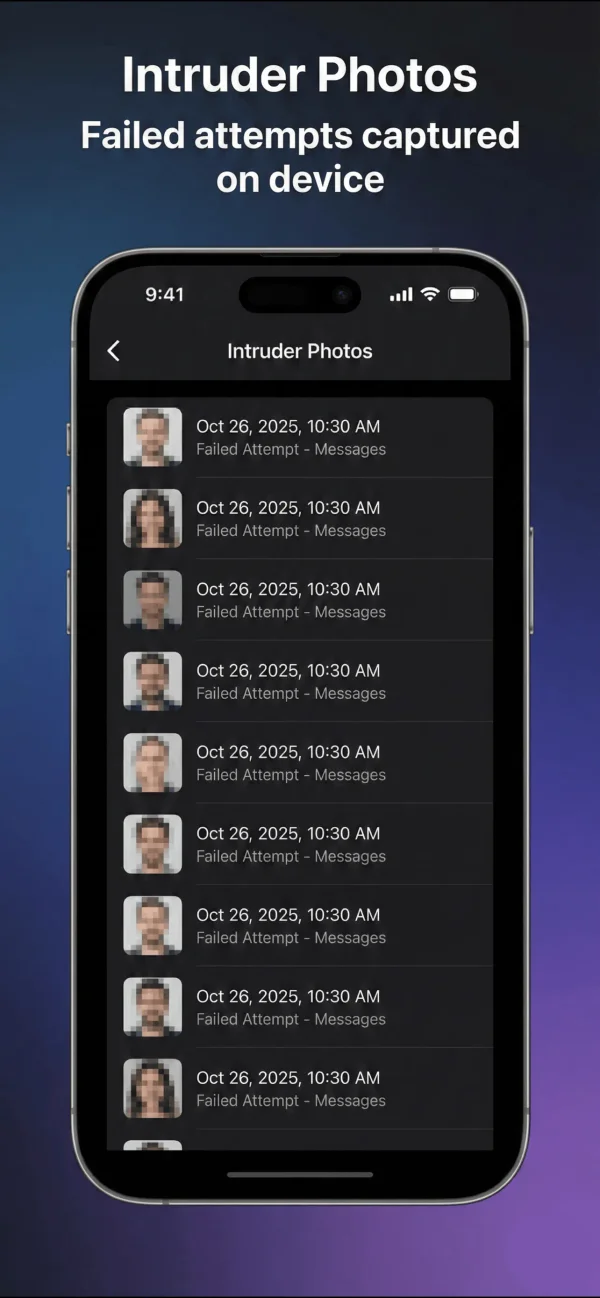
Intruder Photo: capture failed attempts (stored on device).
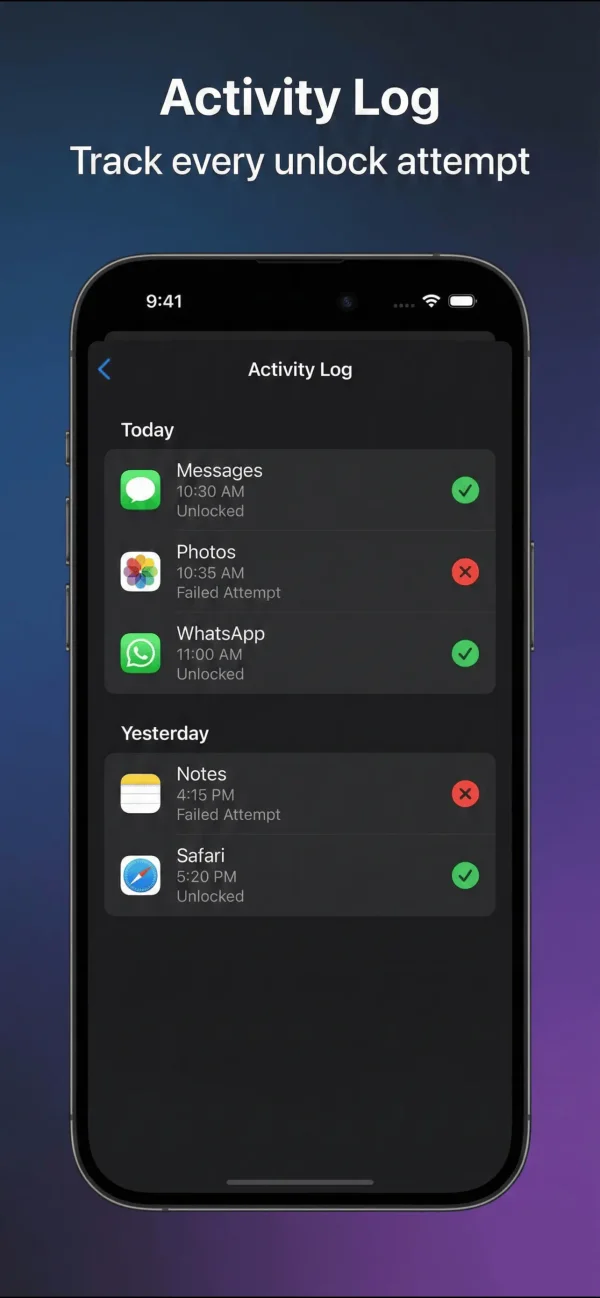
Activity Log and detailed usage stats.
Widgets and quick actions for focus and study.
PRIVACY FIRST
We never read your messages, photos, or app data.
Intruder photos never leave your device.
No tracking, no ads, no data selling.
FREE TO START, PRO WHEN YOU NEED IT
Start free with core locking.
Upgrade to unlock advanced security like Dual 2FA, extended logs, advanced stats, and launch gate options.
GREAT FOR
Privacy: protect personal chats and photos.
Focus: block distracting apps.
Shared devices: add an extra layer before lending your phone.
AVAILABILITY NOTE
* App availability depends on iOS version, country, and developer restrictions.
App Locker restricts app launches using Apple Screen Time and does not modify other apps or your Home Screen icons.
What’s new
Version 1.1.1 · Mar 12, 2026
Bug Fixes
App privacy
What Huseyin Sefa Kucuk declares on the App Store about how this app handles data.
-
Data not linked to you
May be collected but is not linked to your identity.
- Location
- Usage data
- Diagnostics
- Other data
Privacy practices may vary, for example with the features you use or your age.
Information
- Seller
- Huseyin Sefa Kucuk
- Category
- Utilities
- Version
- 1.1.1
- Updated
- Mar 12, 2026
- Released
- Nov 4, 2025
- Size
- 15.4 MB
- Requires
- iOS 16.6 or later
- Age rating
- 4+
- Price
- Free
- In-app purchases
- Yes
- Languages
- English, Czech, Danish, Dutch, Filipino, Finnish, French, German, Hindi, Indonesian, Italian, Japanese + 13 more
- Copyright
- © 2025 Hüseyin Sefa Küçük
You might also like
-
 App Lock: Photo Lock & BlockBlock Apps with Photo Vault
-
 APP LOCK - Privacy ShieldUtilities
-
 Hide Apps, App Lock - Cloakedlock apps privacy secret vault
-
 App Lock : Hide App & Lock AppApp Lock - Lock Apps
-
 AppLock : Block Apps & WebsiteLimit ScreenTime, App Blocker
-
 AppLock - FocusLockApp Locker & Parental Control
-
 App Lock: Block App, Lock appBlock Website, Private apps
-
 Quanika FaceIDElevating Security
-
 Apporta - App LockSuper Locker , Block Hide Apps
-
 Convert PDF to Excel fastFrom PDF to Excel instantly