App Mockup Studio: Bezel
Screenshot maker for apps
Designed for iPhone, iPad, Mac
Free · In-app purchases
- Age rating4+
- CategoryGraphics & Design
- DeveloperParth Antala
- LanguagesEnglish
- Size831.3 MB
Links to the official App Store page
Download.org hosts no file of App Mockup Studio: Bezel. The button opens its official App Store page, published by Parth Antala. Listing last checked on Nov 26, 2026.
Screenshots


About
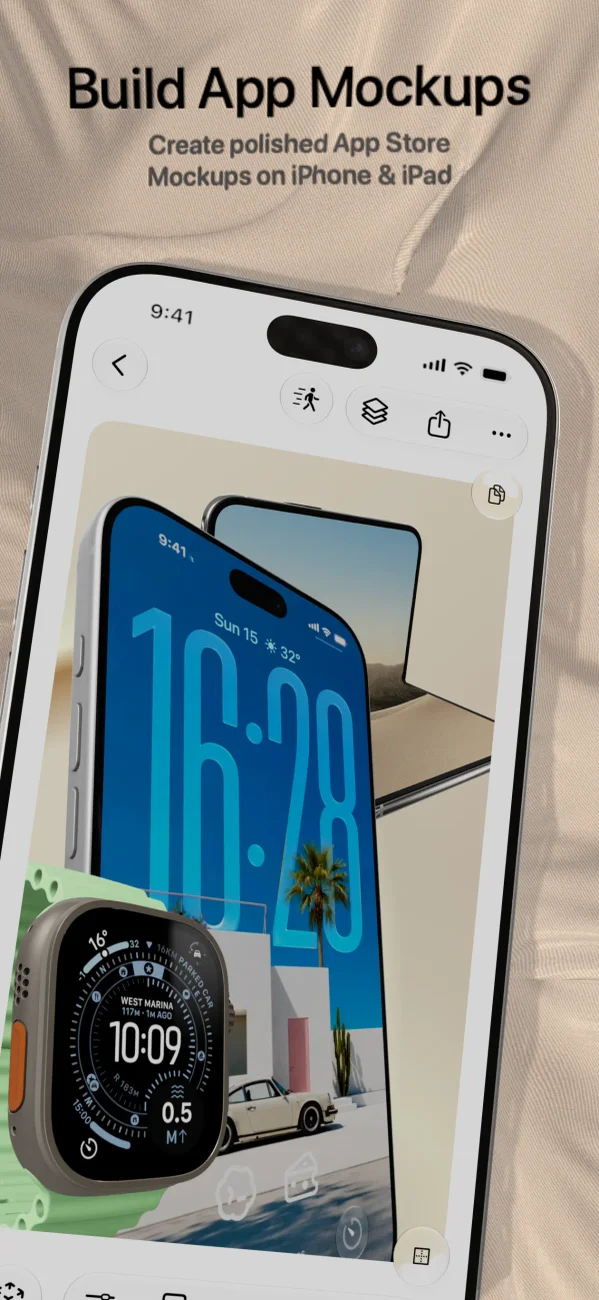
Bezel Studio is a native design editor for App Store screenshots, device mockups, and product videos on iPhone and iPad. Bring your own screenshots, screen recordings, and artwork to make a single mockup or a complete set of launch visuals.
Build a full screenshot set
Organize multiple canvases in one project and review them together in the canvas overview. Use App Store dimensions, common social formats, or exact pixel sizes and custom aspect ratios. Duplicate canvases and copy layers between projects to carry a design across the whole set.
Frame screenshots and recordings
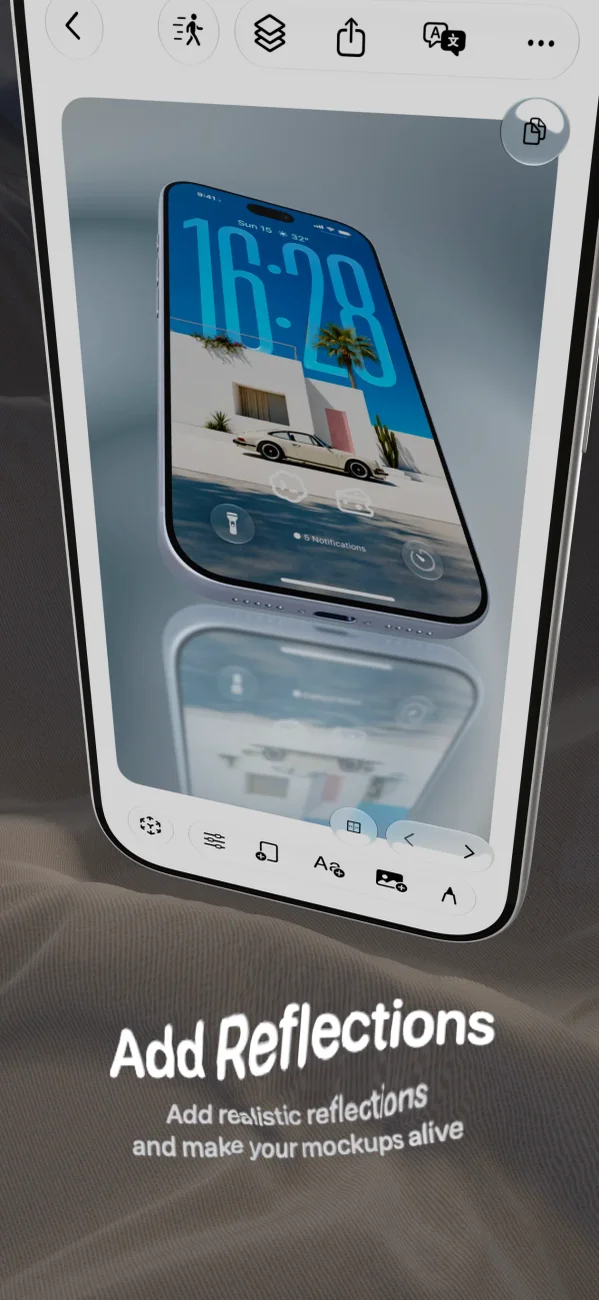
Choose from 2D frames and interactive 3D Bezels for iPhone, iPad, Mac, Apple Watch, and more. Place your images or videos inside the frames, adjust the fit, and rotate models on all three axes. Set the scene with adjustable lighting, shadows, and floor reflections. Place supported 3D models in your space with AR.
Polish what’s on screen
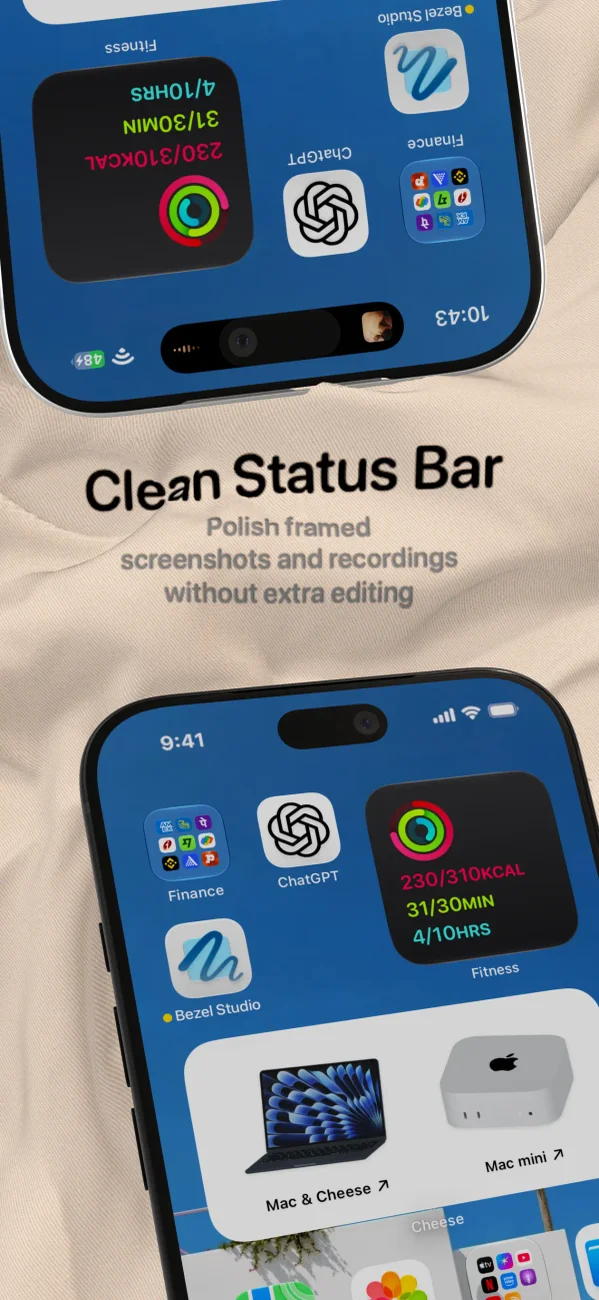
Clean Status Bar tidies the status bar on supported screenshots and recordings. Use Frame Emphasis to magnify a detail with a shaped callout and add timed touch cues to show taps or drags in a demo.
Design with layers
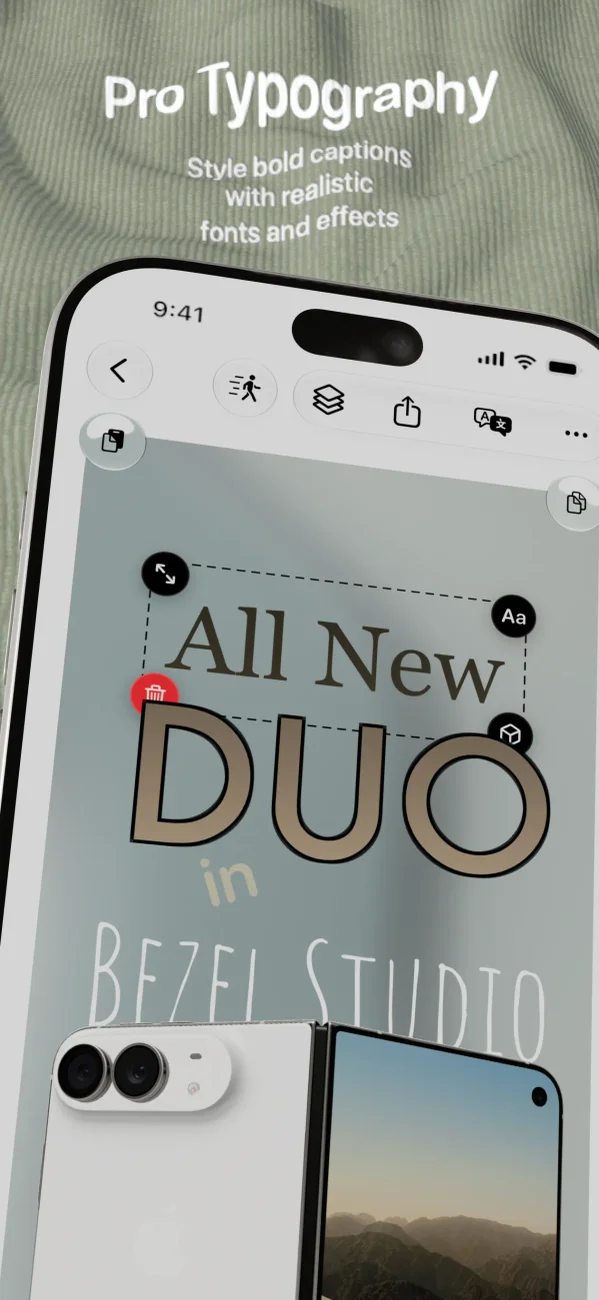
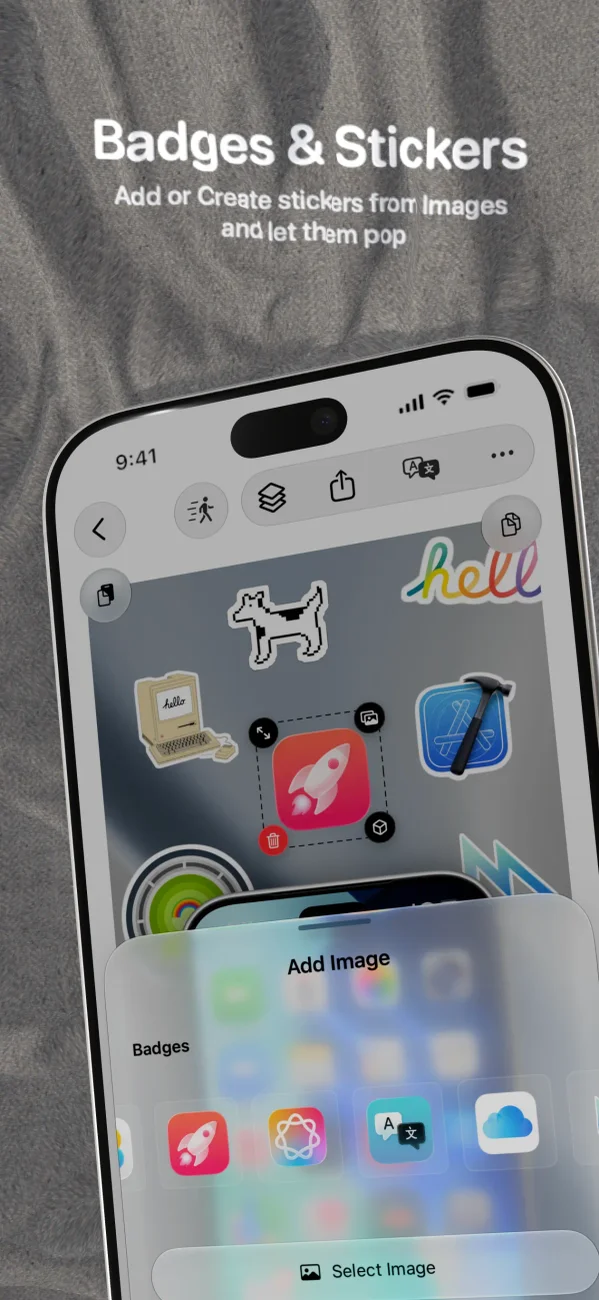
Drag, resize, rotate, align, and reorder frames, text, images, badges, stickers, and drawings. Style captions with your choice of typeface, gradients, outlines, shadows, and Liquid Glass backgrounds. Remove an image’s background to make a sticker, or draw annotations directly on the canvas.
Set the background
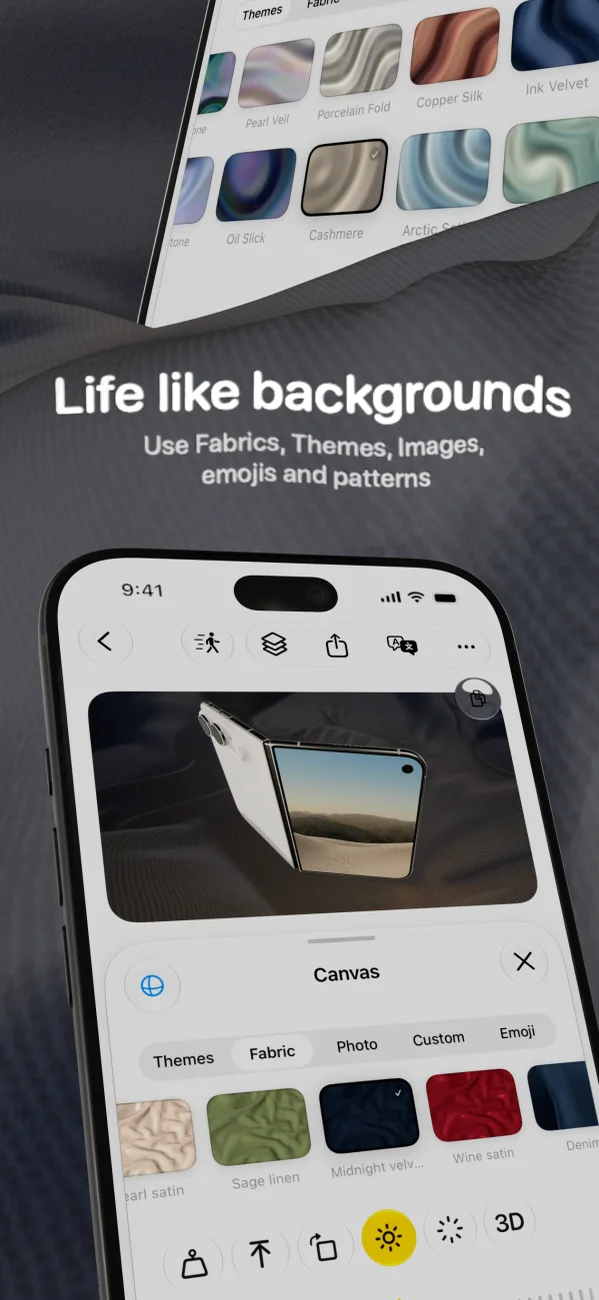
Use themes, solid colors, gradients, photos, emoji, patterns, or transparent backgrounds. Pull in the media from a frame for a blurred backdrop. Set up to three 3D frames on interactive Fabric that folds and settles as you move them. Choose materials such as linen, denim, and velvet, engrave text or images into the cloth, and adjust how the device’s display lights the fabric.
Animate with Canvas Motion
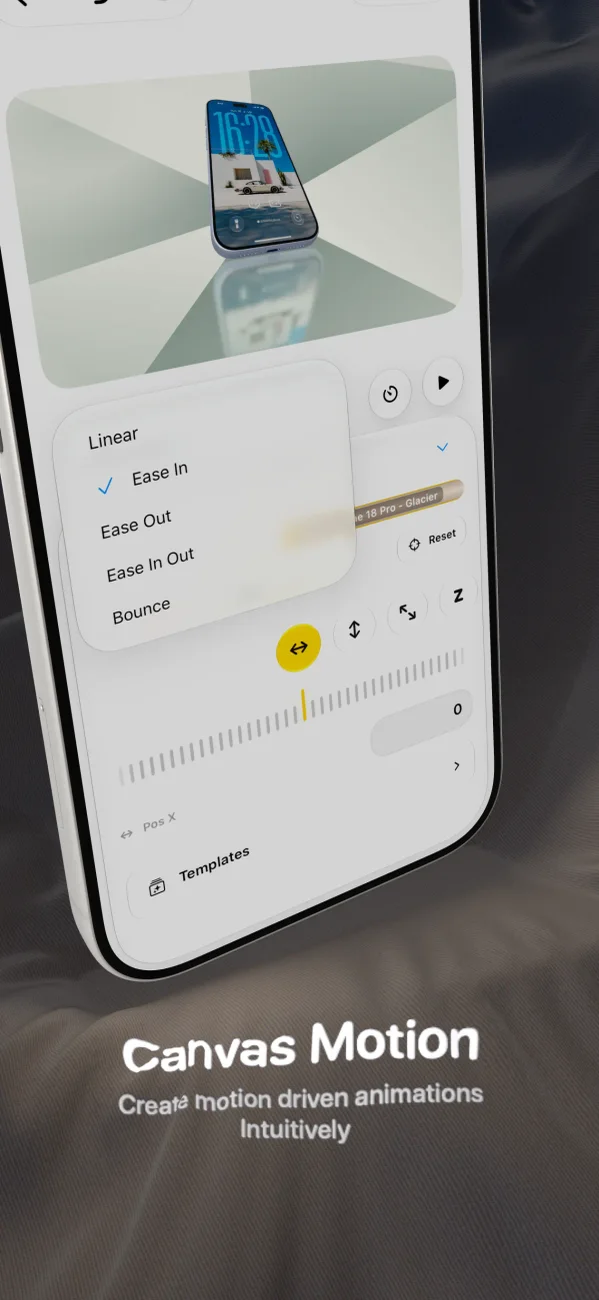
Animate a whole canvas or keyframe individual layers. Adjust timing, easing, position, scale, rotation, and opacity for everything from a quiet reveal to a full product demo. Preview 30 editable frame animations and tune the keyframes to fit your own scene.
Made with love for iPhone Duo
The project library and editor adapt to the inner and outer displays. Use App Store screenshot sizes for both displays, place different artwork on each screen of the poseable 3D Duo frame, and animate the hinge opening and closing.
Make a Quick Mockup
Start with one of 36 editable still and motion scenes, including a folding Duo showcase, or save your own reusable layout. Use Shortcuts to turn an image or screen recording into a mockup from a saved preset.
Localize, sync, and export
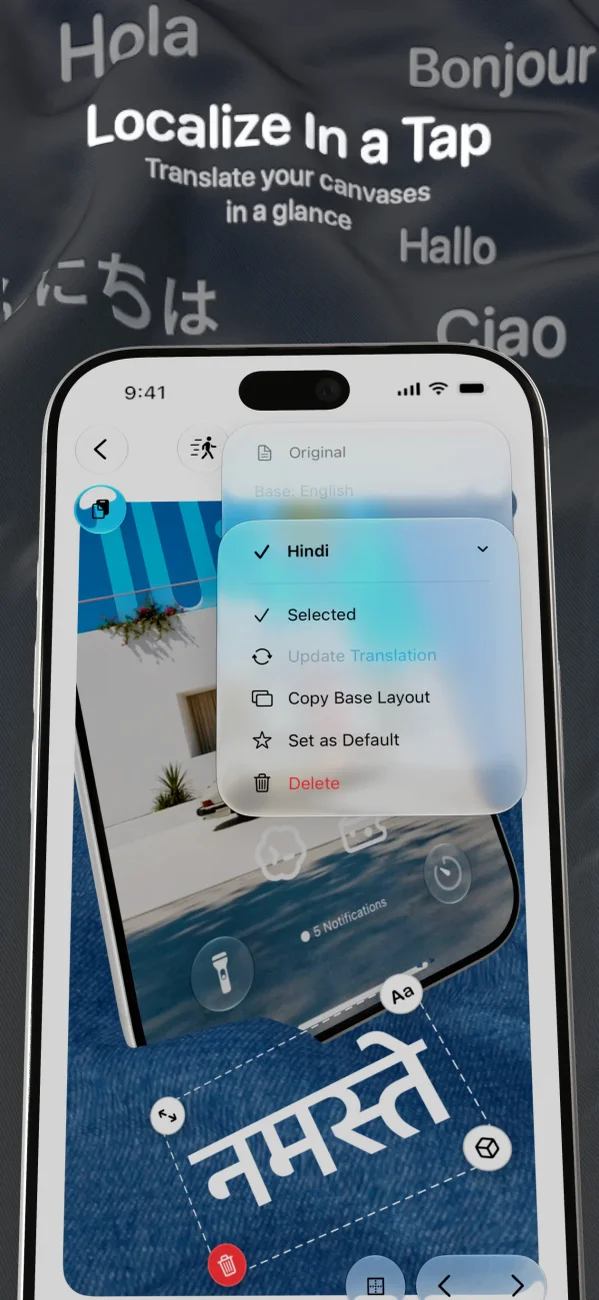
Translate text on one canvas or across an entire project on-device. Review and edit the translated layouts and keep your original version. Sync projects through iCloud across iPhone, iPad, and Mac, or share an editable .bezel project archive. Export a single canvas or a full set as high-resolution PNG images or video.
Bezel Studio is for app developers, designers, and marketers who create launch assets, portfolio mockups, and product demos. Exports use credits or a plan with unlimited exports.
Terms of Use
https://www.apple.com/legal/internet-services/itunes/dev/stdeula/
What’s new
Version 3.0.2 · Nov 25, 2026
Fixed an issue that could make older projects disappear from your library after an update. Bezel Studio now finds projects still saved on your device and syncs them with iCloud. If one canvas is missing, your other projects can keep syncing.
You can cancel a video export as soon as it starts. For your next App Store screenshot or animated mockup, try placing a device frame on fabric.
Slide up to three 3D devices across denim, corduroy, or bouclé and watch the fabric bunch beneath them. Press your logo or lettering into the cloth and adjust the light spilling from each screen.
Choose from 30 Canvas Motion animations. Try a slow reveal or orbit around the device, then adjust the keyframes until the movement matches your screen recording.
Quick Mockups. Browse 36 editable scenes, including a folding iPhone Duo showcase and still layouts for screenshots.
Made with love for iPhone Duo. The library and editor fit the inner and outer displays. Choose App Store canvas sizes for both displays and animate the hinge of the 3D Duo frame.
More ways to compose. Add 3D floor reflections, explore new background themes, and use more 3D frames, including iPhone 18 Pro Max and 14-inch MacBook Pro.
Performance and fixes. Faster 3D frame loading and iCloud sync, smoother playback of recordings with Clean Status Bar, and export fixes on iPhone and iPad. Videos with Canvas Motion keep the canvas’s pixel dimensions. This release also includes performance improvements across the editor and other minor bug fixes.
App privacy
What Parth Antala declares on the App Store about how this app handles data.
-
Data not collected
The developer does not collect any data from this app.
Privacy practices may vary, for example with the features you use or your age.
Information
- Seller
- Parth Antala
- Category
- Graphics & Design
- Version
- 3.0.2
- Updated
- Nov 25, 2026
- Released
- Jan 30, 2026
- Size
- 831.3 MB
- Requires
- iOS 26.0 or later
- Age rating
- 4+
- Price
- Free
- In-app purchases
- Yes
- Languages
- English
- Copyright
- © 2026 Parth Antala
You might also like
-
 Kesef: Mockups & ScreenshotsDevice Frames for App Store
-
 Amazing App Mockups - MockheroQuick, Beautiful Phone Mockups
-
 OKURI Japanese Lunar CalendarDaily Tear-Off Widget Calendar
-
 CMSHTA pocket graphics playground
-
 Phone Mockups - MizframaFrame screenshots in mockups
-
 Lilacpane: Screenshot DesignPhoto Frames & Promo Graphics
-
 Mockview - Mockup GeneratorTurn Screenshots to Mockups
-
 Animock: 3D Mockup AnimatorApp Screenshots & Promo Video
-
 SMPRO: Mockup & ScreenshotDevice frames for screenshots
-
 Timedash WidgetsDesign & Customize Widgets