
Timedash Widgets
Design & Customize Widgets
Designed for iPhone, iPad
Free · In-app purchases
- Age rating4+
- CategoryGraphics & Design
- DeveloperTIN
- LanguagesEnglish
- Size99.0 MB
Links to the official App Store page
Download.org hosts no file of Timedash Widgets. The button opens its official App Store page, published by TIN. Listing last checked on Nov 15, 2026.
Screenshots
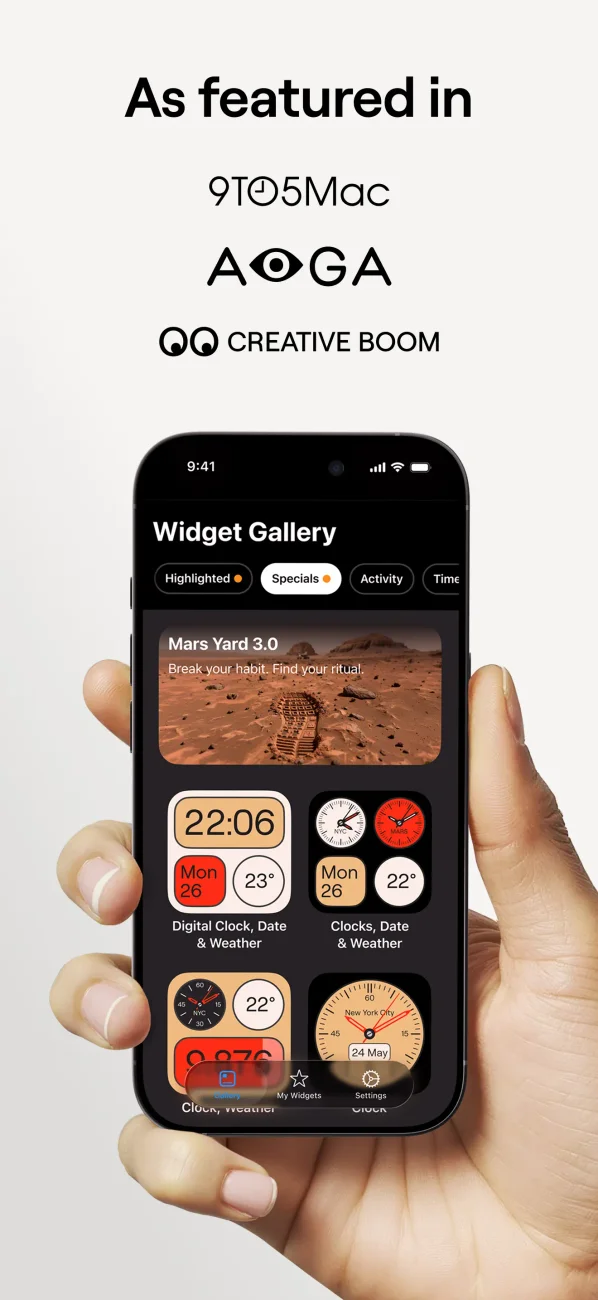
About
BUILT ON A DESIGN PHILOSOPHY
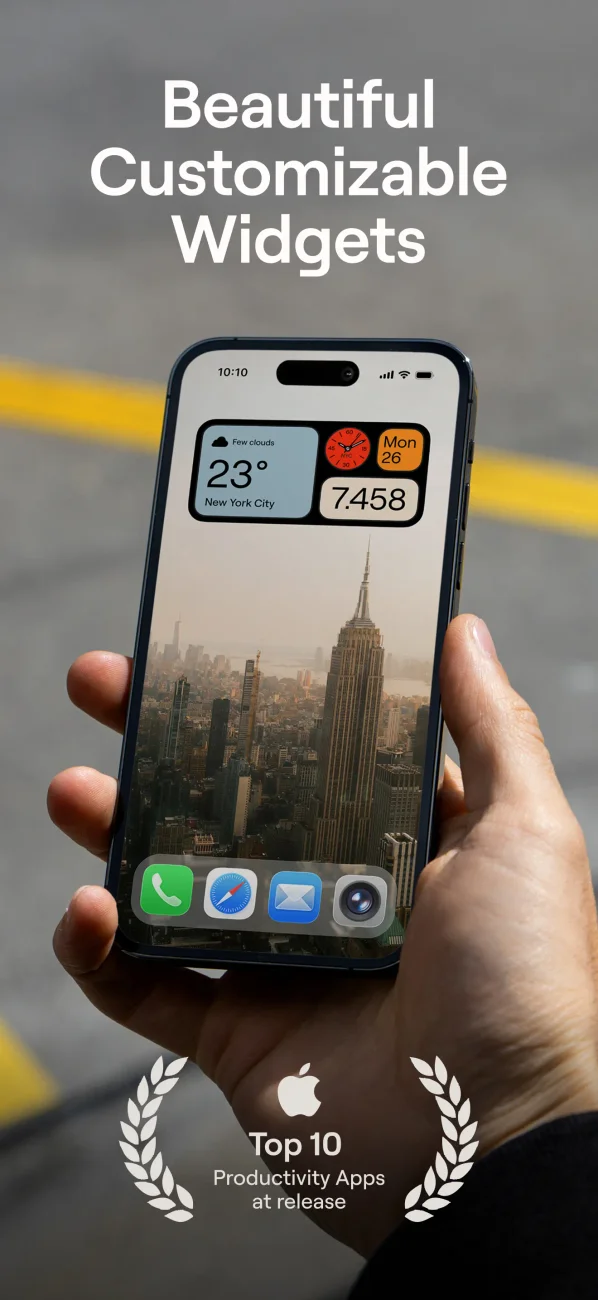
Timedash Widgets was born from our love of 70s Ana Digi watches. Half analog, half digital, these cult classics laid the groundwork for every digital watch that followed. With bold graphics, deliberate typography, and a retro-futurist character Timedash channels that same spirit of analog-digital fusion into widgets for your iPhone, iPad, and Mac.
SNAP TOGETHER YOUR PERFECT WIDGET
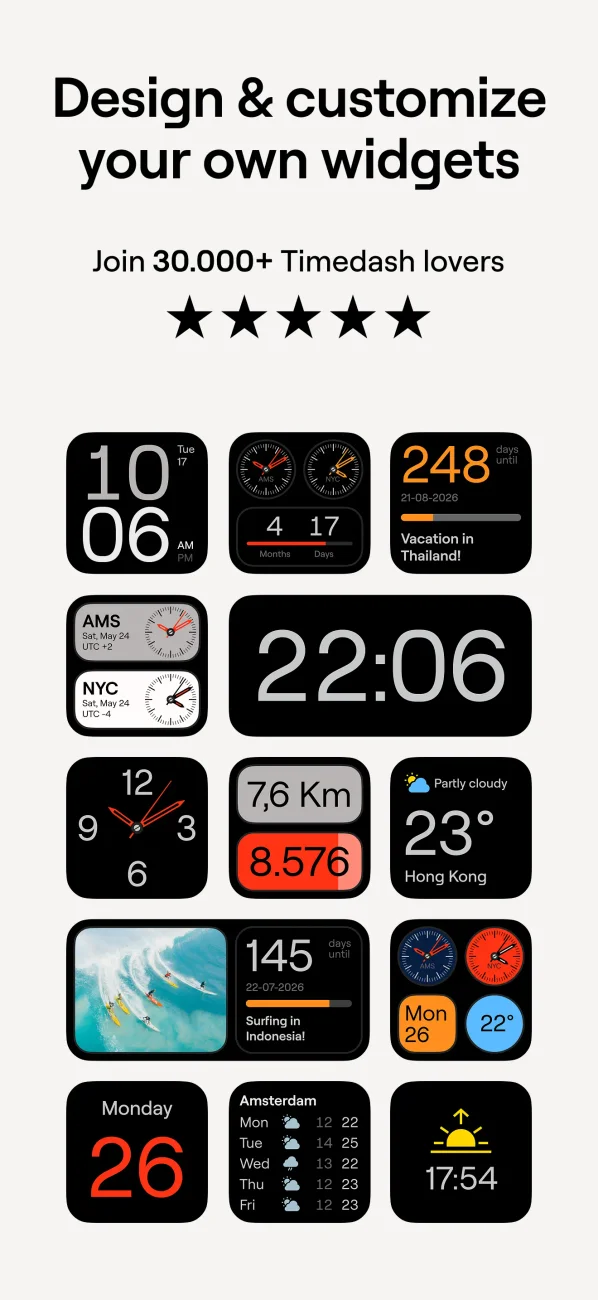
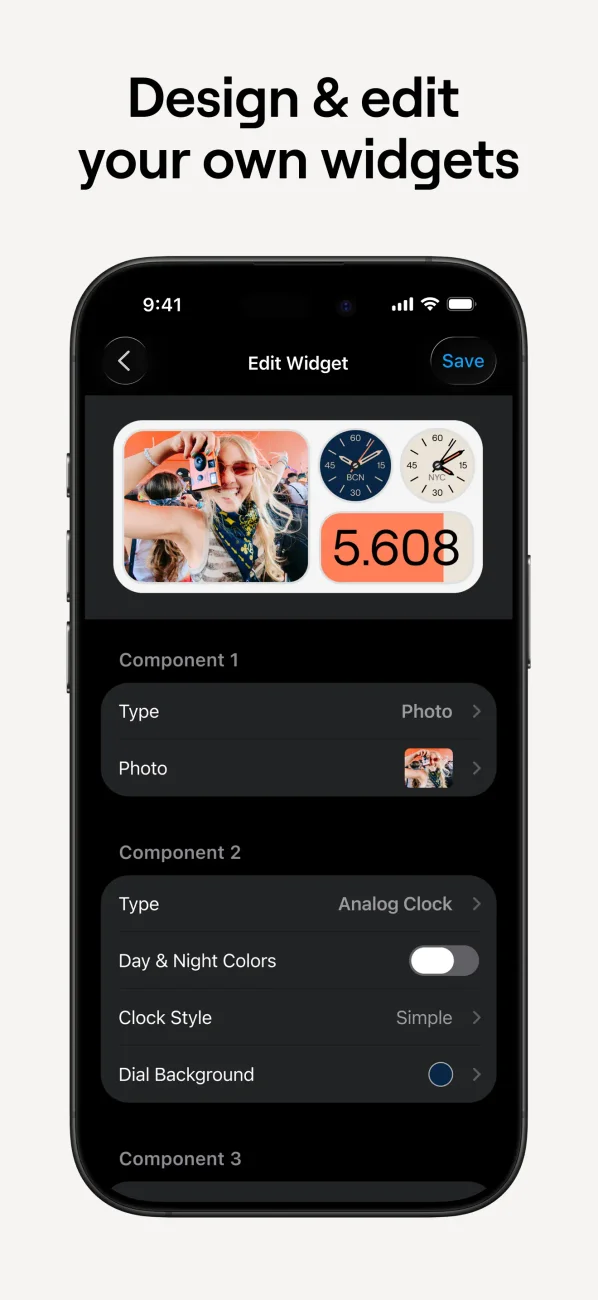
Think of Timedash like LEGO for your Home Screen. The power is in its design flexibility. Every widget is built from components, such as clocks, weather, steps, date, calendar, countdown timers, world clocks, photos, and more. Mix and match them in any combination, swap data points without redesigning from scratch and change colors instantly.
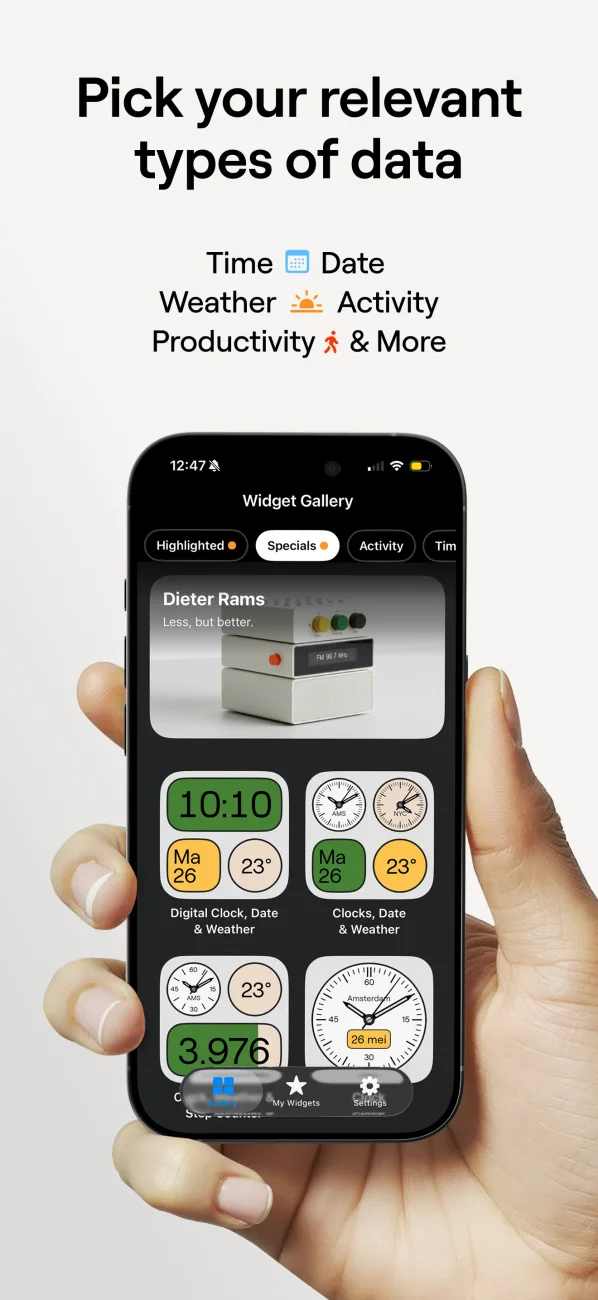
→ Pick your components (time, date, weather, activity & health, photos, and more).
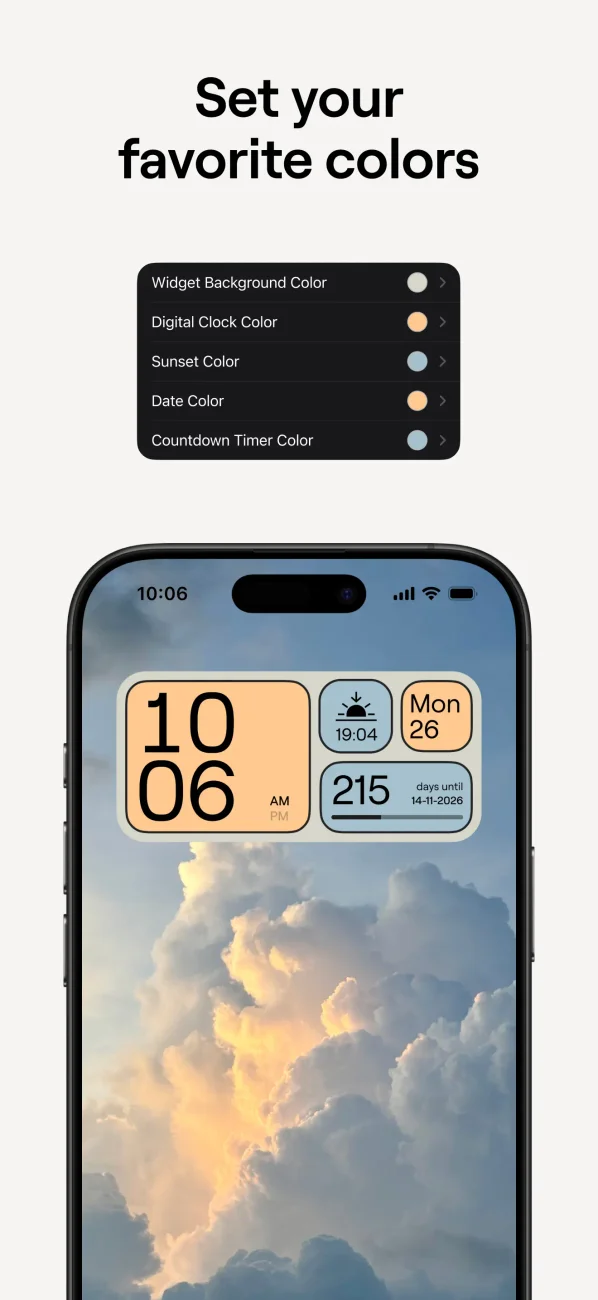
→ Set your favorite colors. From bold and expressive to clean and minimal.
→ Create unique widgets that fit your personal style.
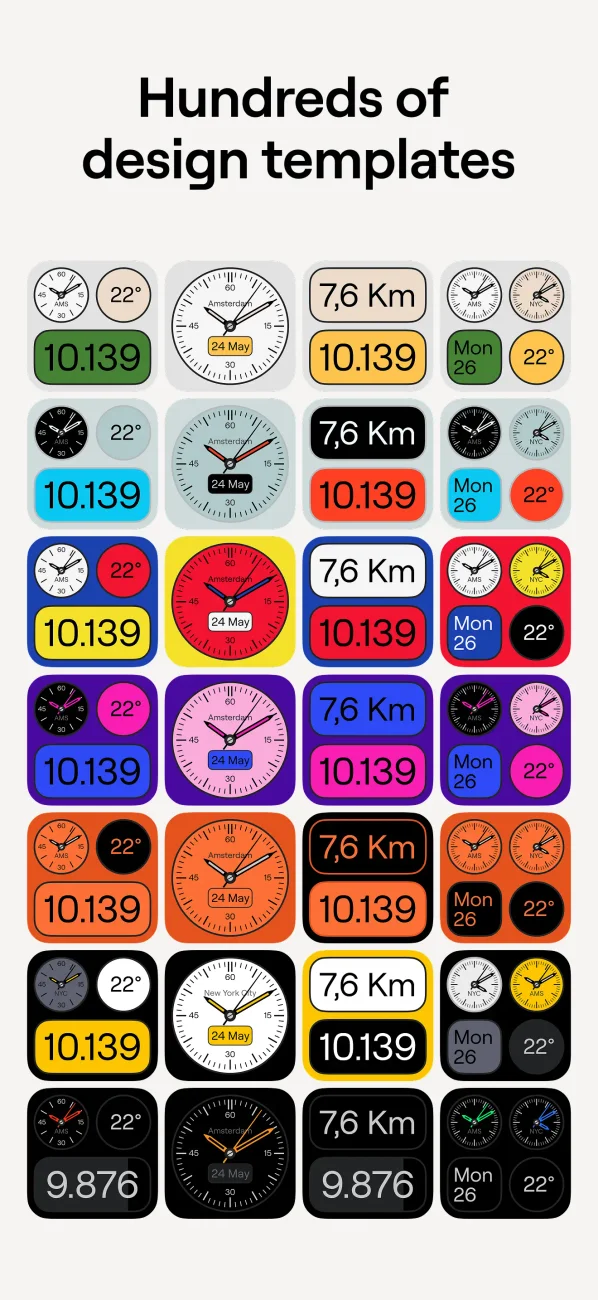
HUNDREDS OF READY-MADE TEMPLATES
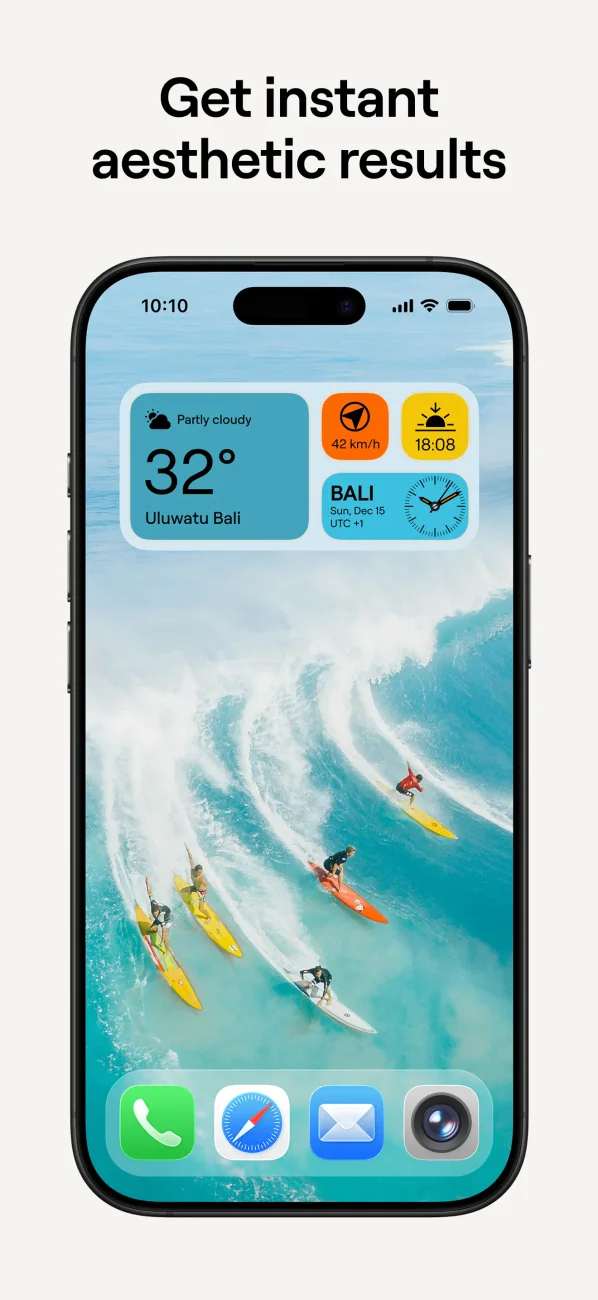
Designing widgets is what we like to do best. Browse our growing gallery of professionally designed widgets, available in multiple colors and layouts. Everything looks great from the moment you add it to your Home Screen.
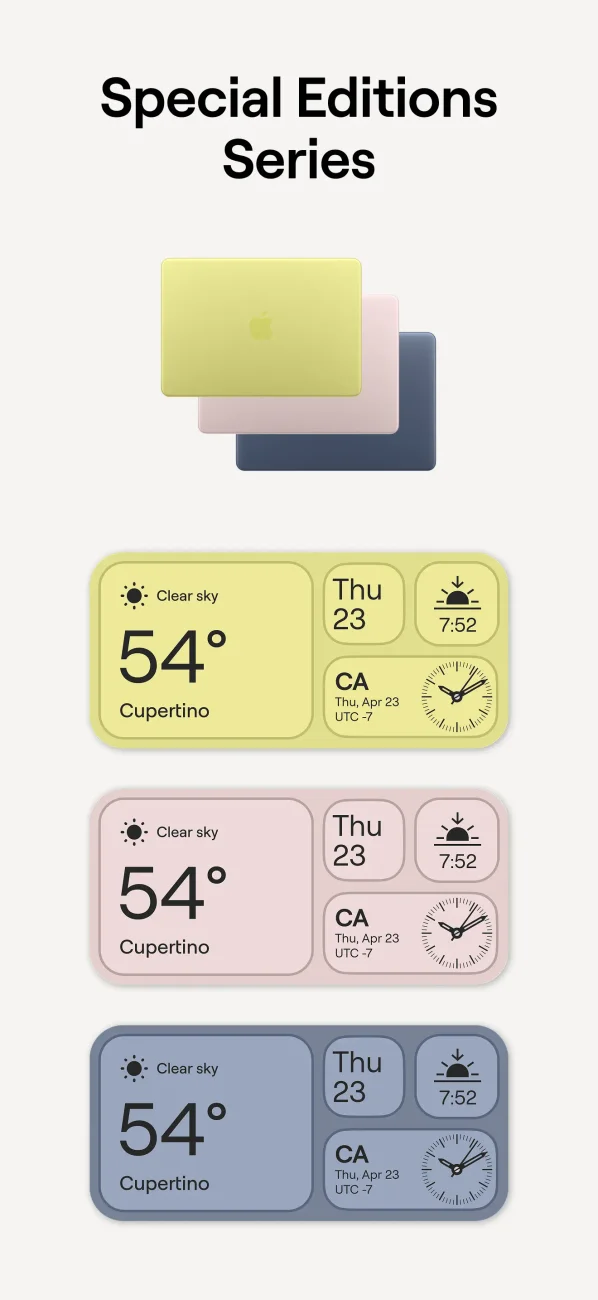
WIDGETS AS COLLECTIBLES
Beyond the gallery, Timedash releases limited Special Edition Widgets inspired by iconic design eras, cult objects, and cultural touchstones. From Dieter Rams minimalism to Star Wars, Pop Art, or the Mars Yard 3.0. Each edition is a fully designed artifact. New editions drop regularly.
YOUR DATA, ALL IN ONE PLACE
No more switching between a dozen of different apps. Time · Date · Weather (current, hourly & daily forecast, sunrise & sunset, wind) · Steps & Distance · Calendar · World Clocks · Countdown Timers · Photos. All combined in a single, elegantly designed widget.
GOOD TO KNOW
• Optimized for iOS 26
• Available on iPhone and iPad (iOS 17+)
• Widgets are available on Mac through Handoff
• Tap any component to open its linked app directly from your Home Screen
• Connects with Apple Health for steps and activity data
• Uses your location for accurate local weather
• Zero data collection, your privacy is fully protected
• There is only one version of Timedash Widgets in the App Store
• Proudly designed and made in Amsterdam
Timedash Pro unlocks full widget building, all colors, and exclusive templates. Free to download and explore with our growing free selection of widgets.
Proudly designed and made in Amsterdam.
© Timedash 2021 – 2026
What’s new
Version 2.4.2 · Sep 25, 2026
Daylight Savings Time bug fix for digital clocks
App privacy
What TIN declares on the App Store about how this app handles data.
-
Data not collected
The developer does not collect any data from this app.
Privacy practices may vary, for example with the features you use or your age.
Information
- Seller
- Vincent Meertens
- Category
- Graphics & Design
- Version
- 2.4.2
- Updated
- Sep 25, 2026
- Released
- Feb 1, 2021
- Size
- 99.0 MB
- Requires
- iOS 17.0 or later
- Age rating
- 4+
- Price
- Free
- In-app purchases
- Yes
- Languages
- English
- Copyright
- © 2026 Timedash
You might also like
-
 Void Widgets - Retro & MinimalPixel Dot Clock, Year Progress
-
 Minipaper: Wallpaper MakerLockscreen DIY & Customization
-
 Hands Time - Minimalist WidgetShape time with your hands
-
 Koco Widgets: App LauncherOpen Apps, No Redirect.
-
 Emoji & Wallpapers: AstroMojiAI Playground Studio
-
 Cava AI: Logo, Poster & BannerBranding, Signature & Design
-
 Poster Maker Flyer Maker PostaBanner Maker Design Poster App
-
 AI Baby Generator Future BabyWhat Would Our Baby Look Like?
-
 Lagguy Wallpaper BackgroundAesthetic 4K Wallpaper Screens
-
 FluxArt - AI Image GalleryCreate & Edit art