App Screenshot Generator
Device Frames & Video Previews
Designed for iPhone, iPad
In-app purchases
- Age rating4+
- CategoryGraphics & Design
- DeveloperBinh An Tran
- LanguagesEnglish
- Size36.1 MB
Links to the official App Store page
Download.org hosts no file of App Screenshot Generator. The button opens its official App Store page, published by Binh An Tran. Listing last checked on Nov 13, 2026.
Screenshots
About
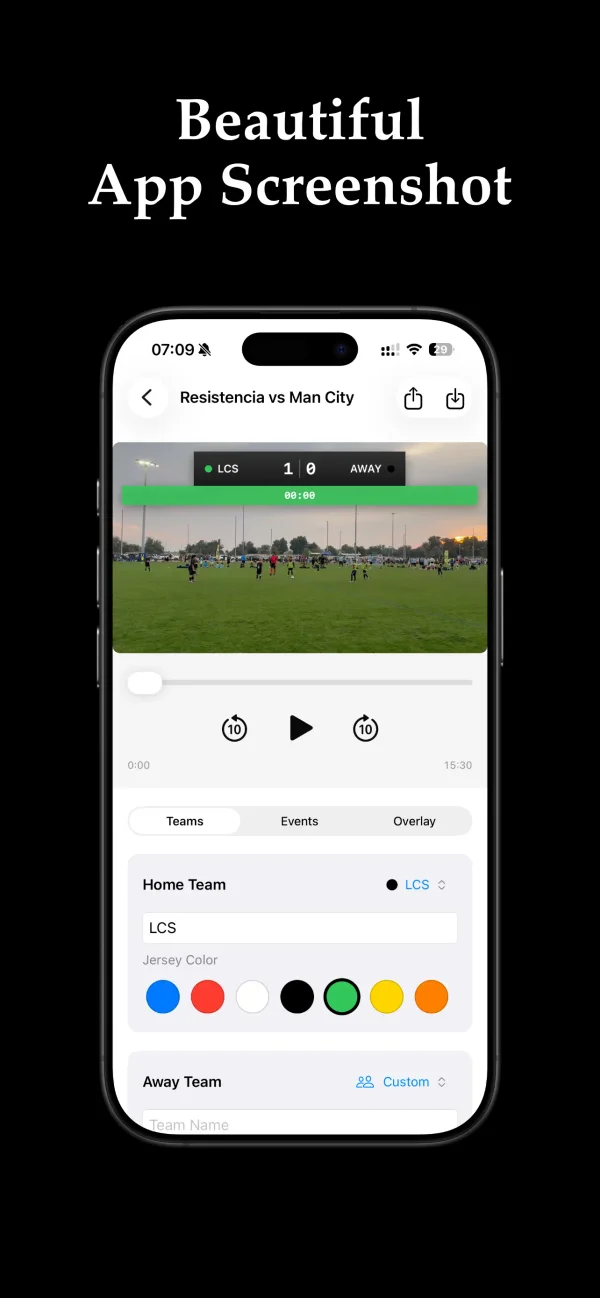
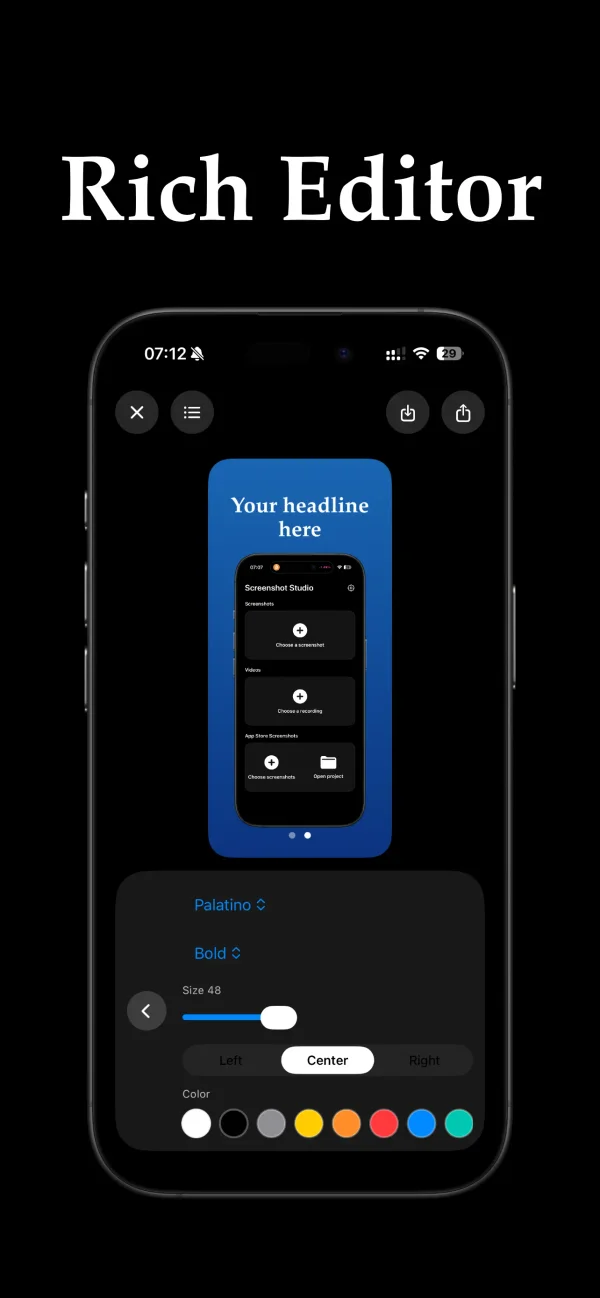
Create professional App Store screenshots and video previews in seconds. Wrap your screenshots in pixel-perfect device frames, add beautiful backgrounds, and export ready-to-upload assets — all from your iPhone.
DEVICE FRAMES
Choose from a wide range of iPhone and iPad frames including iPhone 17 Pro, iPhone 16 Pro, iPhone Air, iPad Pro, and more. Each frame matches the exact dimensions and corner radius of the real device. Pick from multiple color variants like Black Titanium, Desert Titanium, Cosmic Orange, and Silver.
BEAUTIFUL BACKGROUNDS
Select from solid colors, gradient presets (Glass Rainbow, Moonrise, Blushing Fire, and more), or iconic macOS wallpapers like Sonoma and Sequoia. Need a transparent background? That works too.
VIDEO PREVIEWS WITH GESTURES
Import screen recordings and wrap them in device frames. Record tap and swipe gestures with a visual timeline editor — place gestures at exact timestamps, adjust duration, and see them rendered as smooth animations in your exported video.
APP STORE PROJECTS
Manage complete screenshot sets for your App Store listing. Organize up to 10 screenshots per project, reorder with drag-and-drop, and batch export with consistent settings.
FLEXIBLE CANVAS
Switch between 1:1, 9:16, 16:9, and fit-to-content aspect ratios. See the exact export resolution in real-time as you adjust.
EXPORT
Save high-resolution PNG images (with transparency support) or video files up to 4K Ultra HD. Share directly via the iOS share sheet or save to your photo library.
Go Pro to remove the watermark from all exports.
Terms of Use (EULA): https://www.apple.com/legal/internet-services/itunes/dev/stdeula/
App privacy
What Binh An Tran declares on the App Store about how this app handles data.
-
Data not linked to you
May be collected but is not linked to your identity.
- Diagnostics
Privacy practices may vary, for example with the features you use or your age.
Information
- Seller
- Binh An Tran
- Category
- Graphics & Design
- Version
- 1.0
- Updated
- Mar 25, 2026
- Released
- Mar 24, 2026
- Size
- 36.1 MB
- Requires
- iOS 17.0 or later
- Age rating
- 4+
- In-app purchases
- Yes
- Languages
- English
- Copyright
- © 2026 An Tran
You might also like
-
 Aura Screenshot · AI MockupsApp Store Screenshot Creator
-
 ShotPost: Screenshot MockupsDevice Frames & App Previews
-
 App Screenshots Generator ProFrames, Text & Batch Export
-
 App Mockup Studio: BezelScreenshot maker for apps
-
 shotwell - screenshots & mocksshadows, borders, backgrounds
-
 MotMark - 3D Mockup VideoHigh Conversion Screenshots
-
 Best AI Video & Art CreatorImagination Video Lab
-
 Mockview - Mockup GeneratorTurn Screenshots to Mockups
-
 Appmost Design: AI PrototypingPrototype & Mockup Native Apps
-
 Lilacpane: Screenshot DesignPhoto Frames & Promo Graphics