
Appoint - Smart Calendar
No subscription. One-time Pro.
Designed for iPhone, iPad
Free · In-app purchases
- Age rating4+
- CategoryProductivity
- DeveloperUrs Gort
- LanguagesEnglish+ 10 more
- Size11.3 MB
Links to the official App Store page
Download.org hosts no file of Appoint - Smart Calendar. The button opens its official App Store page, published by Urs Gort. Listing last checked on Nov 18, 2026.
Screenshots

About
Create events faster than you ever thought possible. Appoint learns how you schedule — suggesting titles, times, locations, and details before you finish typing. It's a calendar built for people who value their time.
SMART INPUT
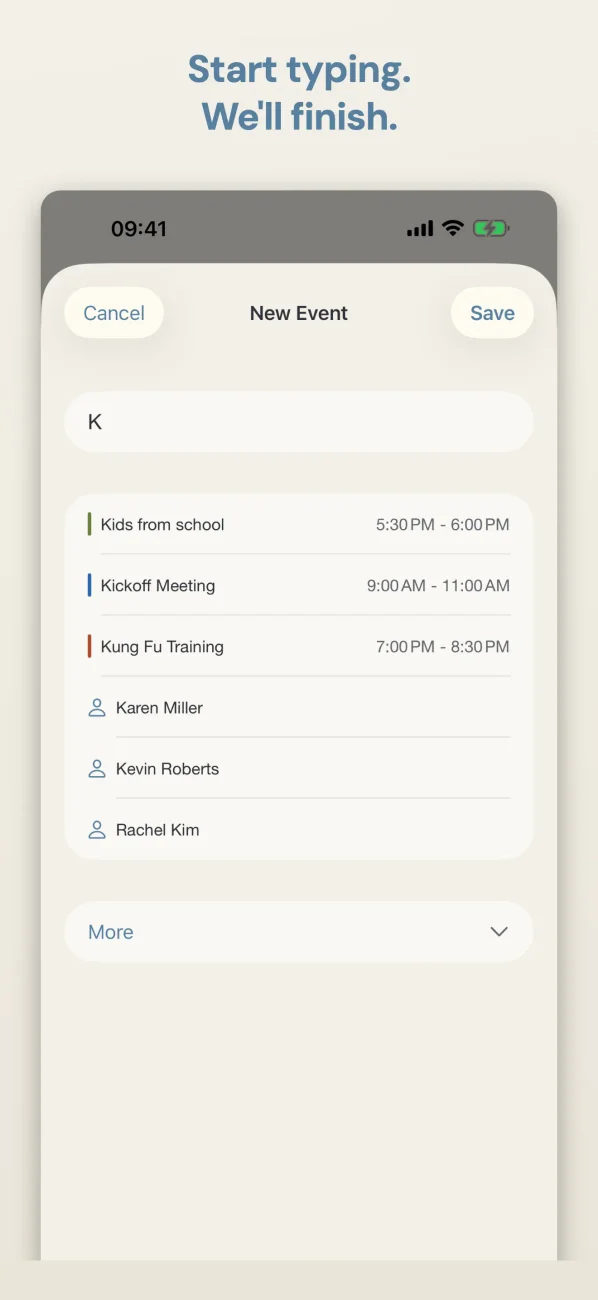
Type "3pm" or "9-12am" and Appoint sets the time. Type "1.5h" and it sets the duration. Start typing a title and it suggests the rest — prefilling time, calendar, notes, and recurrence from your history. Contact names are detected automatically. All of this works in any language.
EVERY VIEW YOU NEED
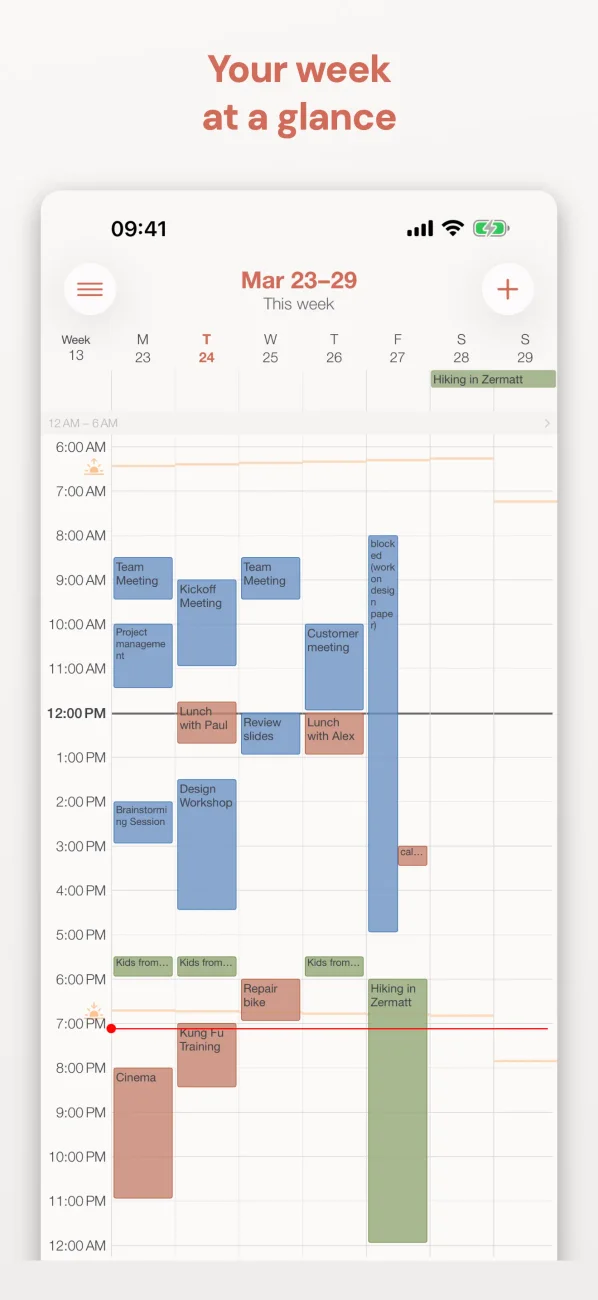
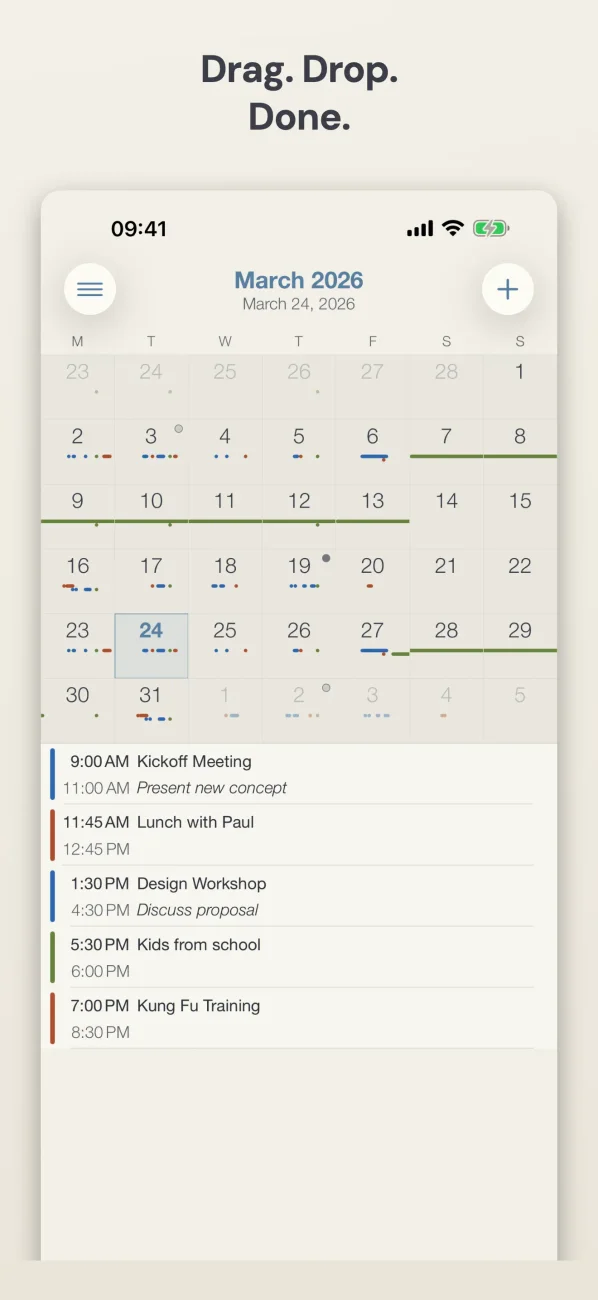
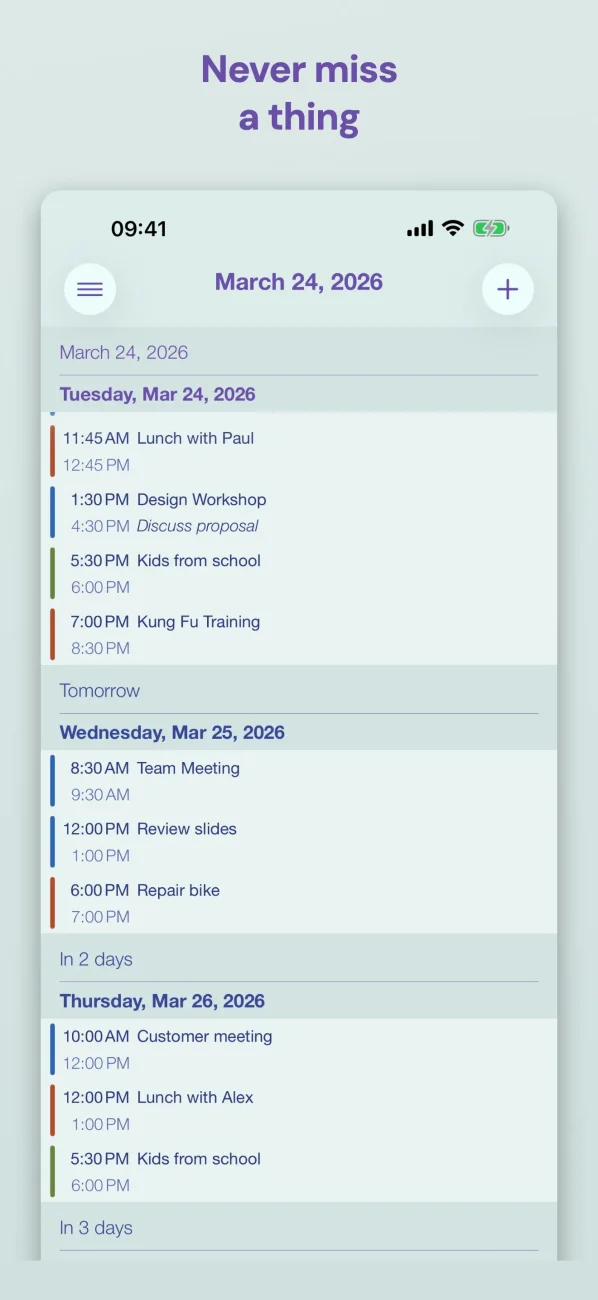
Day, week, month, and list views — each designed for a different purpose. Pinch to zoom in day and week views. See relative dates in the list view ("today", "in 3 weeks"). Color-coded dots in month view show how busy each day is at a glance.
MAKE IT YOURS
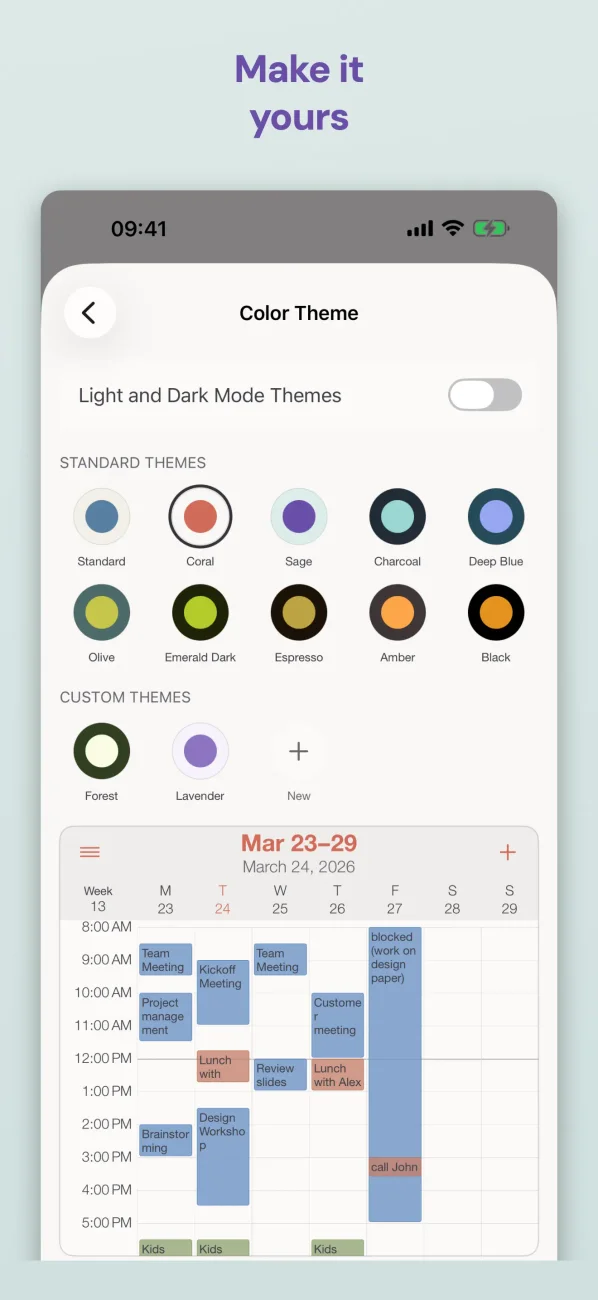
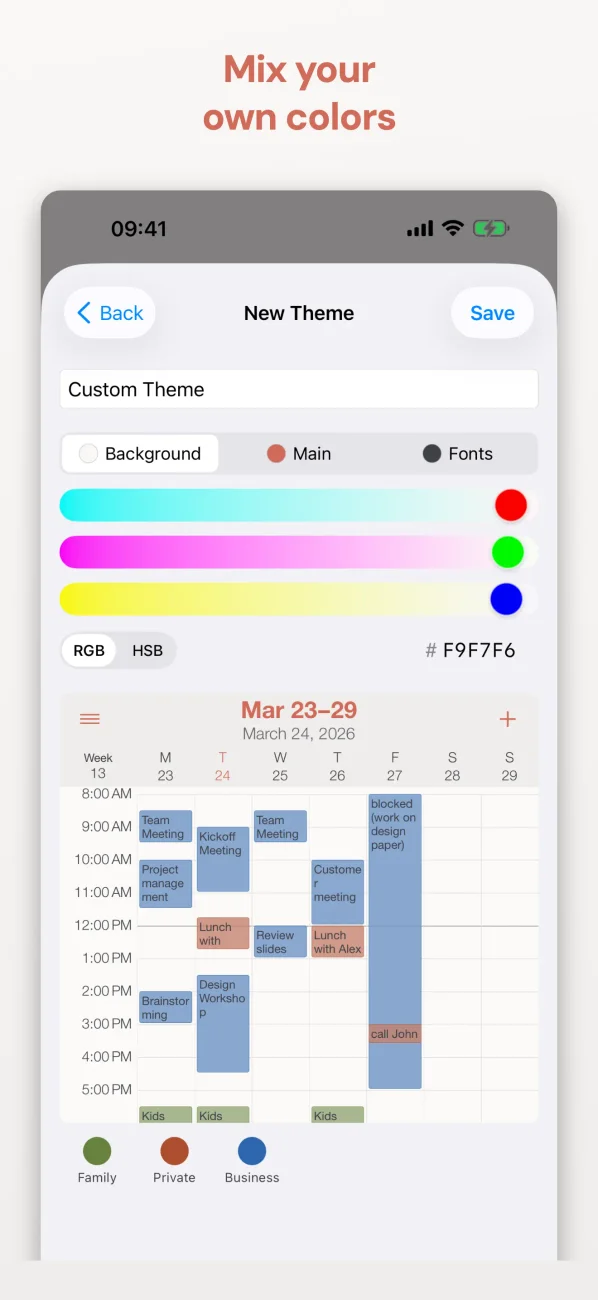
Choose from over a dozen built-in color themes — or create your own from scratch. Light, dark, colorful, minimal — Appoint looks the way you want it to. Event colors adapt automatically to your chosen theme so everything stays readable and beautiful. Customize work hours, week start day, default duration, and preferred map app.
DRAG & DROP
Long-press to move events between times and days. Quickly reschedule without opening a single form.
STATISTICS
See exactly where your time goes. Break your schedule down by calendar and time period, spot your busiest days and recurring commitments, and watch the numbers update as you pick any date range. Export any range to CSV or ICS when you need the raw data.
PRIVACY FIRST
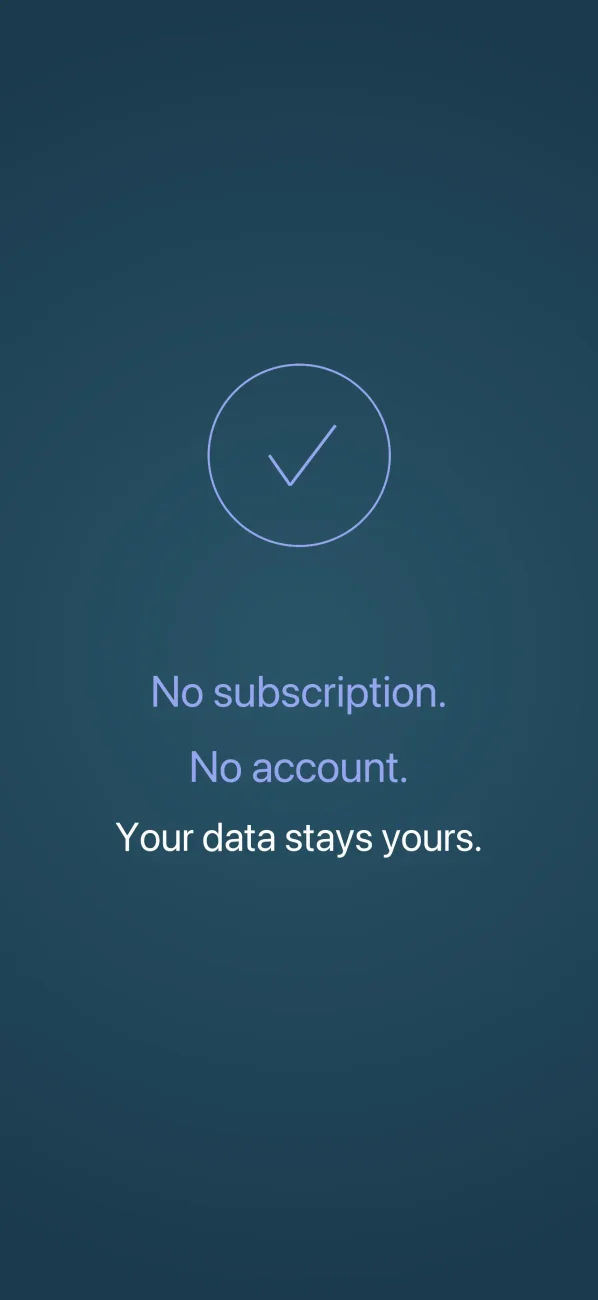
Your data stays on your device. No accounts, no cloud services, no tracking. Appoint works with iCloud, Google, Exchange, or any calendar service supported by iOS — but all the intelligence happens locally on your phone.
SUN & MOON
See sunrise and sunset times as subtle markers on your day and week timelines — calculated for your location, updating with the seasons. Moon phases appear on the month grid so you always know when the next full or new moon is. Astronomically accurate, no internet needed. Appoint only uses your approximate location — no precise tracking.
WIDGETS
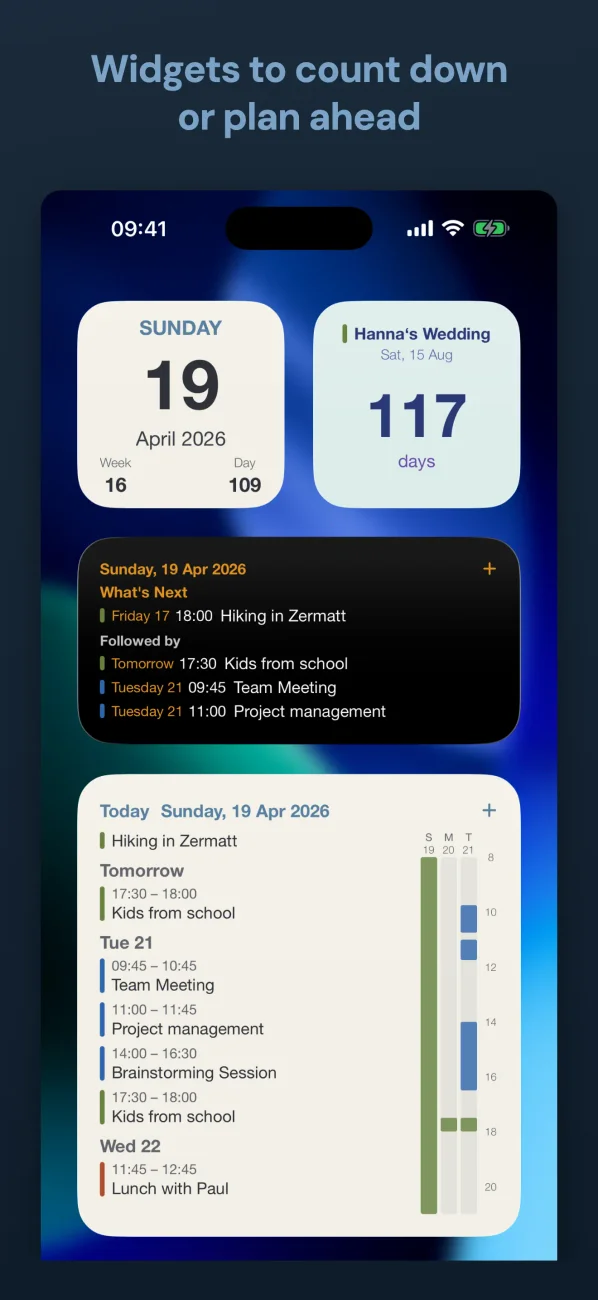
Event countdown, upcoming schedule, sunrise & sunset forecast, and a full-year daylight chart — right on your home screen. Seven widgets in three sizes, each with theme support.
ALSO INCLUDED
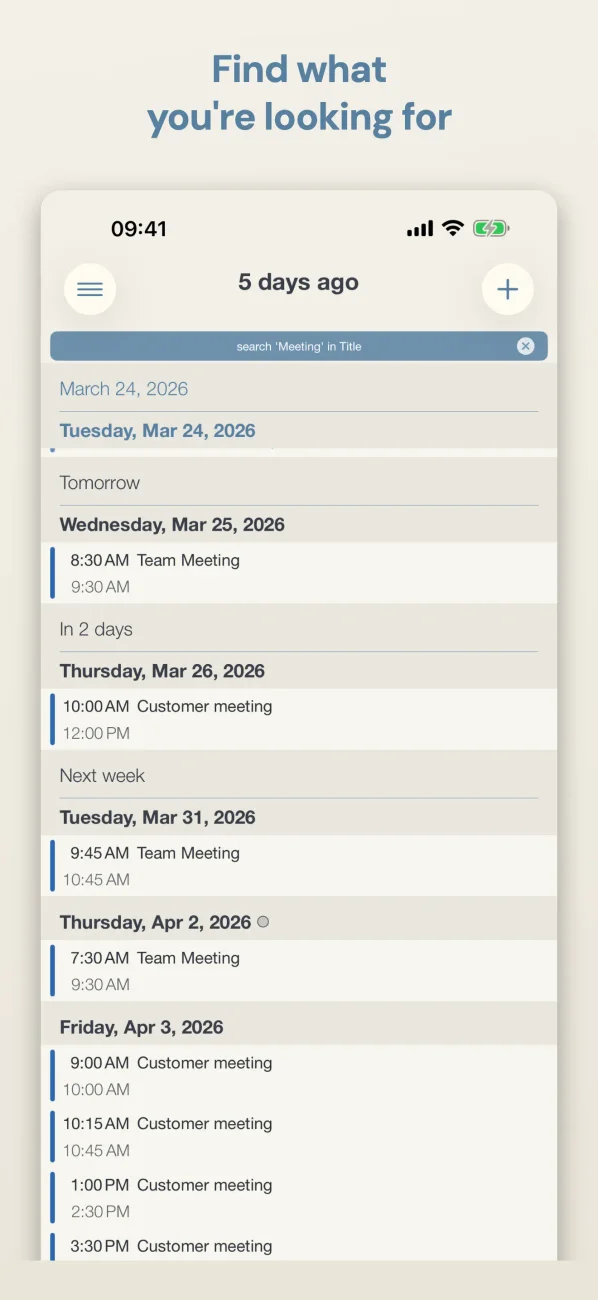
- Powerful search across all fields and views
- Scheduling conflict detection
- Recurrence rules for repeating events
- Multiple alarms and reminders
- Invitations management
- Integrated maps with turn-by-turn directions
- Timezone support
- Full iPad support
Syncs with the built-in Calendar app — your events are always up to date.
A one-time Appoint Pro purchase unlocks even more — no subscription, yours forever. Already bought Appoint? You already have Pro, with our thanks.
feedback@appointcal.com
What’s new
Version 3.5.3 · Oct 20, 2026
- Ready for iPhone Duo: views, type sizes, and navigation adapt to both displays
- Small improvements and bug fixes
App privacy
What Urs Gort declares on the App Store about how this app handles data.
-
Data not collected
The developer does not collect any data from this app.
Privacy practices may vary, for example with the features you use or your age.
Information
- Seller
- Urs Gort
- Category
- Productivity
- Version
- 3.5.3
- Updated
- Oct 20, 2026
- Released
- Jul 30, 2013
- Size
- 11.3 MB
- Requires
- iOS 17.0 or later
- Age rating
- 4+
- Price
- Free
- In-app purchases
- Yes
- Languages
- English, Dutch, French, German, Italian, Japanese, Korean, Portuguese, Simplified Chinese, Spanish, Traditional Chinese
- Copyright
- © 2014-2026 Urs Gort
You might also like
-
 DaySparkTime Visualization Widget
-
 Own Your Life: See Your LifeTime, ties & body in one place
-
 DigWords - Image-to-TextOffline Image-to-Text tool
-
 Prioriti - To Do List & MatrixOrganize, Prioritize, and Grow
-
 List2MapProductivity
-
 MockTimer Pro - Future NowTrain Like It’s the Real Exam
-
 WorldClock - 世界时钟,世界时间转换器Productivity
-
 Cute Daily Planner for WomenTo Do List & Habit Tracker
-
 daily reflections : Resetdaily journal , journaling
-
 Remical:calendar widgetCalendar & Reminders Widgets