
AQ Installer
XCSpec AQ Device Installer App
Designed for iPhone, iPad, iPod touch
Free
- Age rating4+
- CategoryUtilities
- DeveloperXCSpec
- LanguagesEnglish
- Size55.3 MB
Links to the official App Store page
Download.org hosts no file of AQ Installer. The button opens its official App Store page, published by XCSpec. Listing last checked on Nov 12, 2026.
Screenshots

About
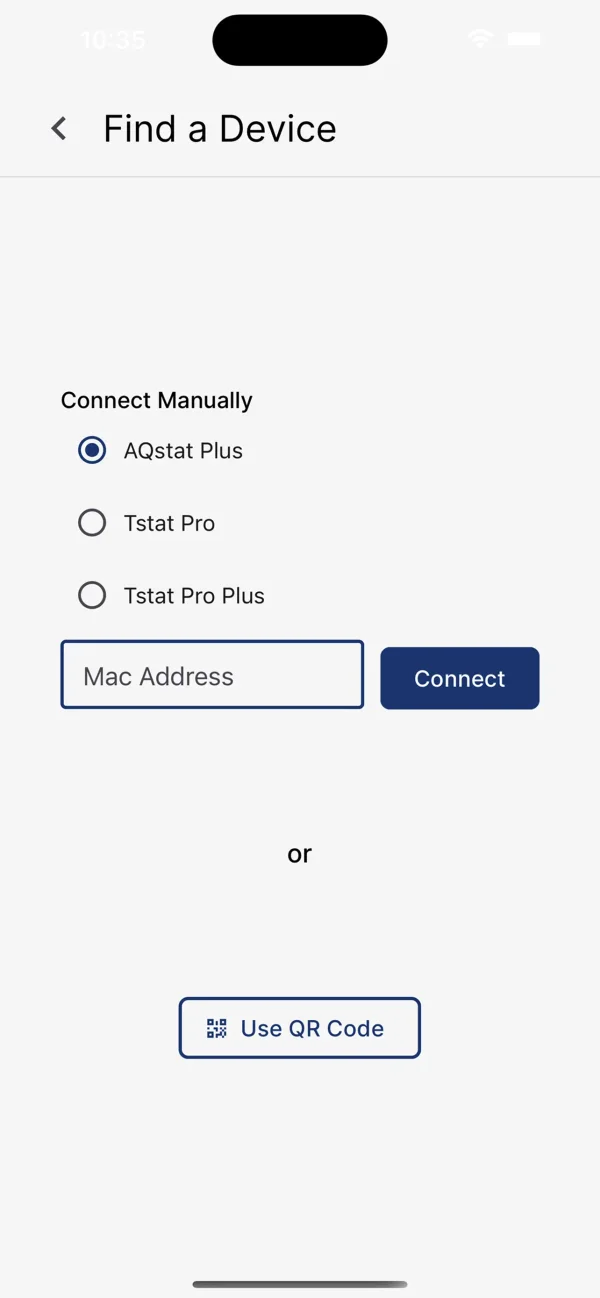
AQ Installer is the professional installer’s tool for setting up and managing Xcspec Air Quality thermostats in large-scale environments such as schools, factories, and office buildings.
Built specifically for industrial and commercial use, the app simplifies attaching to the device and configuring all the climate and ventilation controls through your mobile app
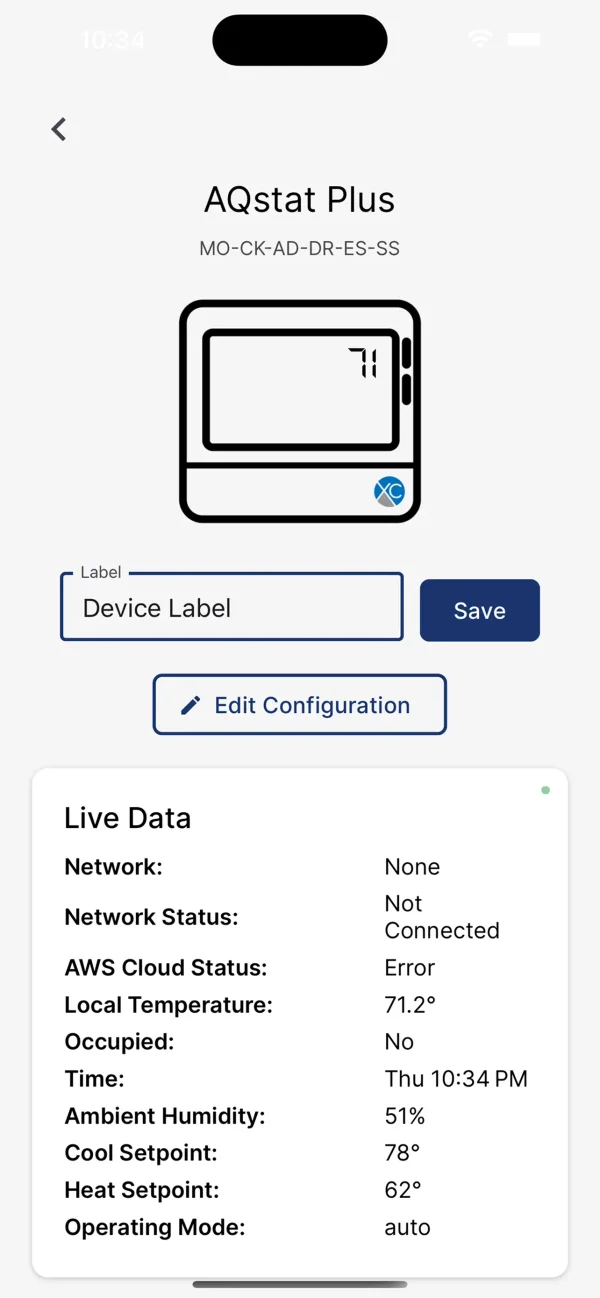
Allows installers to quickly assign a device specific label and synchronize time with their mobile device.
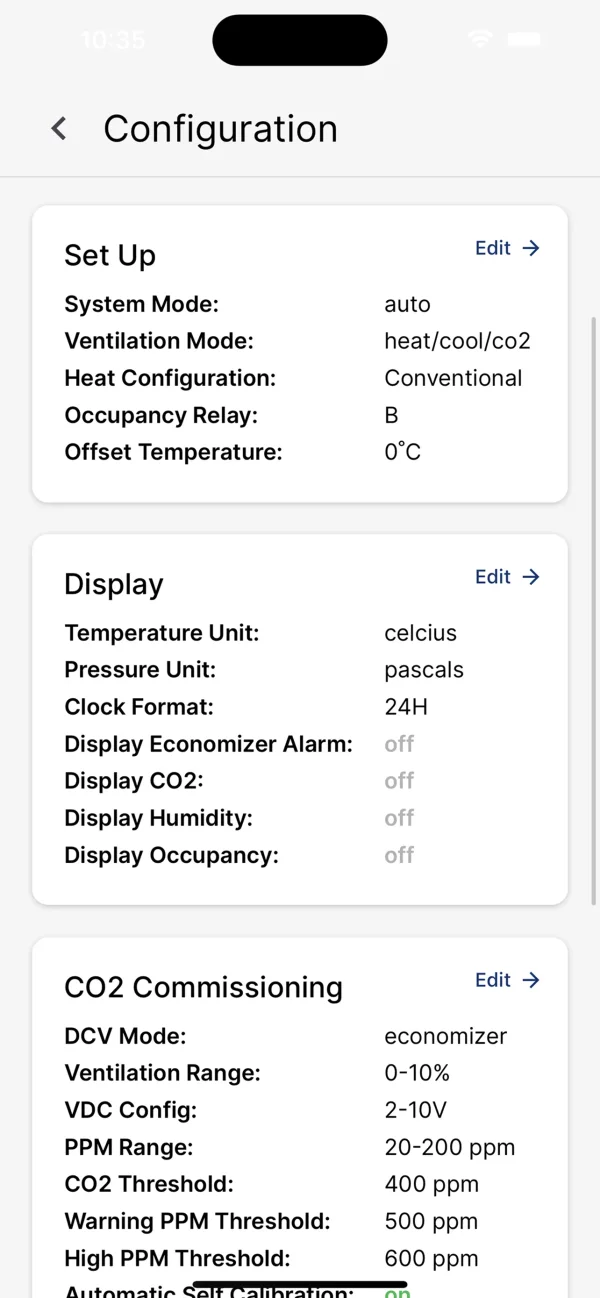
Quickly configure the thermostat ventilation and heating/cooling parameters.
Set up Schedules with our easy to use Picker.
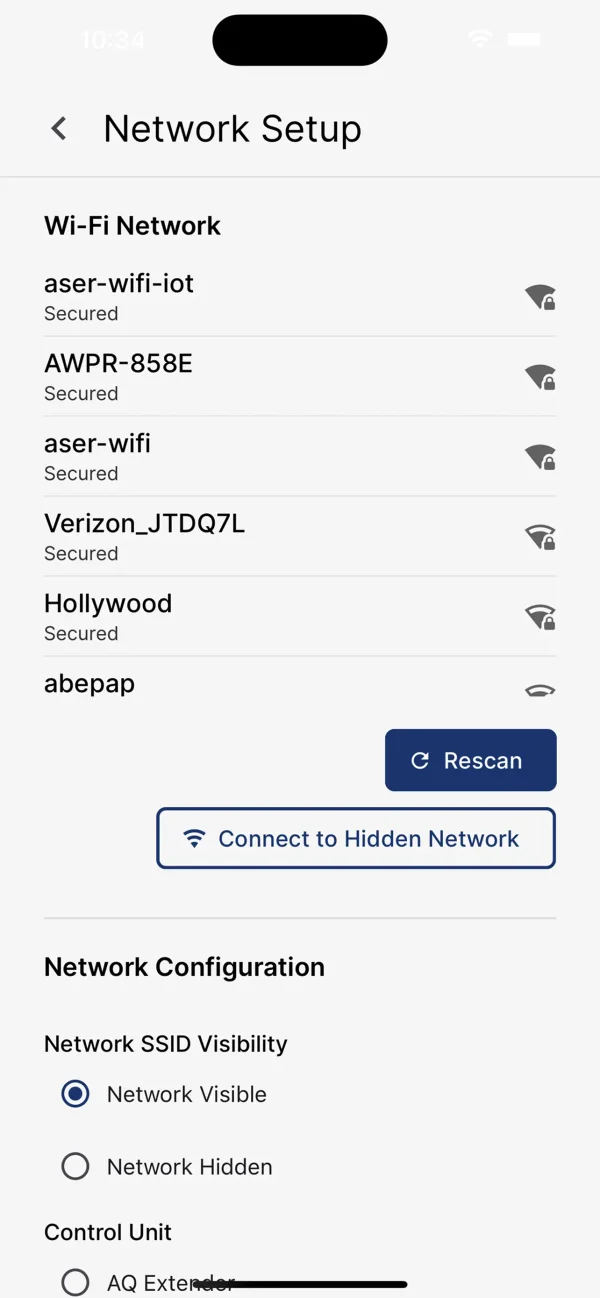
Easily configure the unit onto any IEEE802.b/g/n Wi-Fi network to enable communications with our cloud.
Confirm settings and operation on the Live Data Page.
What’s new
Version 1.2.0 · Nov 5, 2026
New devices
• AQ Indoor air-quality sensor: live readings, label, Wi-Fi set-up, and every setting from the device's own configuration pages.
• RTU Controller: set up like a thermostat, with Set Up Economizer in place of CO2 commissioning and Sensor Input Selection for the outside, return and supply air sensors.
• Thermostats show their bound remote sensors on the device summary.
Finding your device
• Scan QR Code comes first on Searching for Devices; Connect Manually sits below it.
• A clear reason when a Wi-Fi join fails, and a warning when a VPN is active.
• Each device's Wi-Fi signal strength is shown on its main screen.
• The app version and build appear on the welcome screen.
Set-up and schedules
• Equipment settings: heat/cool stages, staging delay, swings, minimum compressor on-time, display light.
• Schedules with four periods per day where the thermostat supports it.
• Loading an older preset no longer changes settings it never captured.
Fixes
• Devices on older firmware connect again.
• Switching between Conventional and Heat Pump now takes effect.
• Sync Device Time lists the US time zones and saves the thermostat's zone.
• Schedule edits are saved to the thermostat.
• Scan QR Code no longer stops at "Scanner Unavailable".
• Remote sensor temperatures show in the thermostat's display unit.
• The calibration slider shows its value while you drag it.
App privacy
What XCSpec declares on the App Store about how this app handles data.
-
Data not collected
The developer does not collect any data from this app.
Privacy practices may vary, for example with the features you use or your age.
Information
- Seller
- XCSpec
- Category
- Utilities
- Version
- 1.2.0
- Updated
- Nov 5, 2026
- Released
- Oct 2, 2025
- Size
- 55.3 MB
- Requires
- iOS 15.1 or later
- Age rating
- 4+
- Price
- Free
- Languages
- English
- Copyright
- © XCSpec
You might also like
-
 Visionect ConfiguratorUtilities
-
 AddressITWe make buildings better
-
 Request CerritosUtilities
-
 BTU Calculator: AC & HVACRoom Size & Unit Sizing
-
 Intelli-Guide™ ServiceUtilities
-
 Cleanlys: Clean & Boost DeviceOptimize Storage & Performance
-
 CoolAutomation ProfessionalRemote HVAC service & control
-
 BudderflyUtilities
-
 Xylem XUtilities
-
 Toshiba Fault CodesUtilities