AR Sketch & Trace
AR Tracing: Easy Drawing
Designed for iPhone, iPad
Free · In-app purchases
- Age rating4+
- CategoryGraphics & Design
- DeveloperVarMeta
- LanguagesEnglish+ 17 more
- Size136.9 MB
Links to the official App Store page
Download.org hosts no file of AR Sketch & Trace. The button opens its official App Store page, published by VarMeta. Listing last checked on Nov 20, 2026.
Screenshots

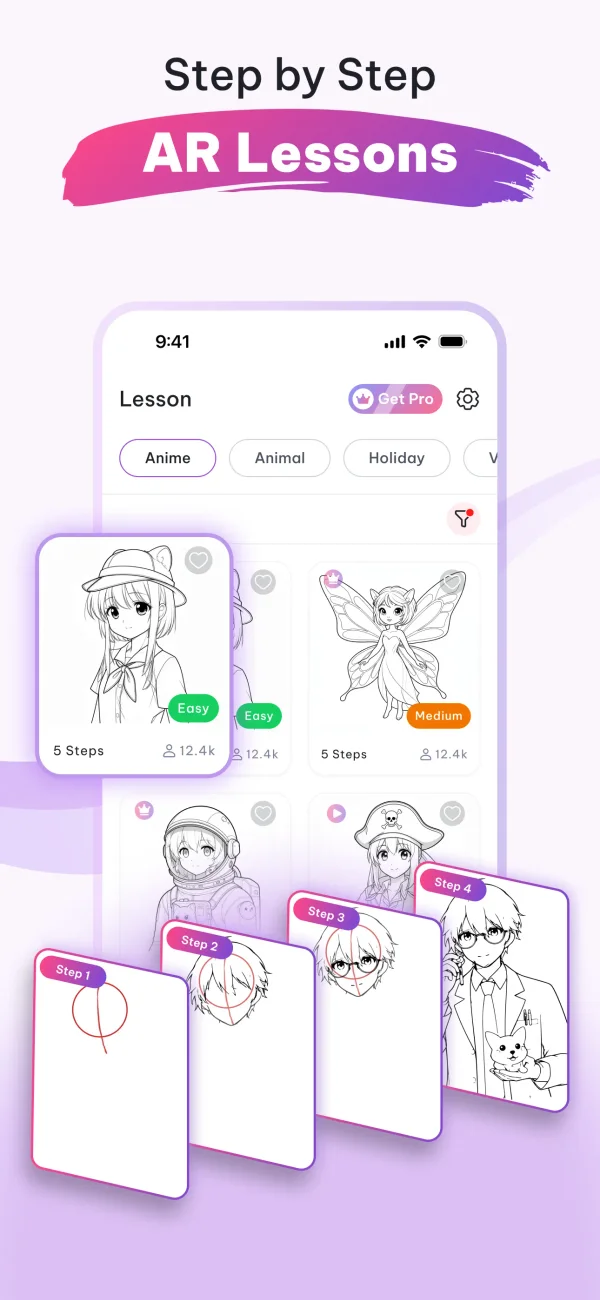
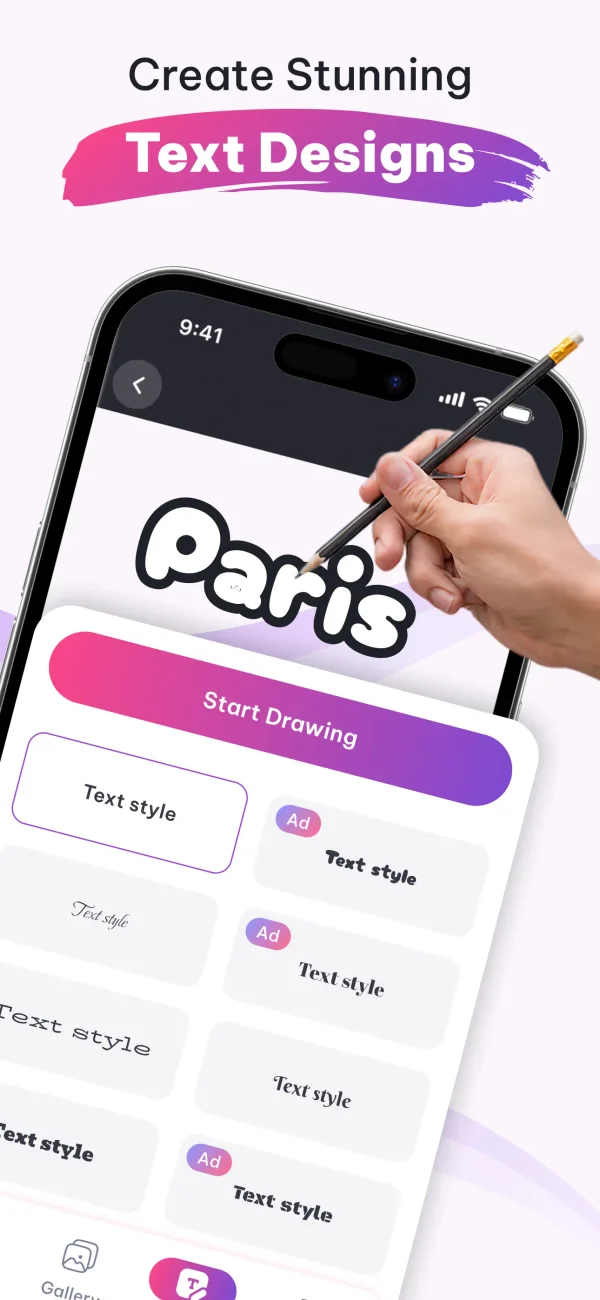

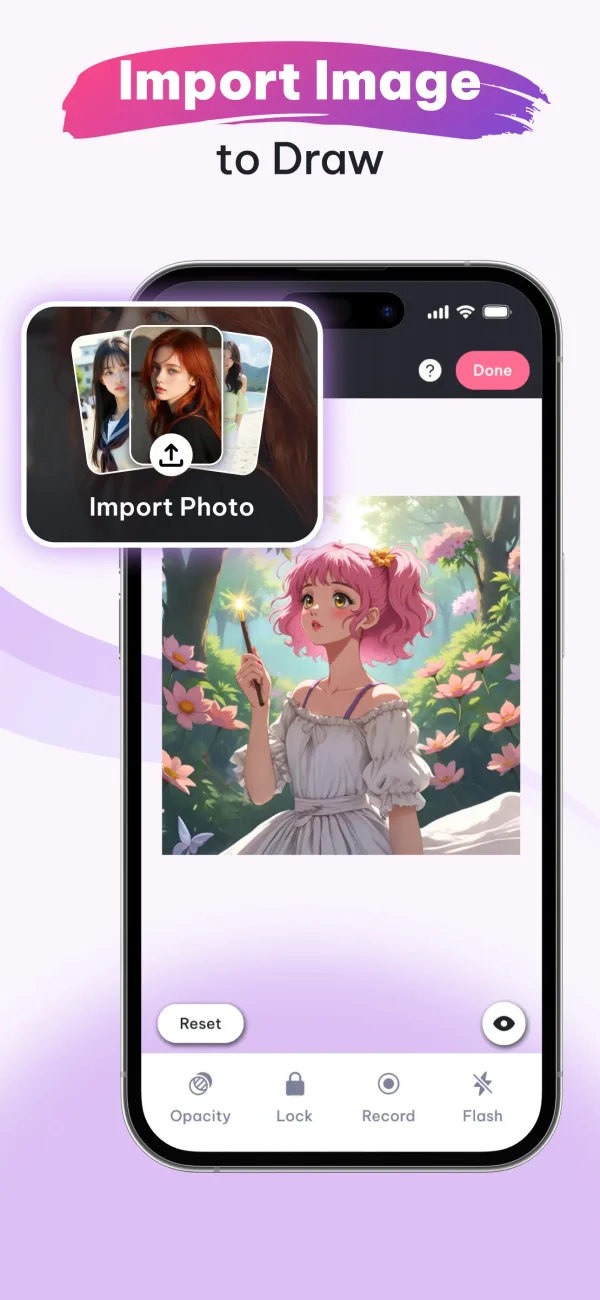
About
Unleash your inner artist with AR Sketch & Trace.
This app transforms your phone into a powerful drawing assistant.
Whether you are a beginner or a seasoned illustrator, sketching becomes easy and fun.
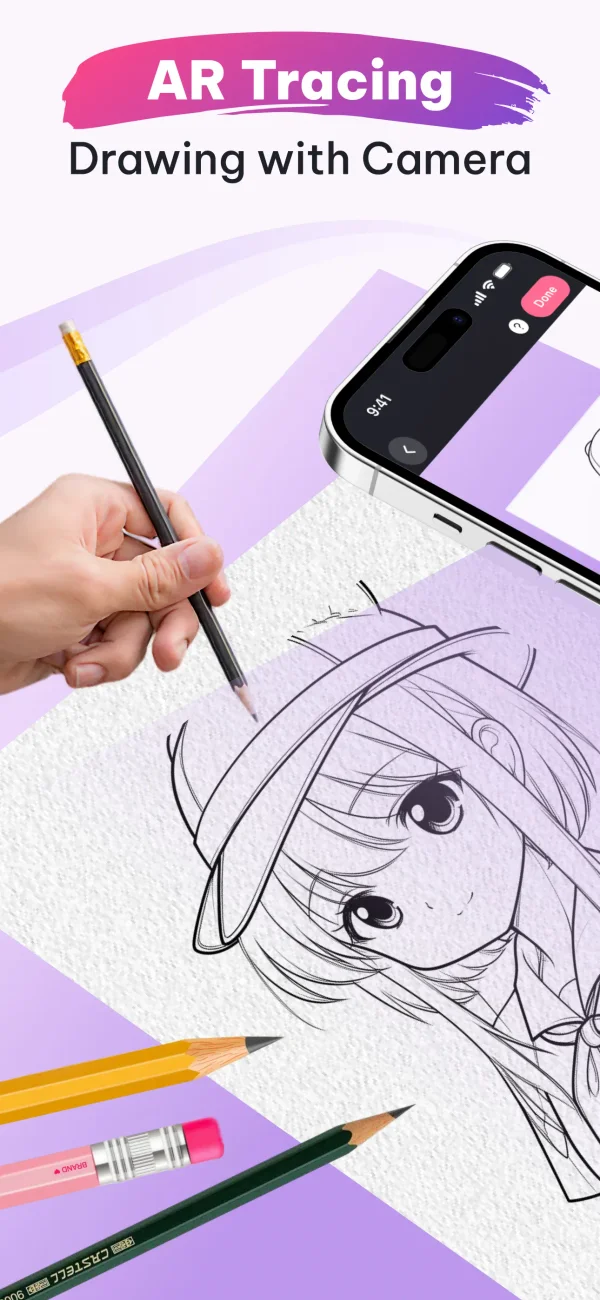
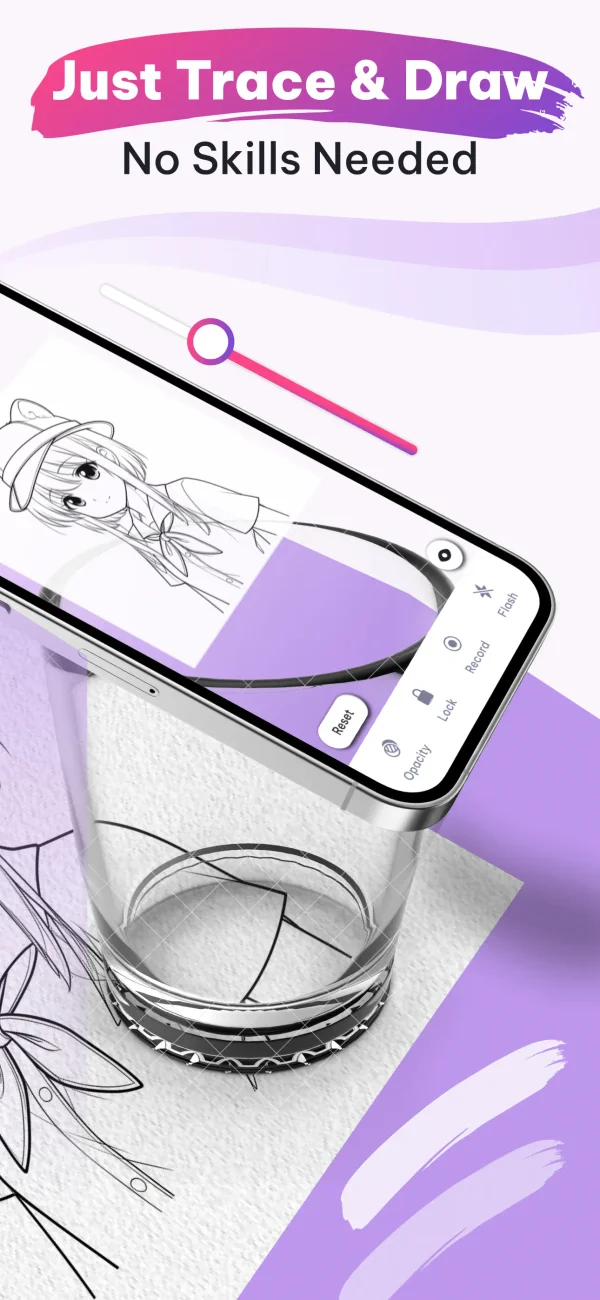
Using your device’s camera, project images onto any surface.
Trace effortlessly and build your drawing skills step by step.
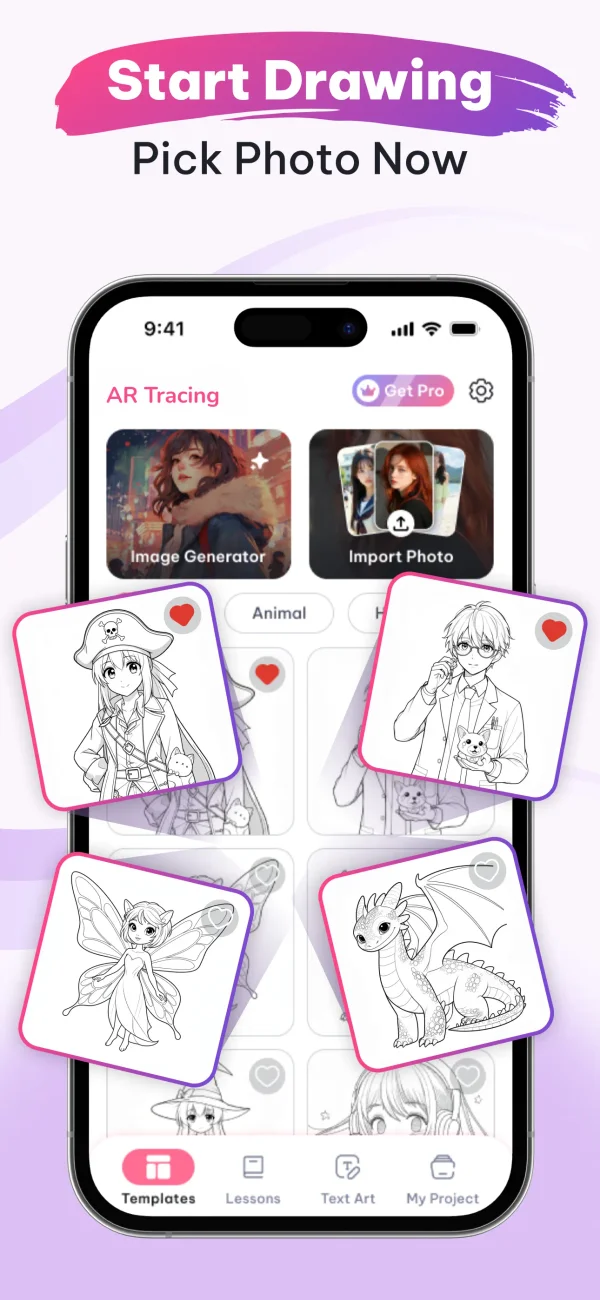
Choose from hundreds of templates—animals, cars, anime, nature, food, and more.
You can also upload your own images to trace and create unique artwork.
Key Features:
- AR Tracing Mode: Project images onto paper or any surface.
- Template Library: Access a wide range of drawing templates.
- Sketch & Paint Tools: Draw outlines, add colors, and refine your artwork.
- Video Recording: Capture your drawing process and share it.
- Gallery Save: Store your creations and revisit them anytime.
- Built-in Flashlight: Draw clearly even in low-light environments.
- No Experience Needed: Learn to draw in just a few days.
AR Sketch & Trace makes it intuitive and rewarding.
No more blank pages—just pick a template, trace, and create!
How It Works:
- Select a template or upload your own image.
- Position your phone over your drawing surface.
- Trace the projected image and add your personal touch.
- Save, record, or share your masterpiece.
Start your creative journey today with AR Sketch & Trace.
Where technology meets imagination!
Subscription Details
Payment will be charged to your Apple ID account upon confirmation of purchase.
Subscriptions automatically renew unless auto-renew is turned off at least 24 hours before the end of the current billing period.
Your account will be charged for renewal within 24 hours before the end of the current period.
You can manage and cancel subscriptions anytime through your App Store account settings.
Any unused portion of a free trial period, if offered, will be forfeited when purchasing a subscription.
What’s new
Version 5.1 · Nov 12, 2026
Smoother drawing, better stability! We fixed bugs and made improvements for a more reliable AR tracing experience
App privacy
What VarMeta declares on the App Store about how this app handles data.
-
Data used to track you
May be used to track you across apps and websites owned by other companies.
- Usage data
-
Data linked to you
May be collected and linked to your identity.
- Usage data
-
Data not linked to you
May be collected but is not linked to your identity.
- Usage data
- Diagnostics
Privacy practices may vary, for example with the features you use or your age.
Information
- Seller
- Var Meta Technology Joint Stock Company
- Category
- Graphics & Design
- Version
- 5.1
- Updated
- Nov 12, 2026
- Released
- Nov 13, 2025
- Size
- 136.9 MB
- Requires
- iOS 16.0 or later
- Age rating
- 4+
- Price
- Free
- In-app purchases
- Yes
- Languages
- English, Arabic, Dutch, French, German, Hindi, Indonesian, Italian, Japanese, Korean, Portuguese, Russian + 6 more
- Copyright
- Copyright © 2025 Var Meta. All rights reserved.
You might also like
-
 Lightbox draw - tracing paperTrace Images Easily on Paper
-
 AR Tracing: Drawing by TayasuiTrace, Sketch & Draw on Paper
-
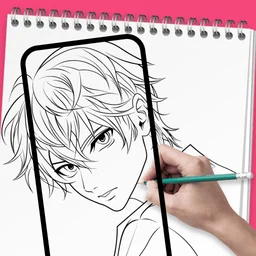 AR Drawing Sketch AI - ArtEasyPhoto Trace & Simple Lessons
-
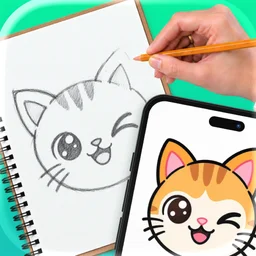 AR Sketch Art: Camera DrawingTrace & Draw by WhatSticker
-
 AR Projector Tracing & DrawingTrace & Draw AI Photo on Paper
-
 Calca appCalc Application
-
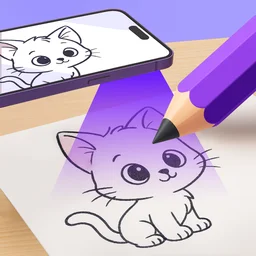 AR Tracing: Easy Art DrawingLearn how to draw any picture
-
 AR Drawing App - SketchifyEasy Trace & Learn How to Draw
-
 AR Drawing: Easy Sketch & DrawTrace & Draw picture on paper
-
 AR Drawing – Tracing ProjectorDraw Art with Smart Sketcher