- Age rating4+
- CategoryGraphics & Design
- DeveloperFrancisco Mateo Marquez
- LanguagesEnglish
- Size65.7 MB
Links to the official App Store page
Download.org hosts no file of Calca app. The button opens its official App Store page, published by Francisco Mateo Marquez. Listing last checked on Nov 26, 2026.
Screenshots
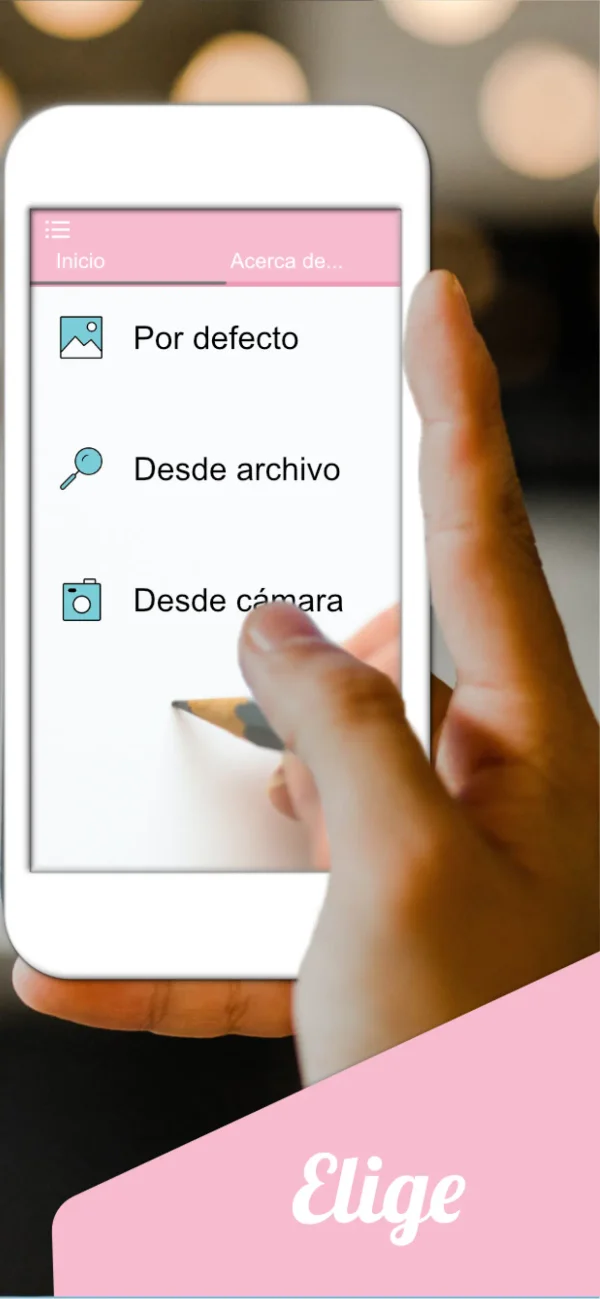
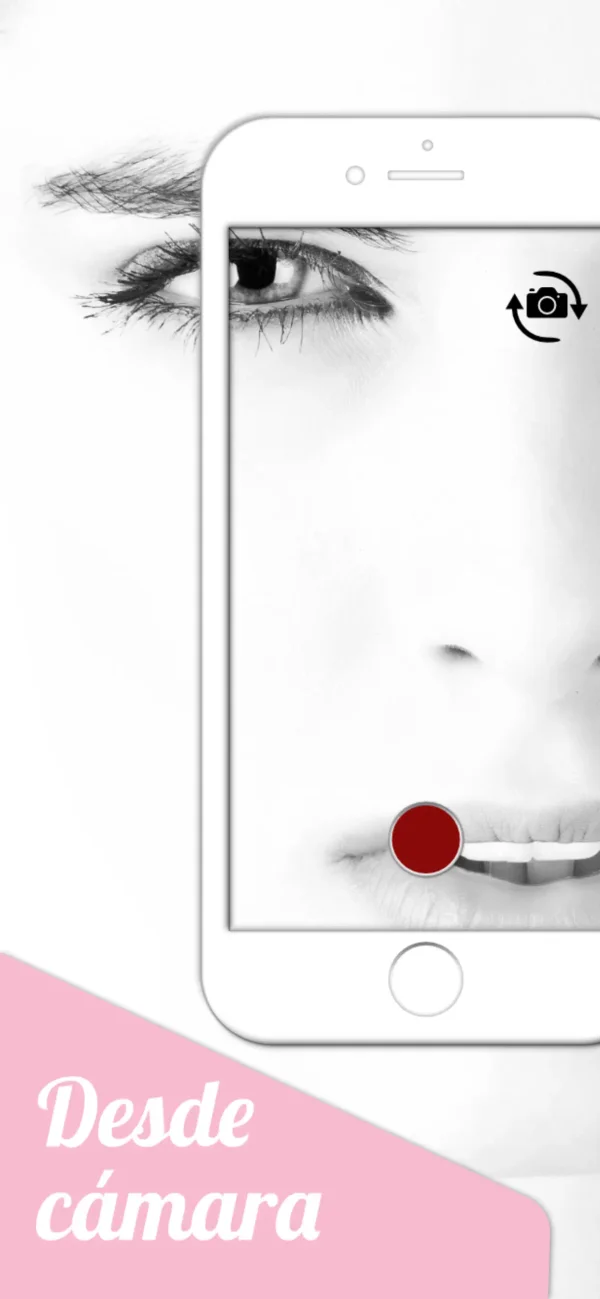
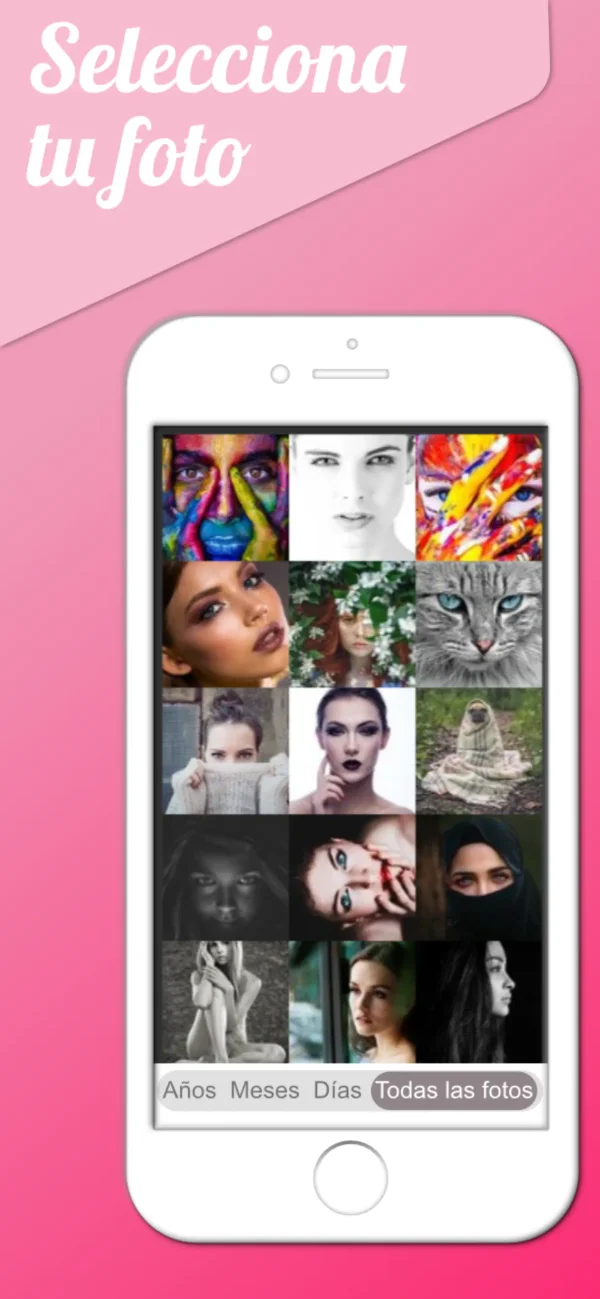
About
CalcaApp: Your Customizable Tool for Transferring Images to Paper
Welcome to the latest CalcaApp update!
Overview:
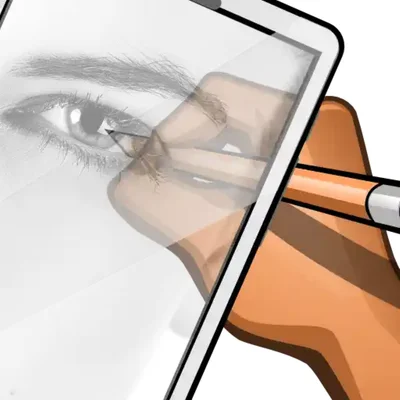
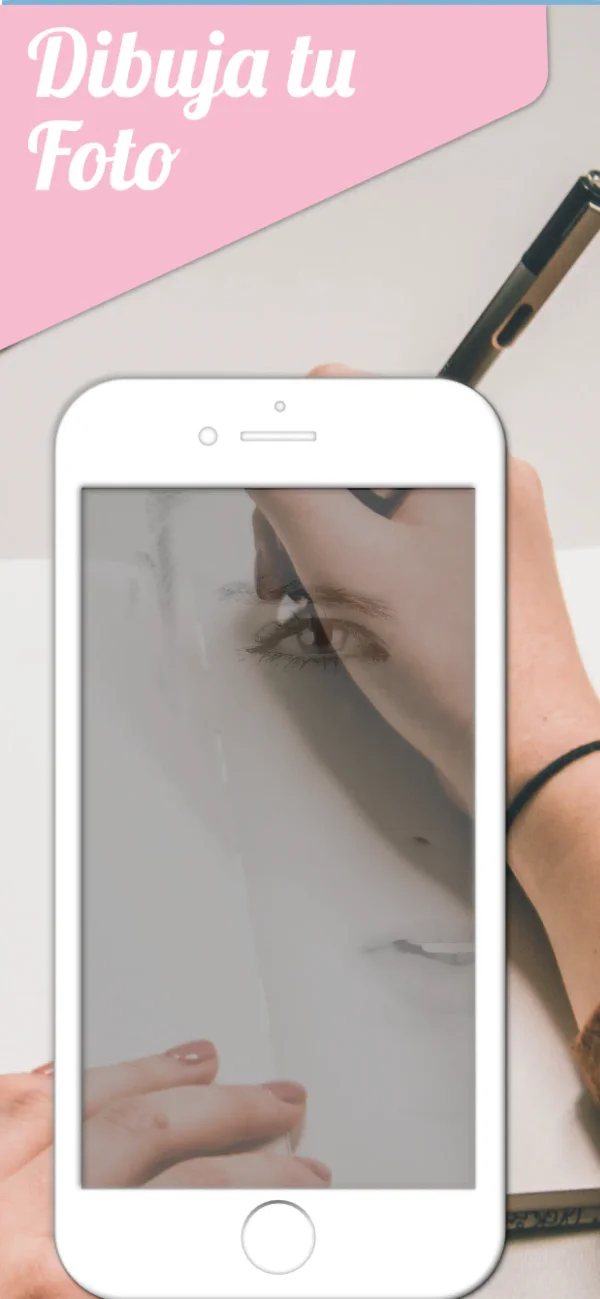
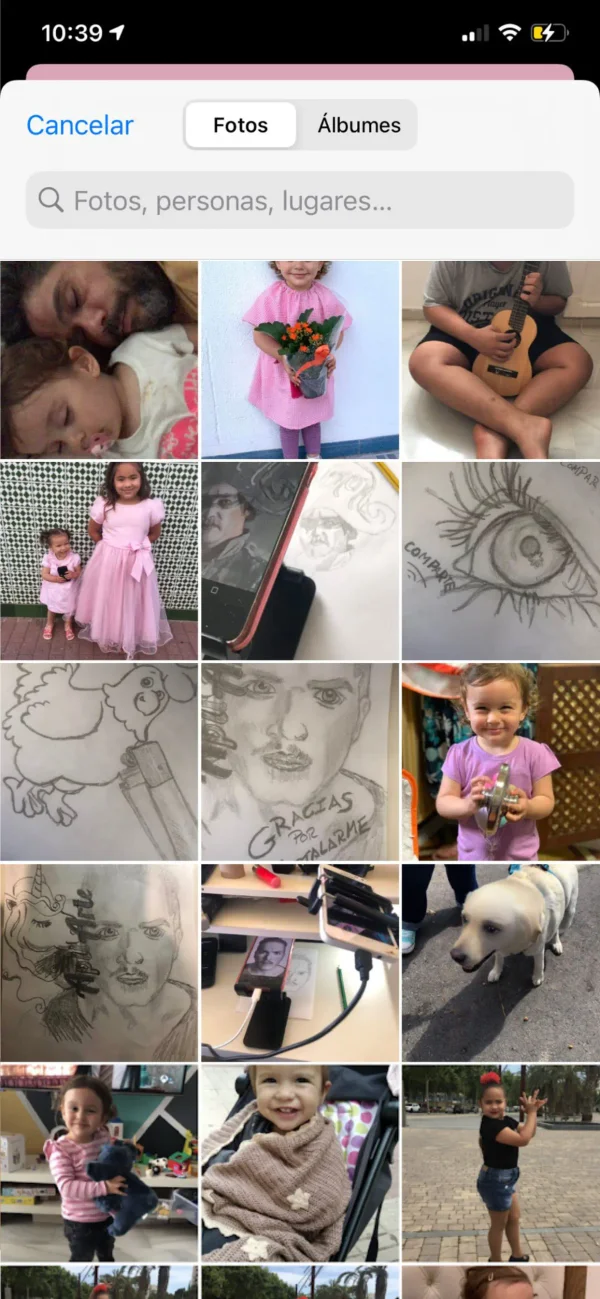
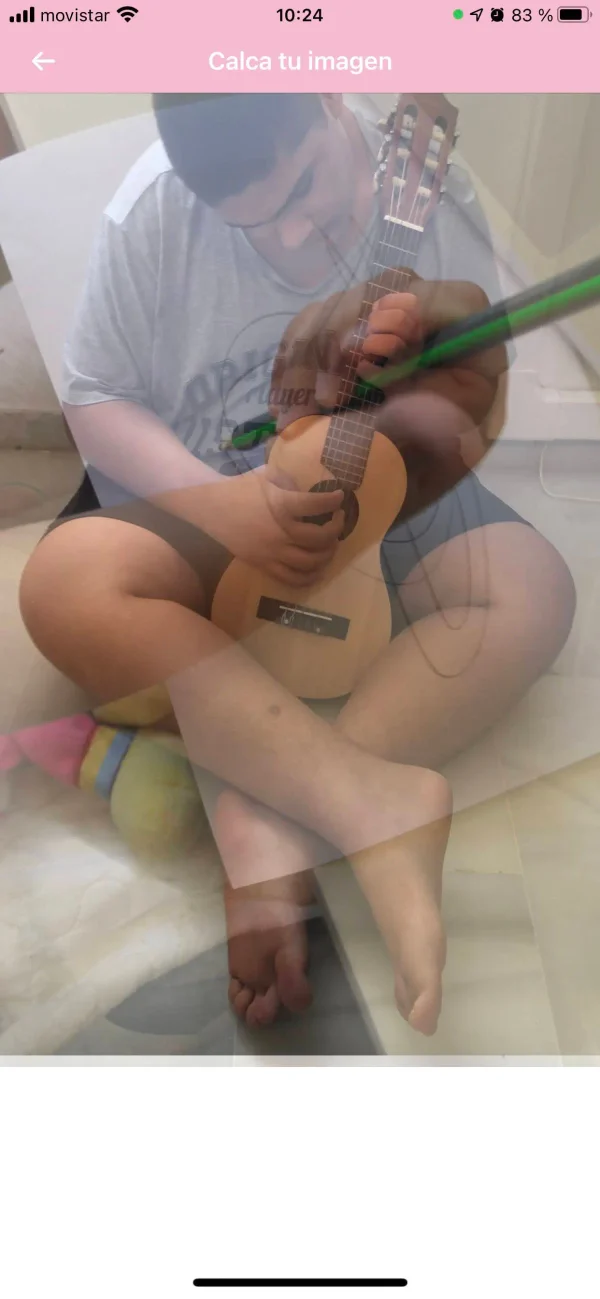
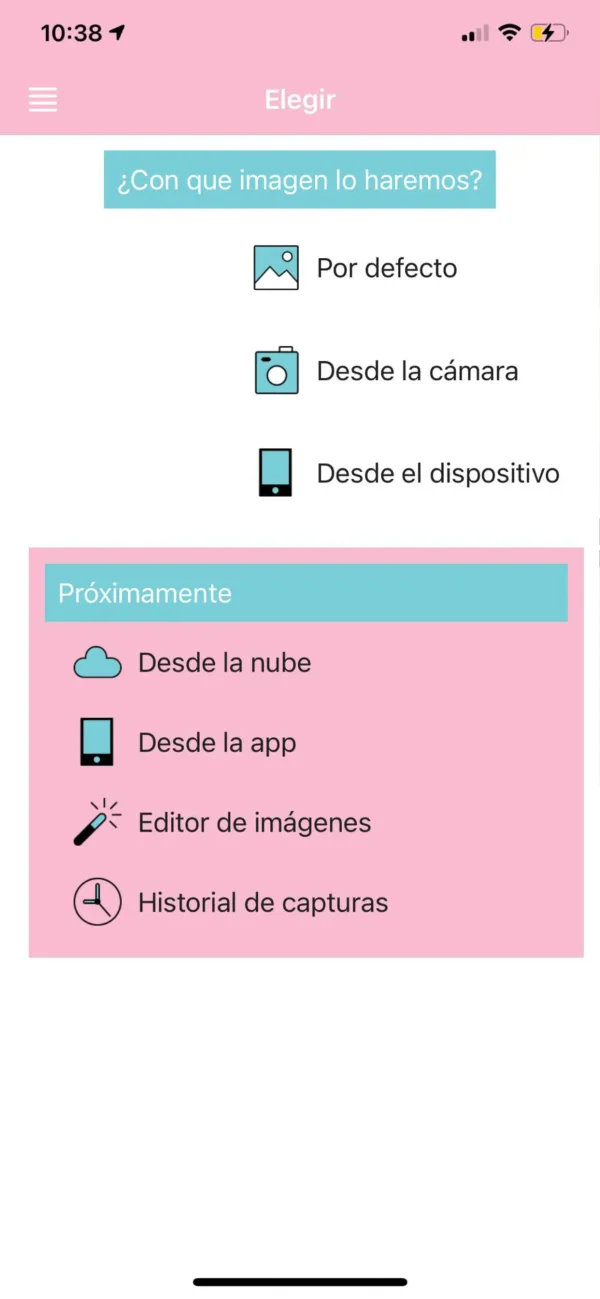
CalcaApp is an innovative, customizable tool that allows you to transfer any image from your device or captured with your camera to paper, acting as a camera lucida or projector. With a wide selection of features and tools, CalcaApp is designed to inspire you and facilitate your artistic creations.
You can draw on a table on a paper yes, but you can also make a small mural on the wall if you hold your phone upright and looking through it at the image you have chosen on the wall.
3D effect: You can use a basic stand to support the device with a 45 degree tilt or those you choose, and you can make a 3D effect on the drawing. examples with videos and images at CalcaApp.com.
Free for Everyone:
I'm excited to announce that CalcaApp is now completely free for all its users - enjoy all the features at no cost!
Earn Points, Remove Ads:
Coming soon, you'll have options that will require more than ten points. With an active subscription, you'll have access to everything unlocked at the same special price.
Annual Subscription:
If you've noticed that CalcaApp is continually developing and implementing new features, you'll now have access to everything unlocked at the same price.
Multicultural Languages:
We've added new languages, including Italian, plus Russian, French, Indonesian, German, Arabic, English, Spanish and Portuguese, so you can enjoy CalcaApp in your preferred language.
Customize with 1550+ Fonts:
Choose from a wide selection of over 1550 fonts to give a unique touch to your texts and designs. In addition, CalcaApp is customizable in various colors for easy inspiration when using the app.
Improved Web Capture:
Now, capturing web pages is easier than ever. Turn your favorite websites into images with just one tap.
Learn with Our Tutorials:
Explore our tutorials on CalcaApp.Com to get the most out of all the features and tools available.
Follow me on the Networks:
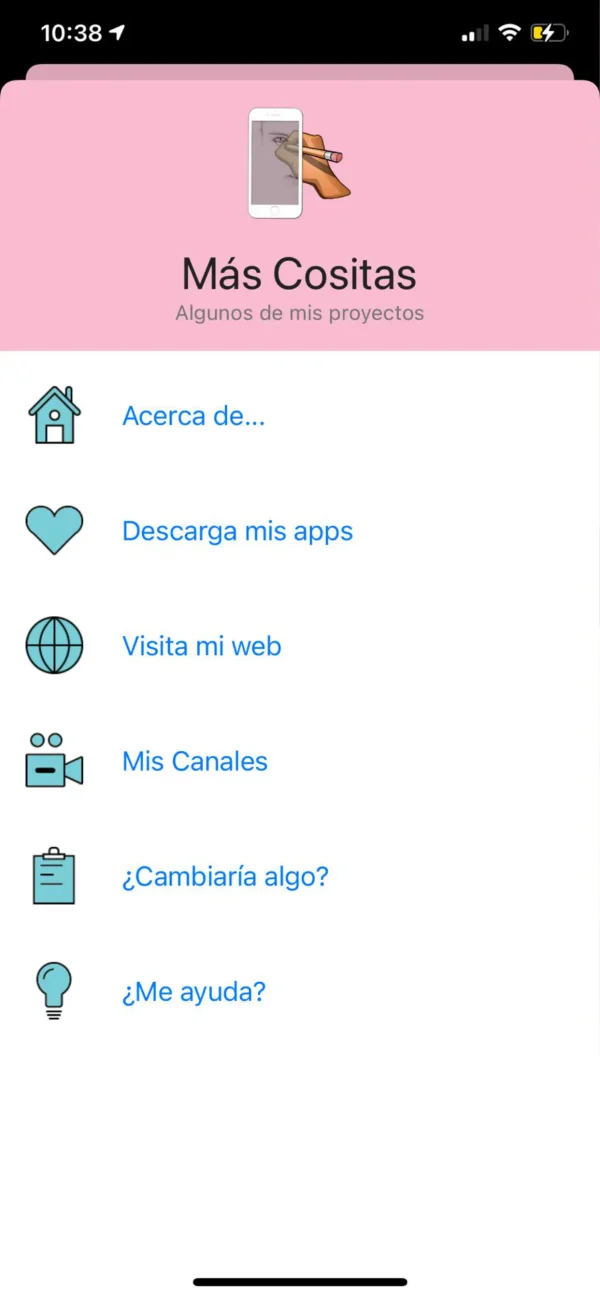
Ask us for new features from our social networks and get to know them on ApliArte.Com.
Recommended supports:
Use supports recommended by CalcaApp or, failing that, something suitable, such as a glass, a jar or a box, to hold the device horizontally or vertically depending on where you want to make the drawing, but it is important that the device is fixed.
Tips and Recommendations:
Consider using a stand recommended by CalcaApp for a better experience.
Consider choosing a color of your liking for a better user experience.
Consider using relaxing music and make sure you have enough lighting to enjoy the experience.
Remember that CalcaApp is not magic and requires practice. You can find demonstration videos on our website for best results.
IMPORTANT:
-You must give permission to the camera of your device, to be able to see through it, the image chosen or captured in the area where you are about to draw.
-This app is not magic (It needs practice, there are demonstration videos to see results).
-Your device MUST FOCUS ON THE DRAWING AREA, whether it is paper, wall, floor, etc... FOR ITS CORRECT FUNCTIONING.
-You can search with the app from the web for any drawing to color and thus start practicing.
-You can remove advertising with a point system and at no cost.
-It does not project the image (For this you need a projector).
-To avoid autofocus you have to prevent the hand from passing under the camera (It is explained with images in CalcaApp.com).
-You do not need to register in the app.
-This app is under continuous development, we appreciate and value your comments and suggestions at erbolamm.com or apliarte.com.
Is there anything else I can help you with?
What’s new
Version 258 · Nov 20, 2026
• Recommended drawing stands and accessories catalog with faster image loading.
• More reliable subscription verification and purchase restoration.
• Improved device-to-device connection stability and safer history saving.
• Updated translations, privacy refinements, and general performance fixes.
App privacy
What Francisco Mateo Marquez declares on the App Store about how this app handles data.
-
Data used to track you
May be used to track you across apps and websites owned by other companies.
- Location
- Identifiers
- Diagnostics
-
Data not linked to you
May be collected but is not linked to your identity.
- Location
- Identifiers
- Diagnostics
Privacy practices may vary, for example with the features you use or your age.
Information
- Seller
- Francisco Mateo Marquez
- Category
- Graphics & Design
- Version
- 258
- Updated
- Nov 20, 2026
- Released
- Jun 19, 2021
- Size
- 65.7 MB
- Requires
- iOS 16.0 or later
- Age rating
- 4+
- Price
- Free
- In-app purchases
- Yes
- Languages
- English
- Copyright
- © erbolamm
You might also like
-
 Lightbox draw - tracing paperTrace Images Easily on Paper
-
 AR Tracing: Drawing by TayasuiTrace, Sketch & Draw on Paper
-
 AR Sketch Art: Camera DrawingTrace & Draw by WhatSticker
-
 AR Drawing Sketch AI - ArtEasyPhoto Trace & Simple Lessons
-
 AR Projector Tracing & DrawingTrace & Draw AI Photo on Paper
-
 AR Tracing: Easy Art DrawingLearn how to draw any picture
-
 AR Drawing – Tracing ProjectorDraw Art with Smart Sketcher
-
 Painter Eye: AR Drawing AppProjector, Sketch & Trace
-
 AR Sketch & TraceAR Tracing: Easy Drawing
-
 AR Drawing App - SketchifyEasy Trace & Learn How to Draw