Archivist Browser
Stream Movies, Audio and Texts
Designed for iPhone, iPad, iPod touch
Free
- Age rating17+
- CategoryUtilities
- DeveloperRobert Lothian
- LanguagesEnglish
- Size78.9 MB
Links to the official App Store page
Download.org hosts no file of Archivist Browser. The button opens its official App Store page, published by Robert Lothian. Listing last checked on Nov 22, 2026.
Screenshots

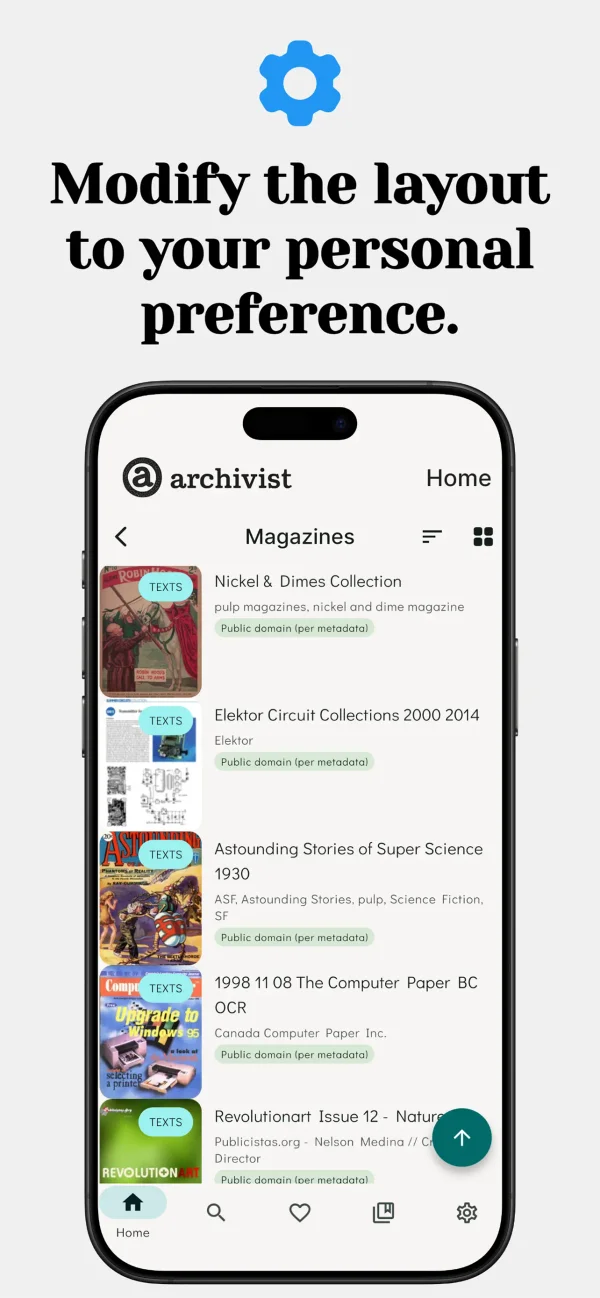
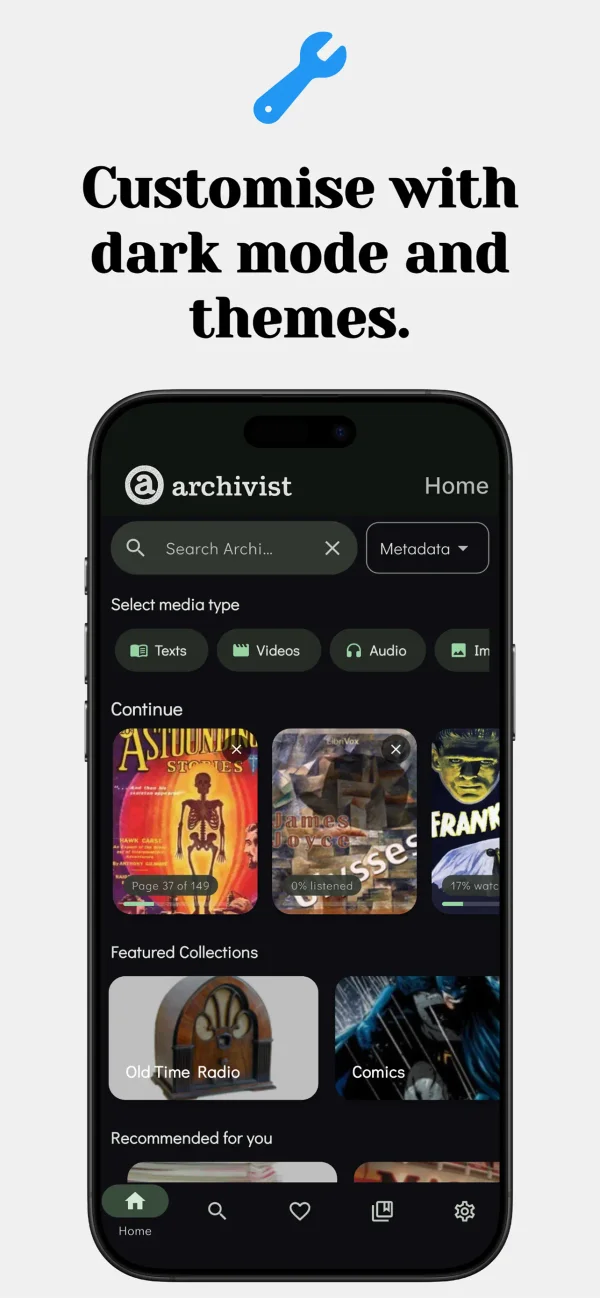
About
Archivist Browser: Your Portal to Digital History
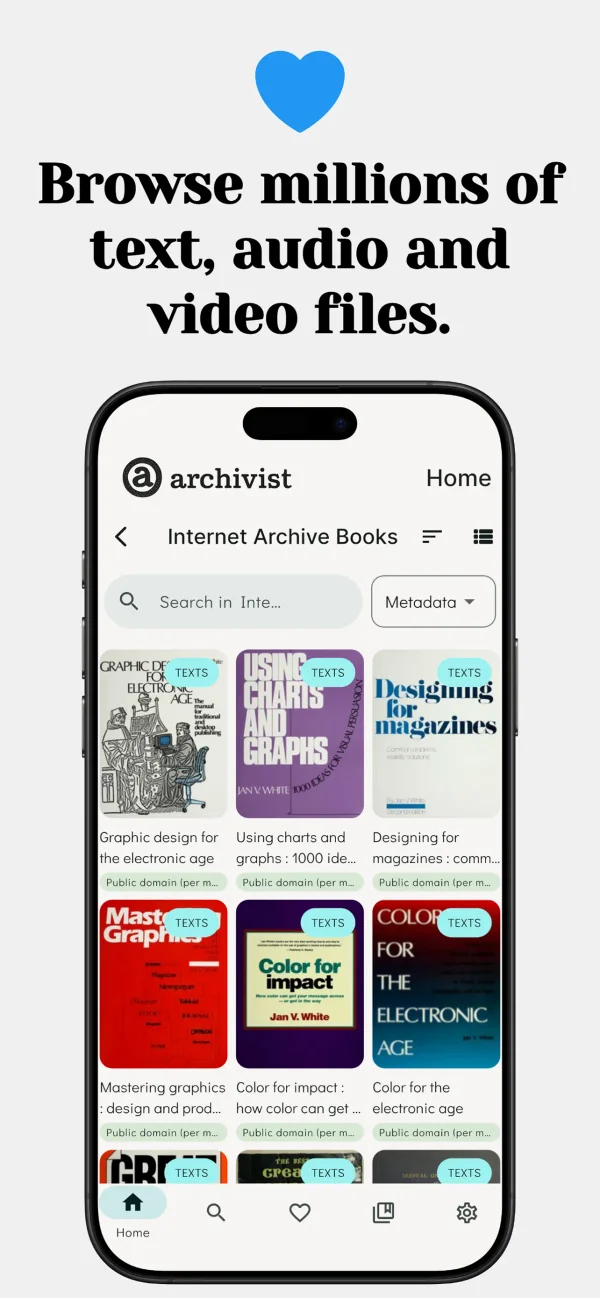
Archivist Browser is the ultimate media player, transforming your device into a comprehensive portal for streaming content directly from the Internet Archive's vast collections. Built specifically for researchers and enthusiasts of historical media, our app provides the fastest, most reliable way to stream millions of films, audiobooks, music and digital texts.
Stop struggling with browser playback. Download Archivist Browser and experience the past, optimised for seamless, modern streaming.
What the Critics Say
"A really cool piece of software... I've never seen anything like this before... Highly recommend." — WILL SMITH, BRAD AND WILL MADE A TECH POD
"A great idea for a very niche utility – my favourite kind these days." — FEDERICO VITICCI, MACSTORIES
As featured in Cory Doctorow's Pluralistic blog.
Enhanced Media Playback & Visuals
Experience history in high definition with a UI designed for modern enthusiasts.
Custom Themes: Personalise your experience with the new Alt Indigo Theme, a variation specifically for Dark Mode enthusiasts.
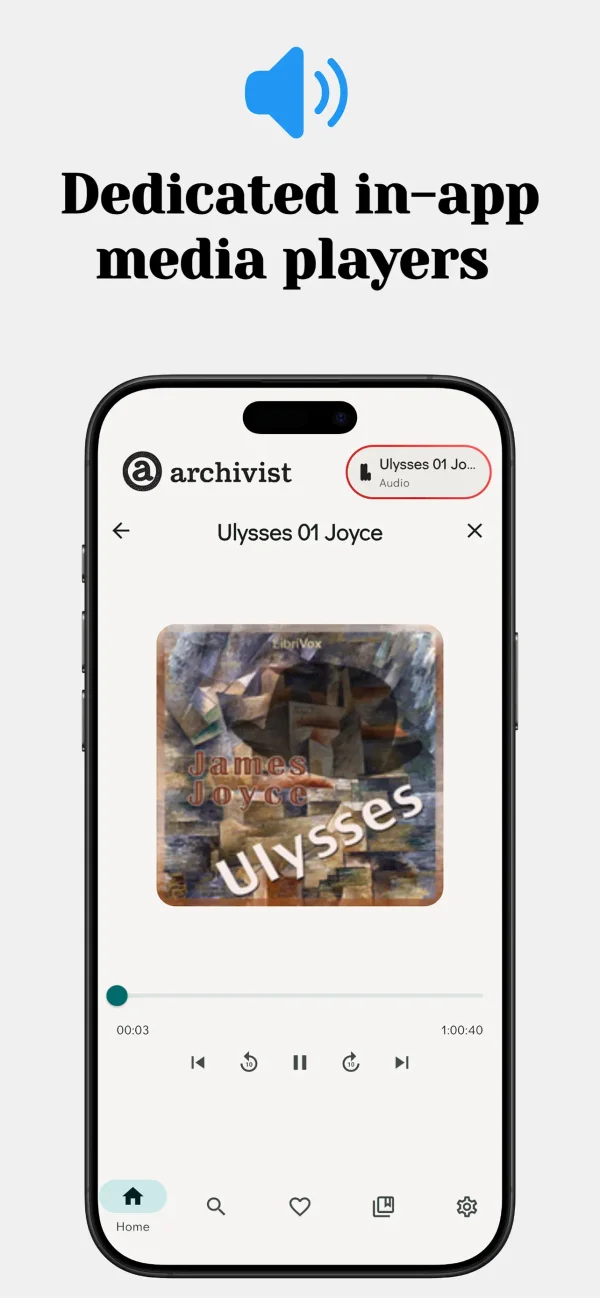
Universal TV Casting: Watch films and video on your big screen! Archivist Browser supports AirPlay (on iOS) for instant, seamless video streaming to any compatible TV or streaming device.
High-Res Image Viewer: Enjoy smoother navigation and better rendering when viewing high-resolution assets.
Improved Subtitles: Expanded support for subtitles across more titles and languages.
Optimised Audio: Enjoy full background audio support and media controls right from your lock screen, perfect for listening to historical audiobooks or music collections.
Polished UI: Refined thumbnail badges offer better clarity and a more professional look.
Discovery & Integration
Navigate the Archive’s millions of items with ease.
Topic Chips: Quickly filter and find what you want with Topic Chips now appearing on Collections.
Uploader Profiles: Explore more from your favourite contributors by clicking an uploader’s name to see their full gallery.
Internet Archive (IA) Integration: Seamlessly import your lists directly from your IA account for a seamless transition.
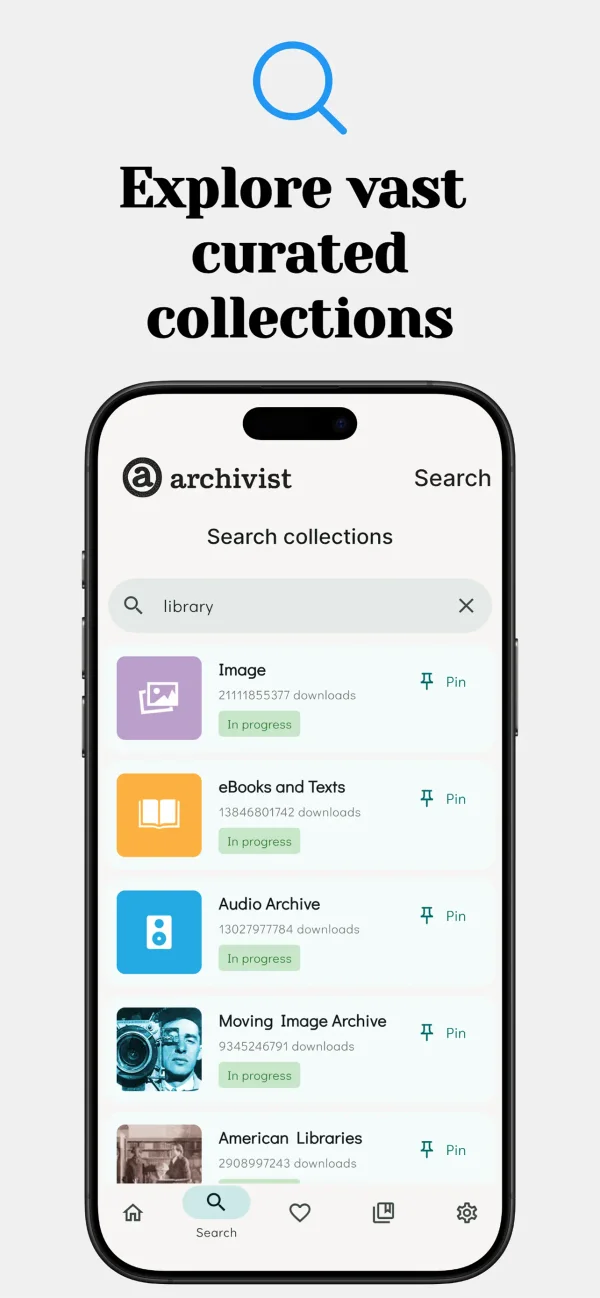
Fast Content Discovery: Easily find media by title, keyword or creator, or access curated "Popular Queries" to jump straight into trending collections.
File & Folder Management
Organise and share your research effortlessly.
Folder Sharing: Share your favourite folders with other users via URL or QR code.
Smart Store Linking: If a recipient doesn’t have the app installed, shared links will automatically direct them to the store page.
On-the-Fly Renaming: Keep your library organised by renaming your folders instantly.
Text File Clean Up: Use a dedicated button to instantly tidy up messy OCR text files.
Rapid Text Access: Cached text fetching retrieves PDFs and documents rapidly (note: cache is purged on app closure).
Privacy & Reliability
We prioritise your privacy: No user accounts, no mandatory login and absolutely no personal details are stored. Experience the Archive with total peace of mind.
What’s new
Version 1.4.0 · Sep 17, 2026
New
Comic support — CBZ and CBR files open in-app
Built-in EPUB reader
Advanced search with filters, sorting and media-type refinement
History tab replaces Collections
AirPlay and DLNA casting for audio, alongside Chromecast
Drag-and-drop track reordering, saved per album
In-app user guide in Settings
OCR cleanup for EPUB and text files
Full screen-reader support (VoiceOver, TalkBack, Voice Control)
Improved
Favouriting: tap the heart to pick a folder, no long-press needed
"Jump back in" can be dismissed, with undo
Landscape reading — facing-page PDF spreads, side navigation, comfortable line length
Fullscreen toggle in the PDF and comic readers
Higher-resolution album artwork
Faster collection loading with clearer loading states
Smoother home screen during audio playback
Rebuilt content filter — fewer false blocks, more reliable blocking
Startup no longer blocks when the Archive is slow to respond
Fixed
Resumed items opening in the wrong viewer
Albums offering both MP3 and WAV playing every track twice
Truncated file names on the Favourites screen
Tutorial cards cut off on some screens
Colour artifacts during video playback on Nvidia Shield
Remote focus and D-pad issues across Android TV and Fire TV
On-screen keyboard appearing while moving between search fields with a remote
App privacy
What Robert Lothian declares on the App Store about how this app handles data.
-
Data not collected
The developer does not collect any data from this app.
Privacy practices may vary, for example with the features you use or your age.
Information
- Seller
- Robert Lothian
- Category
- Utilities
- Version
- 1.4.0
- Updated
- Sep 17, 2026
- Released
- Jan 13, 2026
- Size
- 78.9 MB
- Requires
- iOS 15.6 or later
- Age rating
- 17+
- Price
- Free
- Languages
- English
- Copyright
- © 2025 Robert Lothian
You might also like
-
 LudyActions190+ Actions for Shortcuts
-
 Cleaner AI - Clean Up StorageSwipe to Delete Photos
-
 Darkify for SafariSmart Dark Mode for Safari
-
 File Transfer & Share: StashSend Large Files, Encrypted
-
 Remote Wake Up MobileControl Devices Remotely
-
 Room Planner: LiDAR Scanner 3DAR Tape Measure・AI Floor Plans
-
 domoment ‐ Voice AI to ActionIdeas to Clear Plans Fast
-
 VariAlarm: Alarm ClockSkip a day, keep your routine
-
 Air Share: Backup or Copy DataWifi Transfer, Backup, Cleanup
-
 Optio: AI Decision Maker WheelSpin, pick & decide with AI