- Age rating4+
- CategoryPhoto & Video
- Developermoonxseed
- LanguagesEnglish
- Size28.2 MB
Links to the official App Store page
Download.org hosts no file of Archixcam. The button opens its official App Store page, published by moonxseed. Listing last checked on Nov 18, 2026.
Screenshots





About
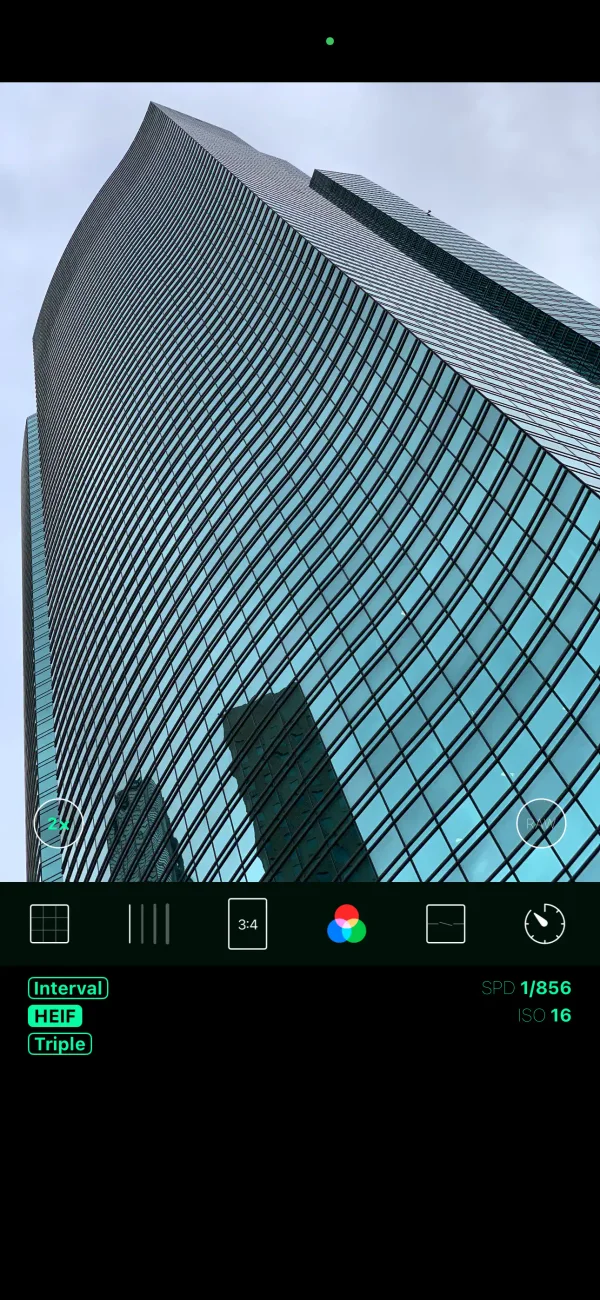
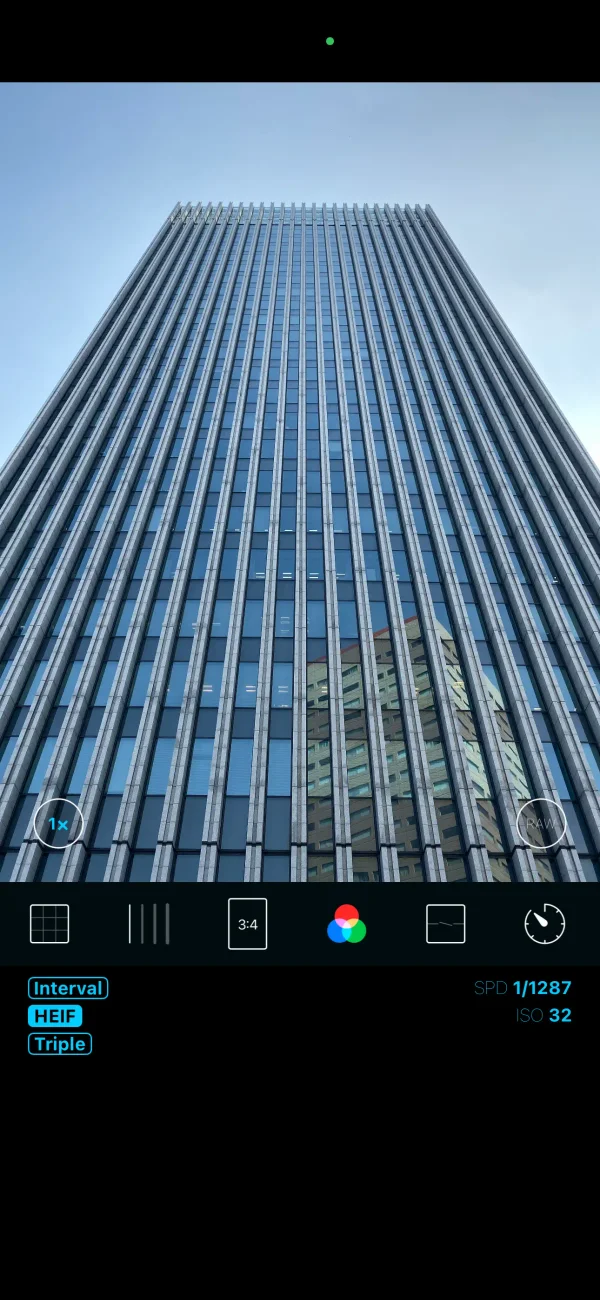
Take a photo as if you were shooting a video. That’s exactly Interval Shooting. Archixcam allows you to take photos using Interval Shooting. Surely you will be surprised, love it, and never let it go! Just as I did that.
Absolutely unique camera app like never before.
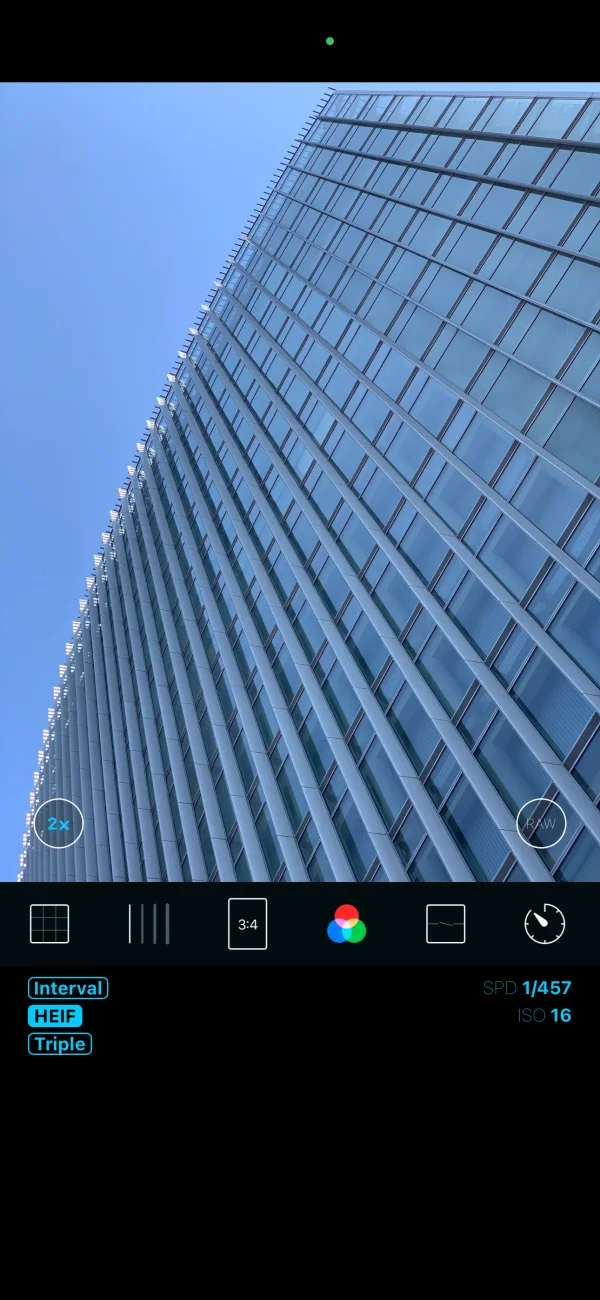
Archixcam is a camera app developed mainly for shooting the architecture. It will help you to take stunning and perfect photos of the architecture. When you find an impressive building, you can start shooting right away. In addition, it is easy to shoot with just one hand and is simply intuitive.
Shoot whenever and wherever you want.
Because we always carry a smartphone, we need to be able to shoot whenever and wherever we want. For this purpose, the app has been simplified by carefully selecting the necessary features.
Treasure every encounter, for it will never recur.
You can’t shoot again at that moment. Keep the photos you have taken for the time being so that you don’t regret it. You might encounter a photo that you never thought of.
Focus on shooting.
Imagine taking 10 photos while adjusting composition, framing, etc. Usually you need to tap the shutter button 10 times. Interval Shooting is a way to do this with just one tap. Since it automatically shoots at regular intervals, you can continue to shoot with a focus on tilt and alignment.
Repeat to get a better one.
Beautiful and accurate composition such as horizontal, vertical, diagonal, and symmetry is not easy to shoot with a single shot. Rather than aiming to shoot only one best shot, repeat shooting until you are satisfied and find your favorite one.
And even more features.
• Large shutter button — When shooting, you should keep looking at the subject, not the shutter button. For this reason, the shutter button has been enlarged to reduce erroneous operations.
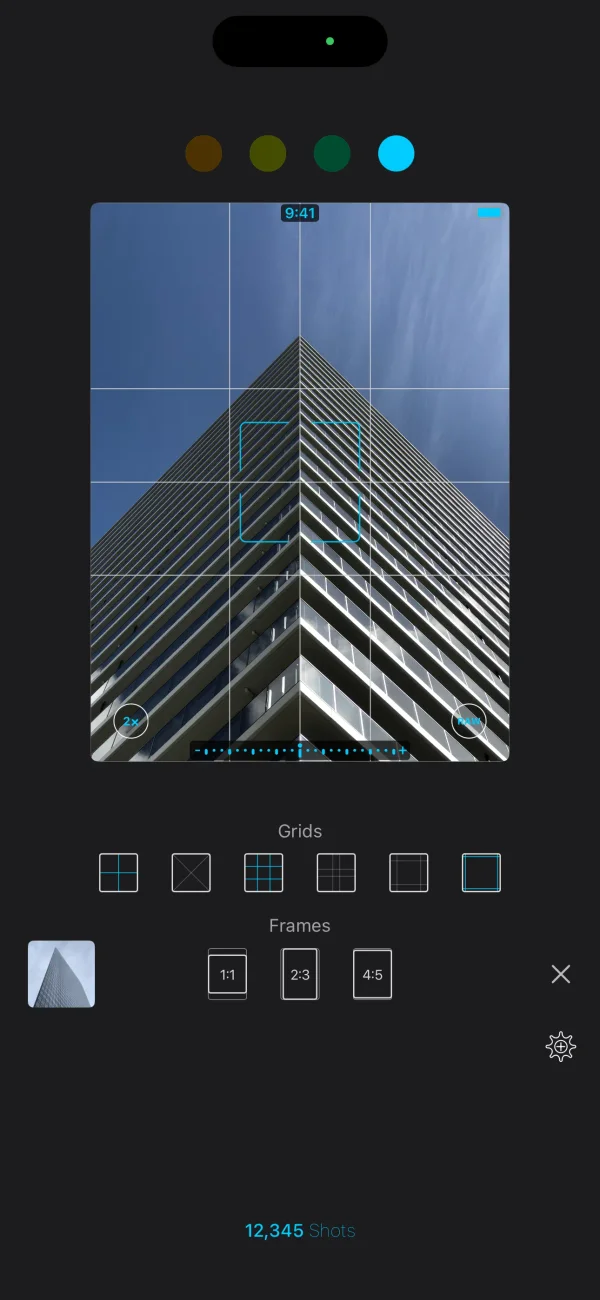
• Grids — There are several types of grids that can be combined freely. It is a necessity for accurate composition.
• Frames — Although the captured image is full resolution, you can shoot while checking the target frame when shooting.
• Level — Want to know device tilt? Level will help you.
• Luminance — Remove the color from the camera preview to check the brightness balance. Of course, the picture taken is full color.
• HEIF — As the number of shots increases, you may be concerned about the available storage space on your device. Save in HEIF format and use storage efficiently. (Supported devices only)
This app does not support iPad and iPod touch.
What’s new
Version 2.6.2 · Jul 22, 2026
Minor changes
App privacy
What moonxseed declares on the App Store about how this app handles data.
-
Data not collected
The developer does not collect any data from this app.
Privacy practices may vary, for example with the features you use or your age.
Information
- Seller
- Masakazu Suetomo
- Category
- Photo & Video
- Version
- 2.6.2
- Updated
- Jul 22, 2026
- Released
- Nov 22, 2019
- Size
- 28.2 MB
- Requires
- iOS 18.0 or later
- Age rating
- 4+
- Price
- $1.99
- Languages
- English
- Copyright
- © 2019-2026 moonxseed
You might also like
-
 TiltlessCameraPhoto & Video
-
 GcameraMulti Composition Grid Camera
-
 Video Loop - Loops in VideosAdd Loops in your Videos
-
 Photo Vault - Hide Photos ProPassword lock photos & videos
-
 Live GIFTurn Live Photos into GIFs
-
 PhotoFrame for InstagramProfile Photo Frame Maker
-
 PicTimer+Take quality photos with timer
-
 Loop Cam: Self Timer CameraHands-free Photo, Video & Vlog
-
 snaproom for Arch. PhotographAssist horizontal and vertical
-
 Hands-Free Camera TimerClap or Wave to Capture