- 対象年齢4+
- カテゴリ写真/ビデオ
- 開発元moonxseed
- 言語英語
- サイズ28.2 MB
App Storeの公式ページにリンクしています
Download.orgはArchixcamのファイルを一切ホストしていません。ボタンを押すと、moonxseedが公開しているApp Storeのアプリページが開きます。ページの最終確認:2026/11/18。
スクリーンショット
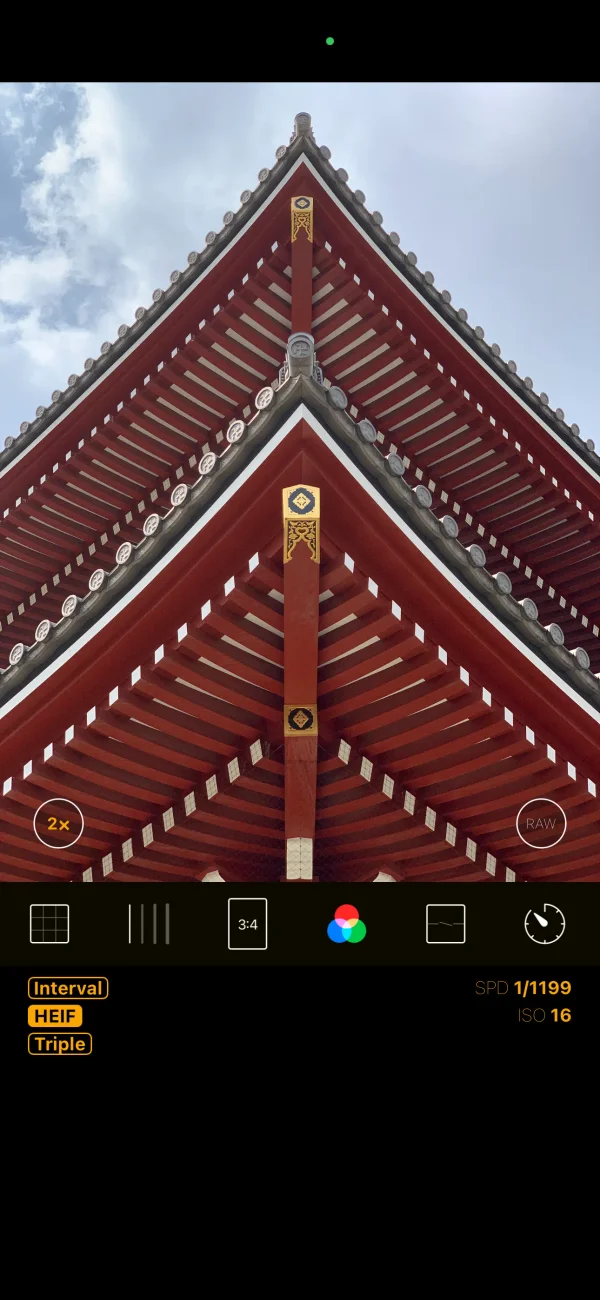
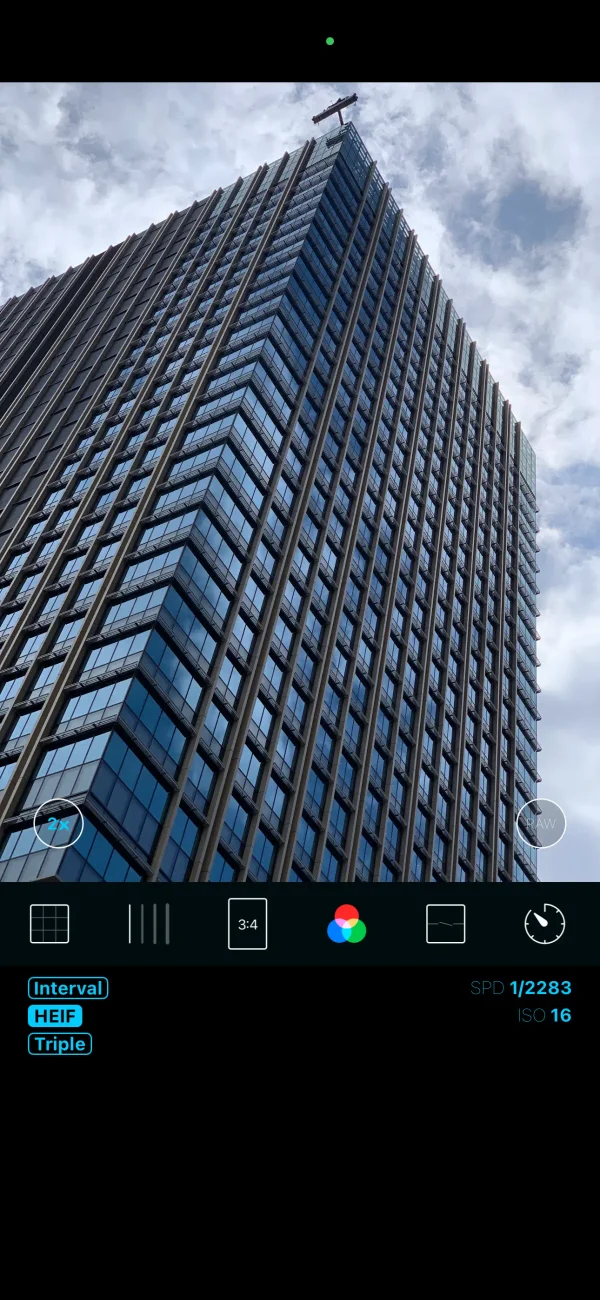

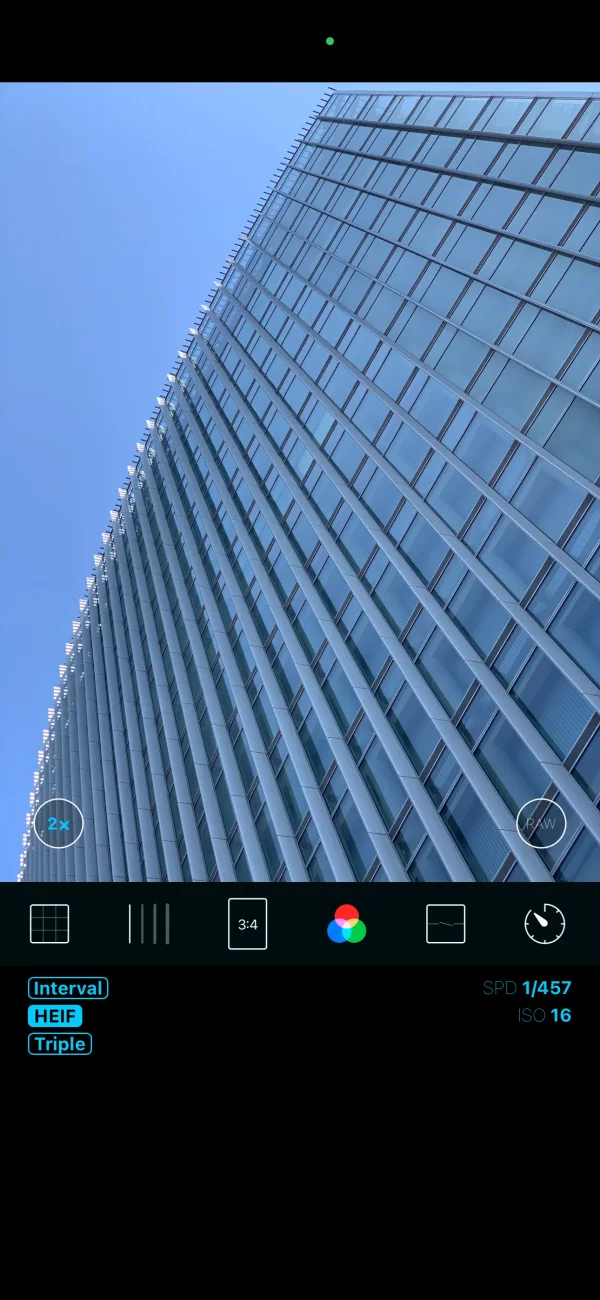

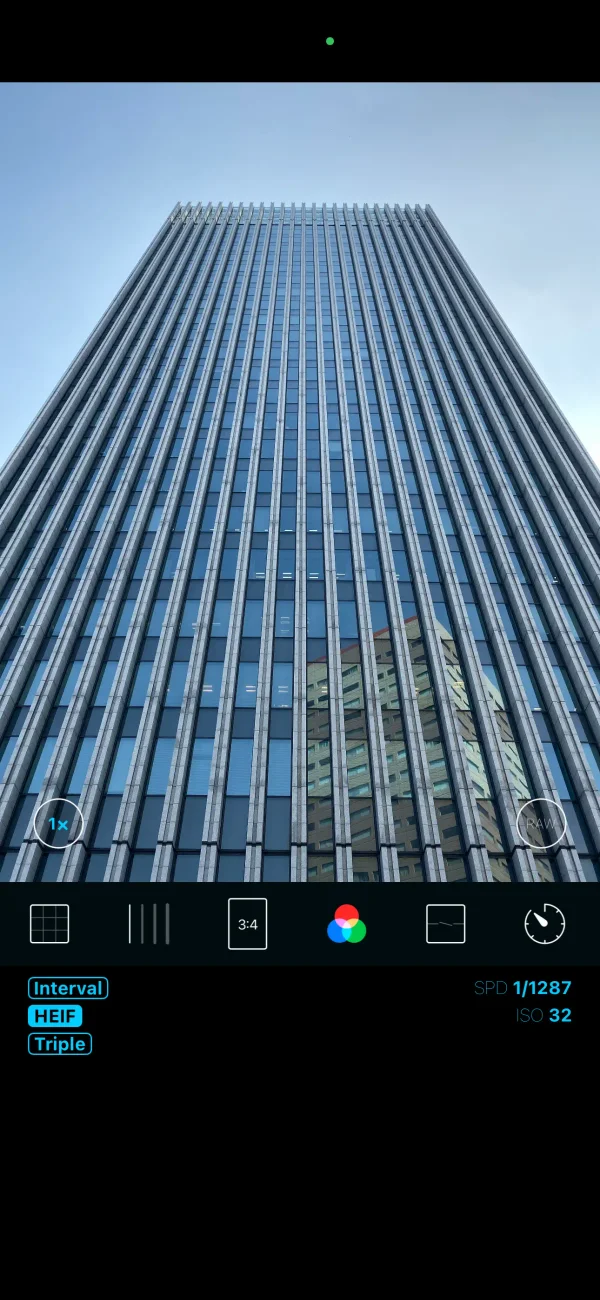


概要
開発元はこのテキストをお使いの言語で提供していません。
Take a photo as if you were shooting a video. That’s exactly Interval Shooting. Archixcam allows you to take photos using Interval Shooting. Surely you will be surprised, love it, and never let it go! Just as I did that.
Absolutely unique camera app like never before.
Archixcam is a camera app developed mainly for shooting the architecture. It will help you to take stunning and perfect photos of the architecture. When you find an impressive building, you can start shooting right away. In addition, it is easy to shoot with just one hand and is simply intuitive.
Shoot whenever and wherever you want.
Because we always carry a smartphone, we need to be able to shoot whenever and wherever we want. For this purpose, the app has been simplified by carefully selecting the necessary features.
Treasure every encounter, for it will never recur.
You can’t shoot again at that moment. Keep the photos you have taken for the time being so that you don’t regret it. You might encounter a photo that you never thought of.
Focus on shooting.
Imagine taking 10 photos while adjusting composition, framing, etc. Usually you need to tap the shutter button 10 times. Interval Shooting is a way to do this with just one tap. Since it automatically shoots at regular intervals, you can continue to shoot with a focus on tilt and alignment.
Repeat to get a better one.
Beautiful and accurate composition such as horizontal, vertical, diagonal, and symmetry is not easy to shoot with a single shot. Rather than aiming to shoot only one best shot, repeat shooting until you are satisfied and find your favorite one.
And even more features.
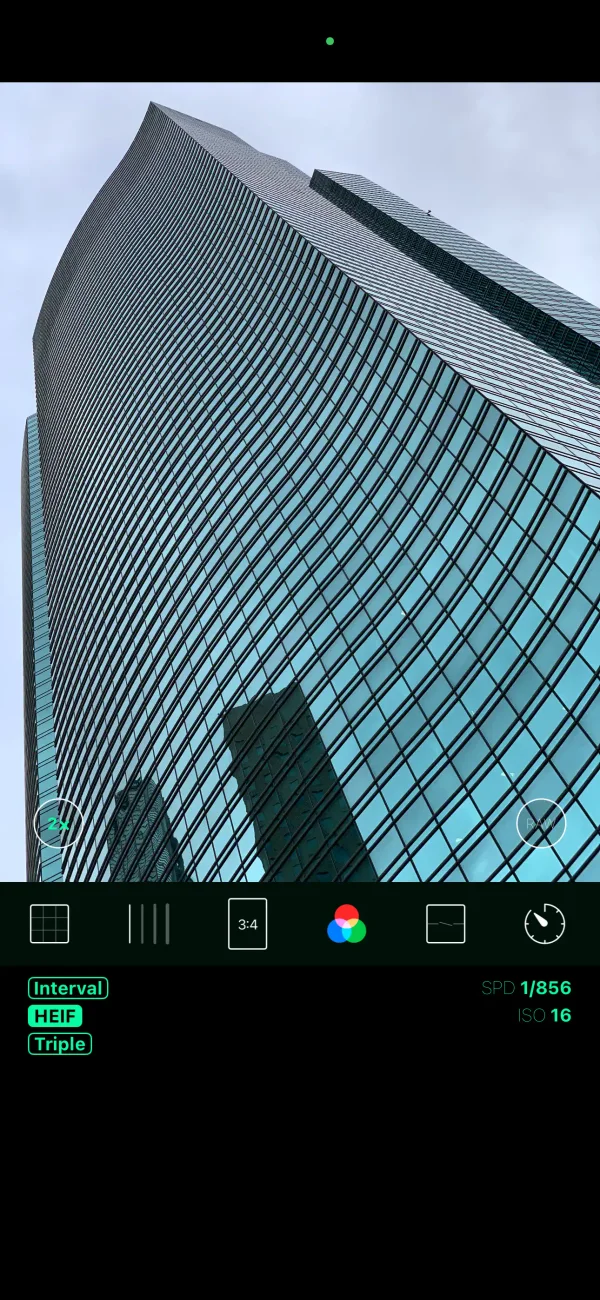
• Large shutter button — When shooting, you should keep looking at the subject, not the shutter button. For this reason, the shutter button has been enlarged to reduce erroneous operations.
• Grids — There are several types of grids that can be combined freely. It is a necessity for accurate composition.
• Frames — Although the captured image is full resolution, you can shoot while checking the target frame when shooting.
• Level — Want to know device tilt? Level will help you.
• Luminance — Remove the color from the camera preview to check the brightness balance. Of course, the picture taken is full color.
• HEIF — As the number of shots increases, you may be concerned about the available storage space on your device. Save in HEIF format and use storage efficiently. (Supported devices only)
This app does not support iPad and iPod touch.
新機能
バージョン 2.6.2 · 2026/7/22
Minor changes
アプリのプライバシー
このアプリのデータの取り扱いについて、moonxseedがApp Storeで申告している内容です。
-
データの収集なし
開発元はこのアプリからデータを収集しません。
プライバシーの取り扱いは、ご利用の機能やお客様の年齢などに応じて異なる場合があります。
情報
- 販売元
- Masakazu Suetomo
- カテゴリ
- 写真/ビデオ
- バージョン
- 2.6.2
- 更新日
- 2026/7/22
- リリース
- 2019/11/22
- サイズ
- 28.2 MB
- 必要条件
- iOS 18.0以降
- 対象年齢
- 4+
- 価格
- ¥300
- 言語
- 英語
- 著作権
- © 2019-2026 moonxseed