- Age rating4+
- CategoryProductivity
- Developer明辉 沈
- LanguagesEnglish+ 1 more
- Size12.1 MB
Links to the official App Store page
Download.org hosts no file of Arcora. The button opens its official App Store page, published by 明辉 沈. Listing last checked on Nov 15, 2026.
Screenshots

About
Keep useful AI conversations close at hand.
Arcora brings your DeepSeek, ChatGPT, Claude, Grok, and Gemini exports together on iPhone and iPad for offline reading, search, and review. You do not need to connect your AI service accounts. Imported archives are processed on your device.
A library you can revisit
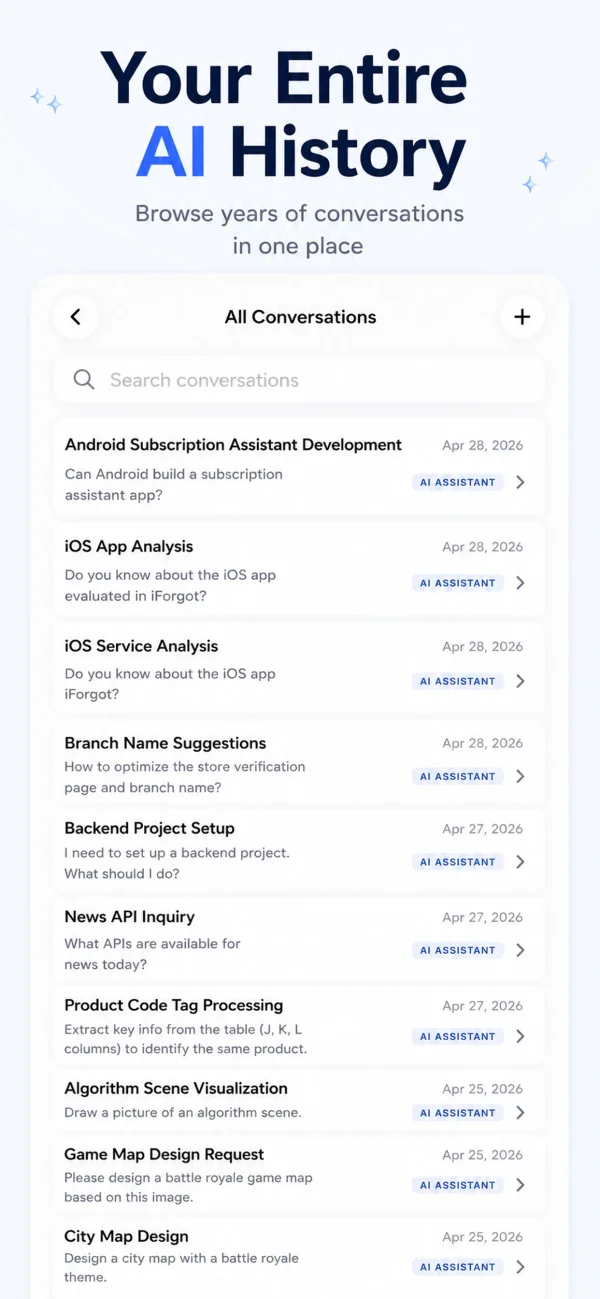
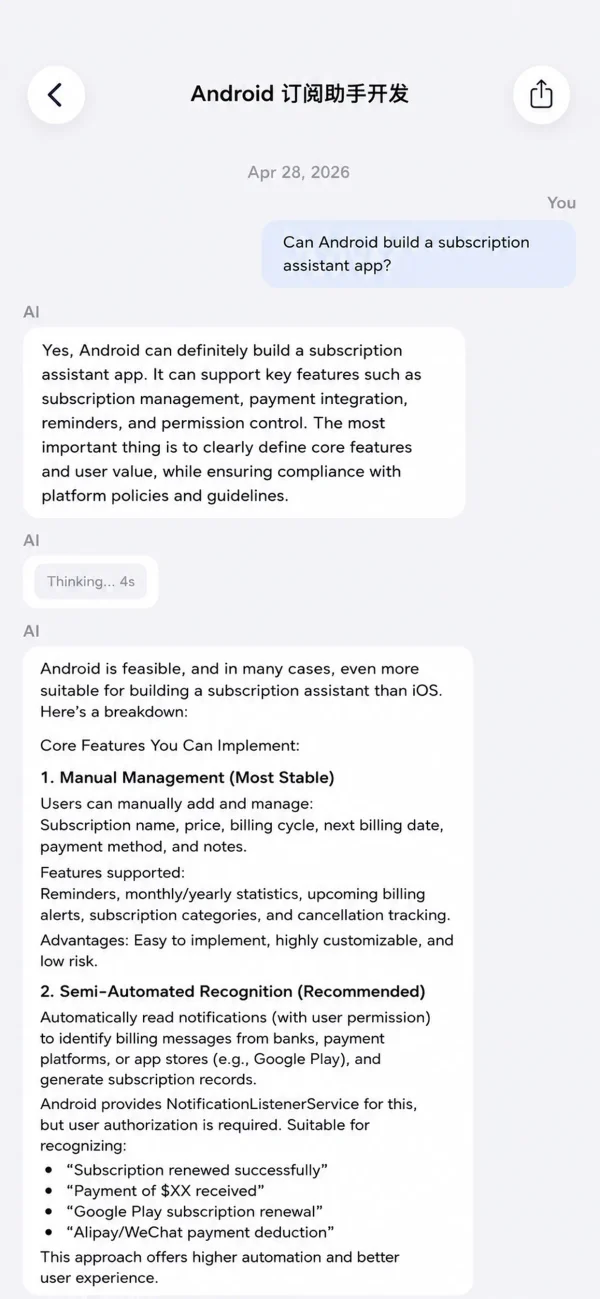
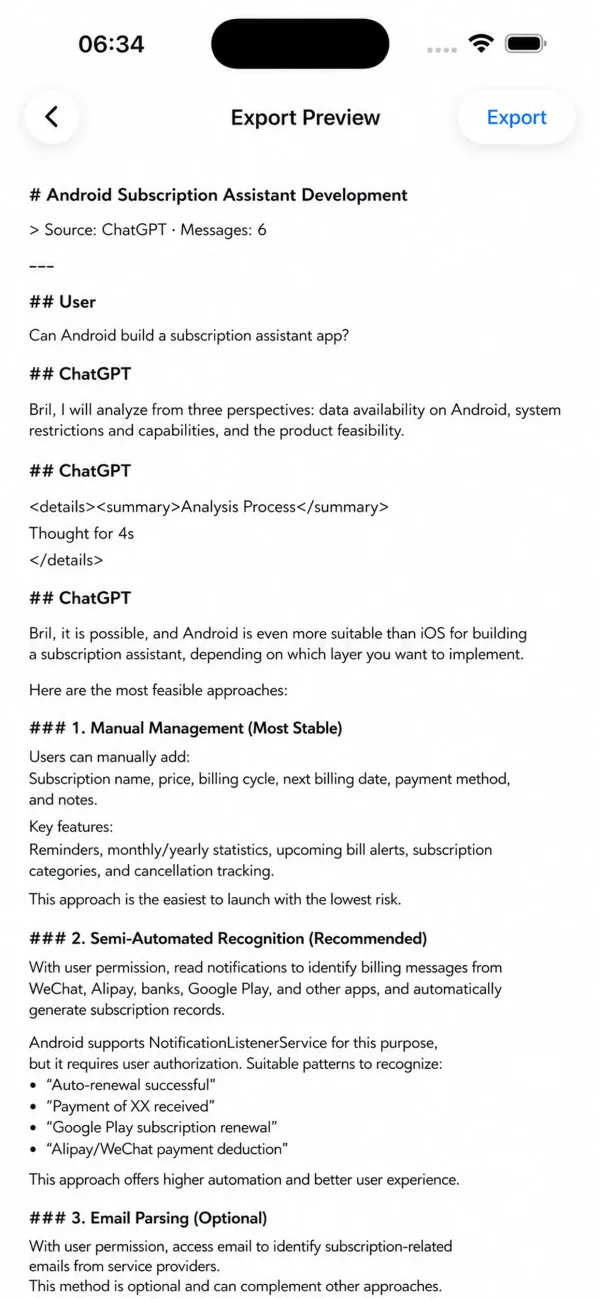
• Browse conversations by source and read Markdown, code blocks, and tables.
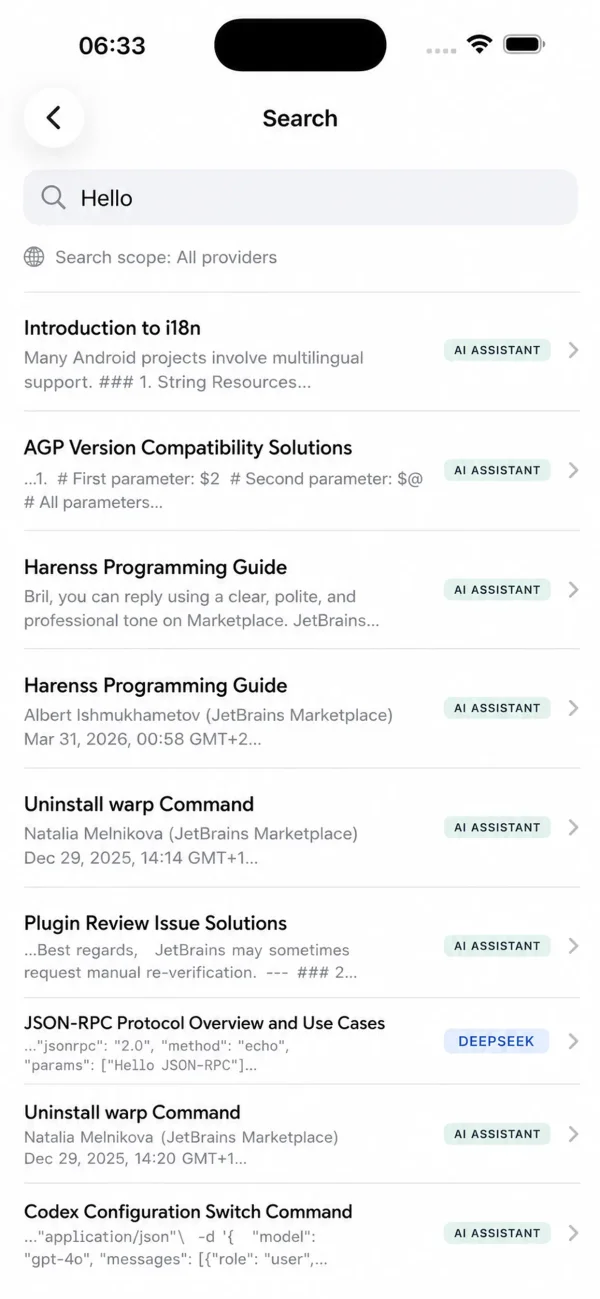
• Search messages within a source to find ideas, answers, and project notes.
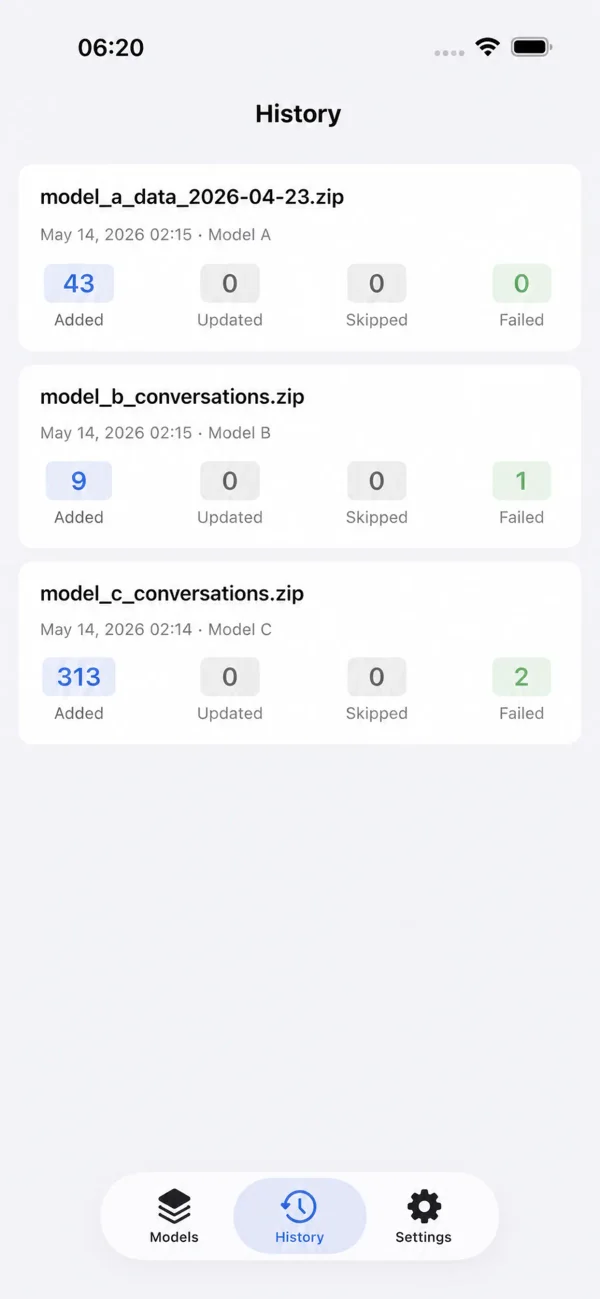
• Check import history and notices to understand what was saved and what the export did not include.
Bring context to your next AI assistant
Create an AI memory transfer package from selected conversation excerpts. Review the content, then copy it or export a Markdown file to share with your chosen AI assistant. Choose sources and dates, exclude conversations, and redact common sensitive information locally. The package contains excerpts and instructions; Arcora does not sign in to another AI service or automatically write to its memory. Always review the content before sharing.
Start free. Upgrade once.
The free version includes one successful import per source, continued reading of imported conversations, and search within that source. Preview a memory transfer package with up to 3 conversations and 6,000 characters.
Arcora Pro is a one-time in-app purchase with no subscription. It unlocks:
• Unlimited imports for each source.
• Cross-source search with advanced source, role, and date filters.
• Markdown and PDF conversation exports.
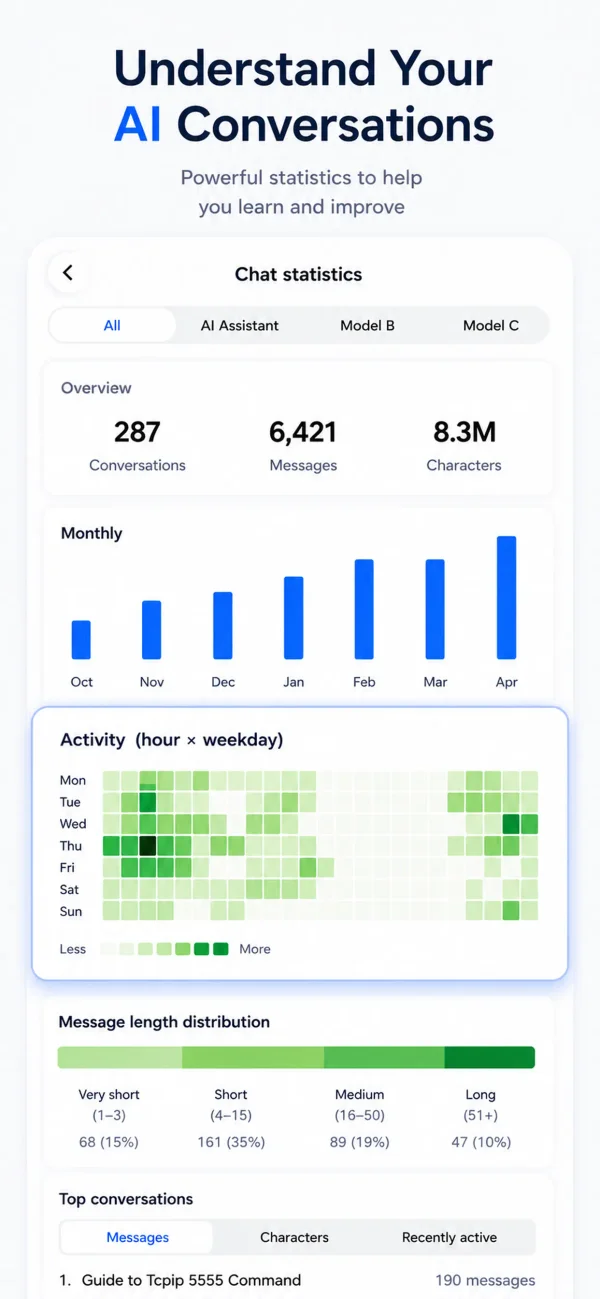
• Monthly trends, activity heatmaps, and conversation statistics.
• Extraction and preview of attachments included in your archives.
• Memory transfer packages with larger source and output limits.
Packages still have length limits. For a large archive, narrow the scope and create separate packages.
Importing Gemini
In Google Takeout, select My Activity > Gemini Apps and export an HTML archive in ZIP format. Arcora imports prompt activities from this format. Gems-only exports, scheduled tasks, and other Gemini export formats are not supported.
What can be recovered depends on the original export. Prompts without a text response are kept without inventing a reply. Activities with unclear conversation membership are saved separately. Attachments are matched only to referenced local files inside the archive; remote content is not downloaded and file ownership is not guessed. Import notices explain these limitations. Later partial Gemini imports preserve history already imported.
Arcora is an independent archive tool, not an official client of the supported AI services.
What’s new
Version 1.0.8 · Oct 18, 2026
Bug fixes and experience improvements.
App privacy
What 明辉 沈 declares on the App Store about how this app handles data.
-
Data linked to you
May be collected and linked to your identity.
- Identifiers
- Diagnostics
Privacy practices may vary, for example with the features you use or your age.
Information
- Seller
- 明辉 沈
- Category
- Productivity
- Version
- 1.0.8
- Updated
- Oct 18, 2026
- Released
- Jun 5, 2026
- Size
- 12.1 MB
- Requires
- iOS 17.0 or later
- Age rating
- 4+
- Price
- Free
- In-app purchases
- Yes
- Languages
- English, Simplified Chinese
- Copyright
- © Copyright Shenminghui
You might also like
-
 GPT to PDF - AI Chat ExporterSave ChatGPT, Claude, Gemini
-
 AlibbitAI assitant for life & work
-
 AiLinks - AI Chat & Voice NoteAI Chat Bot & Image Creator
-
 Second Brain JoinerMerge Markdown notes for LLM
-
 Lokei AIOn-device or local AI
-
 AI Chat & Search - FindoutAI Chat, Search & Prompts
-
 markru - Notes BookshelfBind notes. Resume reading.
-
 PostPinyTurn Content Into Smart Notes
-
 LogLogic: AI Work ReportsVoice & Text · Daily to Annual
-
 Markdown Converter - .docx/PDFTable / Formula / Flowcharts