Arranger Pro
Your pocket arranger keyboard
Designed for iPhone, iPad
Free · In-app purchases
- Age rating4+
- CategoryMusic
- DeveloperAlper Kahriman
- LanguagesEnglish
- Size99.7 MB
Links to the official App Store page
Download.org hosts no file of Arranger Pro. The button opens its official App Store page, published by Alper Kahriman. Listing last checked on Nov 24, 2026.
Screenshots



About
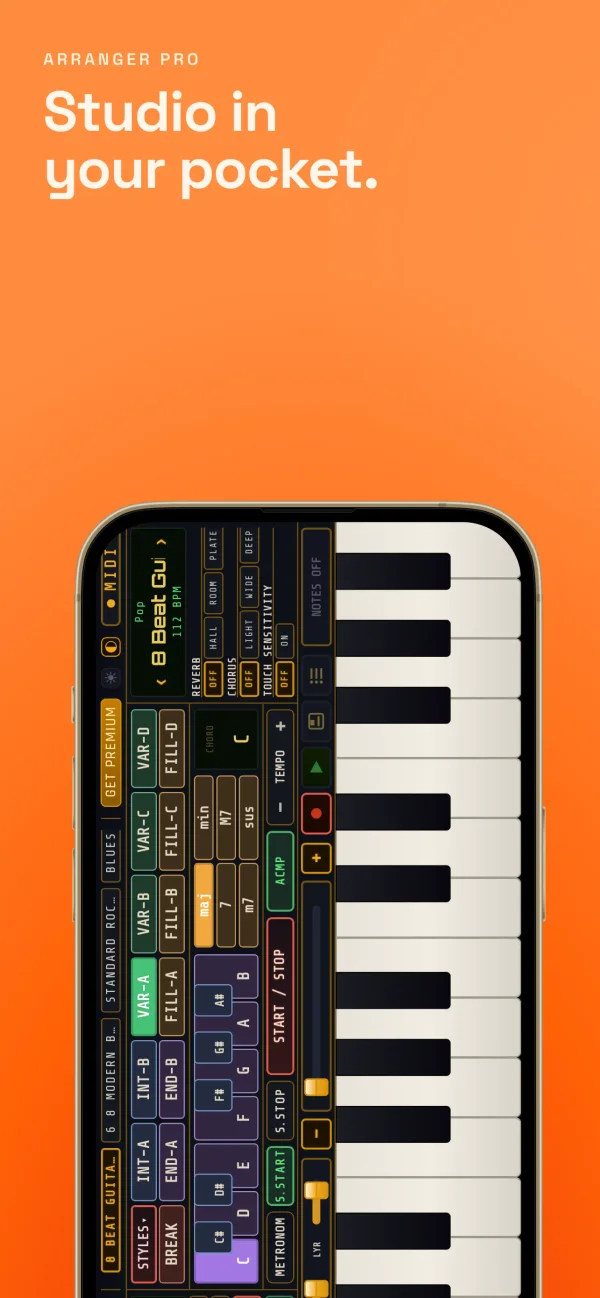
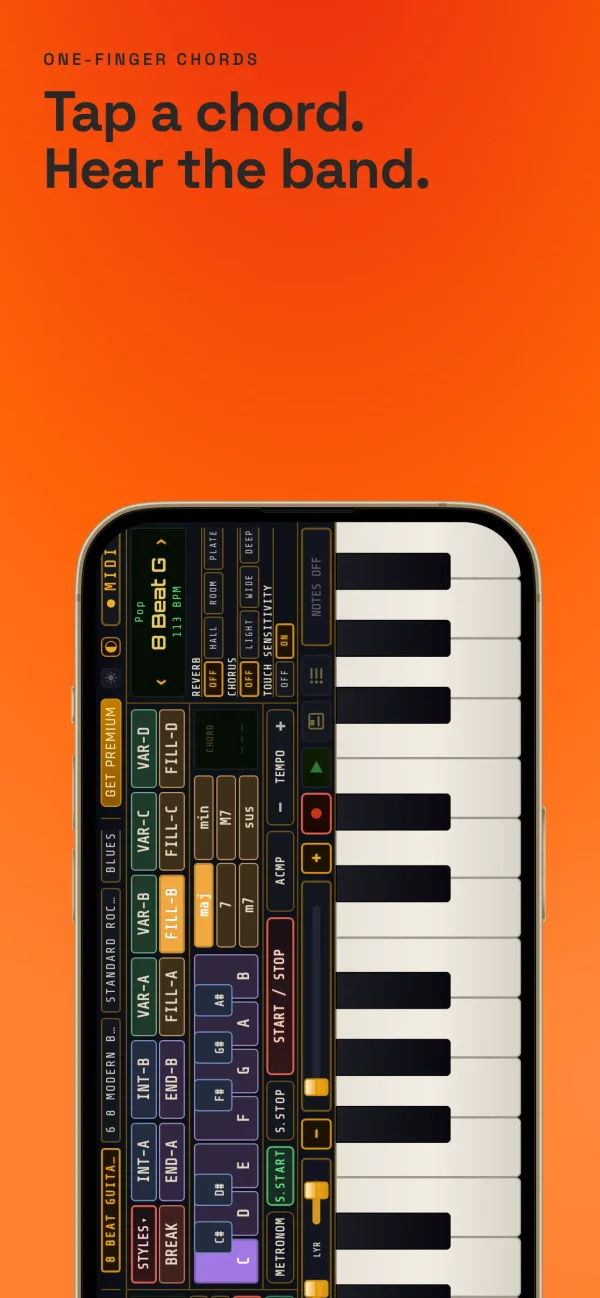
Arranger Pro turns your iPhone or iPad into a real arranger keyboard. Play melodies on the right, hold a chord on the left, and a backing band follows you in real time, drums, bass and accompaniment that move with the song.
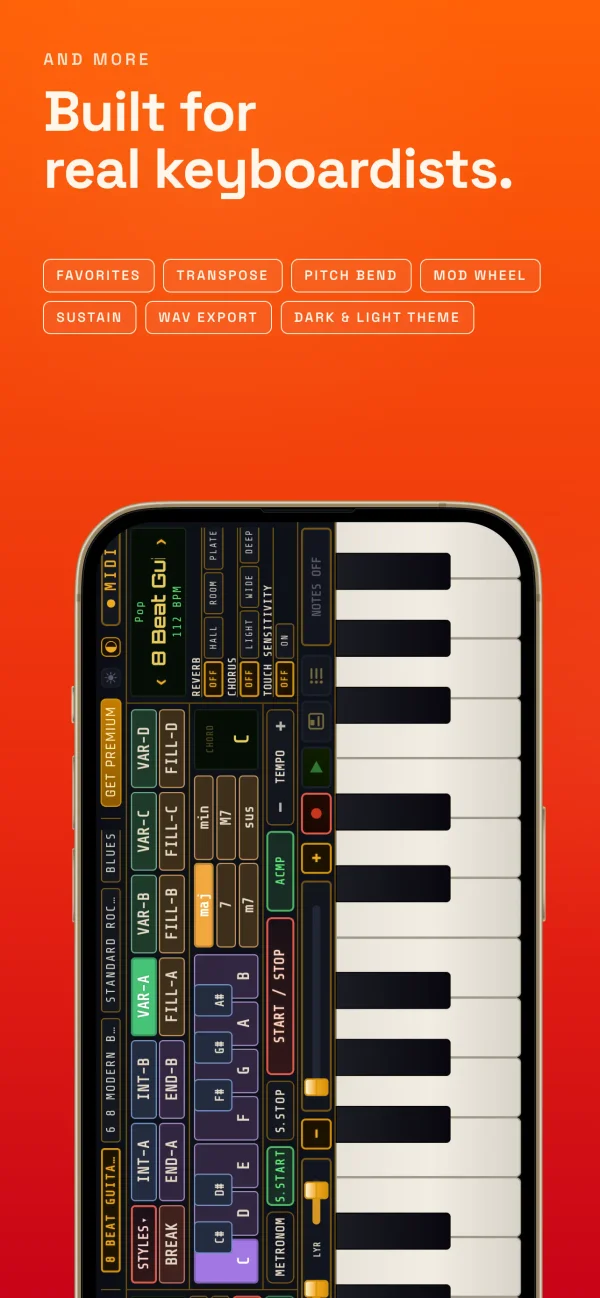
It feels like an instrument, not a toy. Split the keyboard, layer two sounds on top, bend a note, ride the modulation wheel, change tempo, kick in an intro, drop a fill, end on cue. Your hands stay where they expect to be.
PLAY WITH A BAND
• Hold a chord and a full backing band plays along
• Smart transposition follows your chord in any key
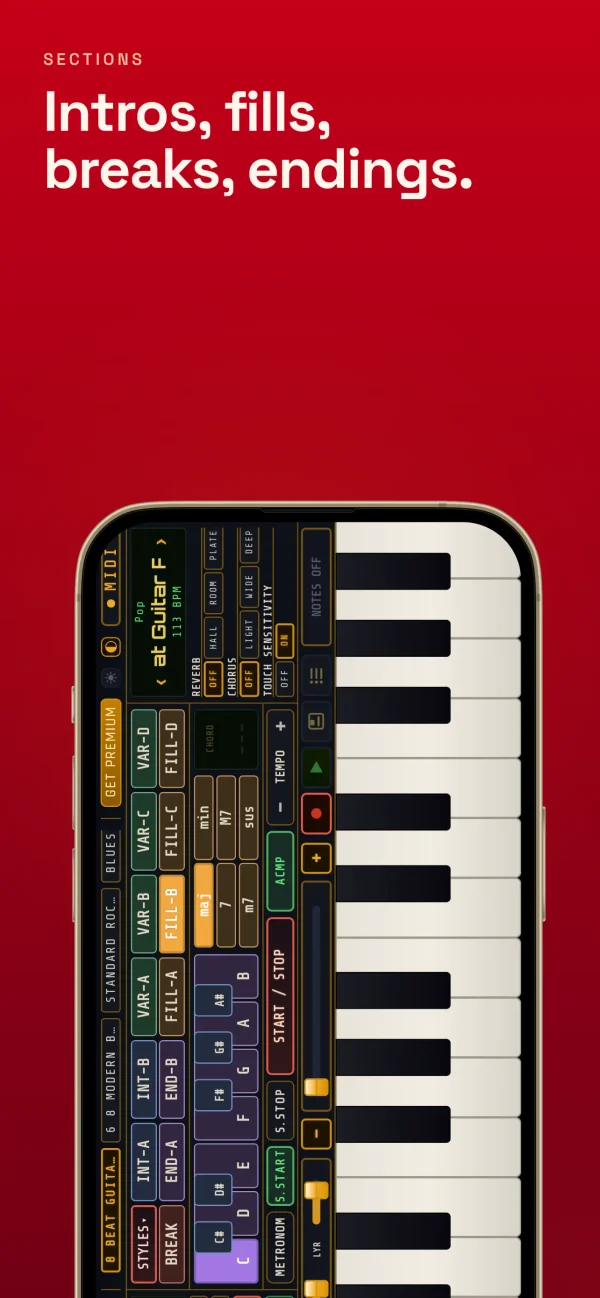
• Intro, main variations, fills, breaks and endings on tap
SOUNDS FOR EVERY SONG
• Concert grand and electric pianos
• Tonewheel and combo organs
• Acoustic, electric and clean guitars
• Strings, brass, woodwinds and synths
• Pads, basses and rich layered tones
STYLES FOR EVERY MOOD
• Pop, ballad, rock, country and R&B
• Dance, disco and groove
• Latin and bossa
• Swing, jazz and blues
• Waltz, ballroom and world & traditional
• Movie & show, solo piano
BUILT LIKE A REAL ARRANGER
• Split keyboard with adjustable split point
• Layer two sounds on the upper zone
• Pitch bend and modulation wheels
• Transpose, octave and tempo on the fly
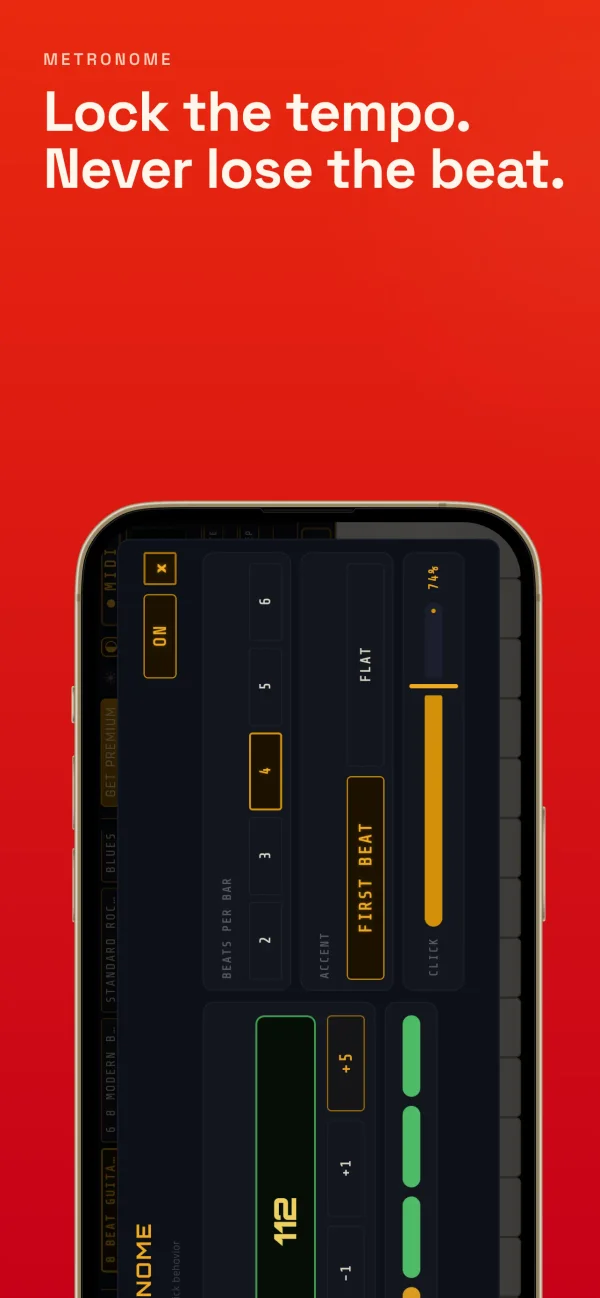
• Built-in metronome with accent and beats per bar
• Touch sensitivity for expressive play
• Reverb and chorus presets
CAPTURE & SHARE
• Record performances with one tap
• Replay and rename your takes
• Render takes to a shareable audio file
• Share recordings with friends and bandmates
USE YOUR OWN MIDI KEYBOARD
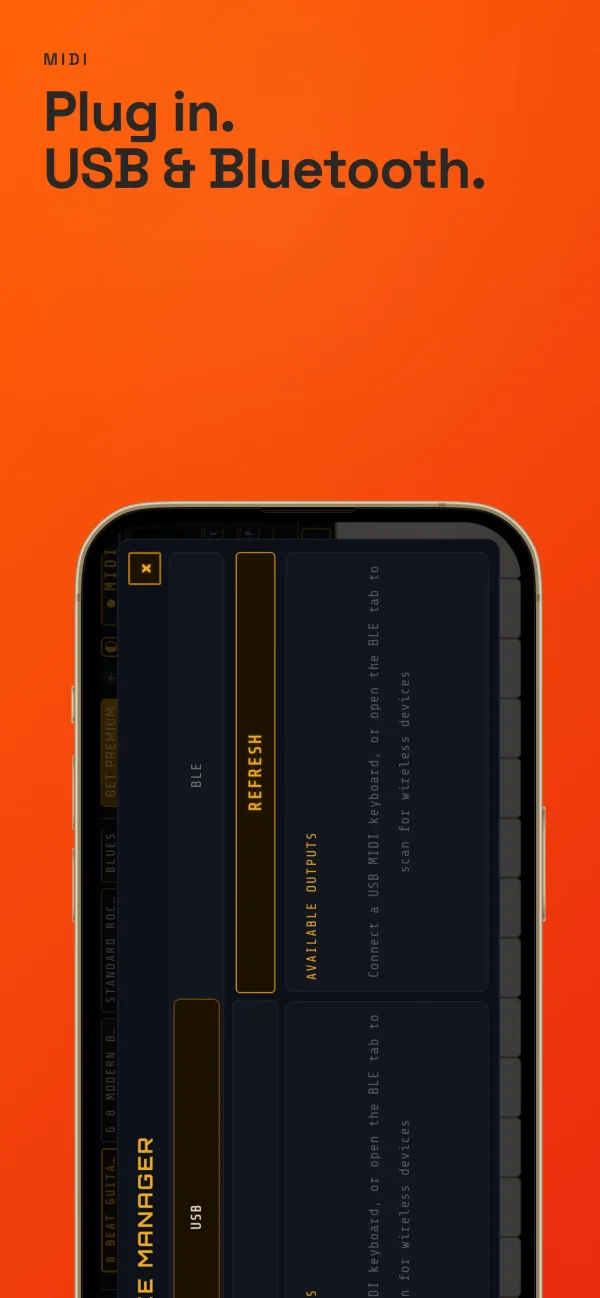
• MIDI in and out support
• Bluetooth MIDI for wireless controllers
• Use the app as a sound module for your hardware
Tap "Get" to start playing. Your next song is one chord away.
Terms of Use: https://alyakastudio.com/terms/
Privacy Policy: https://alyakastudio.com/privacy-policy/
What’s new
Version 3.1.0 · Oct 16, 2026
NEW
• Smart Chord mode: press one key and hear the right chord in your song's key
• STYLE MIXER: level, on/off, solo, pan, tone and effects for each style part
• SPLIT key next to ACMP, AUTO OCTAVE, and an octave setting for every keyboard part
• A HELP page for controls and gestures
IMPROVED
• Scale Tune: a redesigned one-octave editor, Rast and Bayati maqam presets, your own named scales and a quick quarter-tone hold
• Registrations: step through them with a pedal and undo the last store or clear
• Multi Pad: repeat, chord and level per pad; loop pads start on the style's next beat
• Smarter chord recognition, including full chords in Single Finger mode
• More faithful style playback and clearer style names
• Follows your controller's pitch bend range, aftertouch and brightness
• Recordings and audio exports now sound exactly like the take
• Fixed a crash when a USB MIDI cable is unplugged, plus many stability fixes
App privacy
What Alper Kahriman declares on the App Store about how this app handles data.
-
Data used to track you
May be used to track you across apps and websites owned by other companies.
- Location
- Identifiers
- Usage data
-
Data linked to you
May be collected and linked to your identity.
- Purchases
- Location
- Identifiers
- Usage data
-
Data not linked to you
May be collected but is not linked to your identity.
- Diagnostics
Privacy practices may vary, for example with the features you use or your age.
Information
- Seller
- Alper Kahriman
- Category
- Music
- Version
- 3.1.0
- Updated
- Oct 16, 2026
- Released
- May 18, 2026
- Size
- 99.7 MB
- Requires
- iOS 17.2 or later
- Age rating
- 4+
- Price
- Free
- In-app purchases
- Yes
- Languages
- English
- Copyright
- © 2026 Alper Kahraman
You might also like
-
 Simple Arranger KeyboardEasy Music Arranger
-
 LIVEJAMMusic
-
 Hi OrganPiano, Organ, Style
-
 Simple Org 2026Stage-ready oriental org
-
 xMure - Music ArrangerBacking Tracks & Song Composer
-
 V-OrganMusic
-
 Touchophone - SynthesizerPolyphonic Pocket Synthesizer
-
 SynthBridge MIDI SynthSoundFont Piano & Looper
-
 Hammond - Vintage ConsoleVintage Tonewheel Experience
-
 EXPANSION EXPLORERMusic