- 対象年齢4+
- カテゴリミュージック
- 開発元Alper Kahriman
- 言語英語
- サイズ99.7 MB
App Storeの公式ページにリンクしています
Download.orgはArranger Proのファイルを一切ホストしていません。ボタンを押すと、Alper Kahrimanが公開しているApp Storeのアプリページが開きます。ページの最終確認:2026/11/24。
スクリーンショット
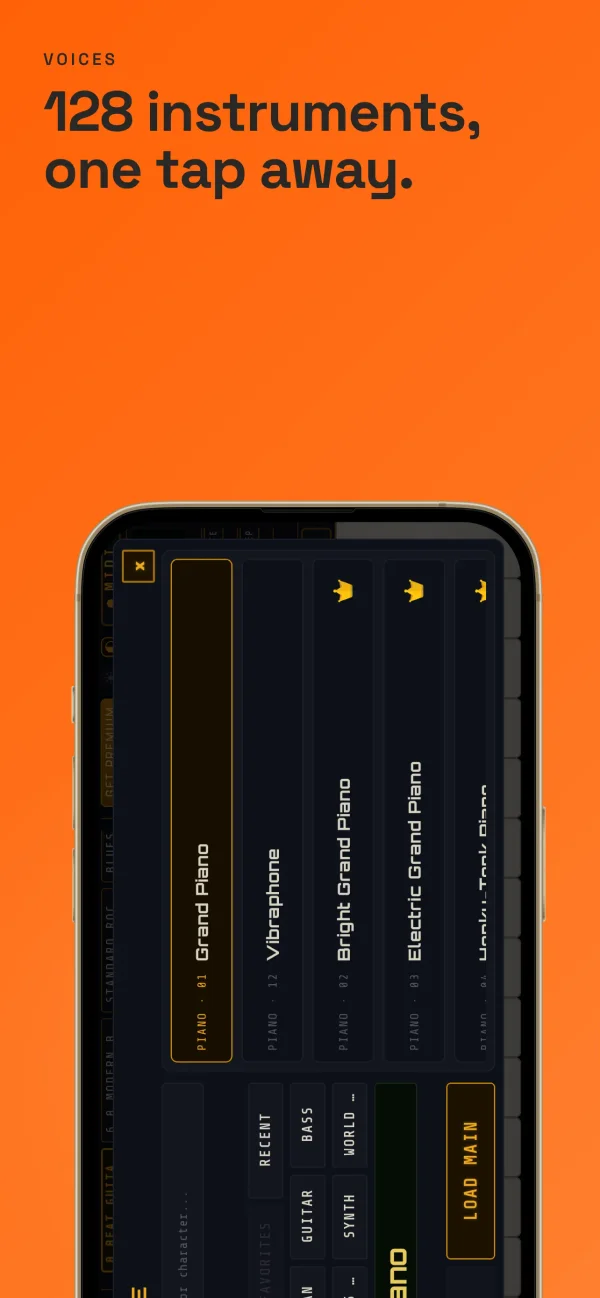

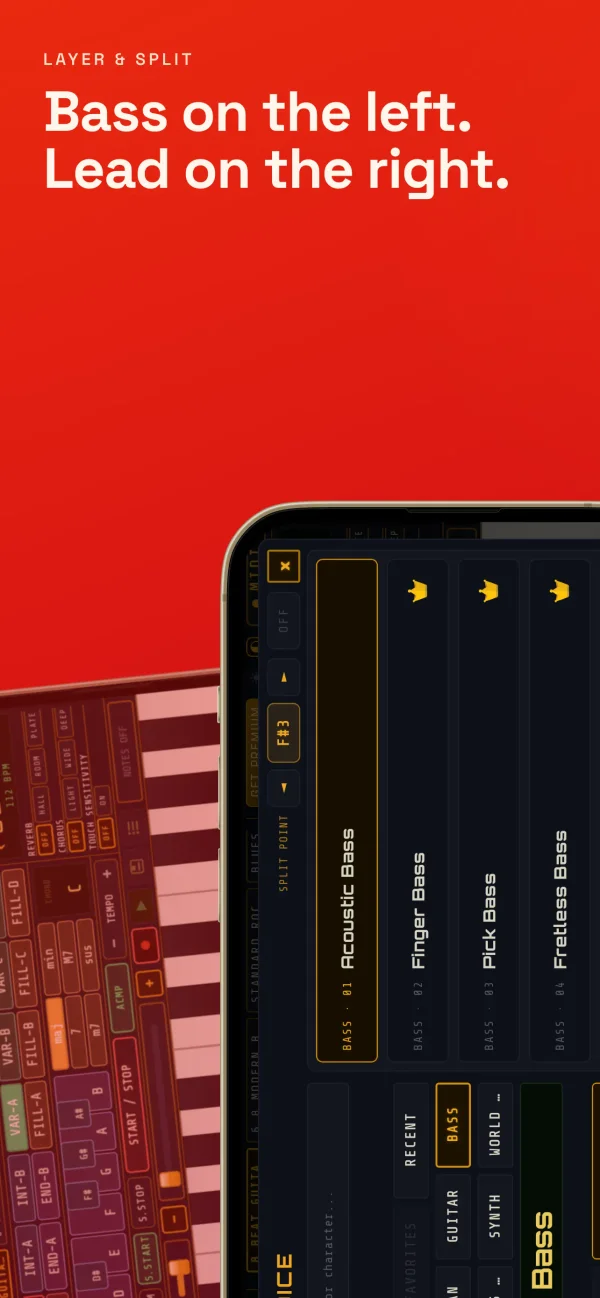
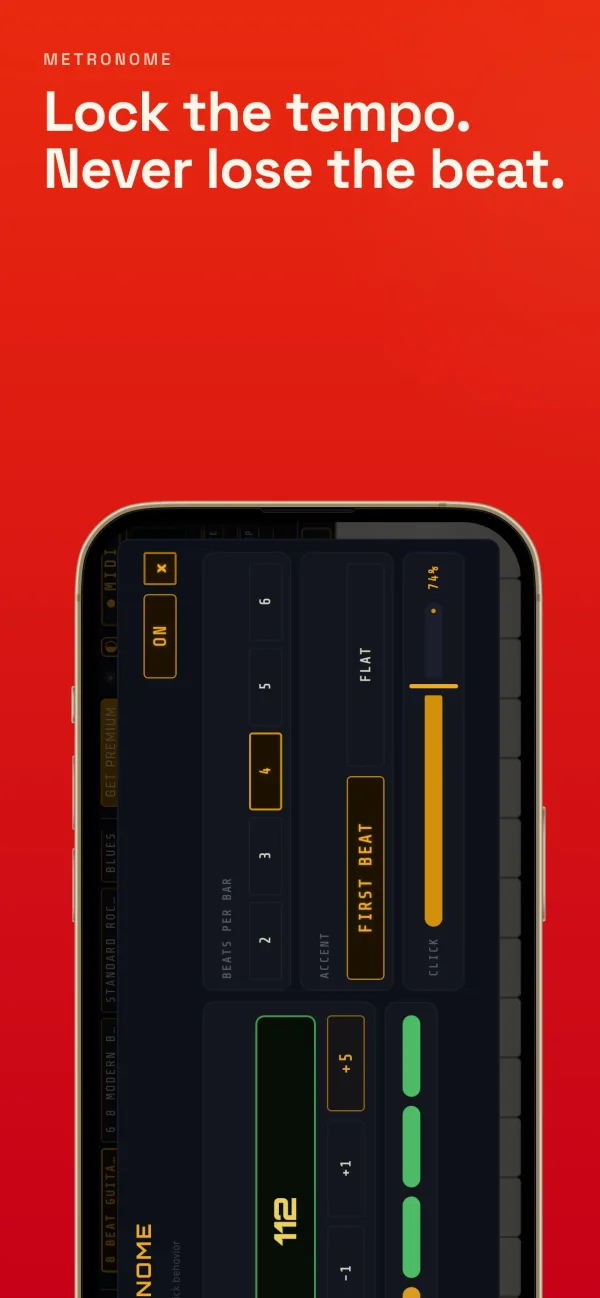

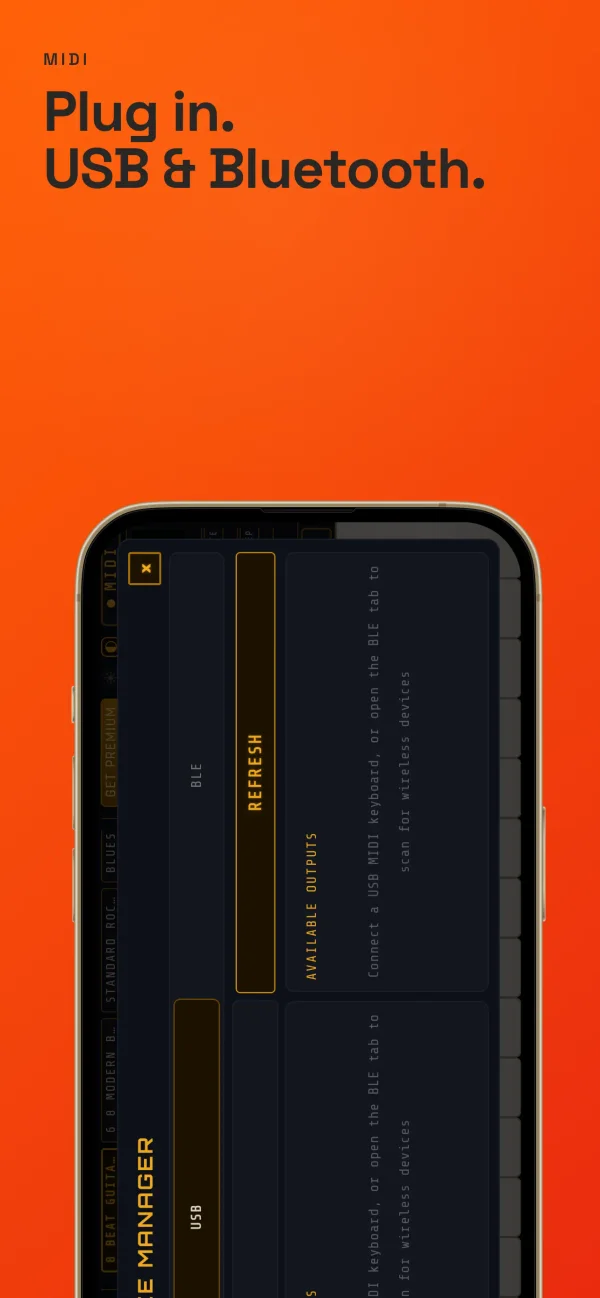

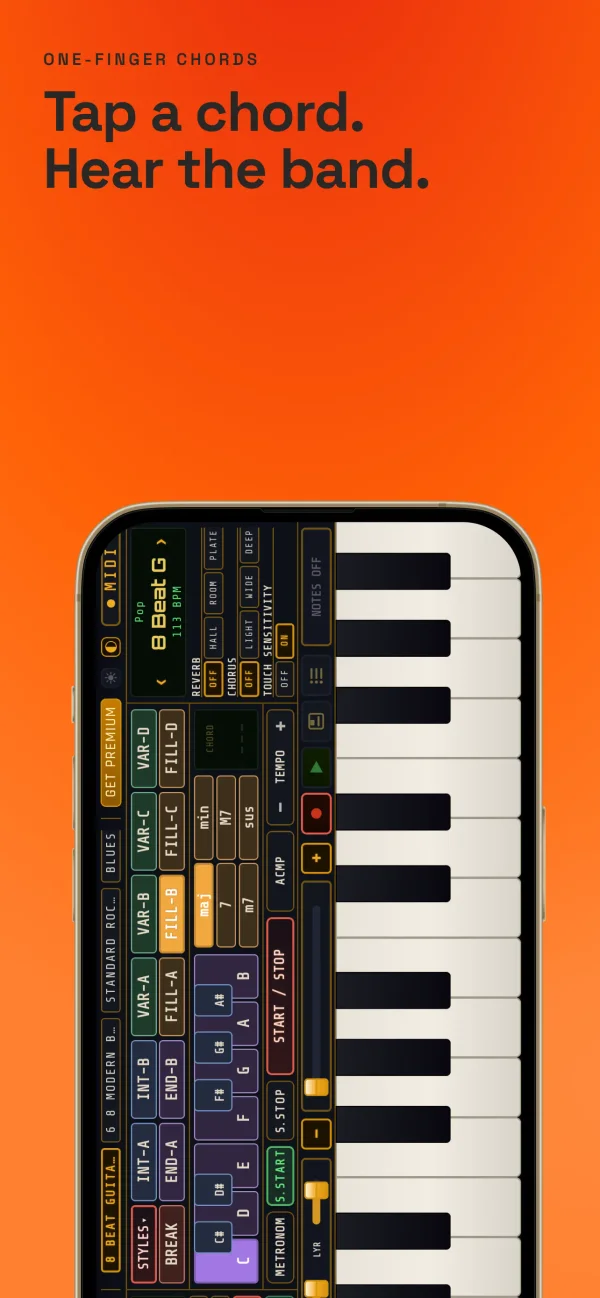
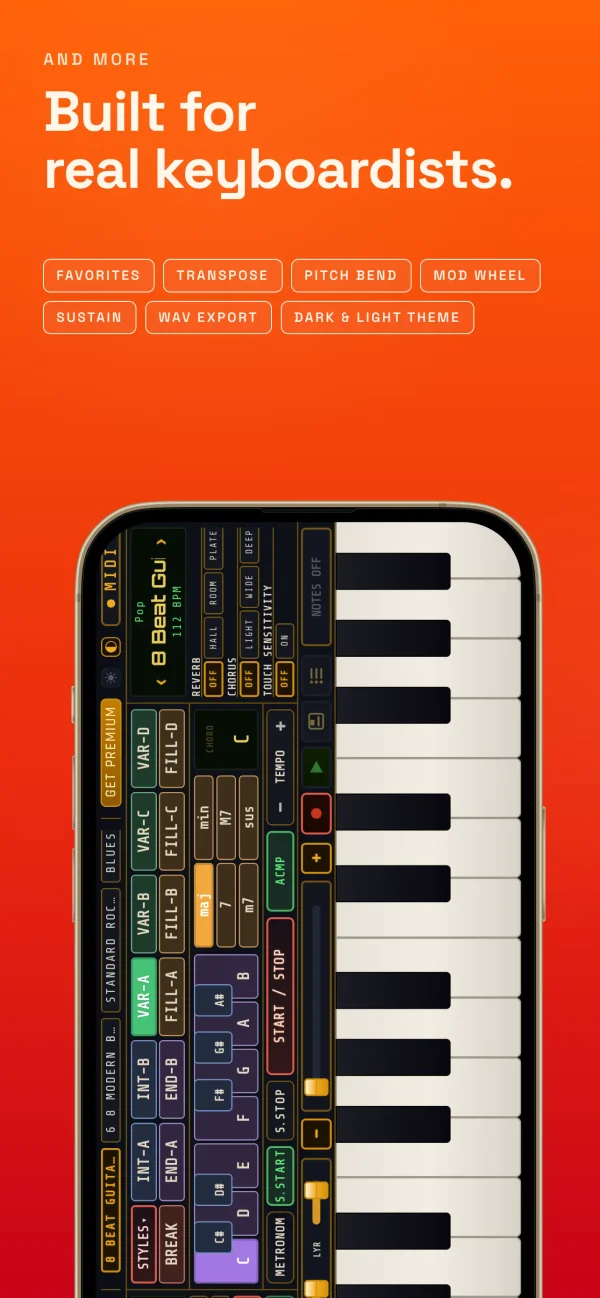
概要
開発元はこのテキストをお使いの言語で提供していません。
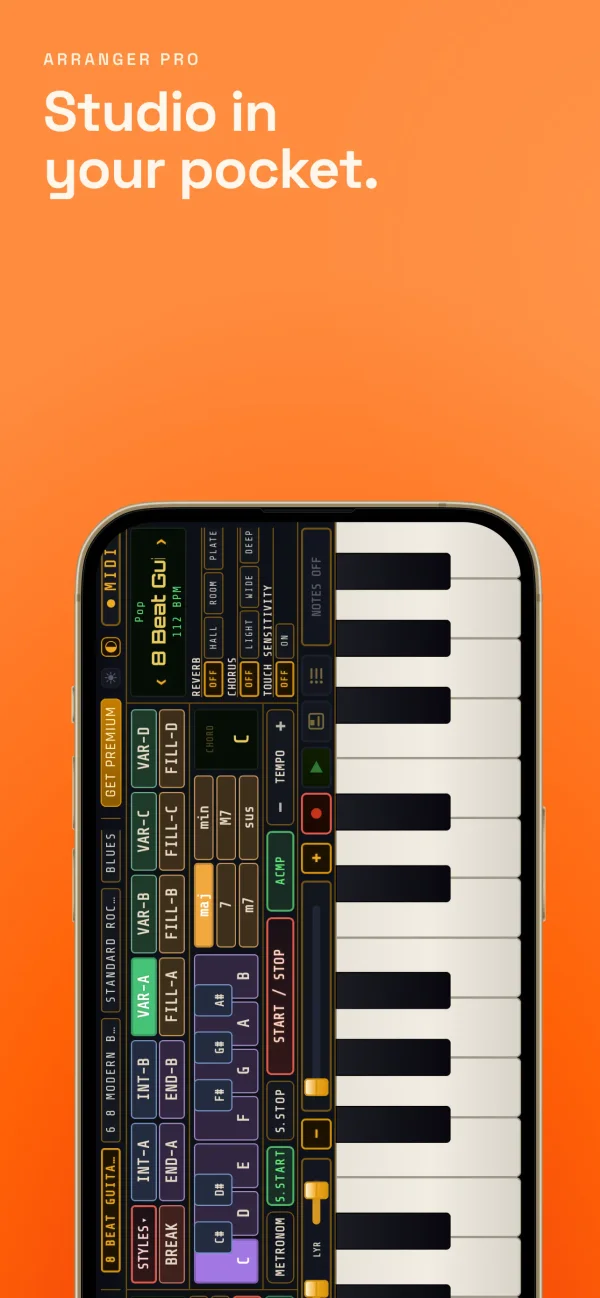
Arranger Pro turns your iPhone or iPad into a real arranger keyboard. Play melodies on the right, hold a chord on the left, and a backing band follows you in real time, drums, bass and accompaniment that move with the song.
It feels like an instrument, not a toy. Split the keyboard, layer two sounds on top, bend a note, ride the modulation wheel, change tempo, kick in an intro, drop a fill, end on cue. Your hands stay where they expect to be.
PLAY WITH A BAND
• Hold a chord and a full backing band plays along
• Smart transposition follows your chord in any key
• Intro, main variations, fills, breaks and endings on tap
SOUNDS FOR EVERY SONG
• Concert grand and electric pianos
• Tonewheel and combo organs
• Acoustic, electric and clean guitars
• Strings, brass, woodwinds and synths
• Pads, basses and rich layered tones
STYLES FOR EVERY MOOD
• Pop, ballad, rock, country and R&B
• Dance, disco and groove
• Latin and bossa
• Swing, jazz and blues
• Waltz, ballroom and world & traditional
• Movie & show, solo piano
BUILT LIKE A REAL ARRANGER
• Split keyboard with adjustable split point
• Layer two sounds on the upper zone
• Pitch bend and modulation wheels
• Transpose, octave and tempo on the fly
• Built-in metronome with accent and beats per bar
• Touch sensitivity for expressive play
• Reverb and chorus presets
CAPTURE & SHARE
• Record performances with one tap
• Replay and rename your takes
• Render takes to a shareable audio file
• Share recordings with friends and bandmates
USE YOUR OWN MIDI KEYBOARD
• MIDI in and out support
• Bluetooth MIDI for wireless controllers
• Use the app as a sound module for your hardware
Tap "Get" to start playing. Your next song is one chord away.
Terms of Use: https://alyakastudio.com/terms/
Privacy Policy: https://alyakastudio.com/privacy-policy/
新機能
バージョン 3.1.0 · 2026/10/16
NEW
• Smart Chord mode: press one key and hear the right chord in your song's key
• STYLE MIXER: level, on/off, solo, pan, tone and effects for each style part
• SPLIT key next to ACMP, AUTO OCTAVE, and an octave setting for every keyboard part
• A HELP page for controls and gestures
IMPROVED
• Scale Tune: a redesigned one-octave editor, Rast and Bayati maqam presets, your own named scales and a quick quarter-tone hold
• Registrations: step through them with a pedal and undo the last store or clear
• Multi Pad: repeat, chord and level per pad; loop pads start on the style's next beat
• Smarter chord recognition, including full chords in Single Finger mode
• More faithful style playback and clearer style names
• Follows your controller's pitch bend range, aftertouch and brightness
• Recordings and audio exports now sound exactly like the take
• Fixed a crash when a USB MIDI cable is unplugged, plus many stability fixes
アプリのプライバシー
このアプリのデータの取り扱いについて、Alper KahrimanがApp Storeで申告している内容です。
-
ユーザーのトラッキングに使用されるデータ
他社のアプリやウェブサイトを横断してユーザーをトラッキングする目的で使用される場合があります。
- 位置情報
- ID
- 使用状況データ
-
ユーザーに関連付けられたデータ
収集され、ユーザーの識別情報に関連付けられる場合があります。
- 購入
- 位置情報
- ID
- 使用状況データ
-
ユーザーに関連付けられないデータ
収集される場合がありますが、ユーザーの識別情報には関連付けられません。
- 診断
プライバシーの取り扱いは、ご利用の機能やお客様の年齢などに応じて異なる場合があります。
情報
- 販売元
- Alper Kahriman
- カテゴリ
- ミュージック
- バージョン
- 3.1.0
- 更新日
- 2026/10/16
- リリース
- 2026/5/18
- サイズ
- 99.7 MB
- 必要条件
- iOS 17.2以降
- 対象年齢
- 4+
- 価格
- 無料
- アプリ内課金
- あり
- 言語
- 英語
- 著作権
- © 2026 Alper Kahraman