Art Reference: Easel Assistant
Grid, Value Study, & Palettes
Designed for iPhone, iPad
Free · In-app purchases
- Age rating4+
- CategoryGraphics & Design
- DeveloperGil Osborne
- LanguagesEnglish+ 8 more
- Size171.8 MB
Links to the official App Store page
Download.org hosts no file of Art Reference: Easel Assistant. The button opens its official App Store page, published by Gil Osborne. Listing last checked on Nov 14, 2026.
Screenshots
About
Artists Reference is made for painters, illustrators, and traditional artists who work with real materials, not pixels. It gives you the digital reference tools you need while you're creating physical art.
Key Features
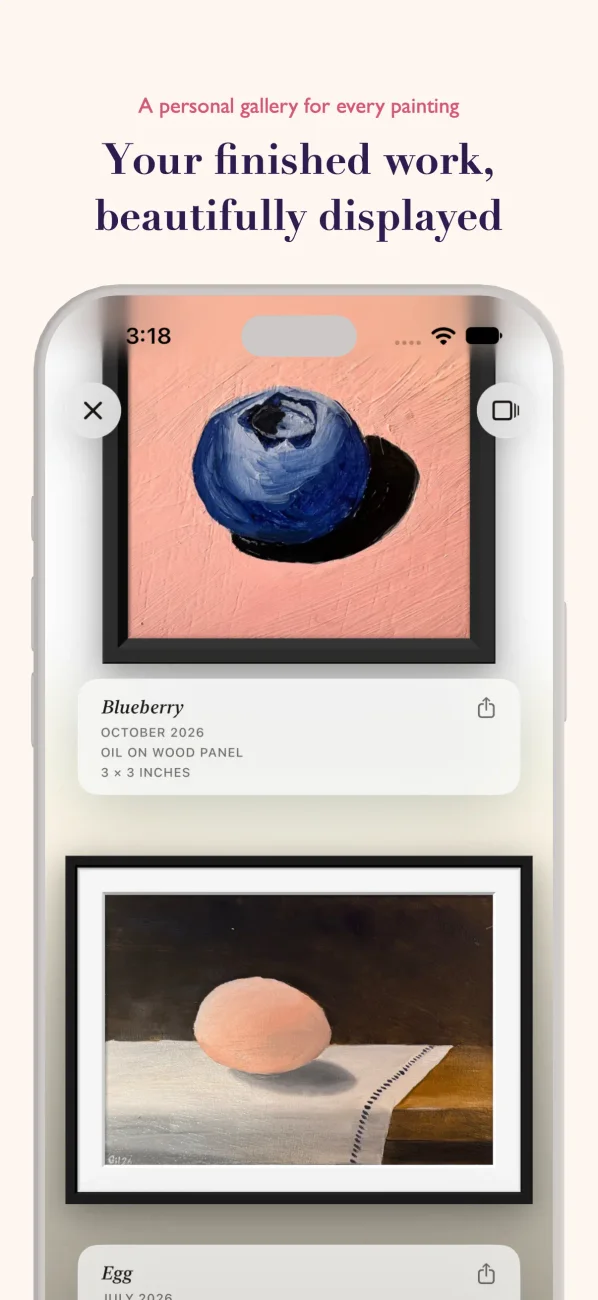
- Gallery: Take a photo of your finished work, add a frame, and view them all together in your personal gallery.
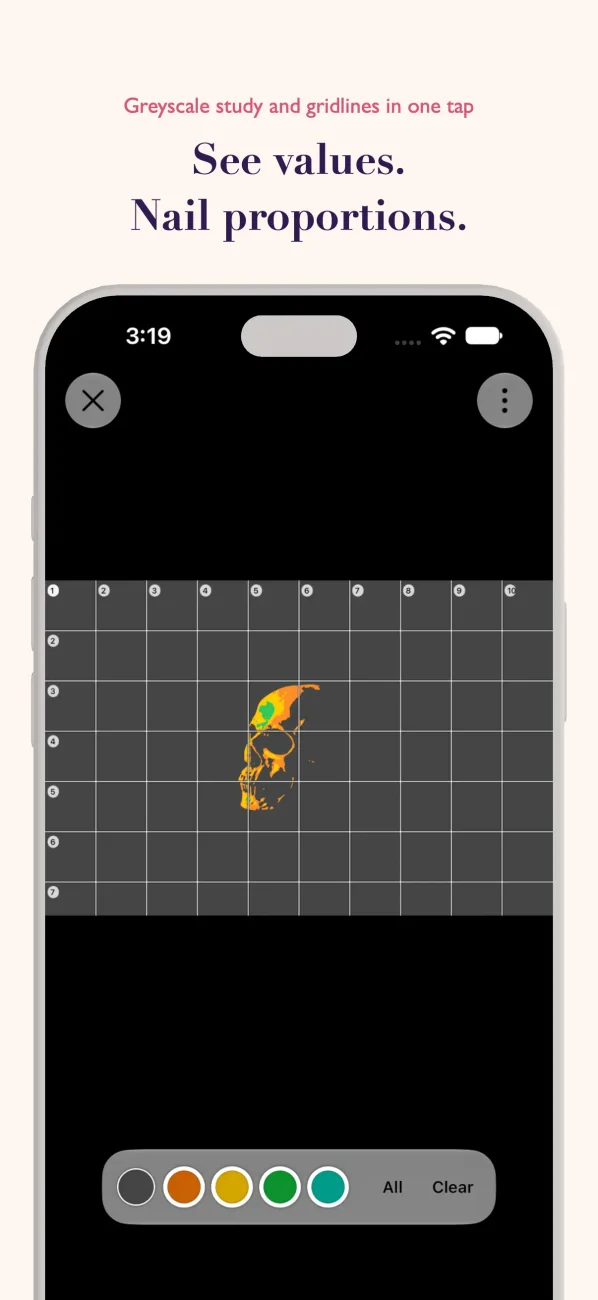
- Value Study Mode: Instantly view your reference in 7-value scale to see shadows and highlights or greyscale to see tone and contrast clearly.
- Gridlines: Helps get your under-sketch down accurately.
- Side-by-Side View: Compare your reference and your canvas at the same time, optimized for tablets and stands.
- Crop and Frame Tools: Adjust composition and aspect ratio of your reference to match your canvas before you begin.
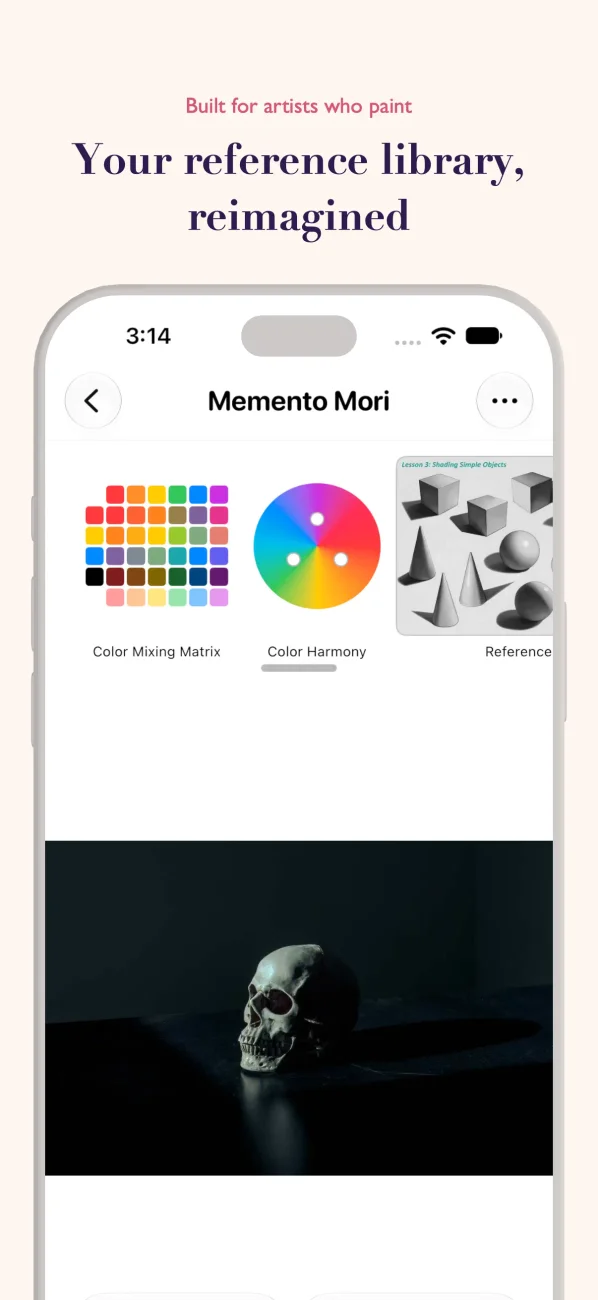
- Collections: Curated starter projects to help you practice and improve, including Animals, Architecture, Botanical, Figure, Landscape, Master Study, Portrait, and Still Life.
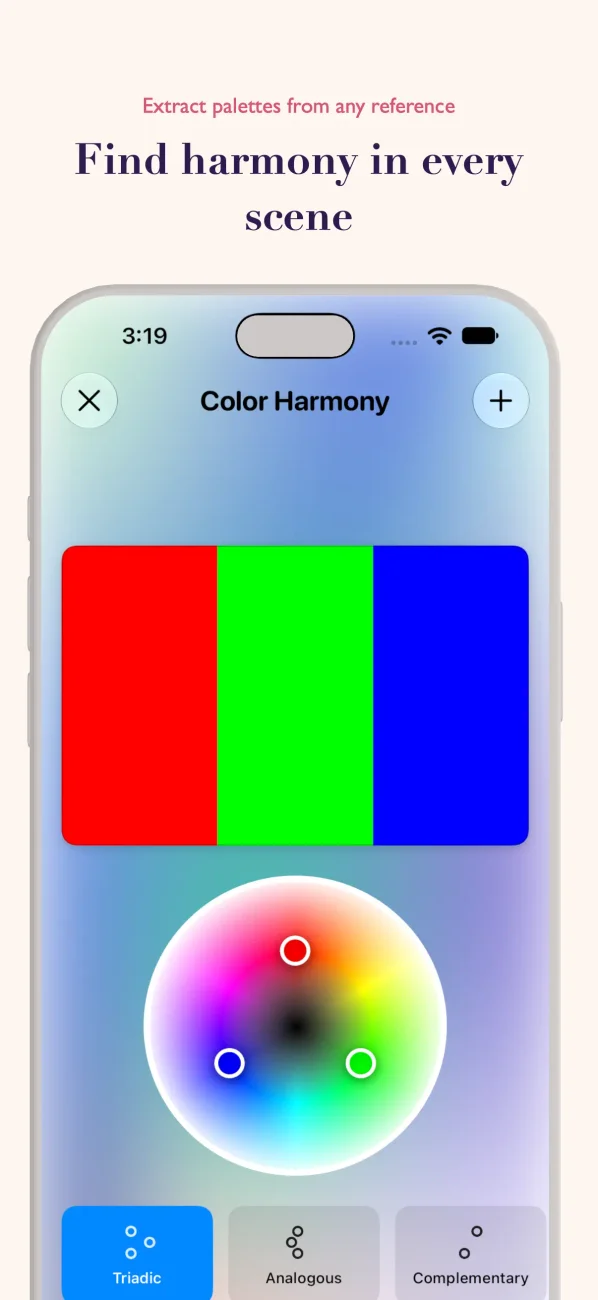
- Color harmonies: Experiment with color harmonies to define the feeling if your piece and save swatches
- Offline Friendly: Works anywhere, even in the studio or outdoors.
- Clean, Focused Design: No ads. No clutter. Just the reference tools you need.
- All of your artwork is private and only saved in your personal icloud. No artwork is visble to the internet or AI models
Made for Traditional Artists
Whether you're painting with oils, gouache, watercolor, or charcoal, Artists Reference helps you translate what you see into confident compositions and balanced values. Start with curated Collections to build your skills, or bring your own references for any project.
No AI art is used for any of the starter project references in this app. All photos are attributed to the original artists with links to their portfolio.
What’s new
Version 1.64 · Oct 30, 2026
Updated for iPhone Duo!
App privacy
What Gil Osborne declares on the App Store about how this app handles data.
-
Data not collected
The developer does not collect any data from this app.
Privacy practices may vary, for example with the features you use or your age.
Information
- Seller
- Gil Osborne
- Category
- Graphics & Design
- Version
- 1.64
- Updated
- Oct 30, 2026
- Released
- Oct 12, 2025
- Size
- 171.8 MB
- Requires
- iOS 26.0 or later
- Age rating
- 4+
- Price
- Free
- In-app purchases
- Yes
- Languages
- English, French, German, Hindi, Italian, Japanese, Korean, Simplified Chinese, Spanish
- Copyright
- © Gil Osborne
You might also like
-
 Stampory: Stamp Your DaysTurn life into stamps
-
 Artist ToolsReference tools for artists
-
 Art Toolbox Painting Made EasyTools That Simplify Painting
-
 Values at PlaySeeing Values in Art
-
 PalettePro – Oil Paint MixingMatch Colors From Any Photo
-
 ArtDeck: Art Reference BoardMoodboard, value & color study
-
 DarkRef - Art Reference BoardReference board for artists
-
 hashColorFree your colors.
-
 Pochade – Reference Photo PrepGrid, crop & value study tool
-
 Quick Poses: Gesture DrawingImprove with timed practice