Asympta Writing: Notes
Handwriting & Infinite Canvas
Designed for iPhone, iPad, Mac
Free · In-app purchases
- Age rating4+
- CategoryProductivity
- DeveloperKa ho Lau
- LanguagesEnglish+ 1 more
- Size71.2 MB
Links to the official App Store page
Download.org hosts no file of Asympta Writing: Notes. The button opens its official App Store page, published by Ka ho Lau. Listing last checked on Nov 15, 2026.
Screenshots
About
Give your thoughts room to grow.
Asympta Writing is a quiet, infinite canvas for handwritten notes, sketches and ideas. Write a journal entry, explore a thought or gather words in separate Spaces, surrounded by natural sound and gently changing light.
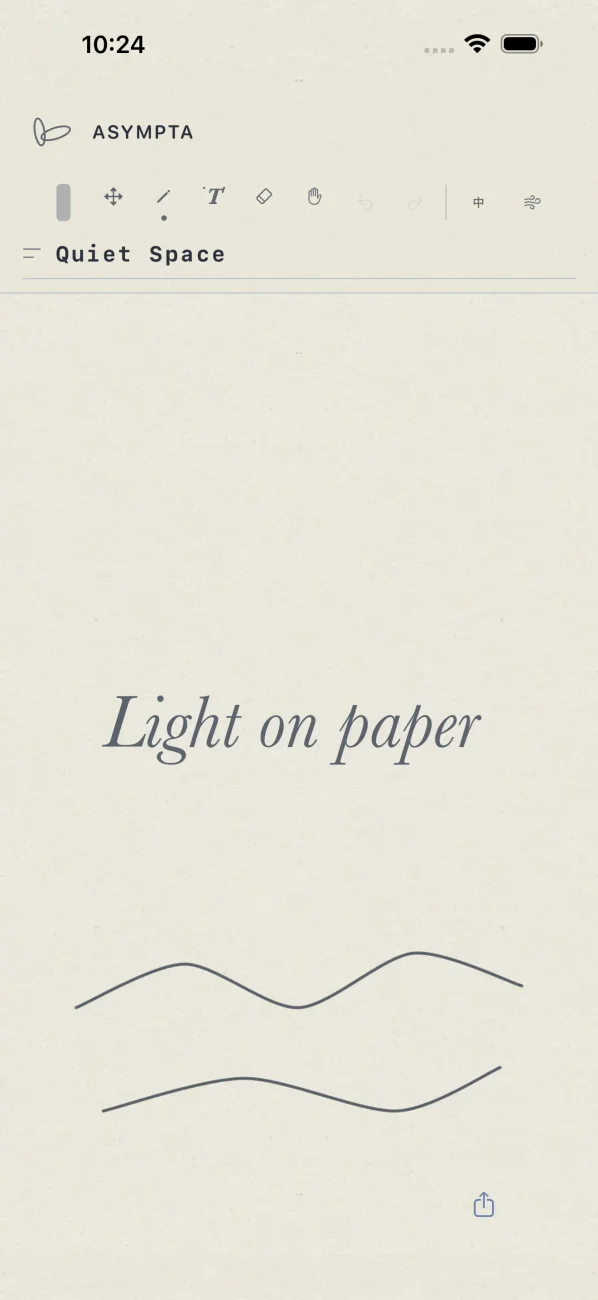
• Write and draw with Apple Pencil, or add typed text with an adjustable size preview
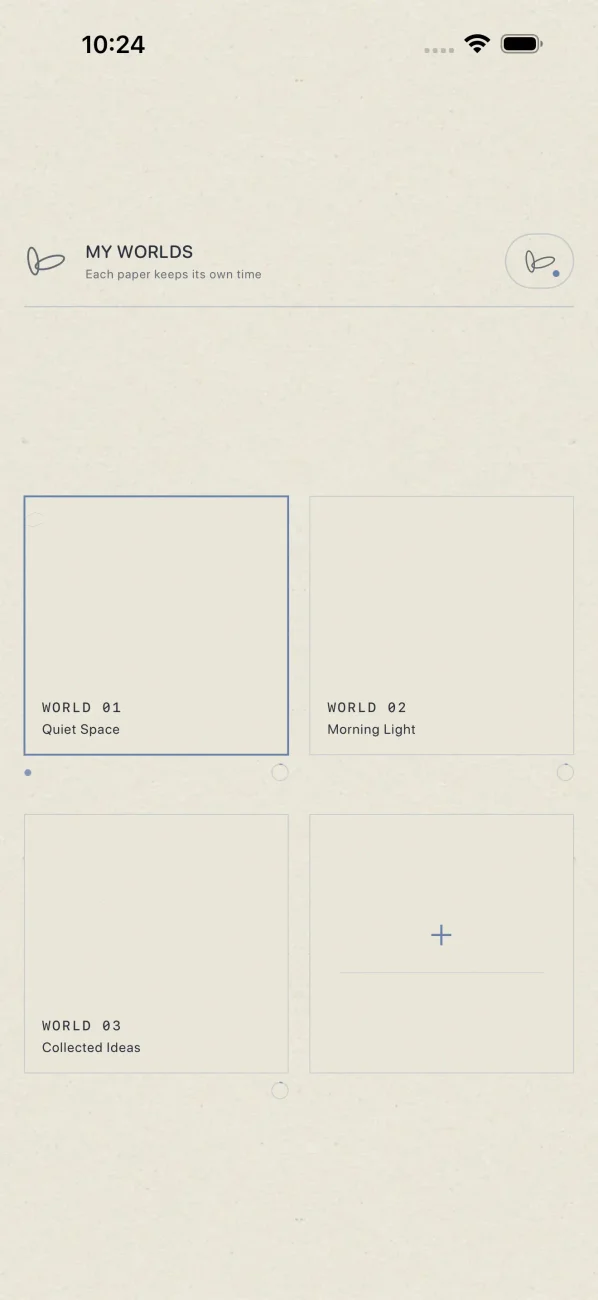
• Organize your writing into separate Spaces and return to earlier thoughts on a spatial canvas
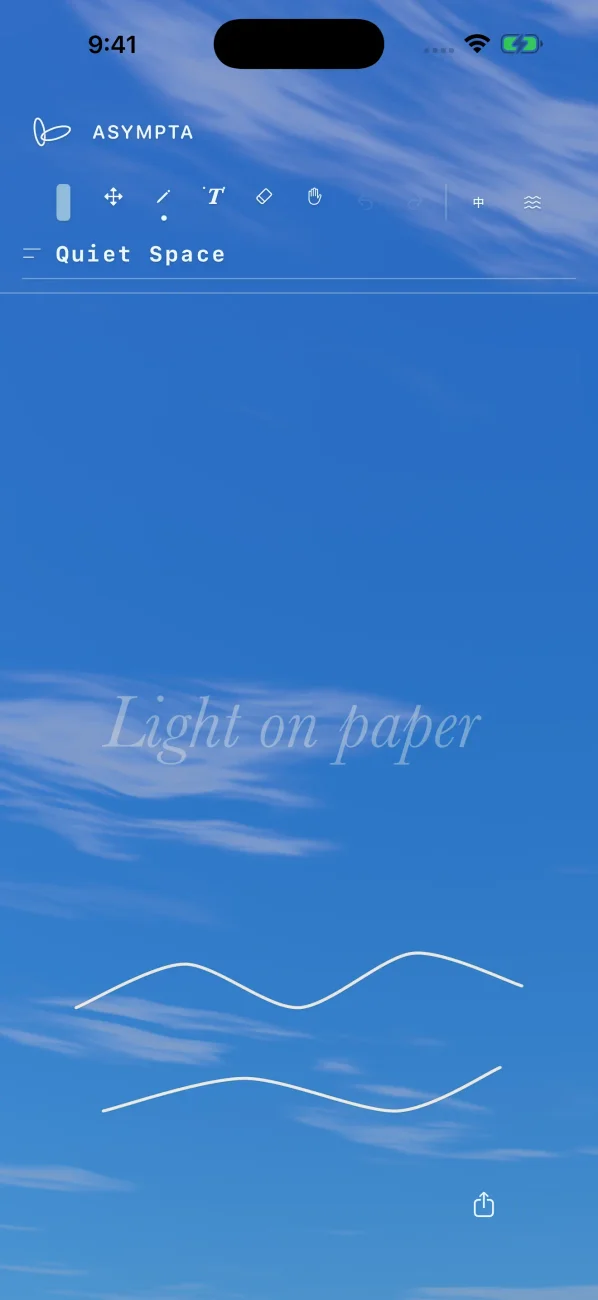
• Choose paper with moving leaf shadows, an open sky with drifting clouds, or a night sky with stars
• Listen to wind, sea ambience, or summer-night insects and frogs with an independent volume control
• Enable background playback in the sound controls to keep ambience playing on the Home Screen and while your device is locked
• Use the eraser, move and focus tools, and export your canvas as a PNG image
The free plan includes every canvas tool, local storage, up to three Spaces, and iCloud sync when your device has an available iCloud account. You can use the canvas offline without an Asympta account.
One non-consumable lifetime purchase unlocks Asympta Pro: unlimited Spaces, optional Google Drive backup, merge and recovery between your existing iCloud and Google Drive accounts, and two one-time discounted App Store invitation slots. iCloud sync itself remains free. The purchase does not include additional iCloud or Google Drive storage.
Google Drive connection is optional and uses only the app data scope. Invitation links open Apple's App Store redemption flow, where Apple displays the local price.
Asympta contains no ads, third-party analytics, or cross-app tracking.
ON IPHONE DUO
Move between the outer screen and a wider, unfolded canvas. Tools and writing controls adapt to your current window.
What’s new
Version 1.1.5 · Nov 3, 2026
• Zen Paper now has a near-white, fine-fibre texture.
• Pen on Leaf and Zen paper now uses warm charcoal ink with natural worn edges and subtle dry-ink gaps.
iPhone Duo: the canvas and writing tools now adapt to the outer and unfolded screens.
App privacy
What Ka ho Lau declares on the App Store about how this app handles data.
-
Data linked to you
May be collected and linked to your identity.
- Purchases
- User content
- Identifiers
Privacy practices may vary, for example with the features you use or your age.
Information
- Seller
- Ka ho Lau
- Category
- Productivity
- Version
- 1.1.5
- Updated
- Nov 3, 2026
- Released
- Aug 28, 2026
- Size
- 71.2 MB
- Requires
- iOS 17.0 or later
- Age rating
- 4+
- Price
- Free
- In-app purchases
- Yes
- Languages
- English, Traditional Chinese
- Copyright
- © 2026 EverFormLab Inc.
You might also like
-
 Done: Task CloserDefine done. Close the loop.
-
 CalmTaskCalendar, To-dos & Pomodoro
-
 Screencake: Screenplay WriterScreenwriting to shoot day
-
 AmbinoteDistraction-Free Writing Tool
-
 Interleaf: Digital PlannerJournal, Stickers & Notes
-
 Bookmark WriteSuperintelligence Co-Writer™
-
 Penpoint – Novel Writing AppWrite, plot & build your world
-
 NearbiGantt: Gantt & TasksGantt + your calendar events
-
 10-minute PlannerYour daily handwritten planner