
- Age rating4+
- CategoryProductivity
- DeveloperJustin Xin
- LanguagesJapanese+ 9 more
- Size69.7 MB
Links to the official App Store page
Download.org hosts no file of Atelier Folio. The button opens its official App Store page, published by Justin Xin. Listing last checked on Nov 23, 2026.
Screenshots
About
Everything you need to get through a day in a single planner that works with accounts you already have.
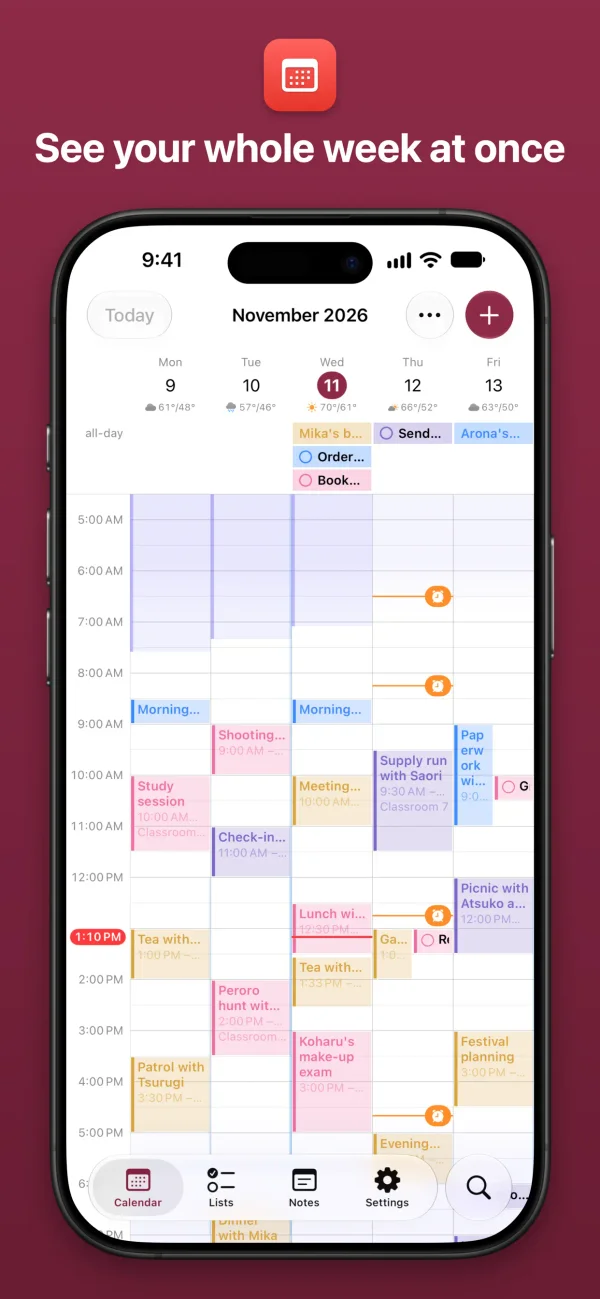
One Day, One Timeline
- See events and reminders for a single day, multiple days, or get an overview of the entire month
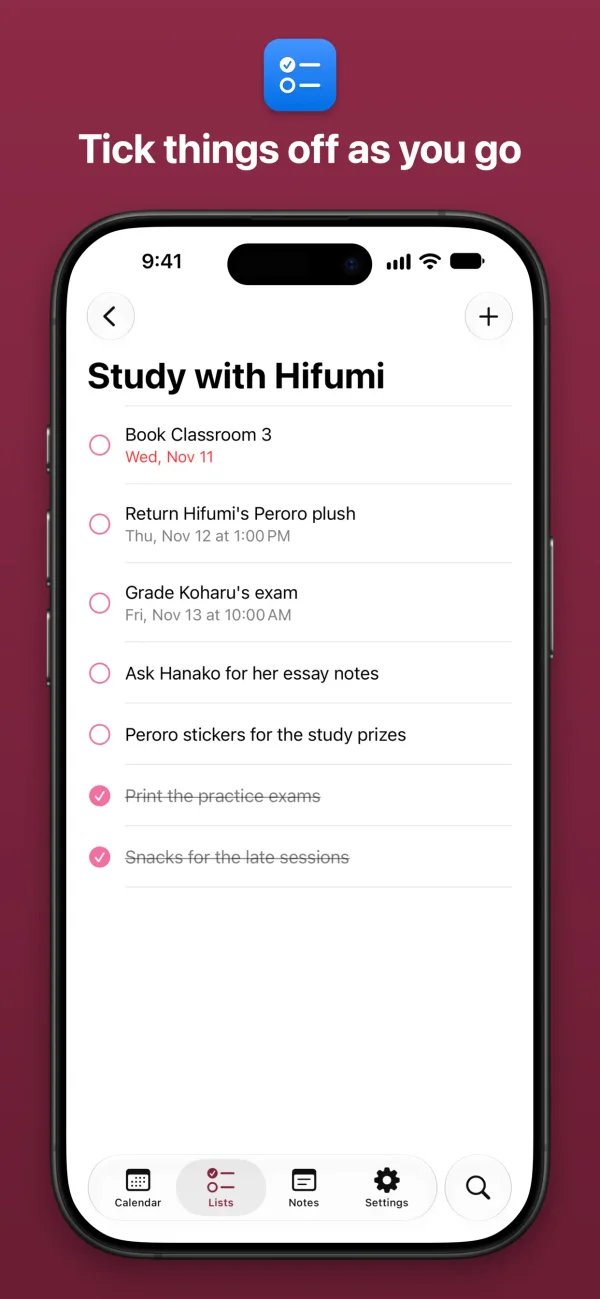
- Drag events to move them, and check off reminders right on the timeline
- Pinch to zoom in, or out, with support for zooming all the way out to view the entire day
- Undo any change with a single tap
- Show a second time zone, week numbers, holidays and an alternate calendar
Notes
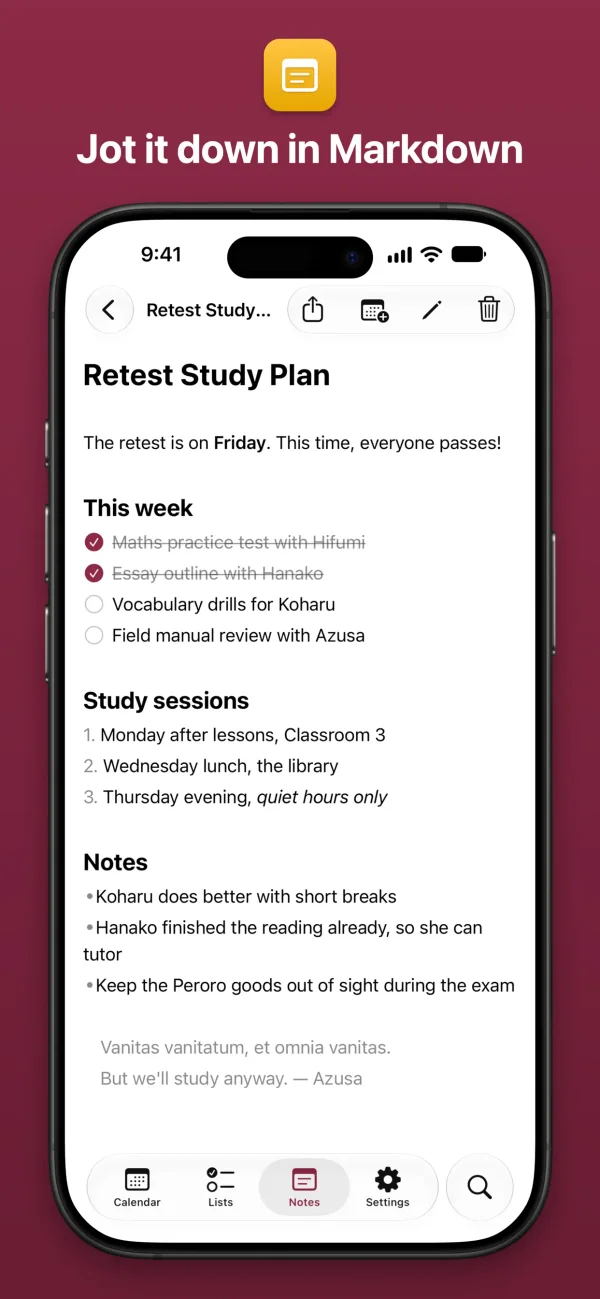
- Write in Markdown with a convenient formatting bar
- Keep a daily note, or link a note to a meeting and open it from the event
- Sync notes with iCloud Drive
- Search notes in-app or in Spotlight
Stay Notified
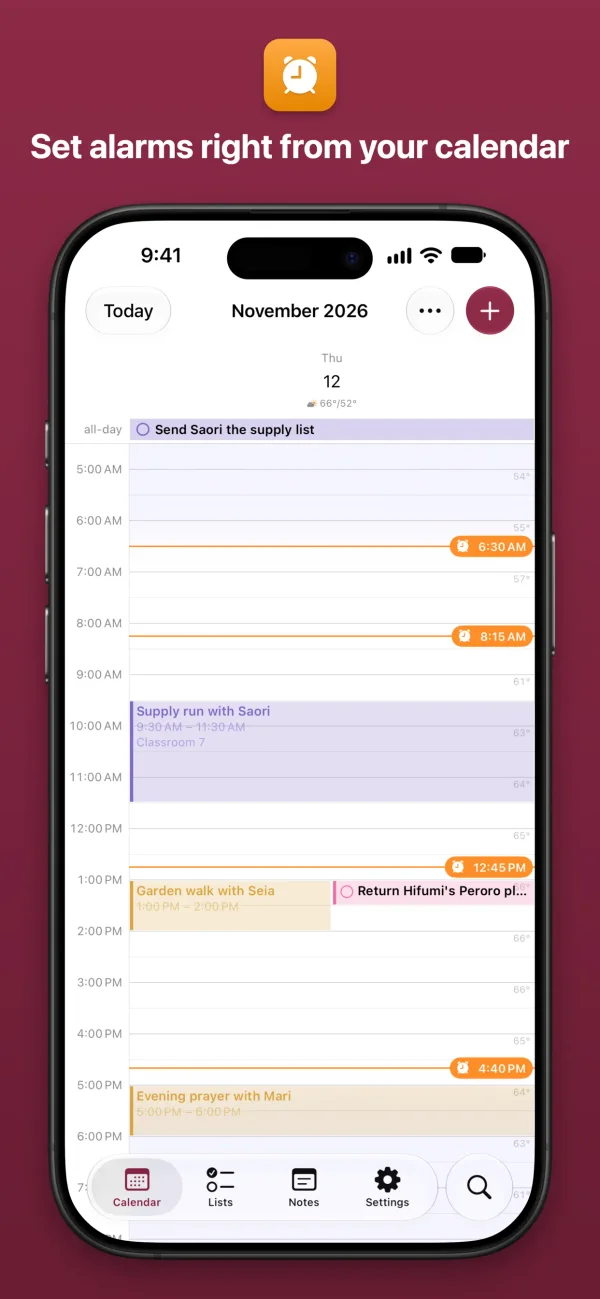
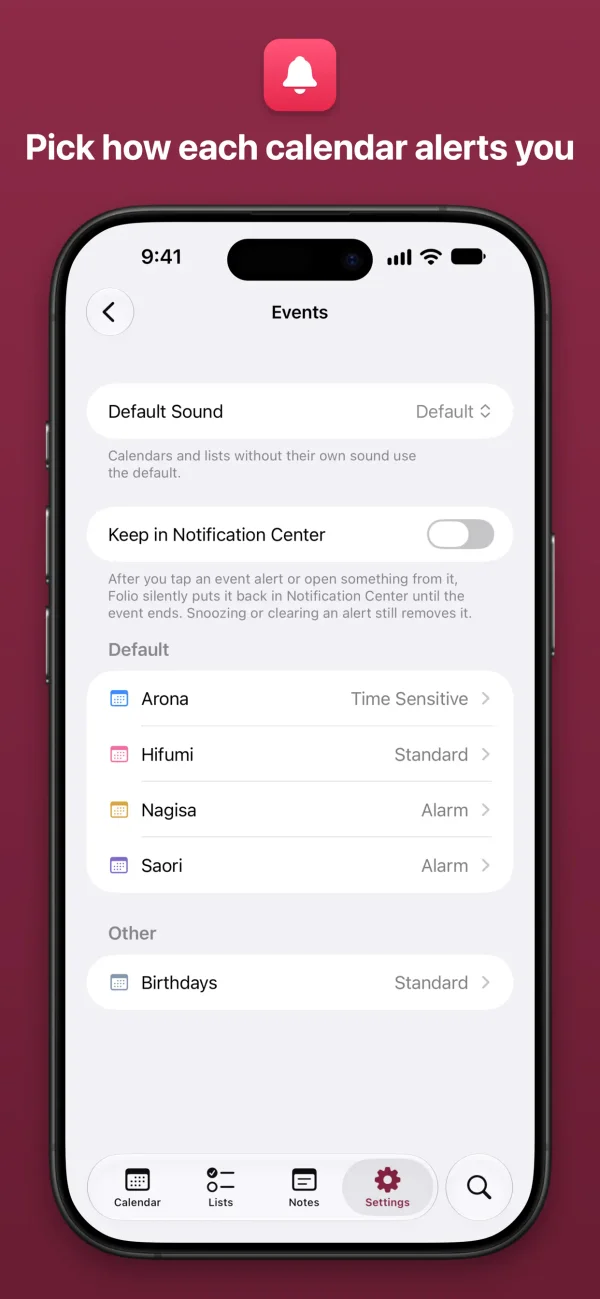
- Choose Standard, Time Sensitive or Alarm style for each calendar and list
- Get a wake-up alarm before your first event, with travel time included
- Get time to leave alerts and arrival alerts for events with a location
- Join video calls, snooze or mark reminders done right from the alert
- Pick from a set of custom notification sounds
Everywhere You Need It
- Home Screen widgets
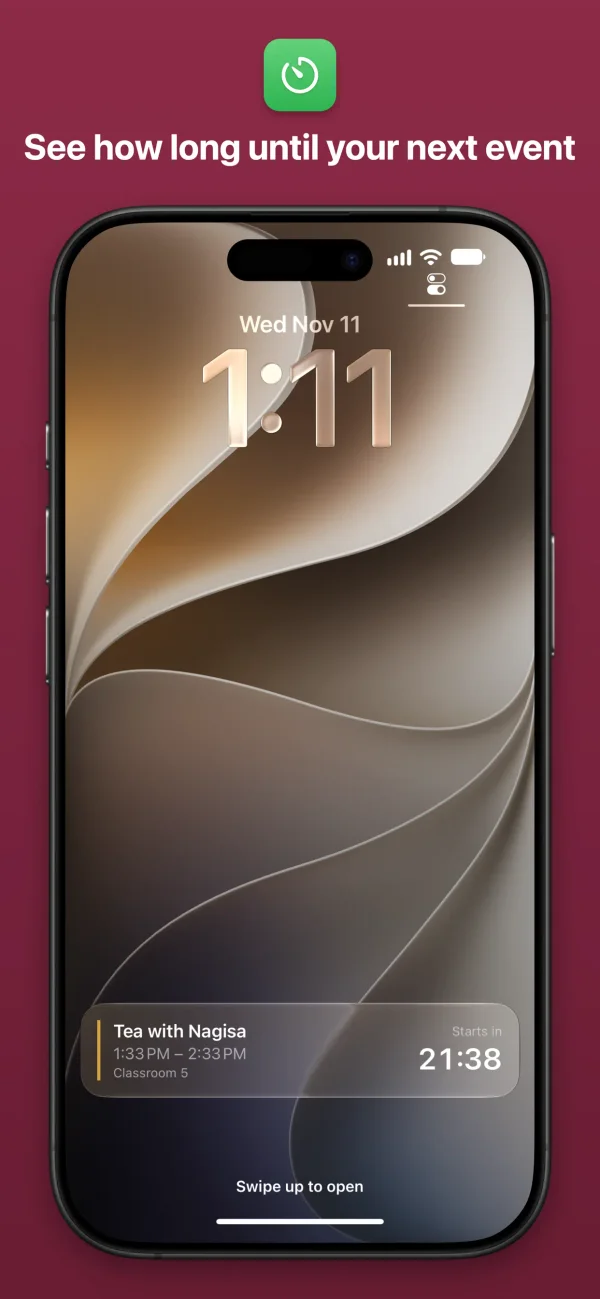
- Count down to an event on the Lock Screen and in the Dynamic Island
- Controls for Control Center
- Siri and Shortcuts actions
- Apple Watch app with complications
Everything Else
- Weather on your calendar and the hourly forecast on the timeline
- Sleep and medications from the Health app on your calendar (iPhone only)
- Flex Time for when you wake up late on a weekend (iPhone only)
- Join buttons for meeting links found in your events
- Travel time for events that have a location
- Duplicate events displayed as one to reduce clutter
- Respond to invitations and see who's attending
- Controls for Control Center
- Siri and Shortcuts actions
- See the next event in the menu bar (Mac)
- Apple Watch app with complications
Everything Else
- Weather on your calendar and the hourly forecast on the timeline
- Sleep and medications from the Health app on your calendar (iPhone)
- Join buttons for meeting links found in your events
- Travel time for events that have a location
- Duplicate events displayed as one to reduce clutter
- Respond to invitations and see who's attending
What’s new
Version 1.1 · Nov 22, 2026
This release includes the following new features:
Schedule
- Improved layout when events overlap
- Improved list view
- Workouts: see your workout sessions
- Energy Level: show an estimate of your energy levels throughout the day
- Medication: open the Health app when tapping on a medication reminder
Alarms
- New custom alarm sounds
- Snooze and sound settings per alarm
Notifications
- Map preview and directions
Settings
- Reorganized settings pages with improved icons, clearer explanations, and better selection views
- Default maps app
- Additional customization options for travel time
- Customization options for weather display
- iCloud settings sync
Other bugs relating to alarms, leave alerts, notification timing, undo, widgets and the Apple Watch app have also been fixed.
App privacy
What Justin Xin declares on the App Store about how this app handles data.
-
Data not collected
The developer does not collect any data from this app.
Privacy practices may vary, for example with the features you use or your age.
Information
- Seller
- Justin Xin
- Category
- Productivity
- Version
- 1.1
- Updated
- Nov 22, 2026
- Released
- Nov 15, 2026
- Size
- 69.7 MB
- Requires
- iOS 26.1 or later
- Age rating
- 4+
- Languages
- Japanese, Italian, Dutch, German, French, Vietnamese, Simplified Chinese, Traditional Chinese, English, Korean
- Copyright
- © 2026 Justin Xin
You might also like
-
 MLA: Mental Load AssistantFamily schedule, tasks & meals
-
 Tempo: AI PlannerTasks, notes and daily plans
-
 Jot: Quick Notes & InboxCapture It All, Sort It Fast
-
 Spunto: Smarter NotesNotes that organize themselves
-
 AI Note Taker: SessionsVoice Recorder & Transcription
-
 Hobba: To-Do List & PlannerTasks & kanban. One purchase
-
 Notepad - Reminder boardLock Screen reminder board
-
 GoodPlanner - Daily PlannerMinimal handwritten planner
-
 TimeLoop: Day & Weekly PlannerAI life organizer & to do list
-
 Anomalor - Password ManagerGenerator, Vault & AutoFill