- Age rating4+
- CategoryGraphics & Design
- DeveloperBen James
- LanguagesEnglish+ 2 more
- Size12.6 MB
Links to the official App Store page
Download.org hosts no file of Atheria: Generative Art. The button opens its official App Store page, published by Ben James. Listing last checked on Nov 10, 2026.
Screenshots

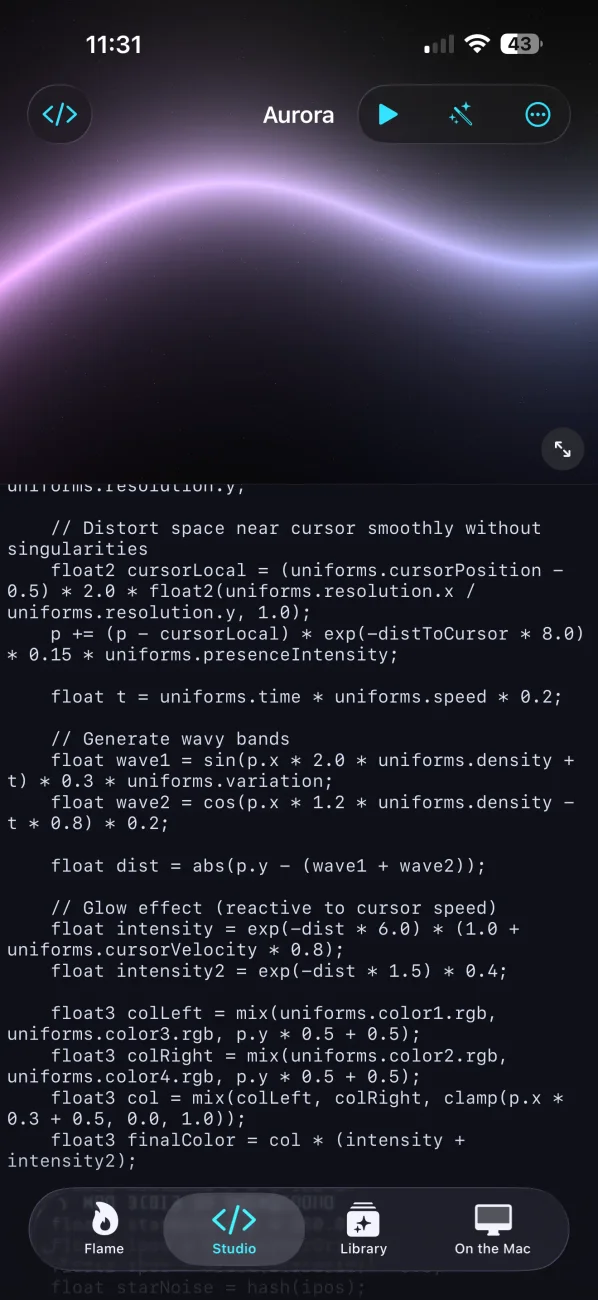
About
Grow living art in the palm of your hand.
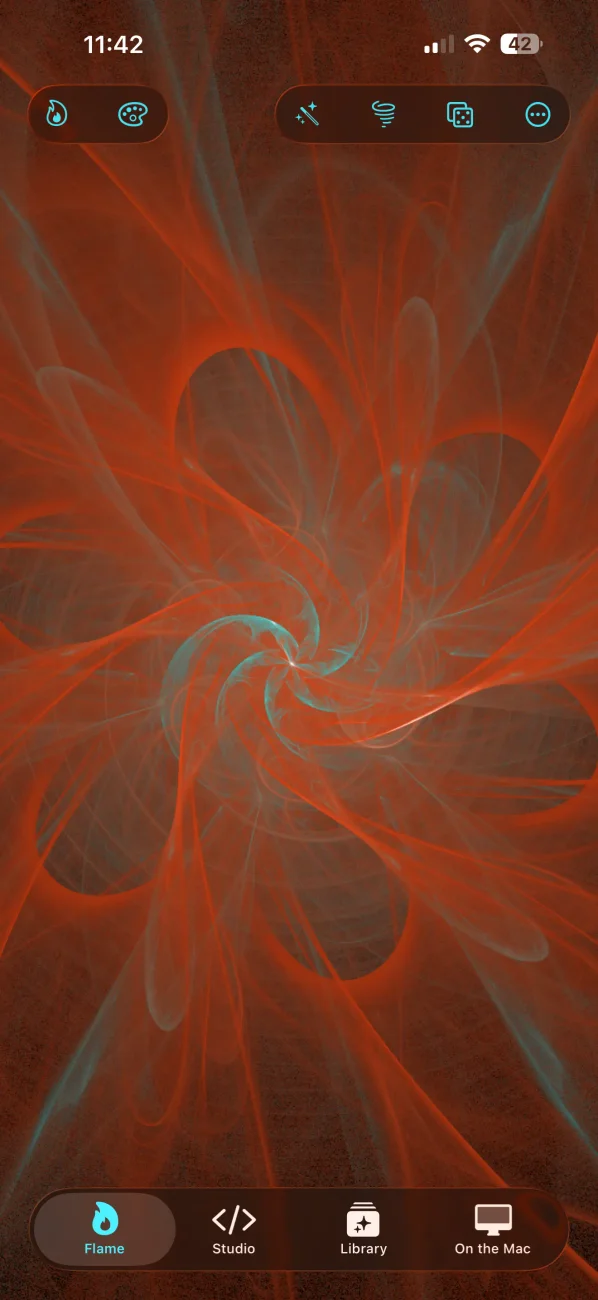
Atheria turns your iPhone and iPad into a generative art studio. Fractal flames are not drawings or videos: each one is a small genome of weighted transforms, iterated billions of times on your GPU into living structure that drifts and breathes while you watch.
LOCK SCREENS THAT COME ALIVE
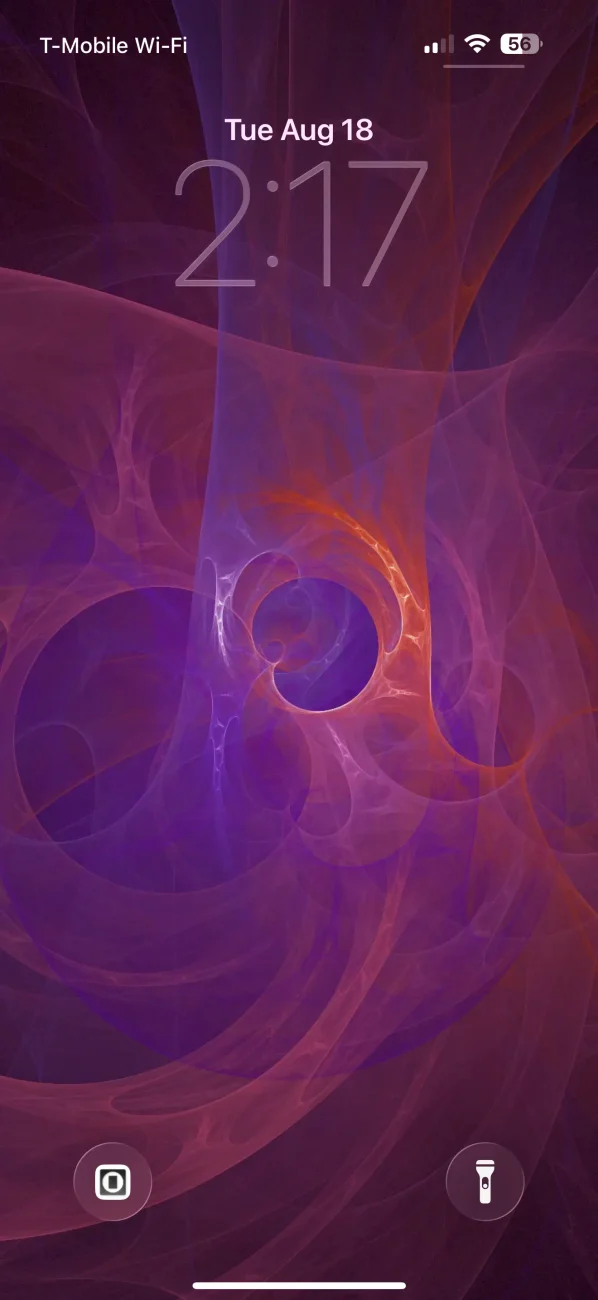
Export any flame as a Live Photo and it blooms once each time you wake the screen. iOS does not let an app set your wallpaper, so Atheria saves it to Photos and walks you through the few steps in Settings, one at a time. One is already made and waiting, so you can see it working before you make your own.
GROW FLAMES
Start from a preset or an archetype family, conjure a fresh random flame, or roll Chaos to invent a brand-new species named after its own anatomy. Tap Mutate to evolve the current flame one step at a time and follow the forms wherever they lead.
PAINT WITH LIVING COLOR
Four colors flow through every flame. Change any of them and watch the flame take the new palette live, right behind the picker.
WRITE YOUR OWN SHADERS
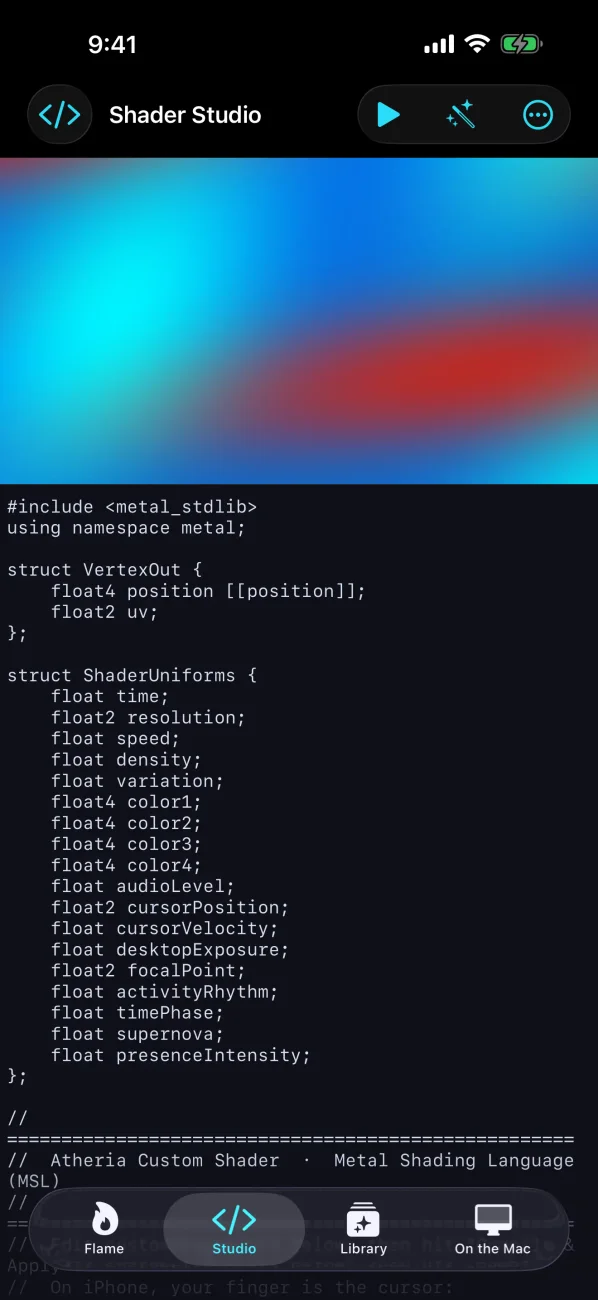
The Studio is a real Metal playground: write a fragment shader on your phone, compile it in a tap, and watch it run full screen. No computer, no build step.
KEEP AND SHARE
Save flames to your Library, keep the archetypes you invent, and share any creation two ways: a Share Card image for anywhere, or a short text code another Atheria user can paste to grow the exact same living art.
ON THE MAC
Atheria for Mac turns your creations into living desktop wallpapers. With both apps open, Handoff carries whatever you are making straight into the Mac's matching Creator. This app is free and complete on its own.
PRIVATE BY DESIGN
No account, no data collection, no network calls. Everything renders and stays on your device.
What’s new
Version 1.6.3 · Oct 25, 2026
New icon, and a My Flames widget! Put your saved flames on your Home Screen or in StandBy, a new one every half hour, in small, medium and large, plus an even bigger one on iPad. Tap it to open that flame. At night in StandBy your flames stay bright in red mode.
Drag a flame out of your Library into other apps as a picture, or drop a flame code onto the canvas to open it.
On iPad, all of Atheria's commands are now in the menu with keyboard shortcuts (New Flame, Mutate, Save, Back and Forward and more), and the Library has right-click menus.
Plus a little more room around the code in Shader Studio.
Appreciate all the support, keep the feedback coming!
App privacy
What Ben James declares on the App Store about how this app handles data.
-
Data not collected
The developer does not collect any data from this app.
Privacy practices may vary, for example with the features you use or your age.
Information
- Seller
- Ben James
- Category
- Graphics & Design
- Version
- 1.6.3
- Updated
- Oct 25, 2026
- Released
- Aug 4, 2026
- Size
- 12.6 MB
- Requires
- iOS 18.0 or later
- Age rating
- 4+
- Languages
- English, German, Japanese
- Copyright
- © Ben James 2026
You might also like
-
 MeshArtUnleash Your Inner Artist
-
 PhormaGenerative art without coding
-
 benoît MFractal Art Explorer
-
 Fractal UniverseFractal Explorer
-
 Bloom.A unique color for every pixel
-
 HoneytileEpic Geometric Wallpapers
-
 MorphonTouch-driven generative art
-
 SHADR: Creative Visual ToolsImage Effects & Generative Art
-
 Büro Destruct DesignerGenerate geometric designs
-
 MeshPaper: Wallpaper GeneratorCreate More