
- Age rating4+
- CategoryTravel
- DeveloperLutz-R. Frank
- LanguagesEnglish
- Size23.9 MB
Links to the official App Store page
Download.org hosts no file of AtlasView. The button opens its official App Store page, published by Lutz-R. Frank. Listing last checked on Nov 16, 2026.
Screenshots

About
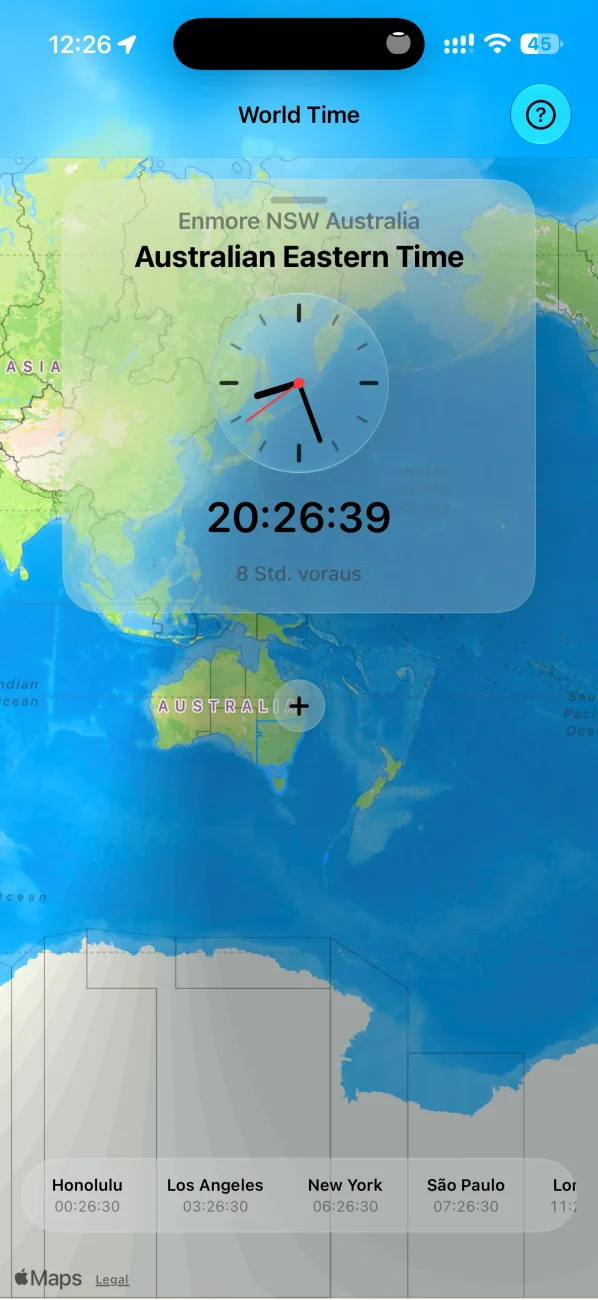
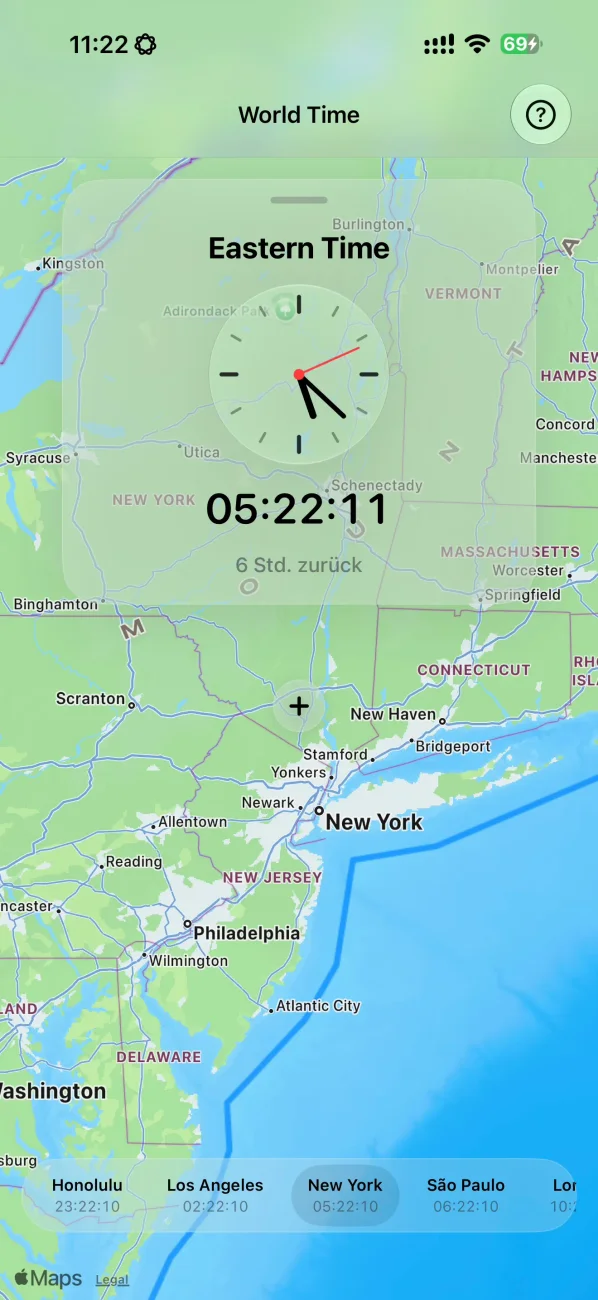
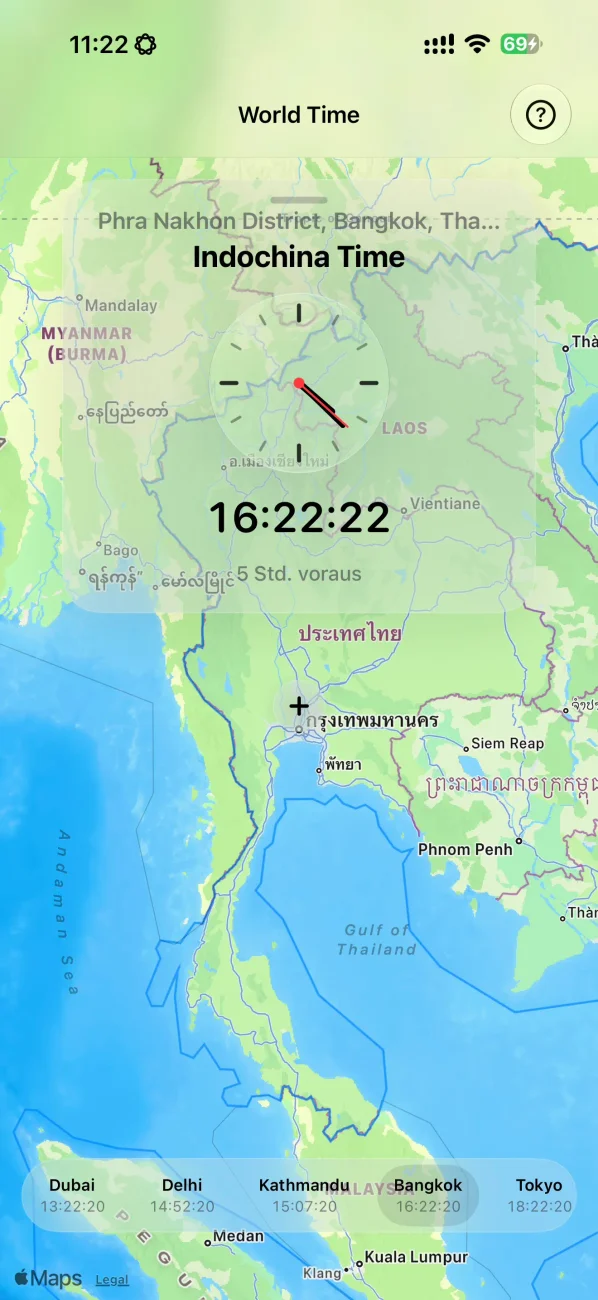
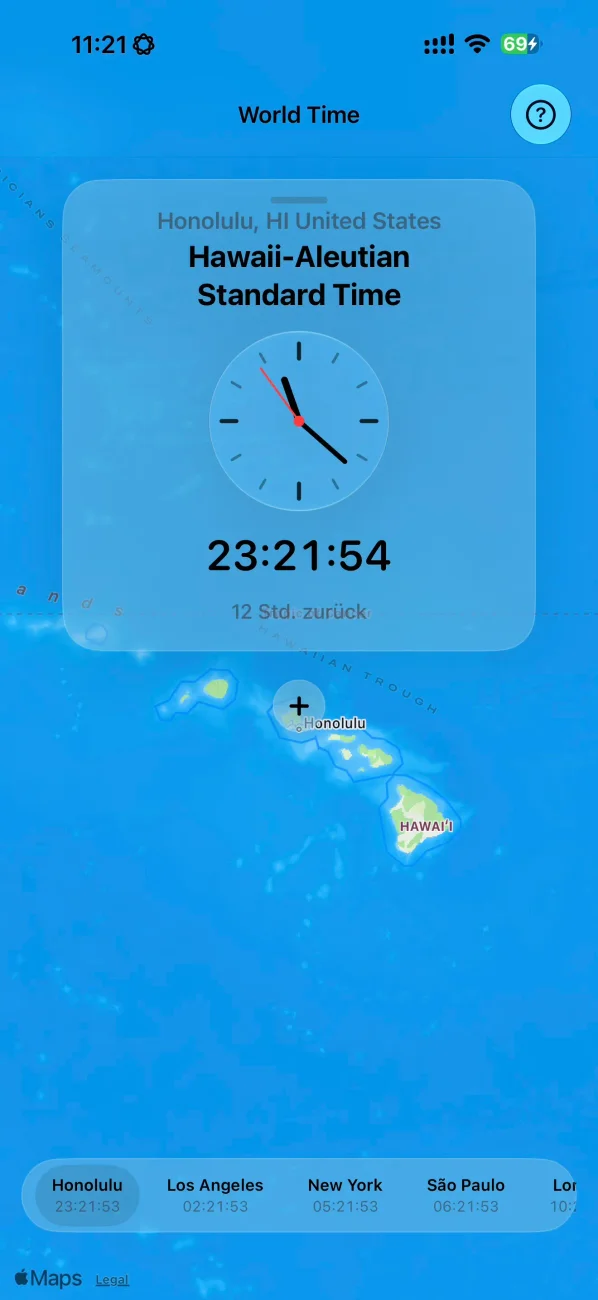
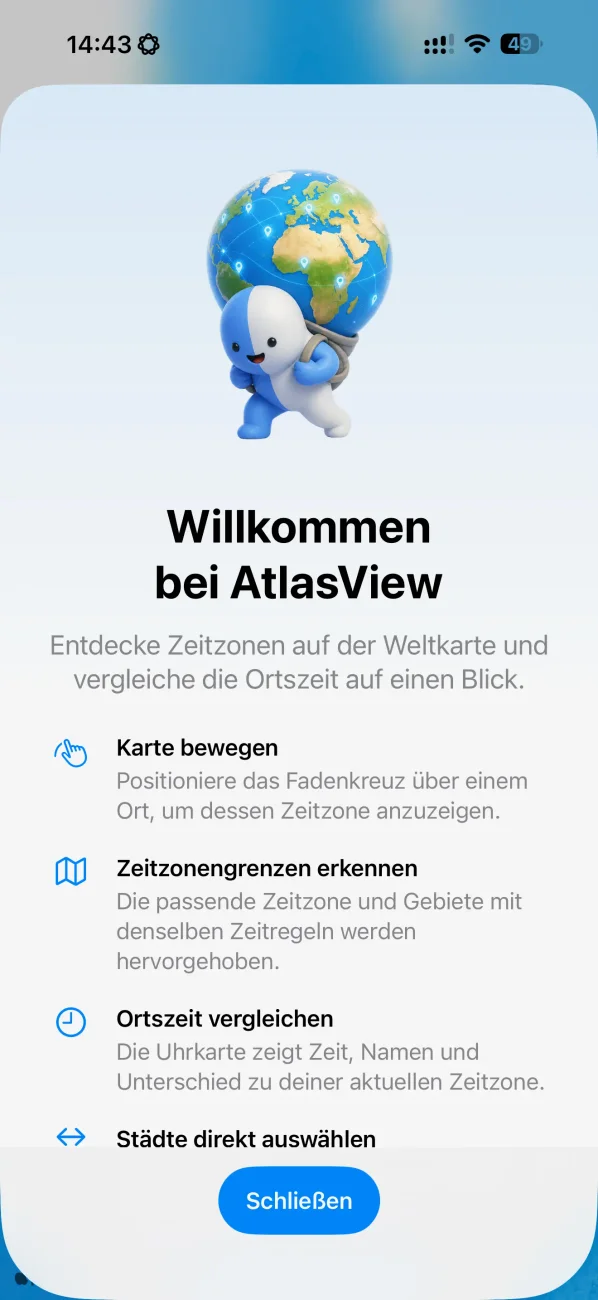
Explore time zones on an interactive world map. Move the map or jump to a city to see its local time, time zone name, and the current time difference from where you are.
Switch between Standard, Hybrid, and Satellite maps. Zoom out in Satellite view to see the globe. A compact, translucent clock card shows local time on a numbered analog dial with a red second hand, alongside a digital readout. Drag the card to reposition it, or tap the clock icon to hide or show it.
The map shows the real geographic boundaries of time zones. Areas that share the same time rules are highlighted together, including daylight saving time and time zones with fractional UTC offsets.
A live-calculated day and night view also shows where it is currently day, twilight, or night. The smooth gradient follows the current position of the sun and updates automatically.
AtlasView adapts to iPhone Duo’s outer and unfolded inner displays. The clock card starts at the side in wide windows and can be dragged within the available area.
Features
- Interactive world map with Standard, Hybrid, and Satellite views, including a globe in Satellite view
- Translucent analog clock with a red second hand and a digital time display
- Place and time zone names
- Current difference from your own time zone
- Real geographic time zone boundaries
- Highlighting of areas with matching time rules
- Live-calculated day, twilight, and night view
- Adaptive layout for iPhone Duo’s outer and inner displays
- Draggable clock card that adapts to window resizing and can be hidden from the toolbar
- Quick access to international cities
- Correct handling of daylight saving time and fractional UTC offsets
AtlasView is ideal for exploring the world, comparing international times, and planning travel or conversations across multiple time zones.
What’s new
Version 1.3.1 · Nov 9, 2026
Switch between Standard, Hybrid, and Satellite maps using the map button next to Help. Zoom out in Satellite view to see the globe.
The clock card is more compact and has a redesigned, translucent analog dial with clear numerals and a red second hand. Tap the clock icon to hide or show the card. When you show it again, it returns to its previous position.
App privacy
What Lutz-R. Frank declares on the App Store about how this app handles data.
-
Data not collected
The developer does not collect any data from this app.
Privacy practices may vary, for example with the features you use or your age.
Information
- Seller
- Lutz-R. Frank
- Category
- Travel
- Version
- 1.3.1
- Updated
- Nov 9, 2026
- Released
- Aug 14, 2026
- Size
- 23.9 MB
- Requires
- iOS 17.0 or later
- Age rating
- 4+
- Price
- Free
- Languages
- English
- Copyright
- © 2026 Lutz-R. Frank
You might also like
-
 Tripvite: Trip Invites & RSVPsGroup Trip Planner & Itinerary
-
 StreetieNavigate like a local
-
 FoglasMap the world you explore
-
 TourApTravel
-
 BabelTableOffline voice translation
-
 myLocation - GPS CoordinatesSend & Save Location Anywhere
-
 Trip ReceiptsTravel expenses, organized
-
 Sea DistanceSea Distance Calculator
-
 Translate-TravelOn-Device Travel Translator
-
 PilotDeckMETAR, TAF & NOTAM briefing