
Atom Browser: Adblock, Scripts
Speed Read, Popups, Video & AI
Designed for iPhone, iPad
Free · In-app purchases
- Age rating17+
- CategoryUtilities
- Developerli jiacheng
- LanguagesEnglish+ 1 more
- Size144.8 MB
Links to the official App Store page
Download.org hosts no file of Atom Browser: Adblock, Scripts. The button opens its official App Store page, published by li jiacheng. Listing last checked on Nov 15, 2026.
Screenshots


About
The web, on your terms.
Ad blocking, video controls, guided reading, bilingual pages and extensions in one browser. Search, watch, read and organize.
ADBLOCK AND POPUP CONTROL
Filters and behavior detection reduce ads, popups and redirects. Choose three detection levels. Results vary; not all ads or video ads can be blocked.
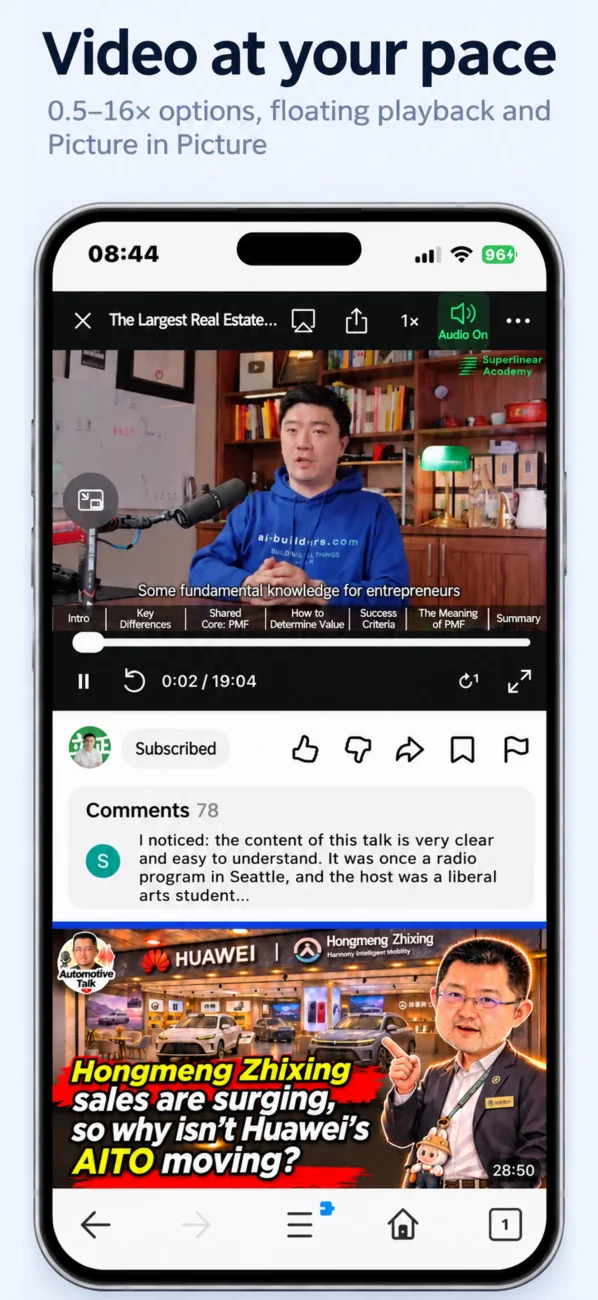
VIDEO SPEED AND FLOATING PLAYBACK
Supported web videos offer 0.5–16× options, floating playback, PiP, full screen, loop, frame capture and a sleep timer. Features vary by site, media and device. No DRM bypass.
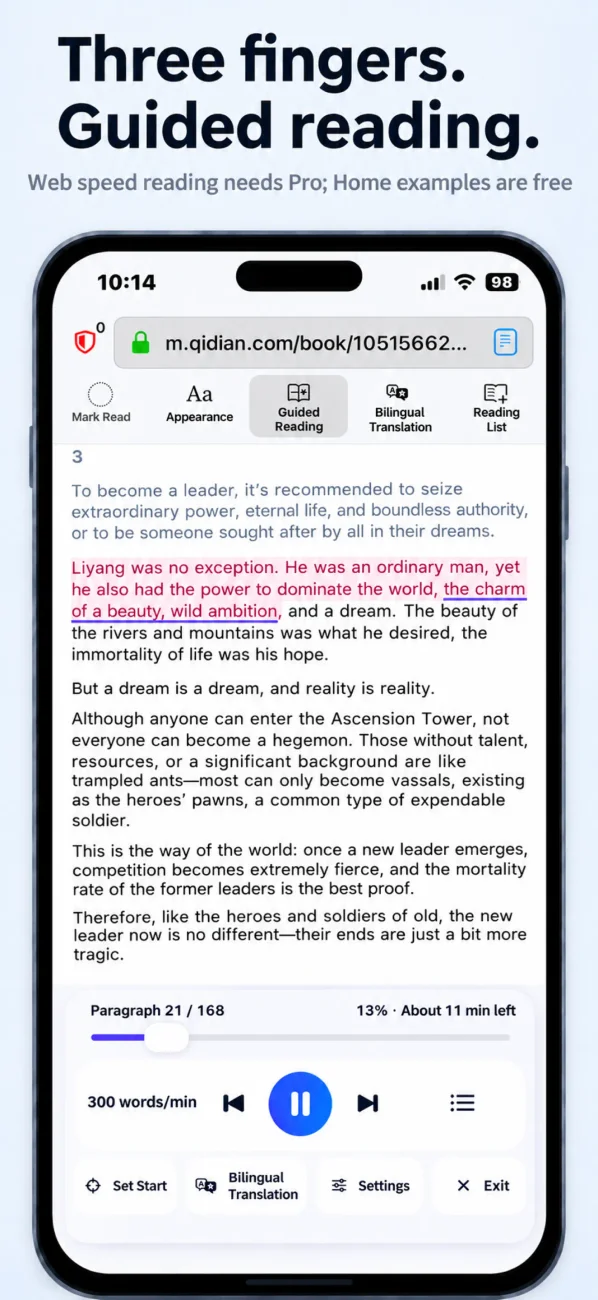
THREE FINGERS FOR GUIDED SPEED READING
Tap with three fingers for paced article reading. Adjust speed, phrase length, pauses and following. Includes text-to-speech; reading and video speeds are separate. Speed reading on regular pages requires Atom Pro; Home examples remain free.
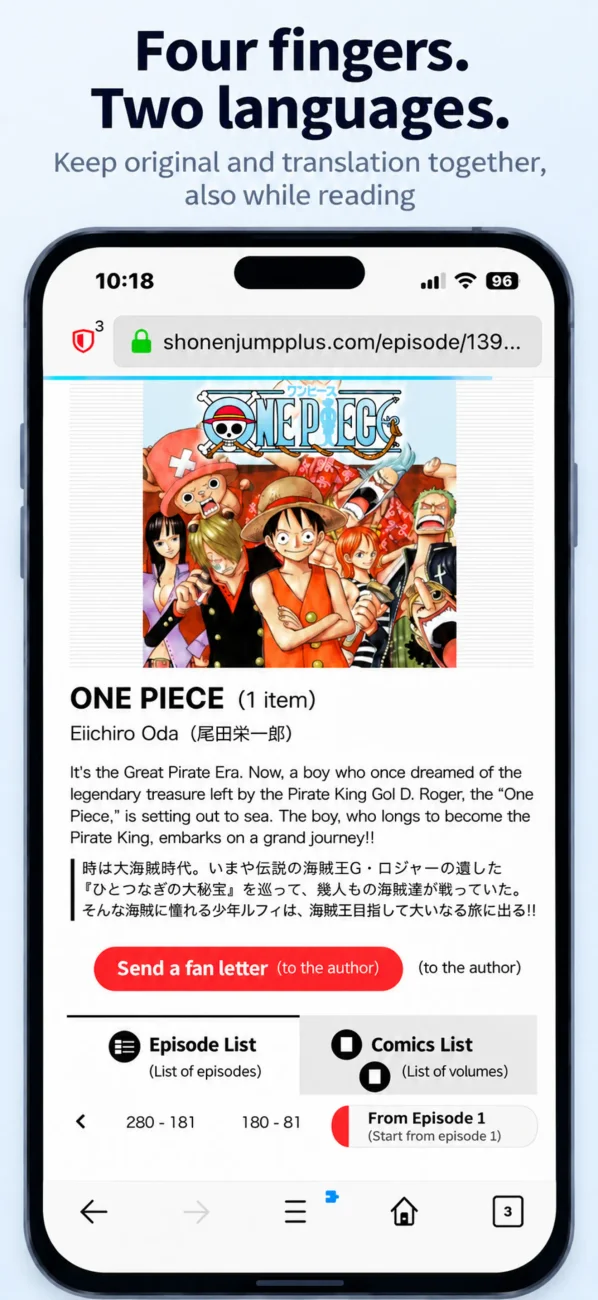
FOUR FINGERS FOR BILINGUAL PAGES
Tap with four fingers to switch between original text and in-place bilingual translation. Use translation alongside guided reading. Engines, language packs, network needs and language availability depend on your system and settings. Try both gesture examples from Home.
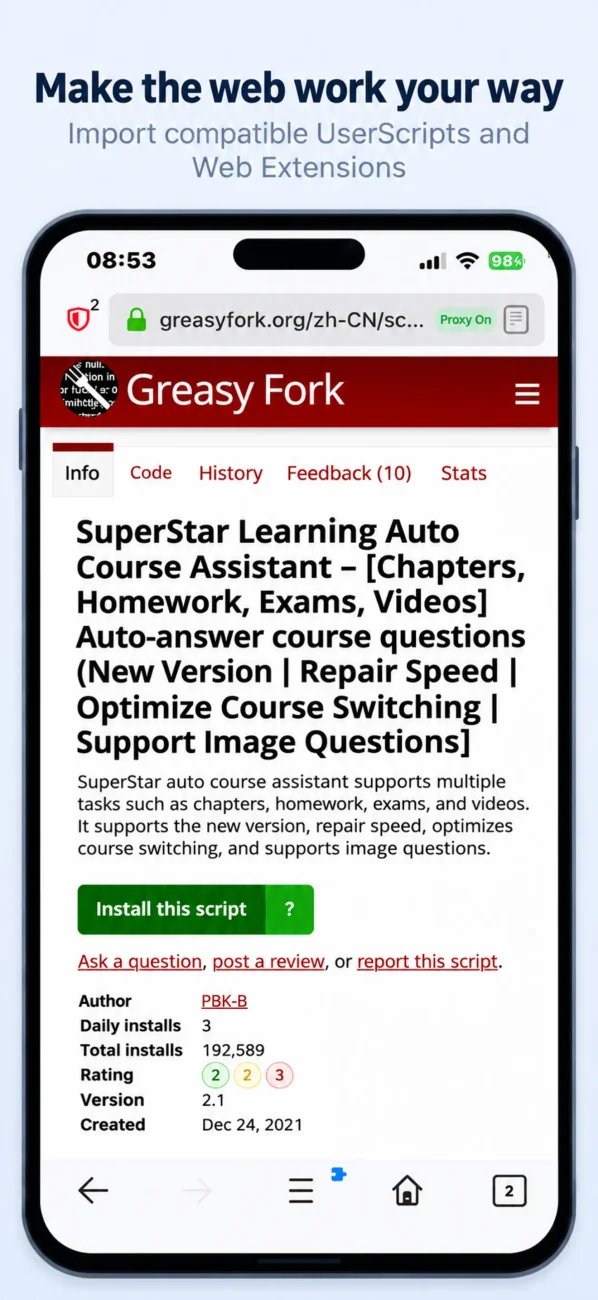
SCRIPTS, SCRIPTING AND EXTENSIONS
Create or import compatible UserScripts and Web Extensions for translation, Markdown, formatting, hiding distractions or removing tracking parameters. APIs and compatibility vary. Third-party paid services are not included.
Browse Greasy Fork and import compatible UserScripts.
IMPORT AND ORGANIZE BOOKMARKS
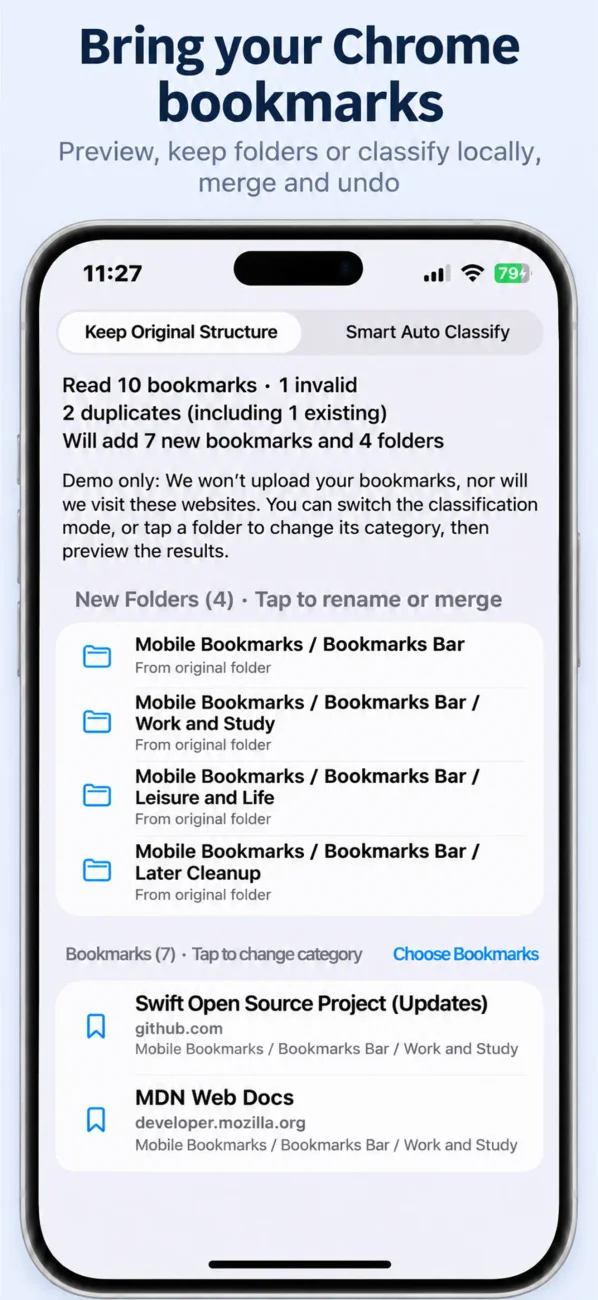
Import bookmarks.html exported by desktop Chrome or compatible Netscape HTML from Edge, Firefox or Safari. Keep folders or classify locally. Preview duplicates, edit categories and confirm before merging; existing bookmarks remain. Snapshots allow undo. Search, manage folders and export HTML, or use the single Bookmark Import entry on Home, including a guided demo. Local classification uses no cloud AI.
YOUR OWN LAN PROXY
Discover, save and verify an HTTP or SOCKS5 proxy you configure on your local network. See proxy status in the address bar. Requires your own working proxy, network permission and iOS/iPadOS 17+. This is not a VPN, a server service or a system-wide proxy. Setup and checks are free; ongoing proxy browsing is included in unified Atom Pro.
SEARCH, AI SUMMARIES AND EVERYDAY TOOLS
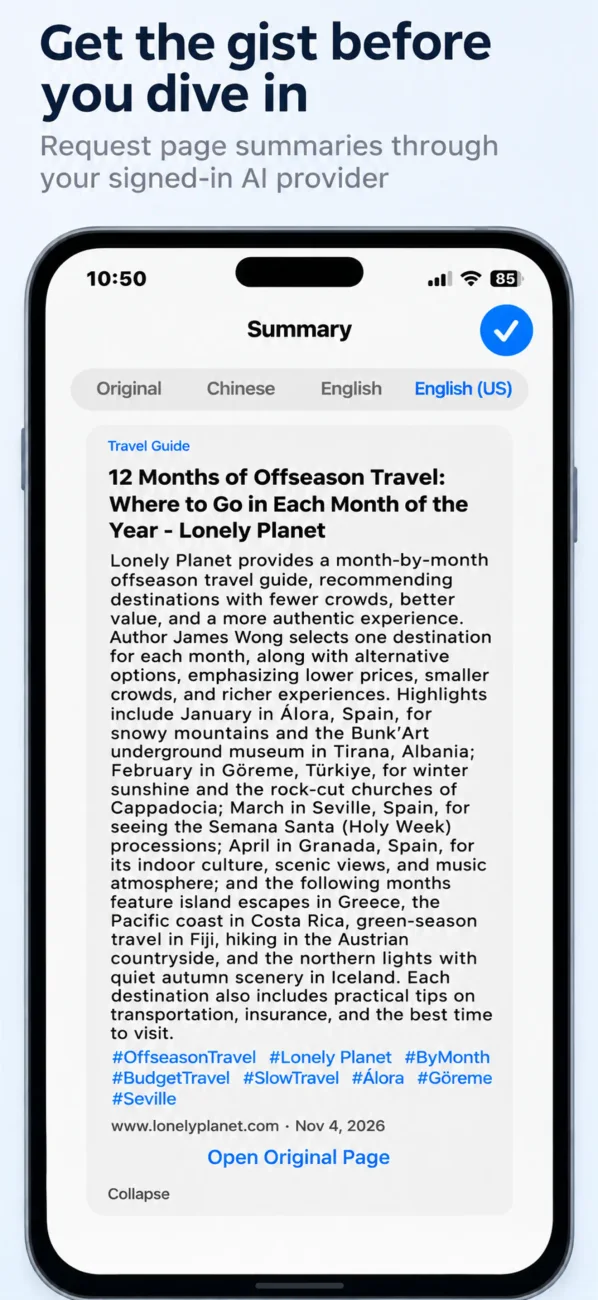
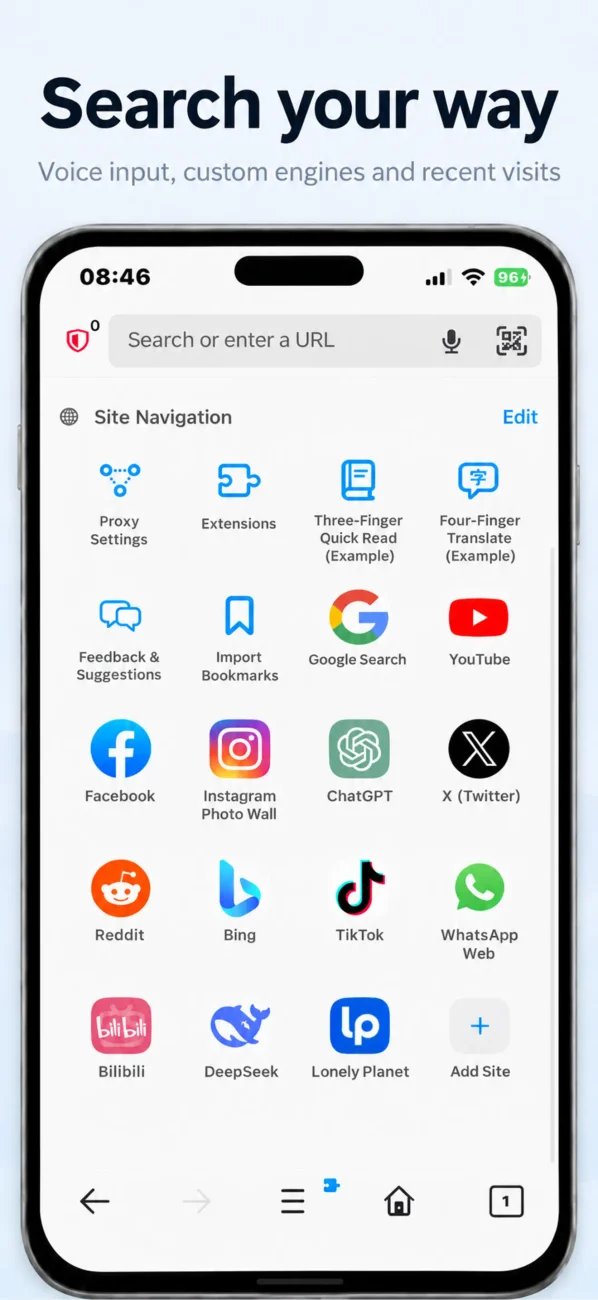
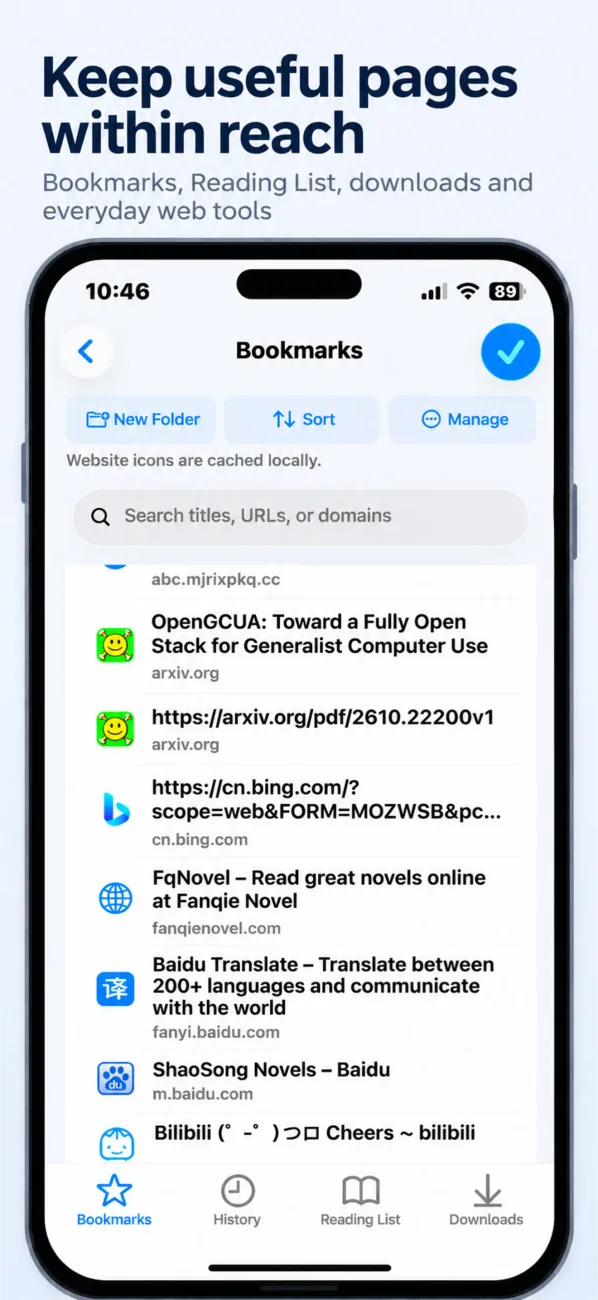
Voice search, custom engines, Home shortcuts and recent visits. AI summaries use your external account. Includes screenshots, find, auto-refresh, QR, downloads, files, ZIP, Reading List, Markdown, private tabs and night mode. Optional iCloud sync for bookmarks and selected settings.
PLANS AND AVAILABILITY
One Atom Pro unlocks full filtering rules, LAN proxy browsing, scripts and compatible extensions, Chrome HTML bookmark import, and speed reading and translation on regular pages. Home reading and translation examples remain free. Choose monthly, yearly or lifetime access. Eligible monthly subscribers receive a 7-day free trial, then renew automatically at the monthly price shown at checkout. This trial is not included with yearly or lifetime purchases. Cancel subscriptions in your Apple Account and restore purchases in the app. Mini includes EasyList China; Pro adds EasyList, EasyPrivacy, anti-circumvention and annoyance filters maintained through app updates.
Web Extensions and dependent AI tools require iOS/iPadOS 18.4+. AI summaries require signing into a supported provider; requested page content is sent there. Limits and results vary. Some extension interfaces are currently Chinese; optional tools may need separate import.
Download only authorized content. Private tabs do not guarantee anonymity.
Support: https://www.seawealthy.com/atom/protocal/v1/support.html
Privacy: https://www.seawealthy.com/atom/protocal/v1/privacy_url
Terms: https://www.seawealthy.com/atom/protocal/v1/member.html
What’s new
Version 14.21 · Nov 6, 2026
LAN proxy browsing now uses Atom Pro with a direct purchase flow. Pull down on Home to open the address bar and start voice input with an animated listening indicator. Improved handling of mixed voice and keyboard input.
App privacy
What li jiacheng declares on the App Store about how this app handles data.
-
Data not collected
The developer does not collect any data from this app.
Privacy practices may vary, for example with the features you use or your age.
Information
- Seller
- li jiacheng
- Category
- Utilities
- Version
- 14.21
- Updated
- Nov 6, 2026
- Released
- May 21, 2019
- Size
- 144.8 MB
- Requires
- iOS 16.0 or later
- Age rating
- 17+
- Price
- Free
- In-app purchases
- Yes
- Languages
- English, Simplified Chinese
- Copyright
- © 2019 Atom Group
You might also like
-
 Dzzz — Offline Tools90 tools. On your device.
-
 DustFox: Photo Storage CleanerClean Up Phone & Duplicates
-
 DSDirNAS, SMB, WebDAV & SFTP files
-
 WideView DuoUtilities
-
 链链浏览器Utilities
-
 Declutter: Home ChecklistTidy, Purge & Clutter Tracker
-
 微米浏览器Utilities
-
 虾仔浏览器 - 能收藏视频的浏览器Utilities
-
 TreeNest: Private Web BrowserHide Photos & Videos
-
 SafeCycle ProPrivate Period Tracker