
Audio Editor-Audio Extractor
Music Editor&MP3 Converter
Designed for iPhone, iPod touch
In-app purchases
- Age rating9+
- CategoryProductivity
- DeveloperGalaxy Moor LLC
- LanguagesEnglish+ 2 more
- Size104.8 MB
Links to the official App Store page
Download.org hosts no file of Audio Editor-Audio Extractor. The button opens its official App Store page, published by Galaxy Moor LLC. Listing last checked on Nov 13, 2026.
Screenshots

About
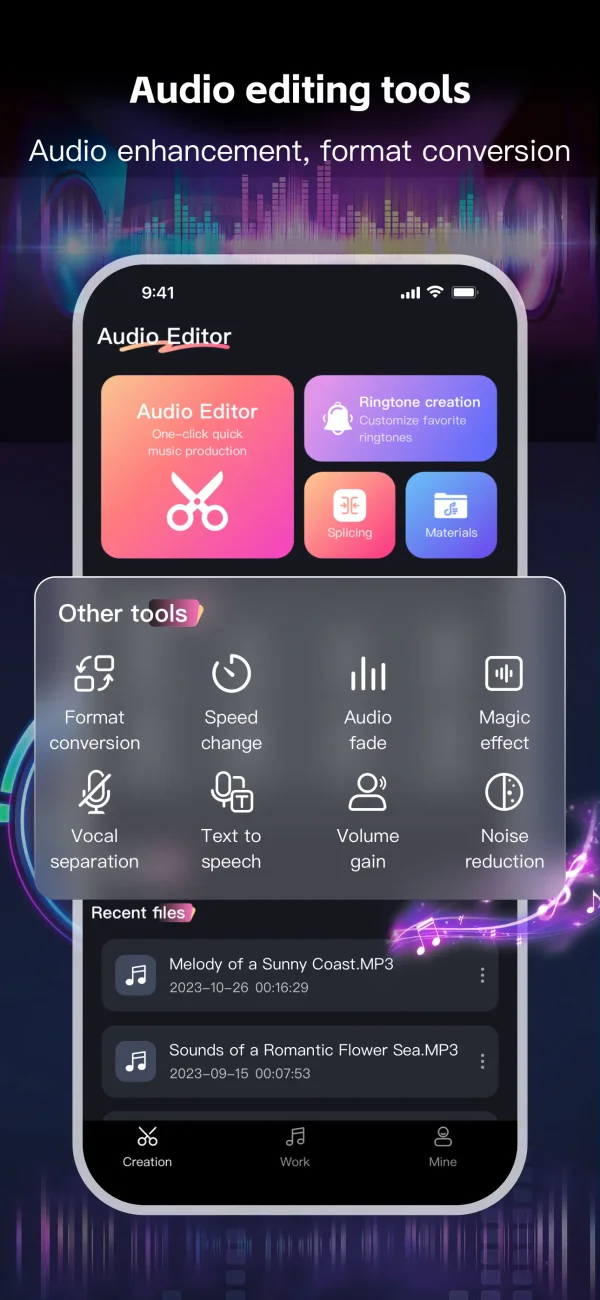
Audio editing is a simple and easy-to-use app with a concise and convenient operating page. Realize various functions such as audio editing, audio splicing, format conversion, voice separation, noise reduction, etc. Support you to play various functions and save the audio you want.
Functional features:
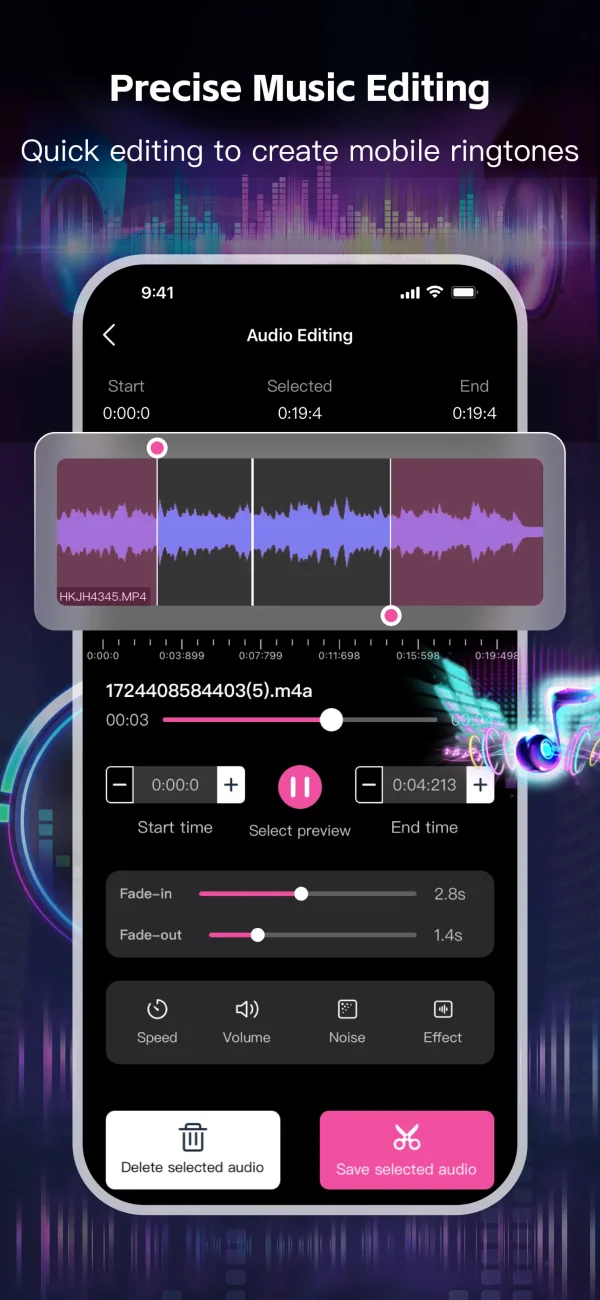
[Audio Editing]
Crop audio segments arbitrarily, adjust audio speed, volume, fade in and fade out, etc.
[Format Conversion]
Supports multiple audio format conversions, mp3、aac、m4a、flac、caf、wav。
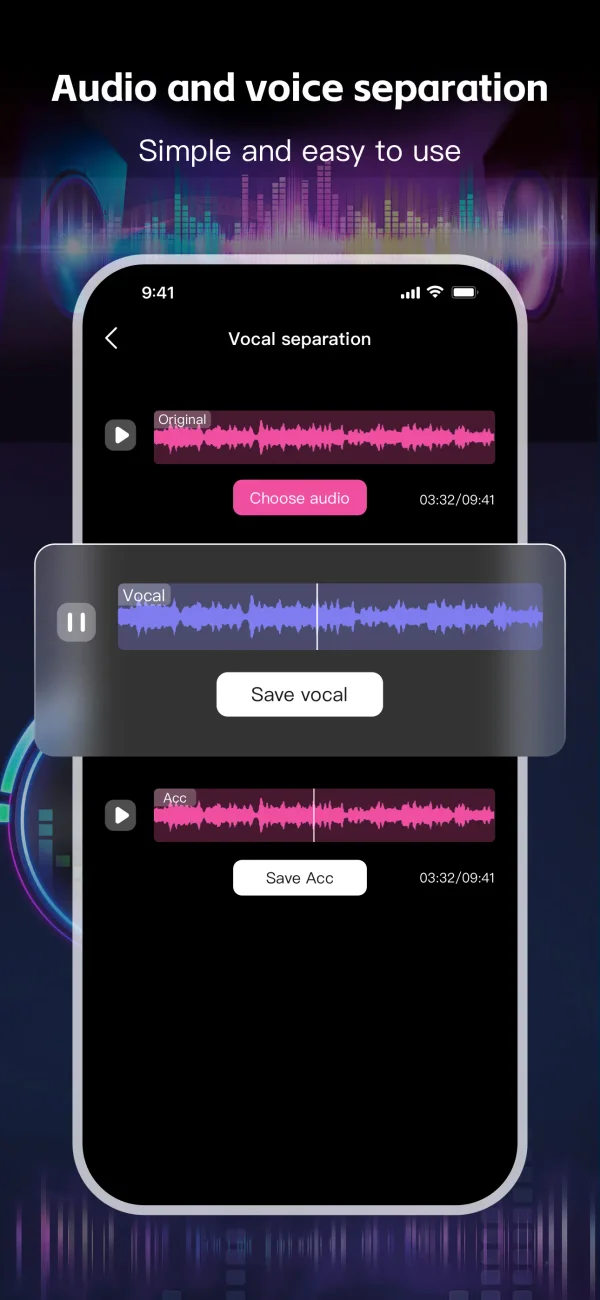
[Vocal Separation]
Support separating vocals and accompaniment from audio, with clear sound quality.
[Noise Reduction]
Intelligent removal of noise in audio and restoration of the clearest human voice.
[Text to audio conversion]
Output your text, select your favorite tone, and you can synthesize the corresponding audio.
[Ringtone production]
Support making your favorite audio as a ringtone for your phone.
[Multiple import and export methods]
Multi channel import of audio, supporting the extraction of sound from imported videos. Support applications to share with other apps.
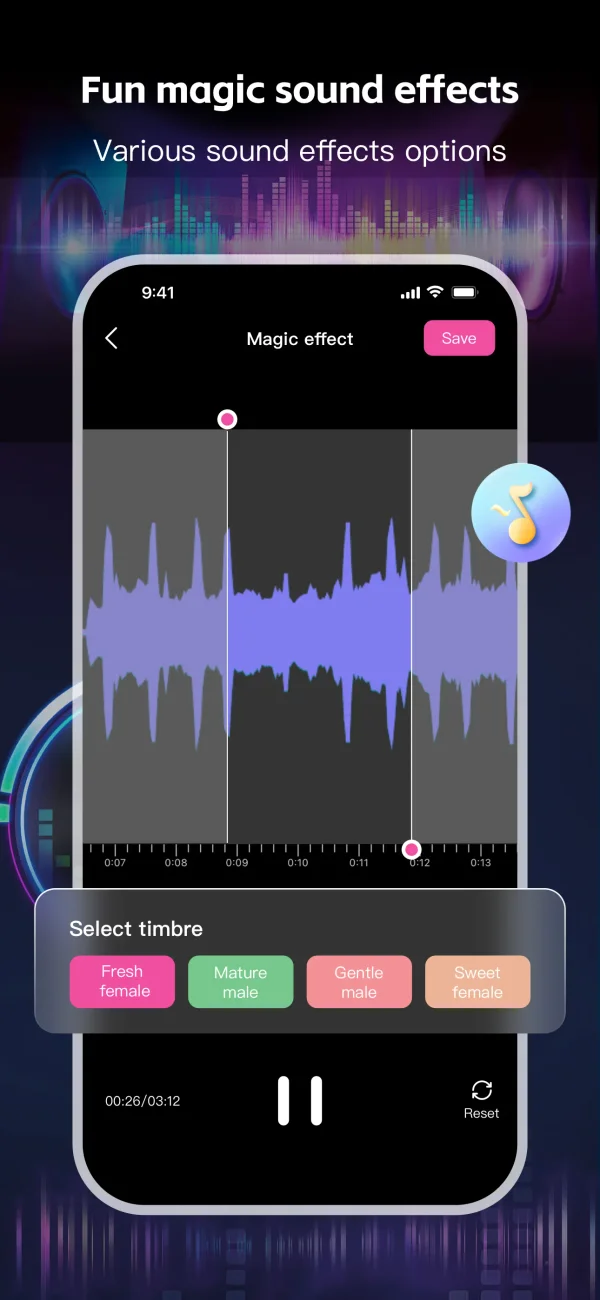
[Magic Sound Effects]
Give magical sound effects to audio.
More functions are waiting for you to ask for. We will continue to maintain updates.
Automatic Renewal Service Statement:
1. Payment: After the user confirms the purchase and makes the payment, it will be credited to their iTunes account;
2. Cancel Renewal: To cancel the renewal, please manually turn off the automatic renewal function in iTunes/Apple ID settings management 24 hours before the current subscription period expires. Once cancelled, no further charges will be made;
3. Renewal: The Apple iTunes account will be charged within 24 hours before expiration, and after successful charging, the subscription period will be extended by one subscription period.
Privacy Policy: https://docs.google.com/document/d/1LFBjIEY6U7hi6UGKYvCrqcsp0vl2u_z_CGJ-Jxi9u9w/edit?usp=sharing
Terms of Use: https://docs.google.com/document/d/18JB53pcMUhICWTmXt3pFQwqxz0yA9EVvBsuSnk3S5-c/edit?usp=sharing
App privacy
What Galaxy Moor LLC declares on the App Store about how this app handles data.
-
Data not collected
The developer does not collect any data from this app.
Privacy practices may vary, for example with the features you use or your age.
Information
- Seller
- Galaxy Moor LLC
- Category
- Productivity
- Version
- 1.0.1
- Updated
- Sep 2, 2024
- Released
- Sep 1, 2024
- Size
- 104.8 MB
- Requires
- iOS 13.0 or later
- Age rating
- 9+
- In-app purchases
- Yes
- Languages
- English, Simplified Chinese, Traditional Chinese
- Copyright
- © AudioClip-moss
You might also like
-
 音频剪辑-音乐提取音频格式转换音频裁剪和音乐剪辑-音频提取器
-
 Voice Recorder-Audio Memos ProSound Record-Transcribe Memo
-
 PDF Master: Editor & Scannerpdf editor&reader&viewer&maker
-
 AIPPT Maker - Slides MakerDesign Slideshow PPT
-
 展业牛-银行客户经理360信贷助手Productivity
-
 Spreadsheets Editor-XLS ReaderEdit xlsx,scan image to table
-
 Unzip Master: RAR 7Z ExtractorZIP File Opener & Compressor
-
 转盘鸭 -- AI大转盘帮你完成小决定Productivity
-
 跨境伴侣 - 流畅刷Tik国际版短视频Productivity
-
 Chat Genius-中文版 4.0 AI人工智能助手Productivity