Audio Editor : Audiolab
reverb, equalizer, song maker
Designed for iPhone, iPad, iPod touch
Free · In-app purchases
- Age rating4+
- CategoryMusic
- DeveloperBreeze Technology Co., Limited
- LanguagesEnglish+ 11 more
- Size175.7 MB
Links to the official App Store page
Download.org hosts no file of Audio Editor : Audiolab. The button opens its official App Store page, published by Breeze Technology Co., Limited. Listing last checked on Nov 26, 2026.
Screenshots



About
[Audio Editor] A simple and powerful audio editing tool. It can mix and play music and create cool ringtones easily .
[Audio Editor]
- Voice Editor: Support high-precision zoom to clip audio, cut, undo, redo at any time.
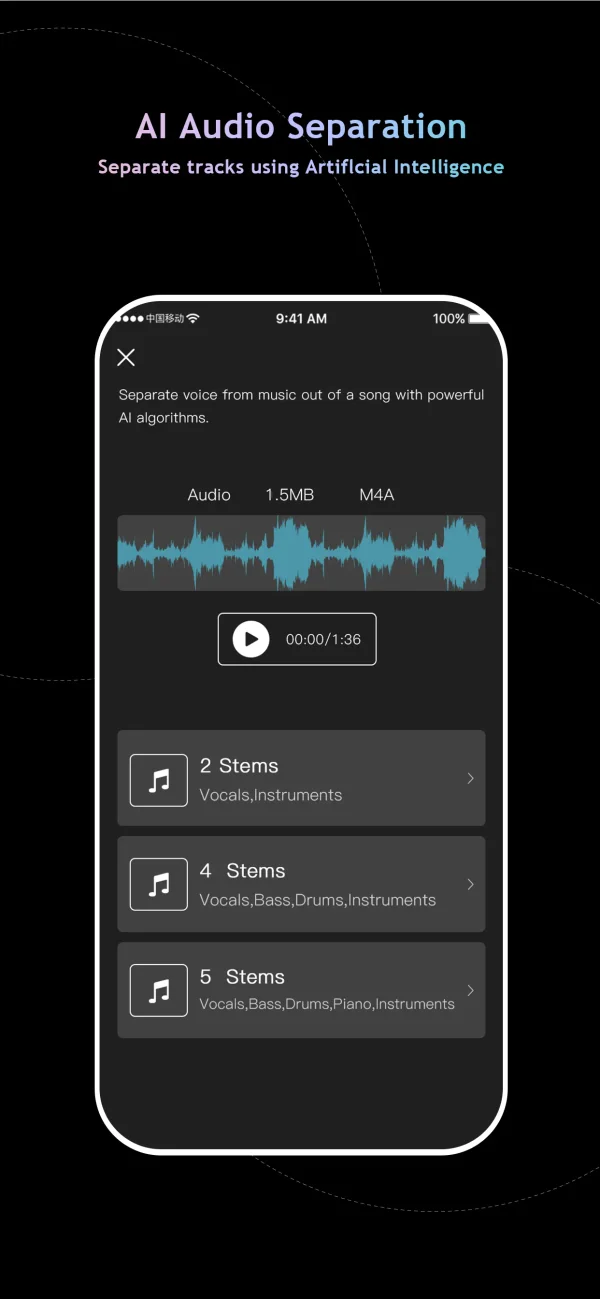
- Vocal Remover: Extract vocal, accompaniment and various instruments from any audio.
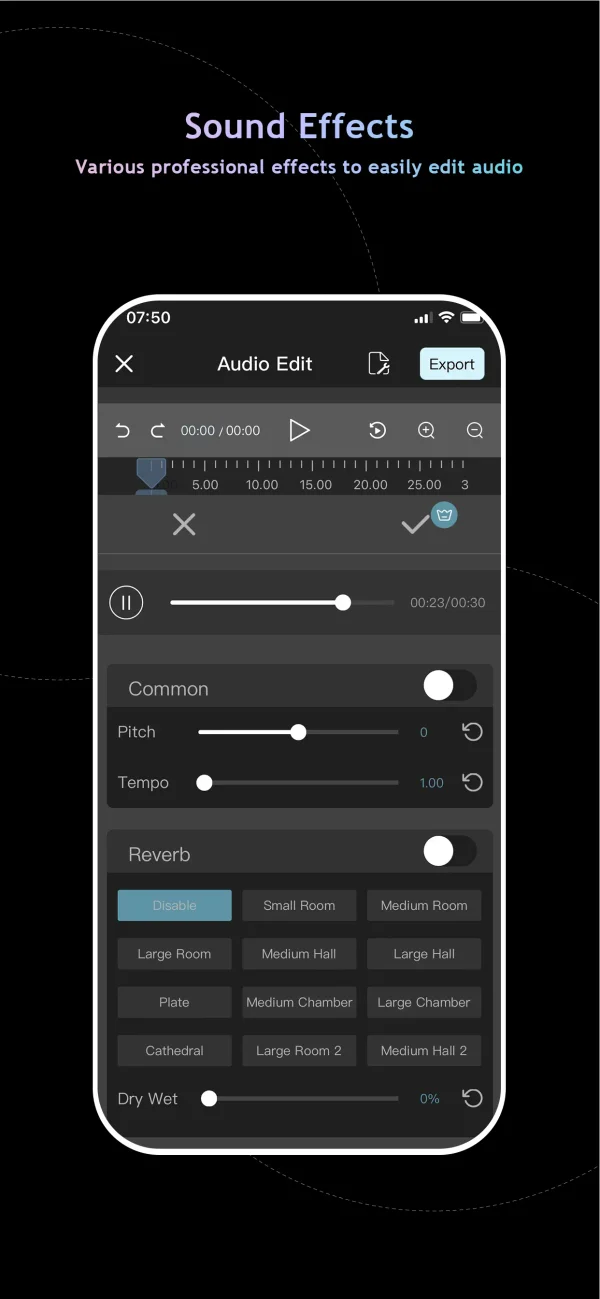
- Audio Enhancer: Reverb, Chorus, Gain, Time Stretch, Pitch to Audio, EQ, Tempo and more
- Music Editor: Music clips, mergers, mixing and other advanced features, easy to play ringtones and music.
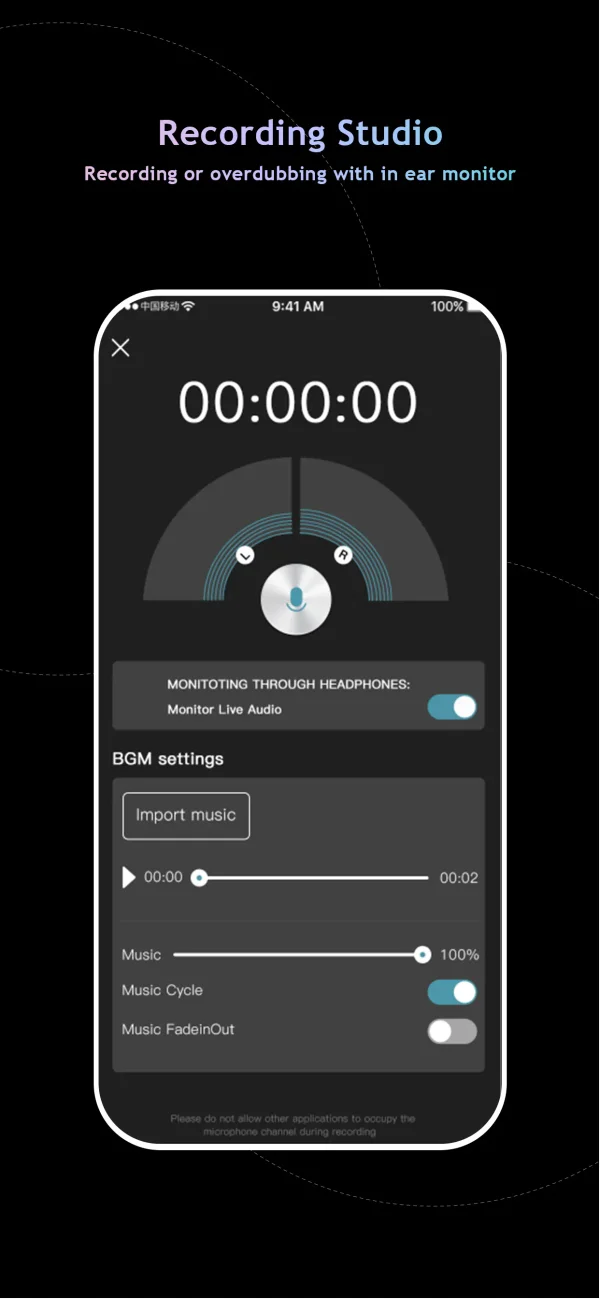
- Music Recorder: Add background music, sound effects and breaks music from our audio library, or you can choose to upload your own audio files.
- MP3 converter: Extract lossless MP3 or other formats of audio from videos, support multi track extraction, and convert audio files into different music formats.
- Compose Video: The simplest video dubbing is to add a video first, then click Add dubbing. After completion, you can listen to it and adjust the volume, including dubbing and original sound.
[Audio Effects]
- Pitch: Rising and falling, change the voice within one second
- Tempo: Ranges from 0.1 to 32
- Reverb : Room, living room and church, etc., switch the scenario as one wishes
- Distortion : Electronic, echo and metal, etc., feel different audio
- Delay : Support max 2s delay special-effects
- Equalizer: Bass boost and human voice resonance, etc., custom equalizer with 10 sections of frequency. It makes your audio voice clear, high pitch transparent and low pitch "rhythmic"
- Denoise: Recurrent Neural Network Noise Reduction.
[Voice recorder]
- Voice recorder - recording your stories with a single tap.
- Support AirPods and other Bluetooth headset to play and recording.
[Characteristics]
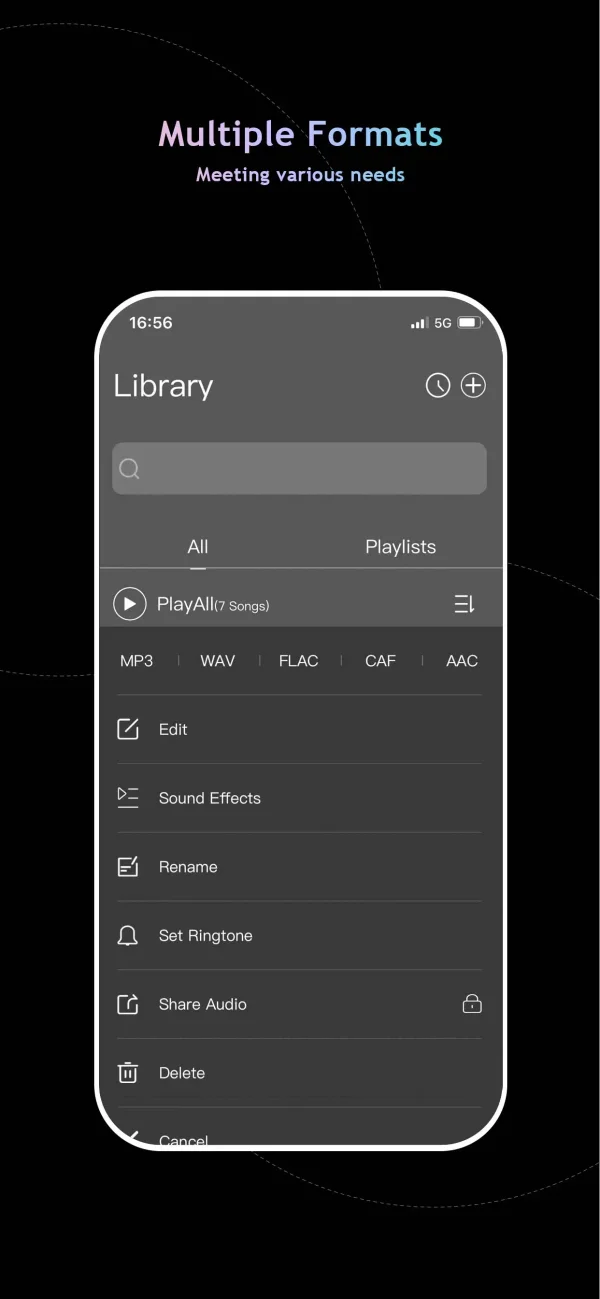
- Via of media file support import and export (M4A, MP3, WAV, AAC).A variety of sound quality export to meet different needs
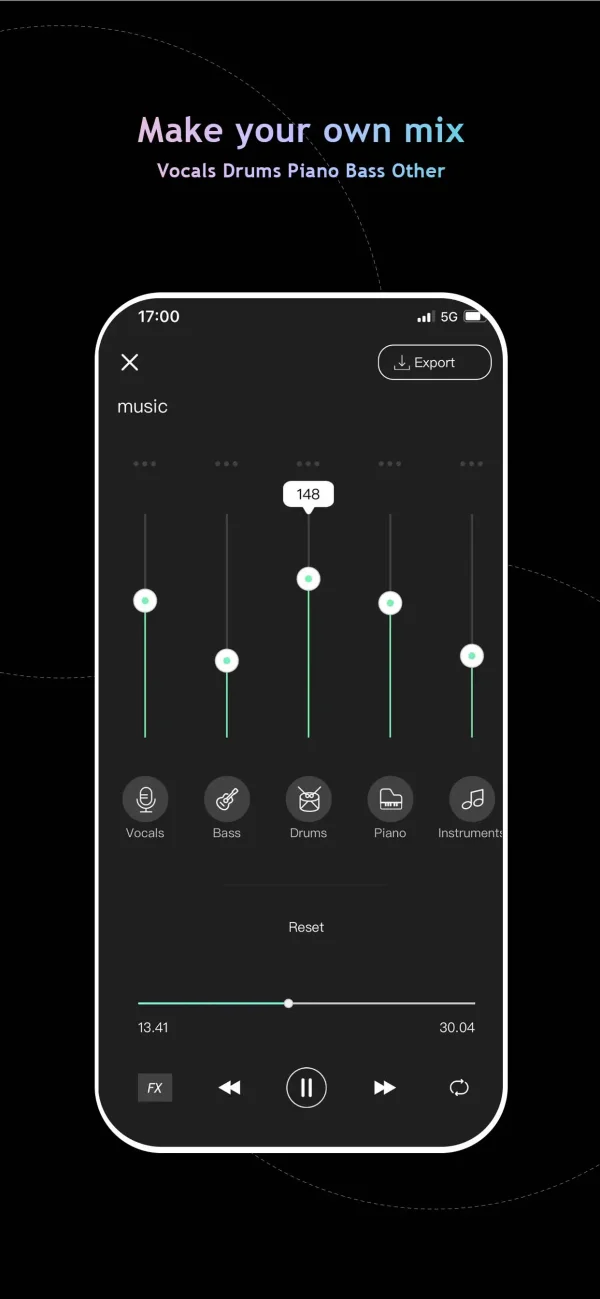
- Sound Editor: Remove vocals from audio track of video file and save accompaniment part, split track in 2, 4 or 5 stems, then mix with your own voice recording.
- Setting as ringtone: Set the audio as the phone ringtone
- Format conversion: Support many audio formats with free conversion, such as mp3, wav, aiff, etc.
Audio Editor is perfect for:
• Lovers of music production and audio editing
• Podcast Maker and Talk Show producer
• Music students and teachers
• Drummers
• Singers
• Bassists
• Guitarists
• Pianists
• Karaoke enthusiasts
• Social Media Content Creators
• Youtube and TikTok video secondary creation
• Especially for users who are familiar with Audacity or Audition
Audio Editor Highlights:
• Audio Editor: Simple operation to complete the most complex functions.
• Multitrack audio editing and mixing, professional jitter quantization and anti-interference filters ensure the sound quality of the audio mixer output and the smoothness of the cut sound boundary.
• Non-linear editing with copy, cut, paste, remove, replace, move etc. with full undo/redo.
• AI powered vocal remover & vocal extractor: extract instruments and vocals from any audio file.
• Built-in audio extractor: Extract audio track automatically when import from video file
Terms of Service: http://audiolab.beibeitan.com/terms.html
Privacy Policy: http://audiolab.beibeitan.com/privacy-policy.html
About Audio Editor Pro subscriptions:
Try Audio Editor Pro with a free trial. You'll be charged a subscription fee when the trial ends only, except if you cancel the subscription before. Audio Editor Pro subscriptions are charged monthly or annually to your iTunes.
What’s new
Version 1.9.7 · Sep 29, 2026
Fixed some bugs
App privacy
What Breeze Technology Co., Limited declares on the App Store about how this app handles data.
-
Data used to track you
May be used to track you across apps and websites owned by other companies.
- Usage data
-
Data not linked to you
May be collected but is not linked to your identity.
- Usage data
Privacy practices may vary, for example with the features you use or your age.
Information
- Seller
- Breeze Technology Co., Limited
- Category
- Music
- Version
- 1.9.7
- Updated
- Sep 29, 2026
- Released
- Mar 16, 2023
- Size
- 175.7 MB
- Requires
- iOS 15.0 or later
- Age rating
- 4+
- Price
- Free
- In-app purchases
- Yes
- Languages
- English, Arabic, French, German, Indonesian, Italian, Japanese, Korean, Portuguese, Simplified Chinese, Spanish, Traditional Chinese
- Copyright
- © 2023 Audio Editor
You might also like
-
 Audio Editor - Music editorreverb, equalizer, song maker
-
 Mp3 Cutter - M4a, Music CutterCut audios, songs & ringtones
-
 Music Editor - Audio EditorMusic Mixer & MP3 Music Cutter
-
 EZAudioCut - Audio Editor LiteFilter Recorder, AudioCuter,易剪
-
 SoundLab - Audio Editoraudacity, mixer, music studio.
-
 Audio Editor - AI Music EditorMerger, cutter, song joiner
-
 WavePad Music and Audio EditorMusic
-
 Audio Editor - Music MixerRingtone Maker & MP3 Converter
-
 Music Editor & MP3 Audio MakerVideo to Audio, Vocal Remover
-
 Vocal Remover - MusiclabRemove vocal, split instrument