
Audio Editor - Trim & Convert
Video to MP3, Noise Reducer
Designed for iPhone, iPad
Free · In-app purchases
- Age rating4+
- CategoryUtilities
- Developer鑫 王
- LanguagesEnglish+ 31 more
- Size125.2 MB
Links to the official App Store page
Download.org hosts no file of Audio Editor - Trim & Convert. The button opens its official App Store page, published by 鑫 王. Listing last checked on Nov 13, 2026.
Screenshots

About
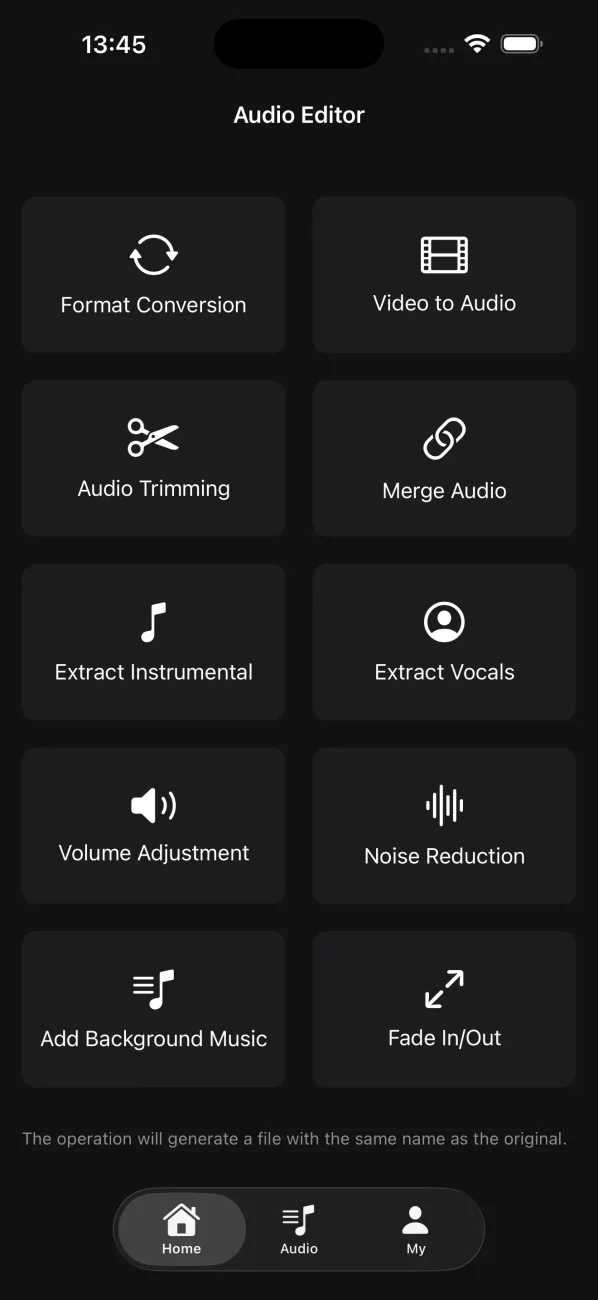
This is a powerful and easy-to-use audio processing tool that helps you easily complete audio conversion, editing, and optimization. Whether you are a music creator, video editor, podcaster, or regular user, you can find the right audio solution here.
Main Features:
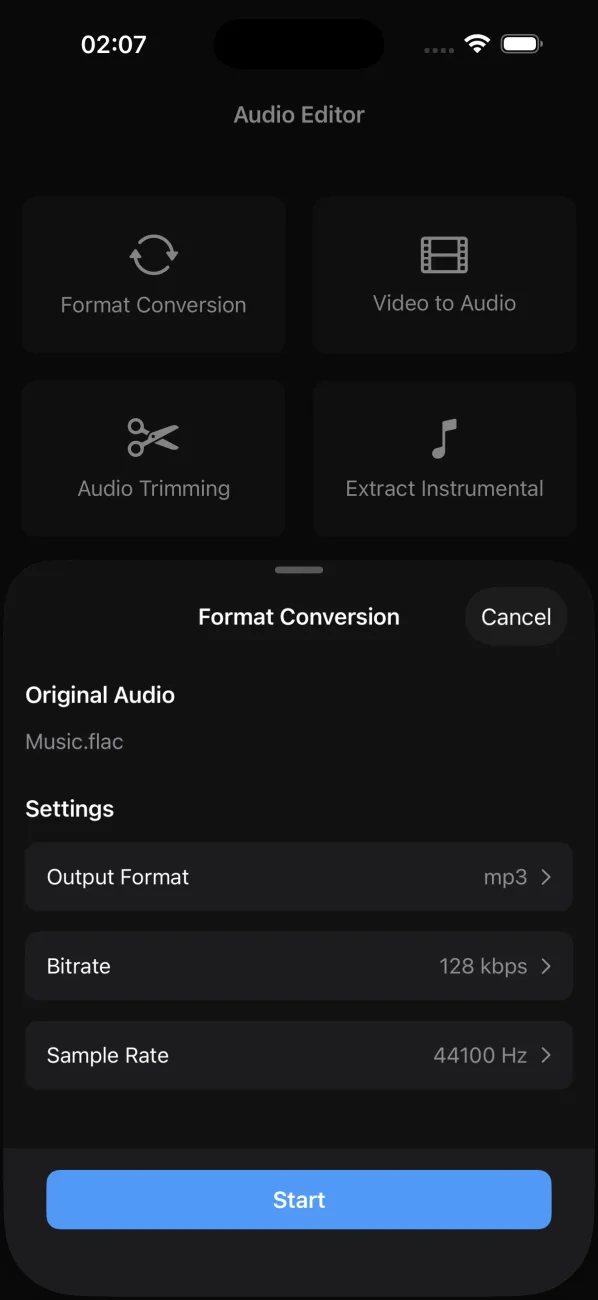
• Format Conversion
Supports mutual conversion between multiple mainstream formats (such as MP3, AAC, WAV, M4A, etc.), meeting the needs of different devices and platforms.
• Video to Audio
Quickly extract audio tracks from videos, suitable for editing materials, obtaining background music, and other scenarios.
• Audio Trimming
Precisely cut audio clips to keep the best parts, suitable for creating ringtones, intros, and outros.
• Audio Merging
Seamlessly merge multiple audio files to easily create series, remixes, or complete speech tracks.
• Extract Accompaniment / Extract Vocals
AI intelligently separates vocals and background music, suitable for creating accompaniments, karaoke tracks, or remix materials.
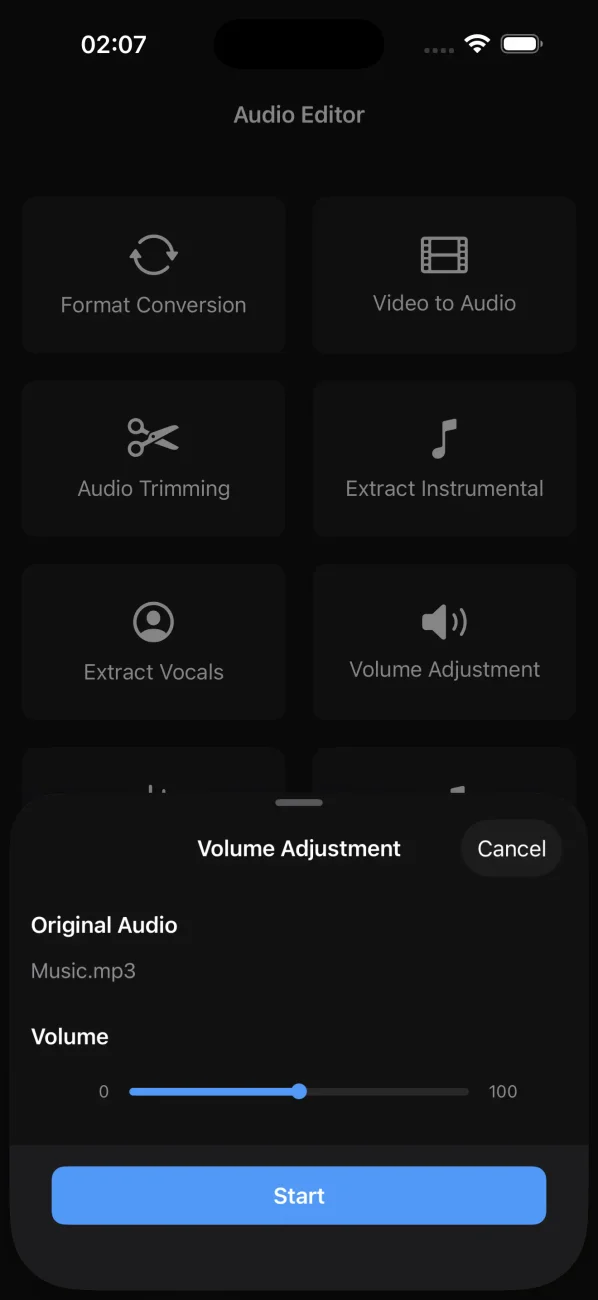
• Volume Adjustment
Freely adjust audio volume to solve the problem of inconsistent sound levels.
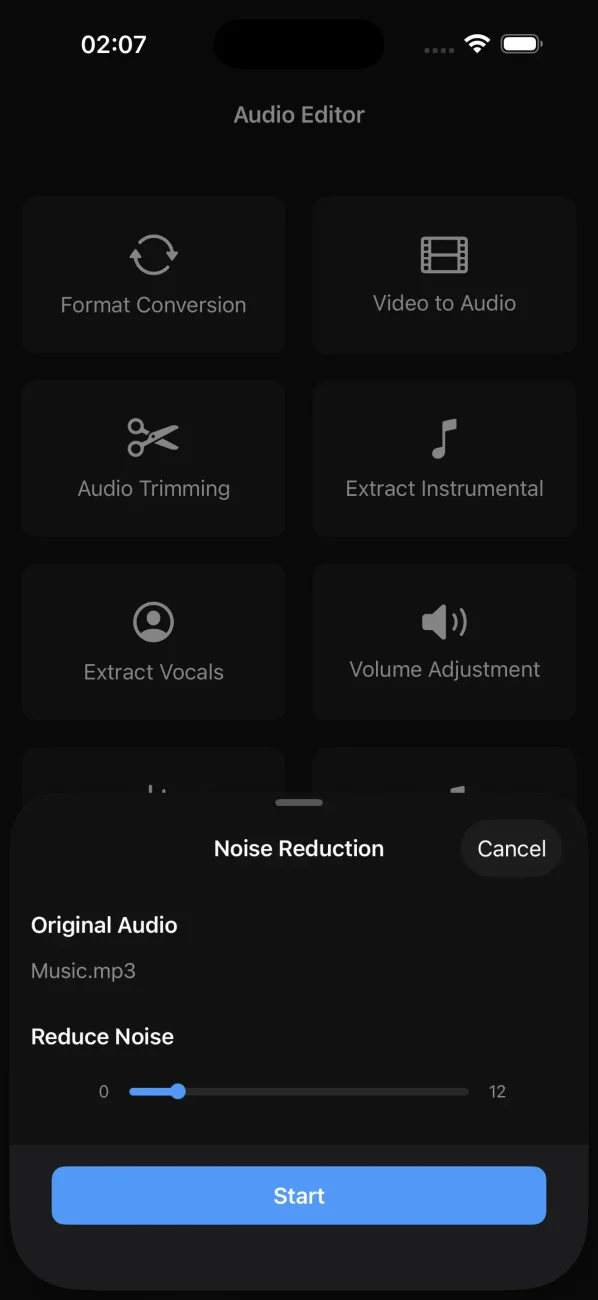
• Noise Reduction
Remove background noise and enhance voice clarity, suitable for interview recordings, meeting notes, and other scenarios.
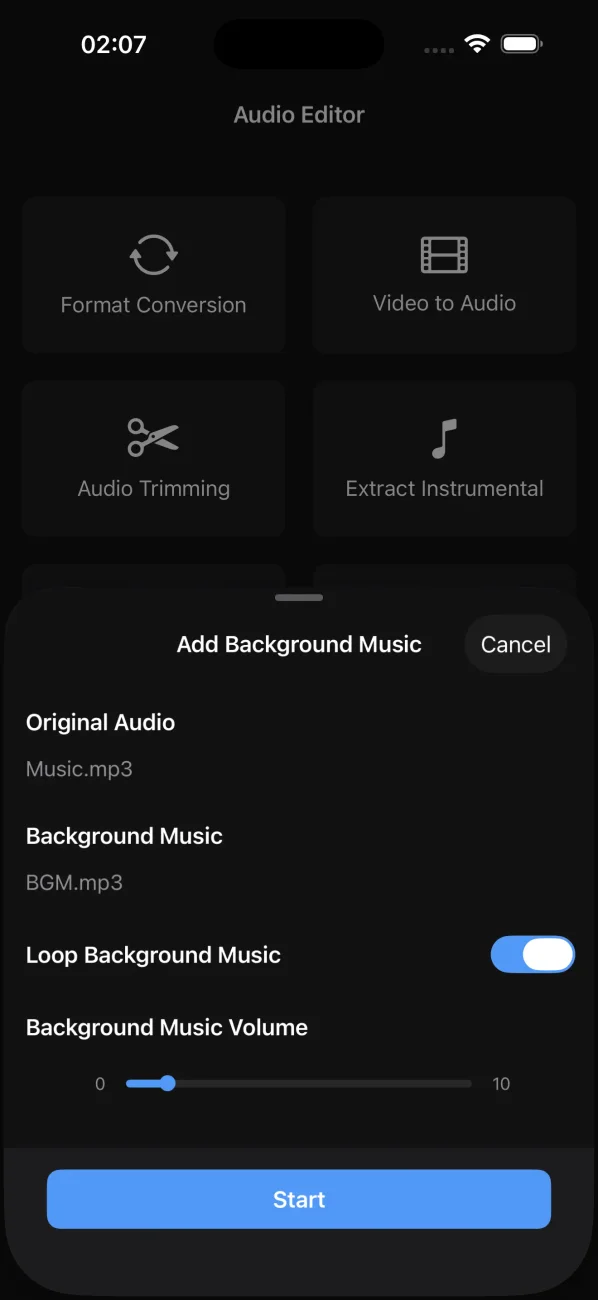
• Add Background Music
Add background music to voice or instrumental audio to enhance the atmosphere.
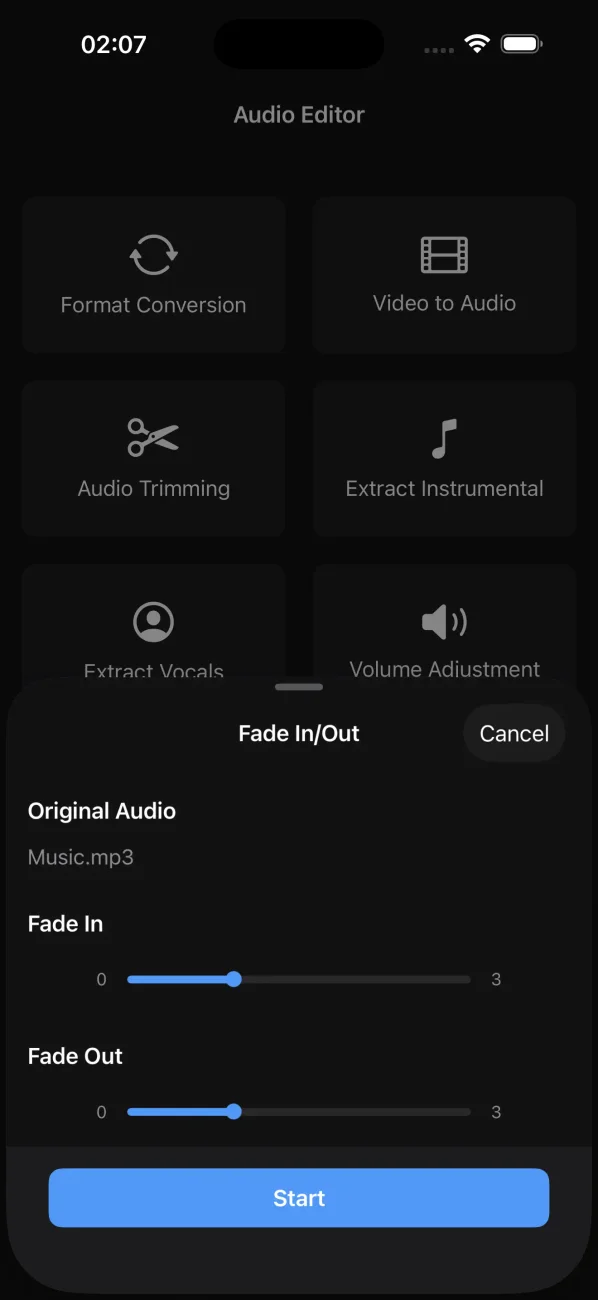
• Fade In / Fade Out Effects
Add fade-in and fade-out transitions to make the audio more natural and professional.
Applicable Scenarios:
• Video Creators: Extract audio from videos, trim it, adjust the volume, and add background music to complete post-production in one go.
• Podcasters / Lecture Recordings: Clear noise reduction + balanced volume + background music to easily create high-quality content.
• Karaoke Lovers: Extract accompaniment or vocals to make your own cover songs.
• Daily Users: Trim ringtones, merge voice memos, and convert formats for playback on cars or other devices.
• Students / Teachers: Edit lecture recordings, create educational audio, and improve the listening experience.
Whether you are a professional in the audio industry or a regular user, this tool can be your powerful assistant in audio processing.
Auto-Renewal Rules
1. We offer auto-renewable subscription services for 1 week, 1 month, and 12 months.
2. Payment: The purchase will be charged to the iTunes account after the user confirms the purchase and payment.
3. Renewal: Subscriptions that include a free trial will automatically renew to a paid subscription. The fee will be deducted from your iTunes account within 24 hours before expiration. The renewal cost depends on your subscription plan. Once successfully charged, the subscription period will be extended by one billing cycle.
4. Cancel Renewal: To cancel the renewal, please manually turn off the auto-renewal feature in the iTunes / Apple ID settings management at least 24 hours before the current subscription period expires. No renewal fees will be charged afterward.
User Agreement: http://oss.yunjikeji.work/h5/mp3/user.html
Privacy Policy: http://oss.yunjikeji.work/h5/mp3/privacy.html
Subscription Agreement: http://oss.yunjikeji.work/h5/mp3/subscribe.html
What’s new
Version 1.0.5 · Sep 19, 2026
Performance optimization
App privacy
What 鑫 王 declares on the App Store about how this app handles data.
-
Data not collected
The developer does not collect any data from this app.
Privacy practices may vary, for example with the features you use or your age.
Information
- Seller
- 鑫 王
- Category
- Utilities
- Version
- 1.0.5
- Updated
- Sep 19, 2026
- Released
- Jun 30, 2025
- Size
- 125.2 MB
- Requires
- iOS 16.0 or later
- Age rating
- 4+
- Price
- Free
- In-app purchases
- Yes
- Languages
- English, Arabic, Catalan, Croatian, Czech, Danish, Dutch, Finnish, French, German, Greek, Hebrew + 20 more
- Copyright
- © 2025 Audio Editor
You might also like
-
 Noise Reducer: Video & AudioEnhance Voice & Remove Echo
-
 Audio Master - Music EditorVocal Remover & Ringtone Maker
-
 Audio Tools - Vocal RemoverAudio Editing Studio
-
 Noise Reducer: Audio Enhancer+Background Noise Remover
-
 Audio Converter: Audio EditingVideo to Audio Assistant
-
 Noise Reducer & EnhancerRemove Background Noise
-
 Sound Enhancer - Audio EditorLouder Volume Amplifier Music
-
 Noise ReducerRemove Background Noise
-
 Audio Cleaner: AI DenoiseBackground noise reducer
-
 MP3 Converter -Audio/VideoYouTube/video to Audio