
Audio Function Generator
Frequency and Signal Generator
Designed for iPhone, iPad
Free · In-app purchases
- Age rating4+
- CategoryUtilities
- DeveloperThomas Gruber
- LanguagesEnglish+ 7 more
- Size13.2 MB
Links to the official App Store page
Download.org hosts no file of Audio Function Generator. The button opens its official App Store page, published by Thomas Gruber. Listing last checked on Nov 21, 2026.
Screenshots


About
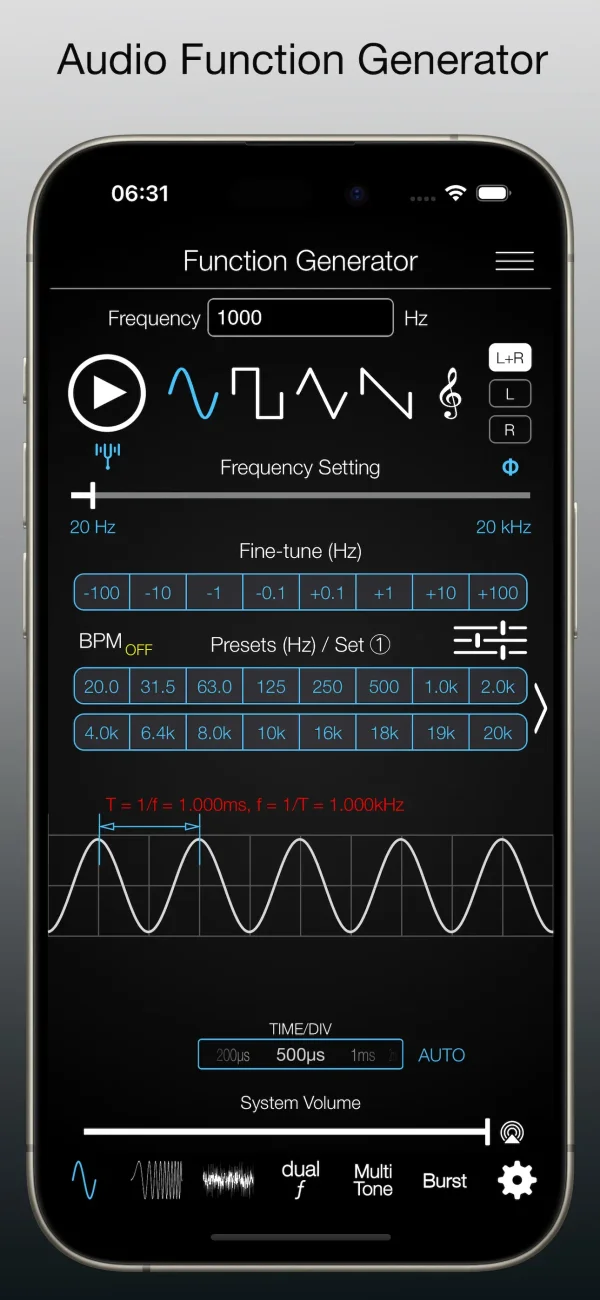
This is the highly recommended and praised Function Generator App - an amazingly great and powerful tone generator. Enriched with a vast amount of features yet it is extremely intuitive and designed for simplicity.
Get to know this great App now! It is very well maintained and has received considerable upgrades over the past years.
So, … what can you do with this App?
• PLAY TEST TONES Sine, Rectangular, Triangular and Sawtooth.
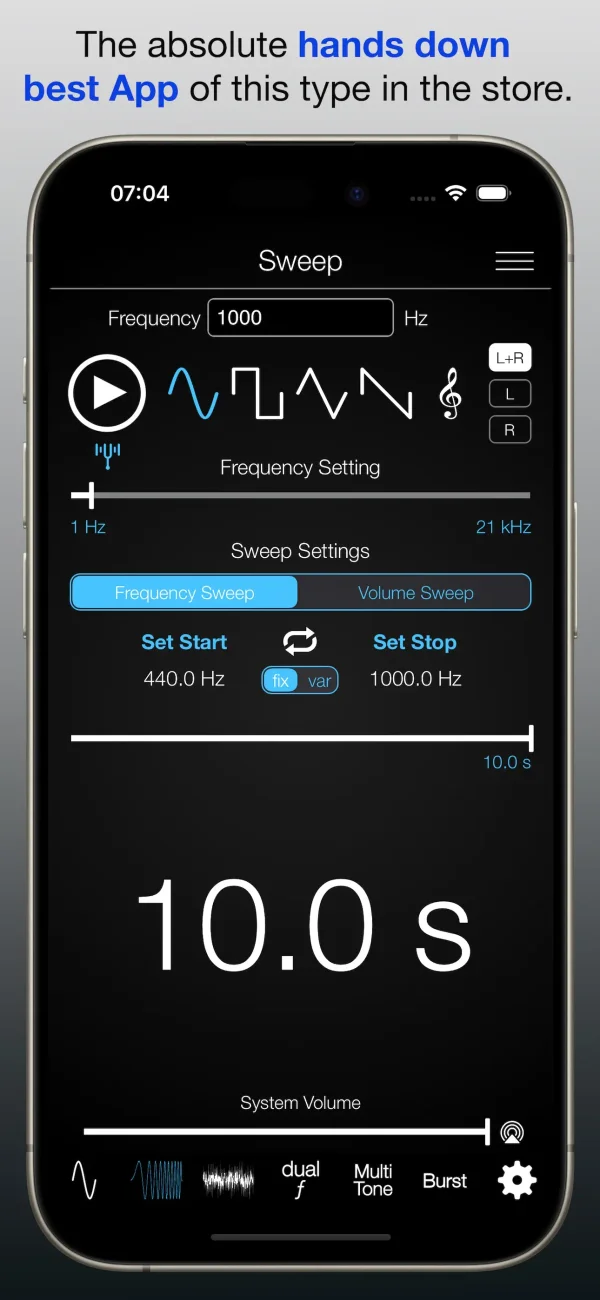
• PLAY FREQUENCY SWEEP TEST TONES in both directions (minimum to maximum frequency and maximum to minimum frequency).
• PLAY VOLUME SWEEPS (from minimum to maximum volume).
• Try the SWEEP REPEAT / WOBBLE function.
• Try the MUSIC TONES PLAYBACK.
• Experiment with the huge FINE TUNE SELECTON, PRESETS SELECTION!
• Or create your own CUSTOM PRESETS!
• And SAVE an endless amount of CONFIGURATIONS (Frequency, Sweep, Noise) for later quick access and direct playback function.
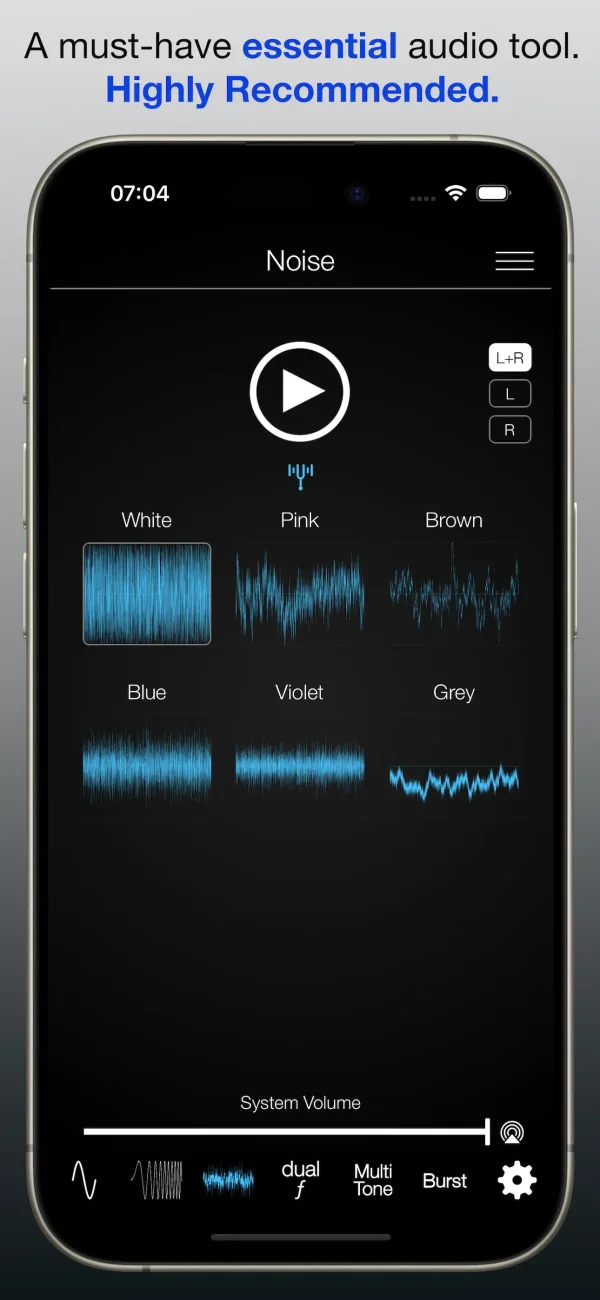
• Even play back different kinds of NOISE – White, Pink, Violet, Grey, Brown, Blue is also supported.
The Function Generator is AMAZINGLY INTUITIVE and SIMPLE to use!
AND THESE ARE THE ADVANCED SETTINGS/FEATURES (upgrade to PRO required):
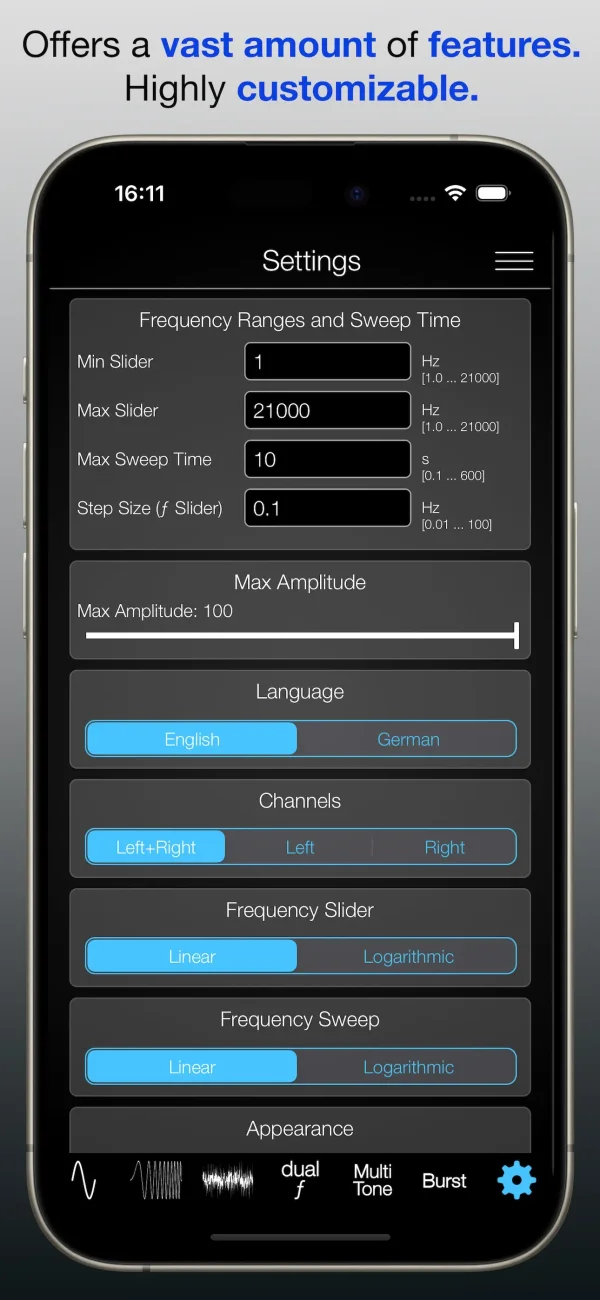
=> Extending The Frequency Range (1Hz - 21kHz)
=> Extending The Sweep Times (0.1s - 600s)
=> Changing Min/Max Slider Frequency Ranges
=> Changing Max Sweep Time Slider Range
=> Changing Signal Amplitude
=> Enabling Of The Sweep Repeat / Wobble Function
=> Frequency Slider Setting to Linear or Logarithmic
=> Left/Right Channel Individual Selection
=> Permanently Saving Custom Presets
=> Saving Of Endless Number Of Audio Configurations
=> Phase Out Setting (custom phase shift of the generated signal)
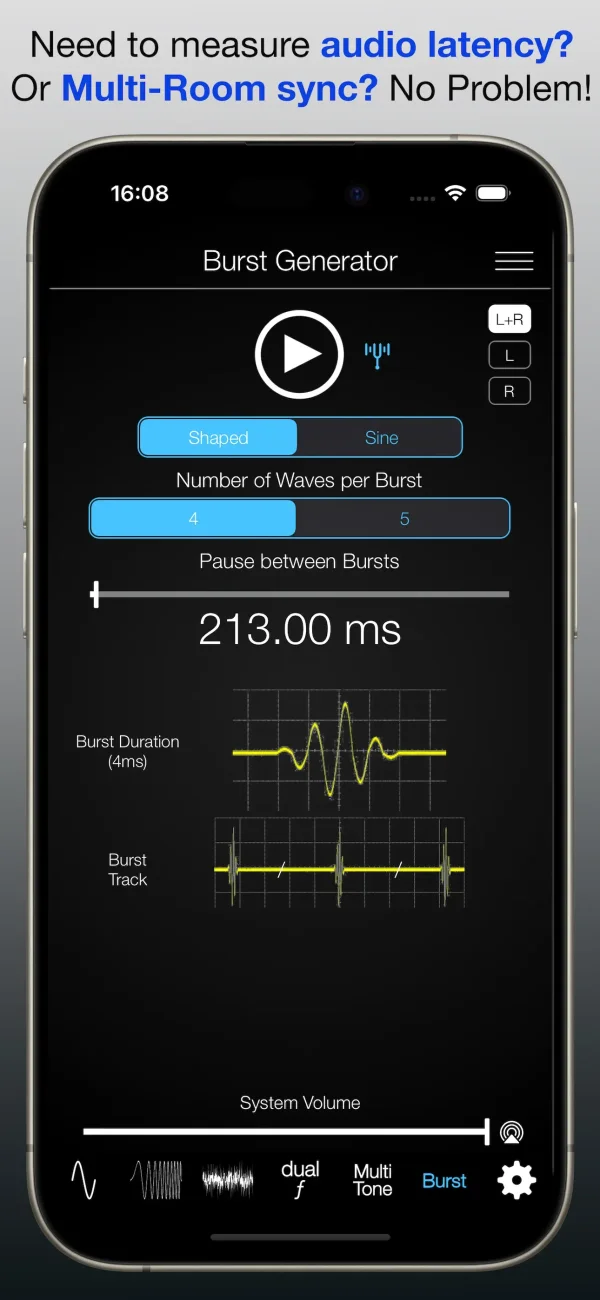
=> BPM (Beats per Minute) Feature
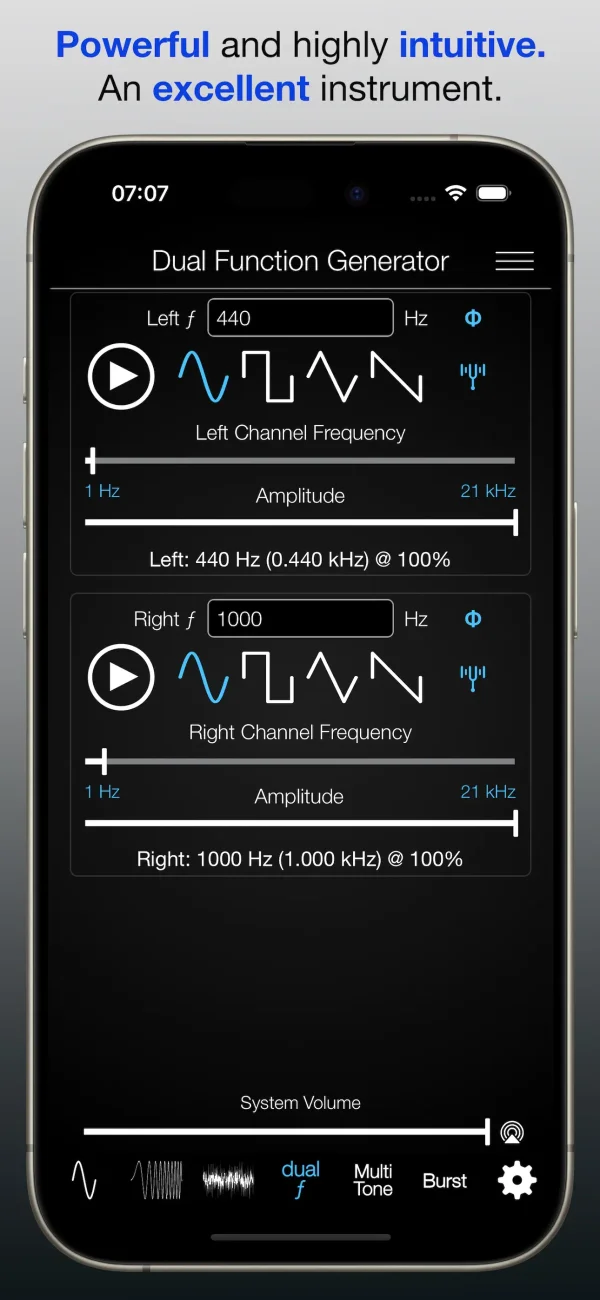
=> Dual Function Generator
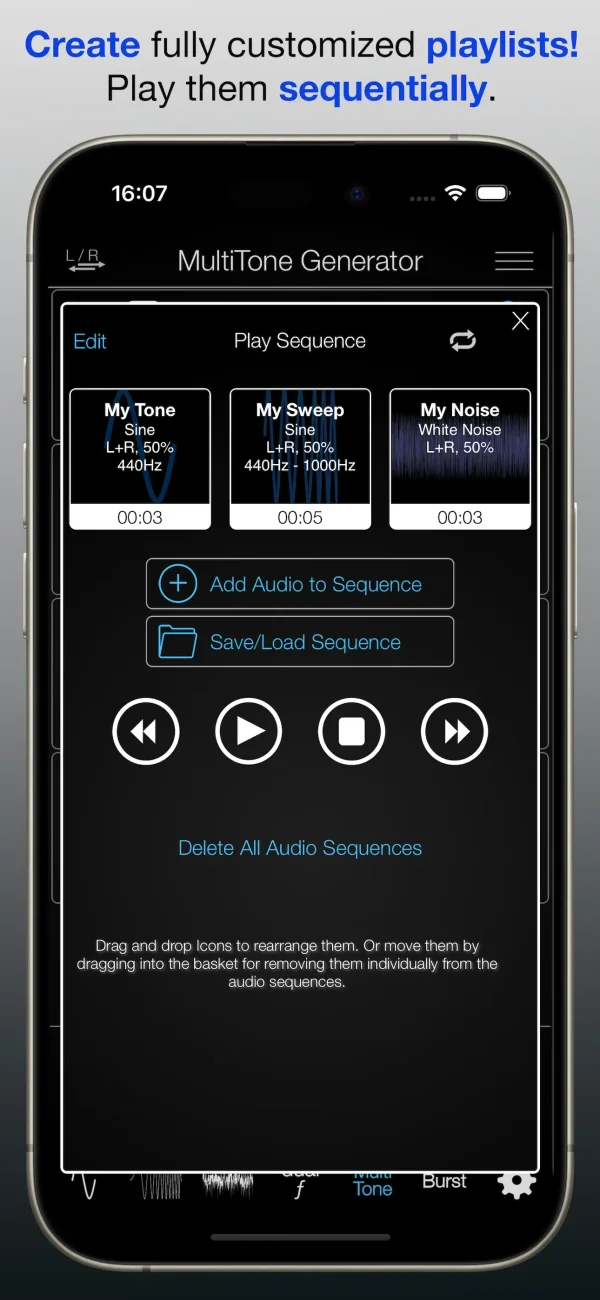
=> MultiTone Generator (playback of up to eight individual tones)
=> Background Theme Selection (Light/Dark)
Check out the tutorial page: www.ee-toolkit.com/audio-function-generator
What’s new
Version 9.4.0 · Oct 17, 2026
• support for iPhone Duo
• added a Scale Trainer feature (Musical Notes popover), which plays a series of notes in a loop. You pick a key and scale or enter your own notes, and set the octave, tempo (BPM), beats per note, a pattern and repeat.
• added support for the Playback Start Timer and Playback Stop Timer to the MultiTone main view
• Extended Sweep View optimisations for smaller screens (Volume, Frequency+Volume)
App privacy
What Thomas Gruber declares on the App Store about how this app handles data.
-
Data not collected
The developer does not collect any data from this app.
Privacy practices may vary, for example with the features you use or your age.
Information
- Seller
- Thomas Gruber
- Category
- Utilities
- Version
- 9.4.0
- Updated
- Oct 17, 2026
- Released
- Dec 9, 2013
- Size
- 13.2 MB
- Requires
- iOS 16.0 or later
- Age rating
- 4+
- Price
- Free
- In-app purchases
- Yes
- Languages
- English, French, German, Japanese, Korean, Portuguese, Simplified Chinese, Spanish
- Copyright
- © Thomas Gruber
You might also like
-
 Noise Generator: Full SpectrumGenerate Audio Color Noises
-
 Tone generatorUtilities
-
 Frequency Sound Generator AppHigh Pitch Sound Generator
-
 Frequency: Sound GeneratorUtilities
-
 Frequency Sound Wave GeneratorUse frequency generator tools
-
 Sonic Pitch Sound GeneratorClear Sound Wave Generator
-
 Sound Spectrum AnalysisAudio Frequency Analyzer (RTA)
-
 Binaural Beats Generator +Alpha, Beta, Delta, Gamma, Mu+
-
 Speaker Box LiteSubwoofer Box Calculator
-
 Signals GeneratorDual channel signal generator