Sound Spectrum Analysis
Audio Frequency Analyzer (RTA)
Designed for iPhone, iPod touch
Free · In-app purchases
- Age rating4+
- CategoryUtilities
- DeveloperDmitriy Kharutskiy
- LanguagesEnglish+ 10 more
- Size4.8 MB
Links to the official App Store page
Download.org hosts no file of Sound Spectrum Analysis. The button opens its official App Store page, published by Dmitriy Kharutskiy. Listing last checked on Nov 22, 2026.
Screenshots



About
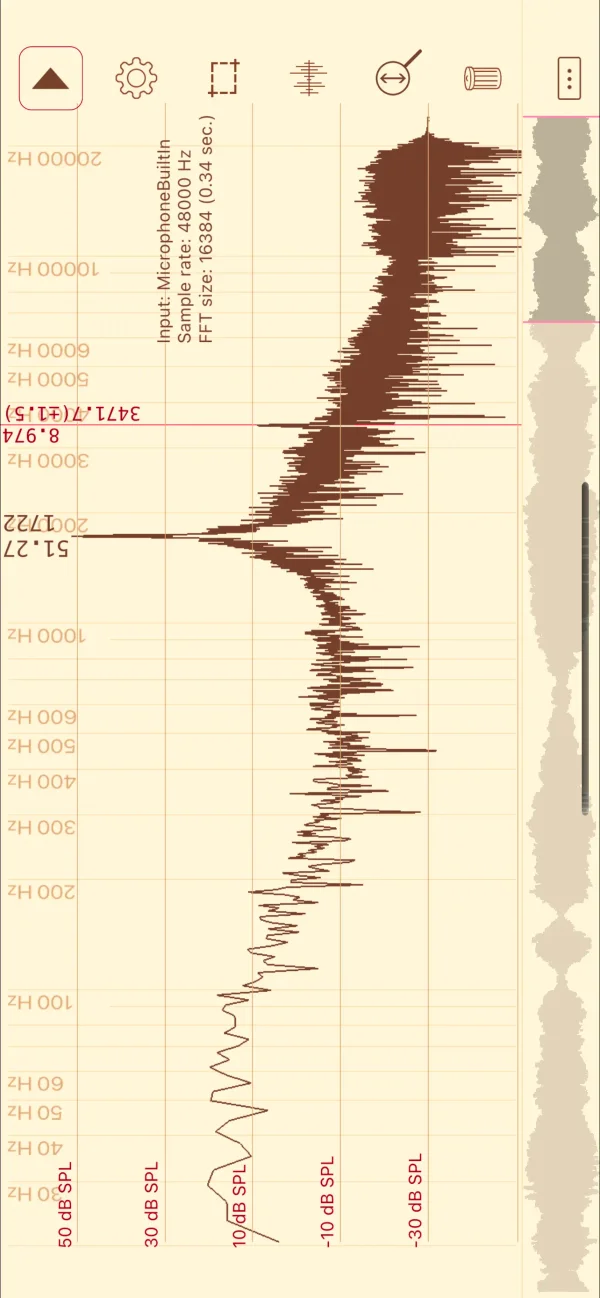
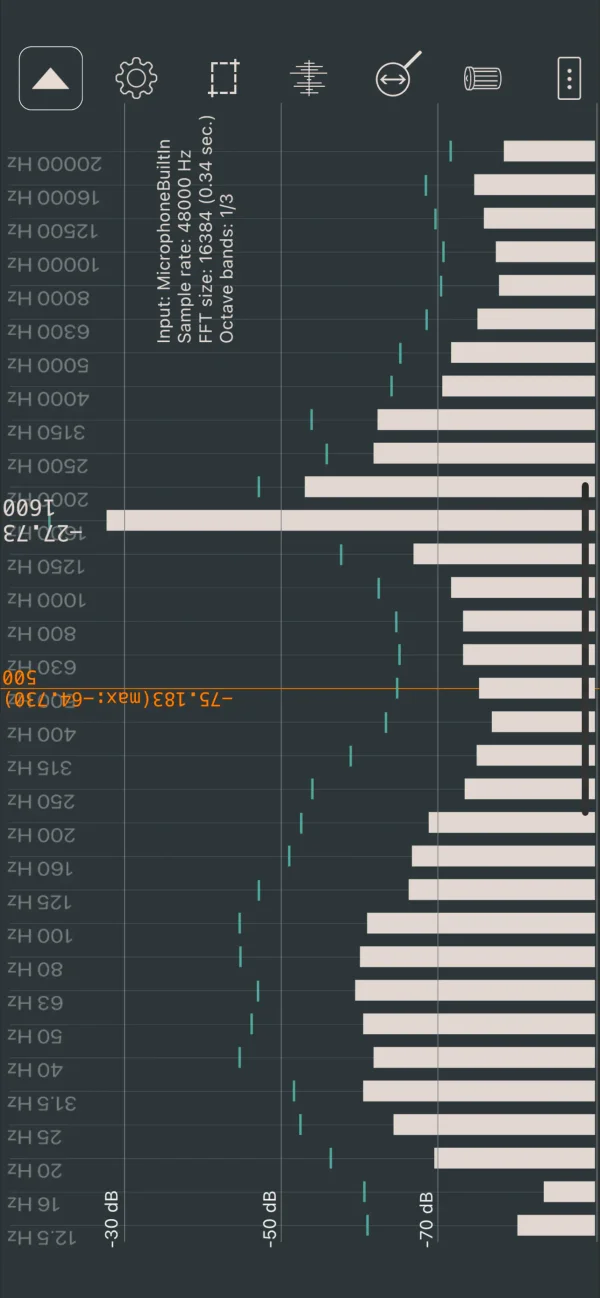
The application is designed for analysis of a sound spectrum in real time (with a microphone). Besides, the application can be used as a measuring instrument of noise level (not for exact measurements).
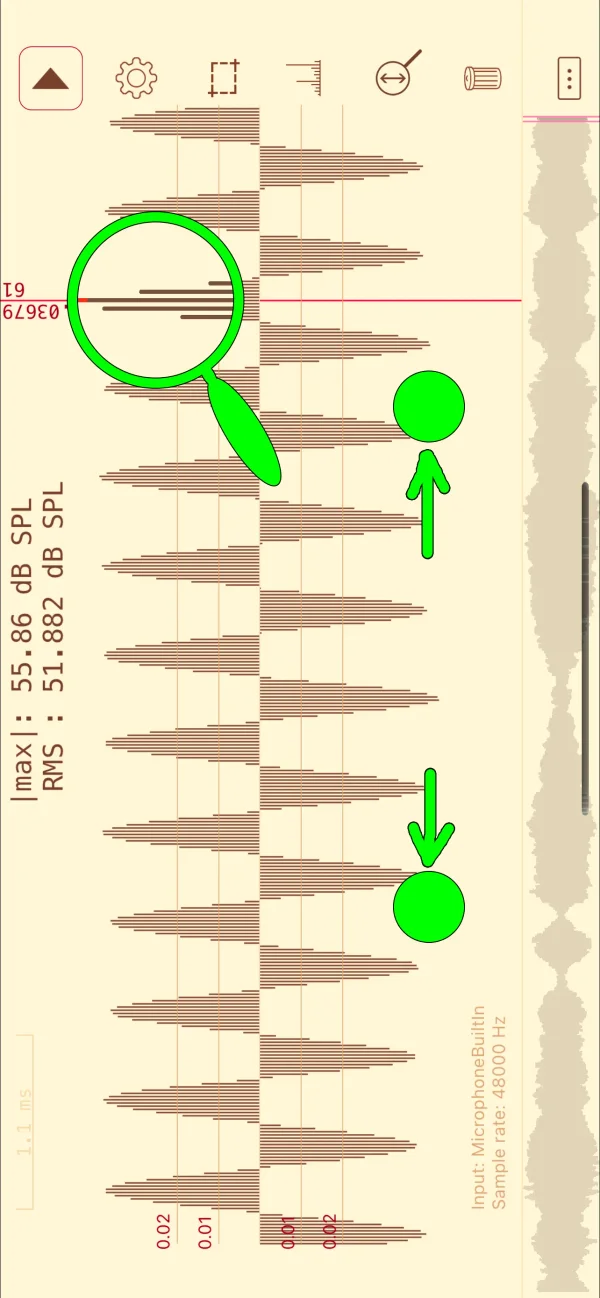
• Sound wave.
• Fast fourier transform (FFT). FFT size: 2048 (the accuracy of determining the frequency of ±12 Hz), 4096 (±6 Hz), 8192 (±3 Hz), 16384 (±2 Hz), 32768 (±1 Hz), 65536 (±0.5 Hz), 131072 (±0.2 Hz).
• Linear and logarithmic frequency scale.
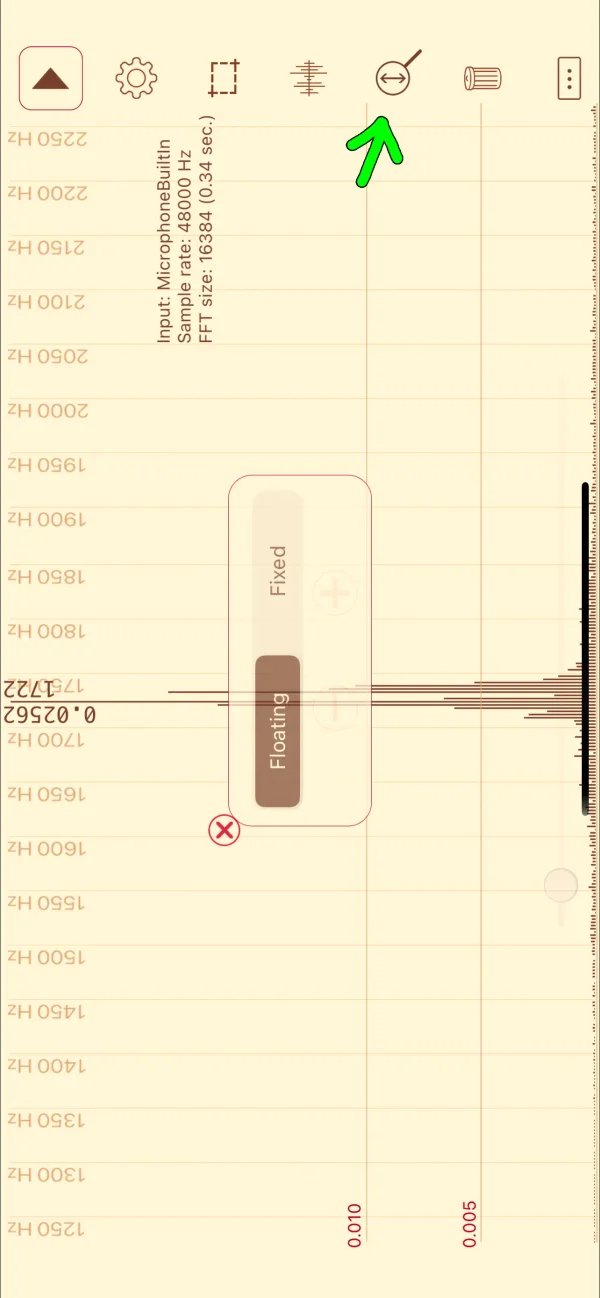
• Linear frequency scale with maximum details (there is a choice for the displayed frequency range).
• Linear and logarithmic amplitude scale.
• Octave bands (1/1, 1/3, 1/6, 1/12).
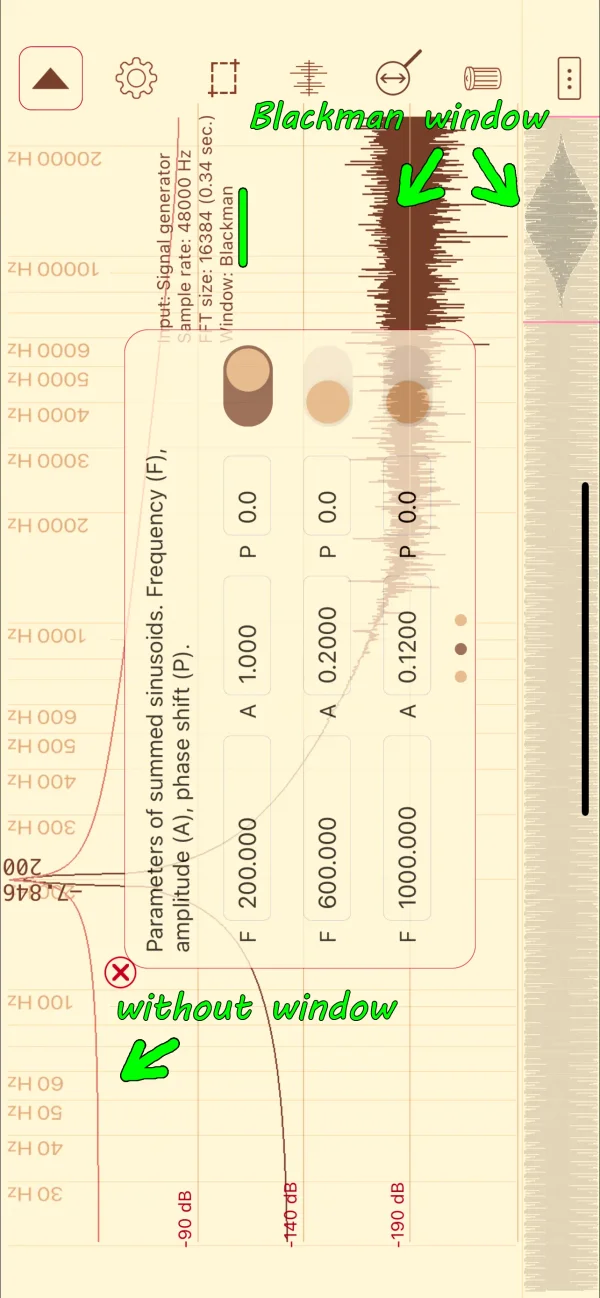
• Window functions (Blackman, Hamming, Hann (Hanning), Blackman–Nuttall, Gaussian, Flat top).
• A- and C-Weightings.
• Peak hold.
• Exponential spectrum averaging.
• Peak frequency detection.
• Values of any point (for frequency scale and sound wave (at maximum detail)).
• Sound level meter (dB SPL). You can calibrate your microphone by launching a signal generator with a sinusoid frequency of 1000 Hz on another device and making the volume very low. When the sound is almost inaudible, it is necessary to find the amplitude for the frequency of 1000 Hz on the spectrum (FFT size: 16384). This value should be multiplied by 1.2 (to compensate for spectral leakage). It will be the reference value for your microphone. ESTIMATE THE TOTAL NOISE LEVEL BY USING THE SOUND WAVE MODE AT THE MAXIMUM VALUE.
• Sample rate: 48000 Hz.
• Taking a screenshot by lightly touching the screen.
• Export data to a WAV or text file ("Y=[y1 y2... yn]", "y1;y2;... yn", "x1;y1\nx2;y2;..."). Number of points is adjusted via "FFT size".
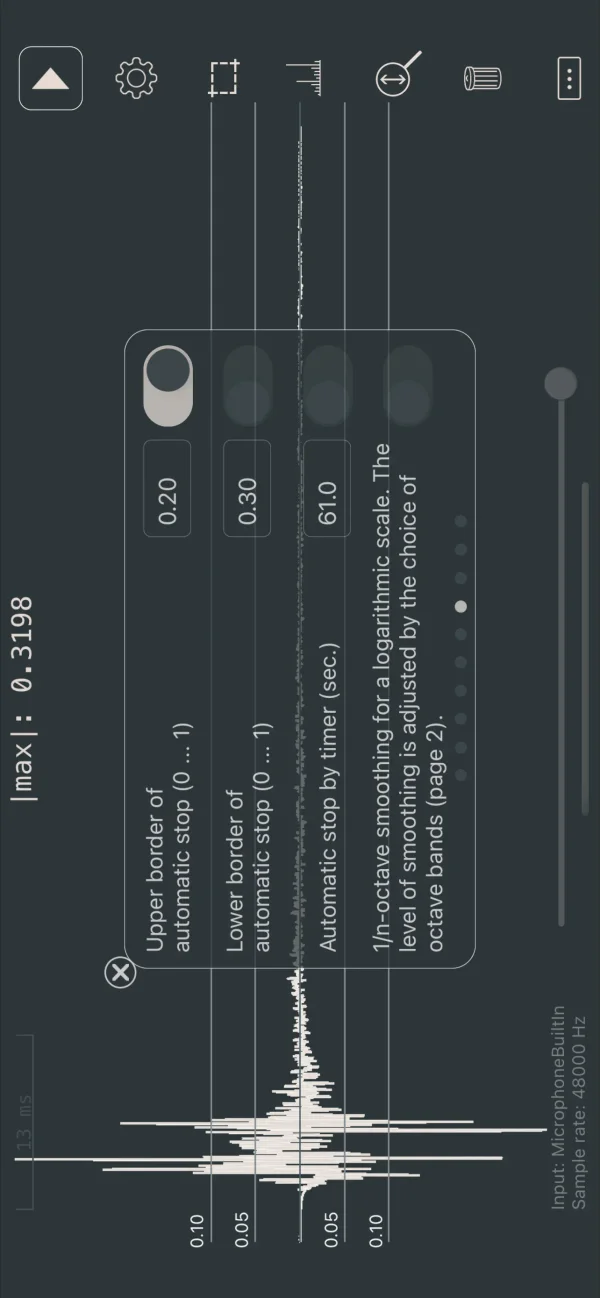
• Automatic stop in the sound wave mode (when increasing or decreasing signal strength).
• Automatic stop in the spectrum mode. Now you can stop data collection when the start of the fading signal reaches the end of the FFT buffer. The beginning of the signal is not calculated accurately (just like with an automatic stop in the sound wave mode).
• Test wave.
• Saving the measurement results in the application. Files with saved data (SavedData_[date]_[time].txt) can be copied to a desktop/laptop computer or transferred to another iPhone using iTunes. There are buttons for quick loading and comparing saved files.
• Dark theme.
• List of frequency peaks. If several peaks have a common base, then they are considered as one peak. The minimum height of the peak for octave bands is 2 dB.
• Interpolation of frequencies in the list of peaks. To interpolate the frequency of the peak, select the Gaussian window (the accuracy of determining the frequency can increase by 10-100 times). The calculation is not done for the extreme bins or if the adjacent bin is zero.
• Calculation of the amplitude (in the list of peaks) using neighboring bins (to compensate for spectral leakage and use of the window). The number of bins used for calculation is written in brackets.
• Collecting recent data (last minute). You can move over all collected data. The amplitude of the waveform can be changed in the sound wave mode.
• Calibration file. The app recognizes only files for the UMIK-1 microphone, but you can specify which microphones you need support for.
What’s new
Version 2.3.9 · Sep 5, 2026
The app has been updated only to answer new age rating questions.
App privacy
What Dmitriy Kharutskiy declares on the App Store about how this app handles data.
-
Data not collected
The developer does not collect any data from this app.
Privacy practices may vary, for example with the features you use or your age.
Information
- Seller
- Dmitriy Kharutskiy
- Category
- Utilities
- Version
- 2.3.9
- Updated
- Sep 5, 2026
- Released
- Sep 5, 2018
- Size
- 4.8 MB
- Requires
- iOS 15.6 or later
- Age rating
- 4+
- Price
- Free
- In-app purchases
- Yes
- Languages
- English, Czech, Dutch, French, German, Italian, Japanese, Portuguese, Russian, Spanish, Swedish
- Copyright
- © 2018 Dmitriy Kharutskiy
You might also like
-
 SignalScope XSpectrum Analyzer, RTA & FFT
-
 HAA CinemaTools with HAA LinkHome Cinema Audio Analysis
-
 Audio Function GeneratorFrequency and Signal Generator
-
 SoundMeter XMeasure, Monitor, Record
-
 Frequency AnalyzerSound Decibel Meter, Spectroid
-
 SpectroliteSmooth real-time spectrograms
-
 Noise Generator: Full SpectrumGenerate Audio Color Noises
-
 Tone generatorUtilities
-
 SmarterNoise ProVideo recording sound analyzer
-
 Decibel Meter · Sound AnalyzerNoise Level & Frequency, SPL