Audio Looper+
Easy to use audio looper
Designed for iPhone, iPad
Free · In-app purchases
- Age rating4+
- CategoryMusic
- DeveloperDaniel Noethen
- LanguagesEnglish
- Size2.9 MB
Links to the official App Store page
Download.org hosts no file of Audio Looper+. The button opens its official App Store page, published by Daniel Noethen. Listing last checked on Nov 18, 2026.
Screenshots

About
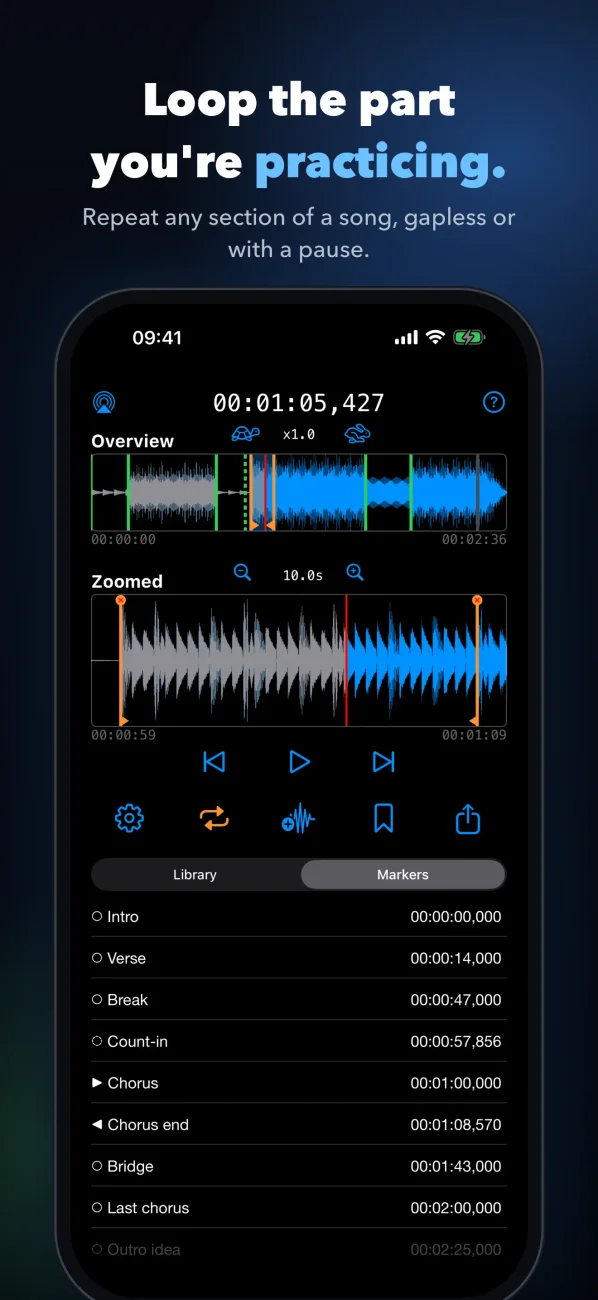
Audio Looper+ is the precise practice tool for anyone who needs to replay, study or play along with specific sections of an audio track. Drop in a song, a lesson, a podcast or a language recording, set as many markers as you like and loop seamlessly between them, then export the looped section as its own file.
Features
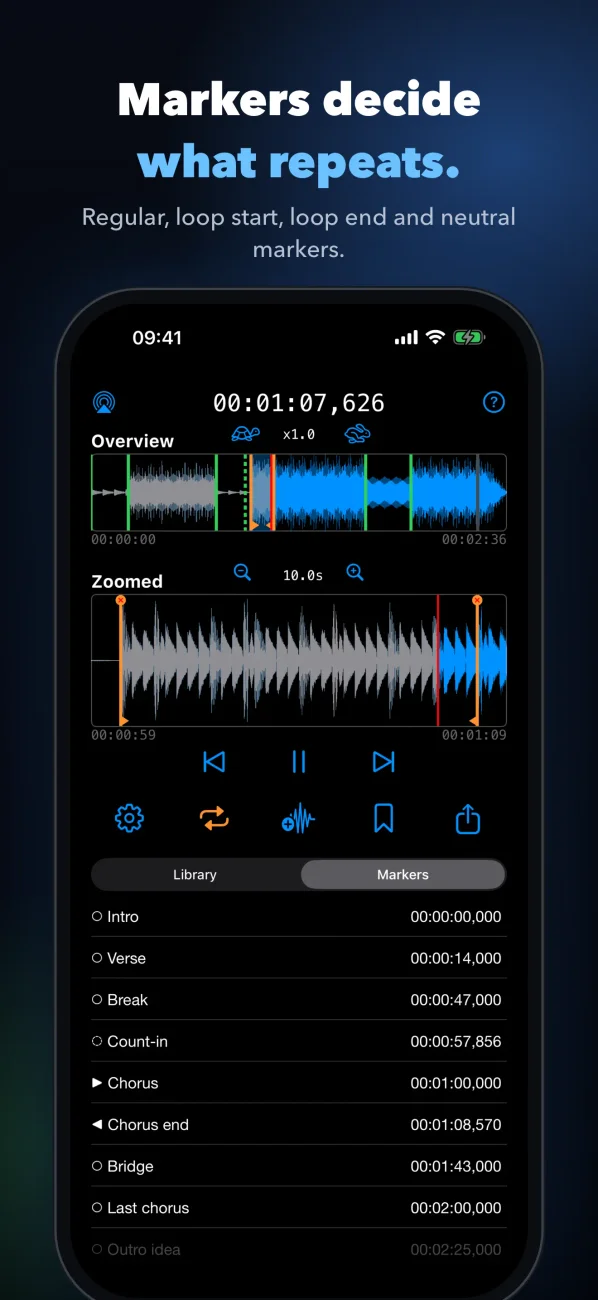
• Place an unlimited number of markers on the waveform and name them
• Loop seamlessly between any two markers
• Marker types: regular, loop start, loop end and neutral, so you can play an intro once and then repeat a section
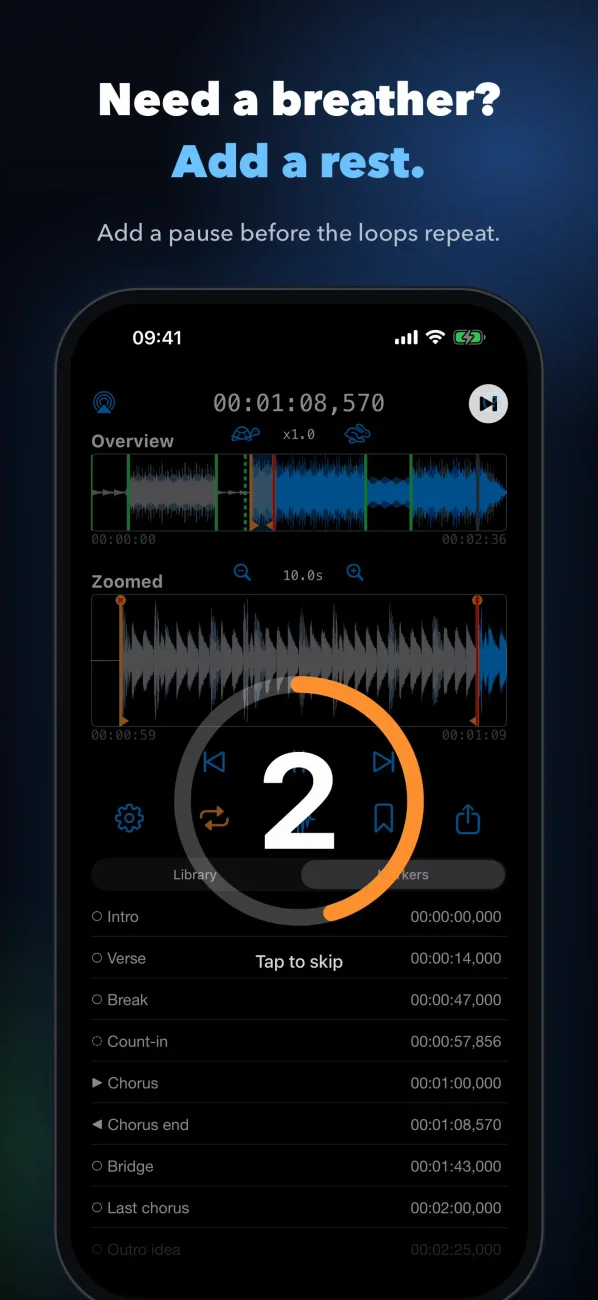
• Optional rest time before the loops repeat, with an optional countdown tick and visual countdown
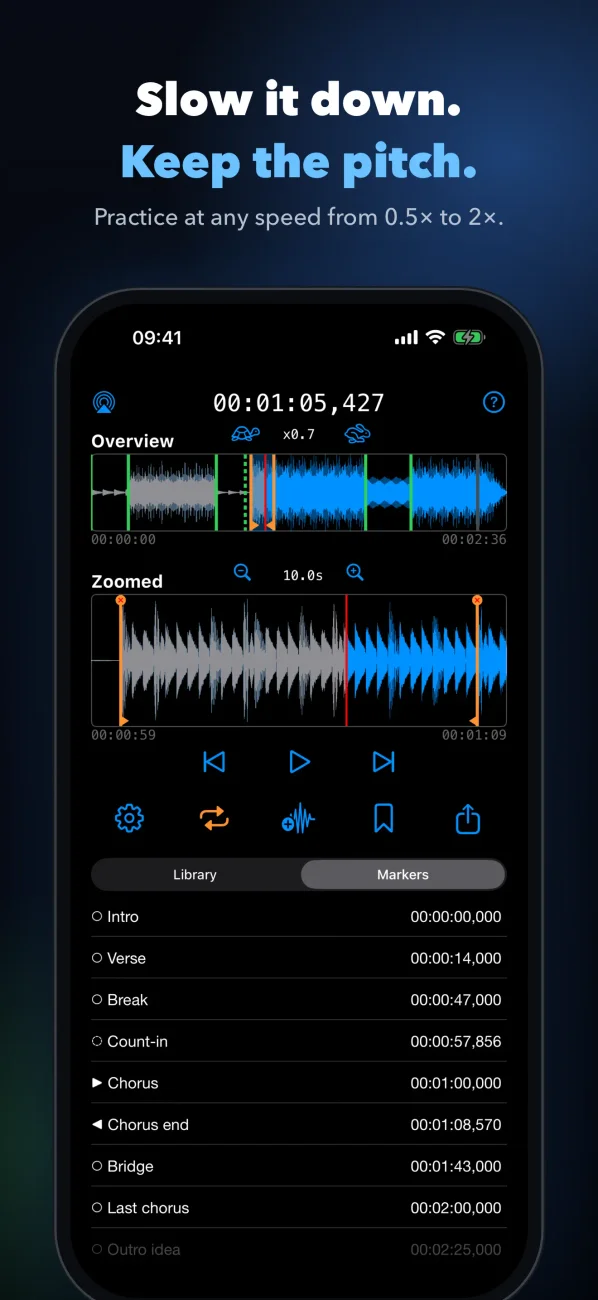
• Slow down or speed up from 0.5× to 2× without changing the pitch
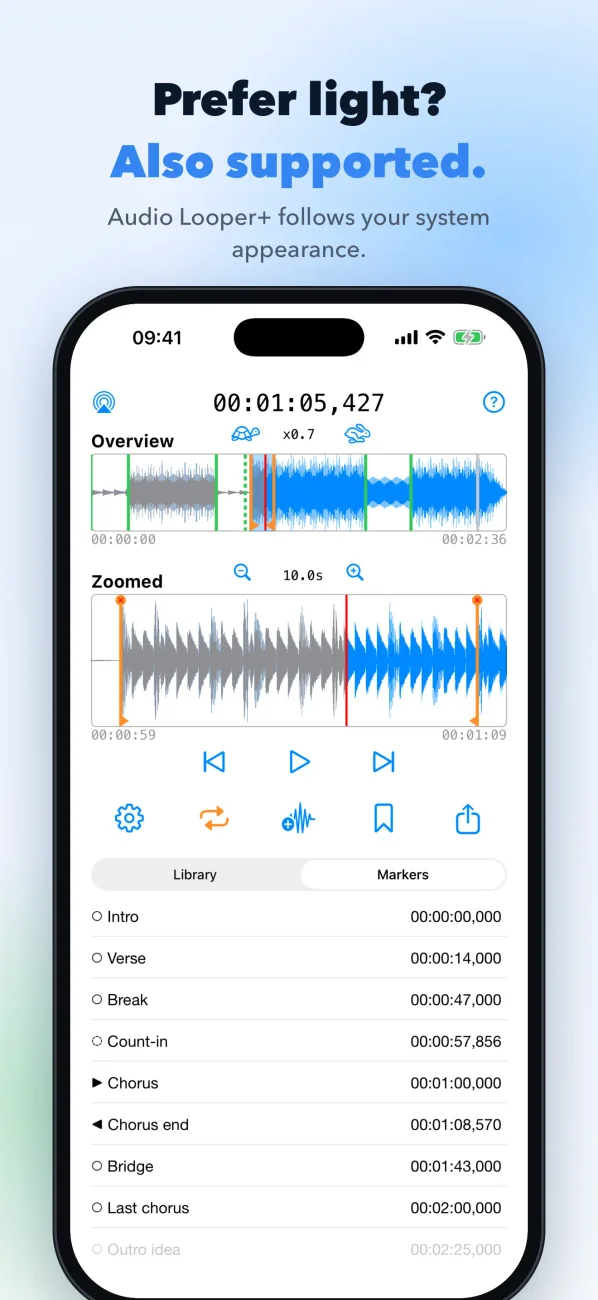
• Two waveforms: an overview of the whole track and a zoomed view with pinch-to-zoom
• Precise dragging: slide your finger up or down while dragging a marker or the playhead for fine adjustment
• Move, rename, disable and re-enable markers without losing your place
• Tap anywhere on the waveform to jump there, or tap near a marker to snap to it
• Markers, loop state and play position are saved per track across your whole library
• Rearrange your library by touch and hold or with the Edit button
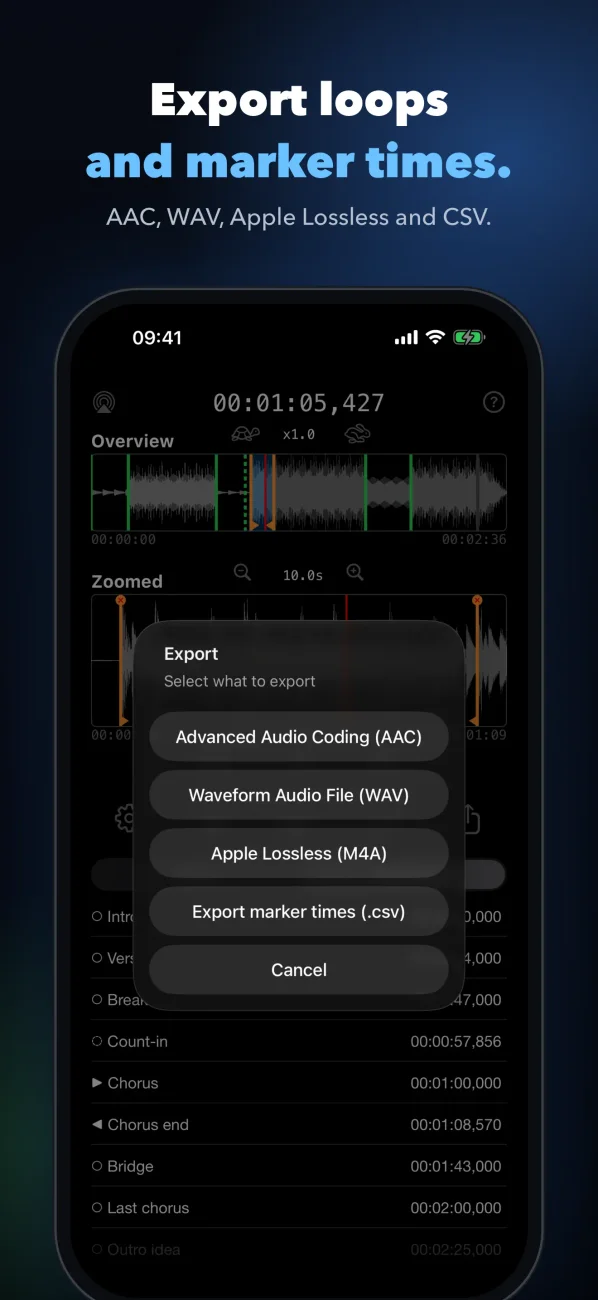
• Export loops as AAC, WAV or Apple Lossless, and marker times as a CSV file
• Automatic sync for AirPlay and Bluetooth speakers, or set the offset by hand
• Import audio from the Files app or your Music library
• Dark and light mode, on iPhone and iPad
Who is it for?
• Musicians learning or transcribing a part, by ear or with their instrument
• Singers rehearsing a verse, a run or a single line
• Dancers and choreographers drilling a section on repeat
• Producers and DJs isolating a loop, a break or a sample to export
• Language learners shadowing a sentence or a dialogue
• Students transcribing lectures, interviews or field recordings
• Anyone who needs to repeat, mark or export a specific moment in an audio file
Try every feature free for 3 days, then unlock the full version with a single in-app purchase. No subscription.
If you have any questions or feedback, contact me at audiolooper@danielnoethen.de
What’s new
Version 3.3 · Nov 8, 2026
Pick up where you left off: every track now remembers whether looping was on and where the playhead was, so it opens just as you left it.
Arrange your library: touch and hold a track and drag it to a new place, or tap the new Edit button next to Library/Markers to rearrange and remove files.
Also new:
• Removing the track that is loaded, even while it plays, now stops playback and clears the player
• The loaded track stays highlighted in the library while editing, after swiping a row and after removing other tracks
• Fixed a crash when holding on the empty zoomed waveform
App privacy
What Daniel Noethen declares on the App Store about how this app handles data.
-
Data not collected
The developer does not collect any data from this app.
Privacy practices may vary, for example with the features you use or your age.
Information
- Seller
- Daniel Noethen
- Category
- Music
- Version
- 3.3
- Updated
- Nov 8, 2026
- Released
- Jan 3, 2021
- Size
- 2.9 MB
- Requires
- iOS 18.6 or later
- Age rating
- 4+
- Price
- Free
- In-app purchases
- Yes
- Languages
- English
- Copyright
- © 2026 Daniel Nöthen
You might also like
-
 Audio Looper - Audio RepeaterMusic Repeat Playback Player
-
 Music Looper - Practice ToolSlow down, loop & practice
-
 Audio/Video Looper - RepeatLabSlow Down Music, Change Key
-
 Kalimba KeysKalimba Sounds & FX | AUv3
-
 CantoriaAUv3 Virtual Pipe Organ
-
 Relic Waves4 billion unique Lo-Fi sounds
-
 EG NodesClip based Host/MIDI Sequencer
-
 ThesysPitch Sequencer
-
 Miximum: Smart Playlist MakerSmart Playlists for iOS
-
 Stezza Music Playerfor your library & Apple Music