- Age rating4+
- CategoryUtilities
- DeveloperYasuyoshi Ota
- LanguagesEnglish+ 1 more
- Size5.5 MB
Links to the official App Store page
Download.org hosts no file of Audio SA. The button opens its official App Store page, published by Yasuyoshi Ota. Listing last checked on Nov 20, 2026.
Screenshots




About
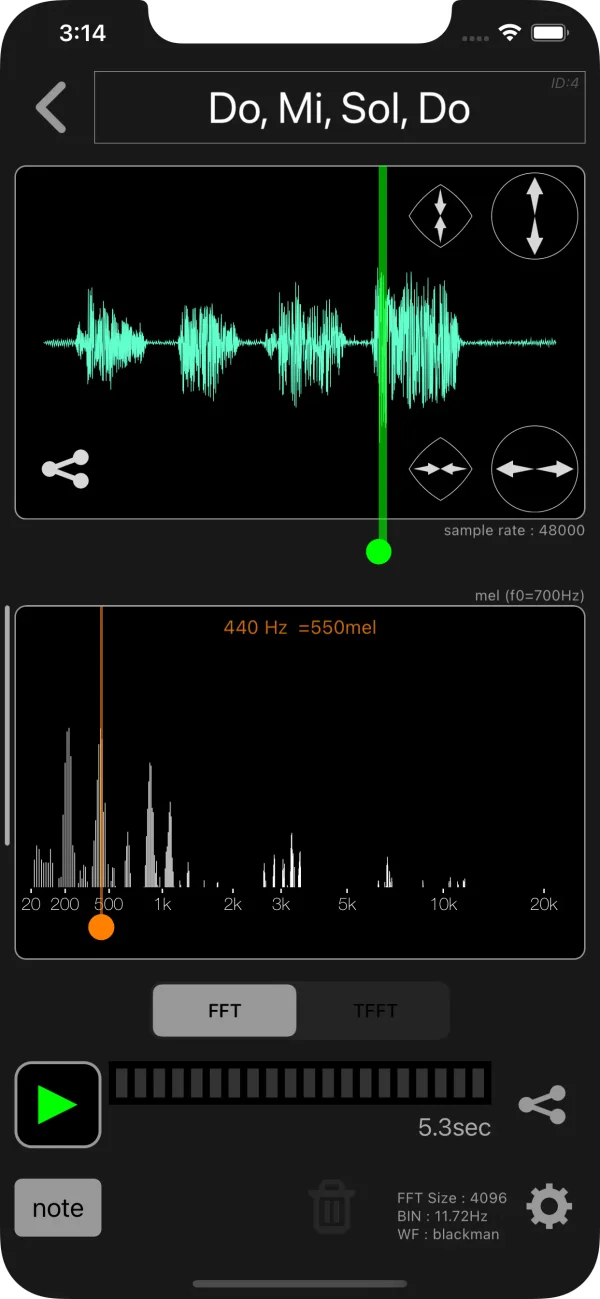
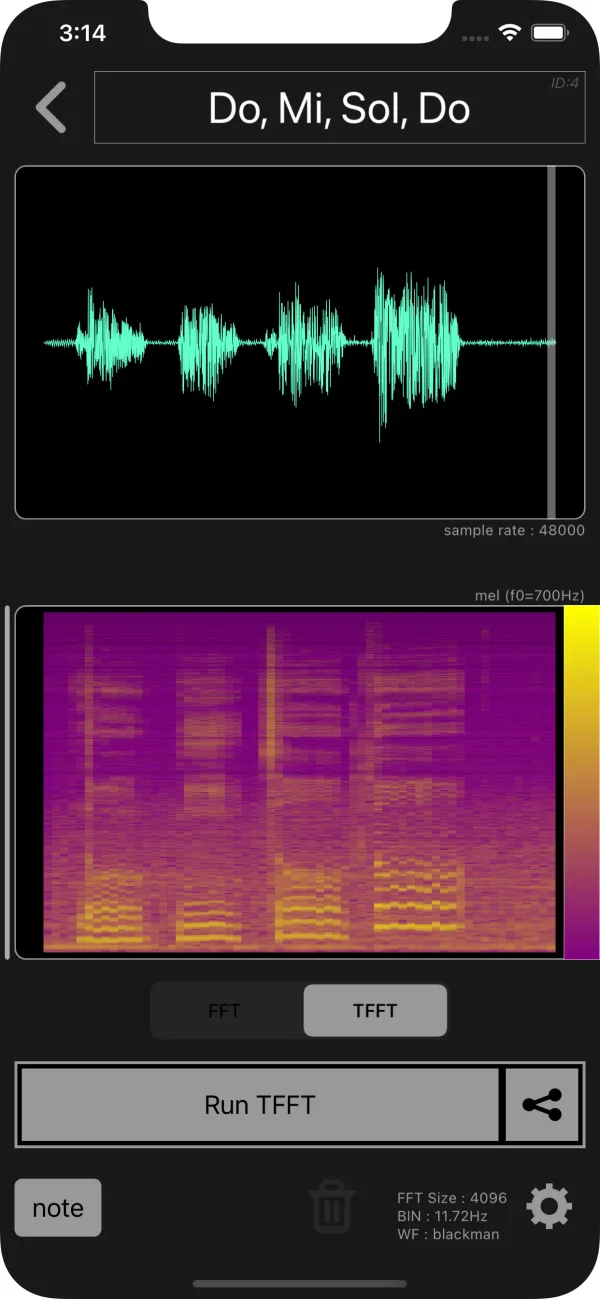
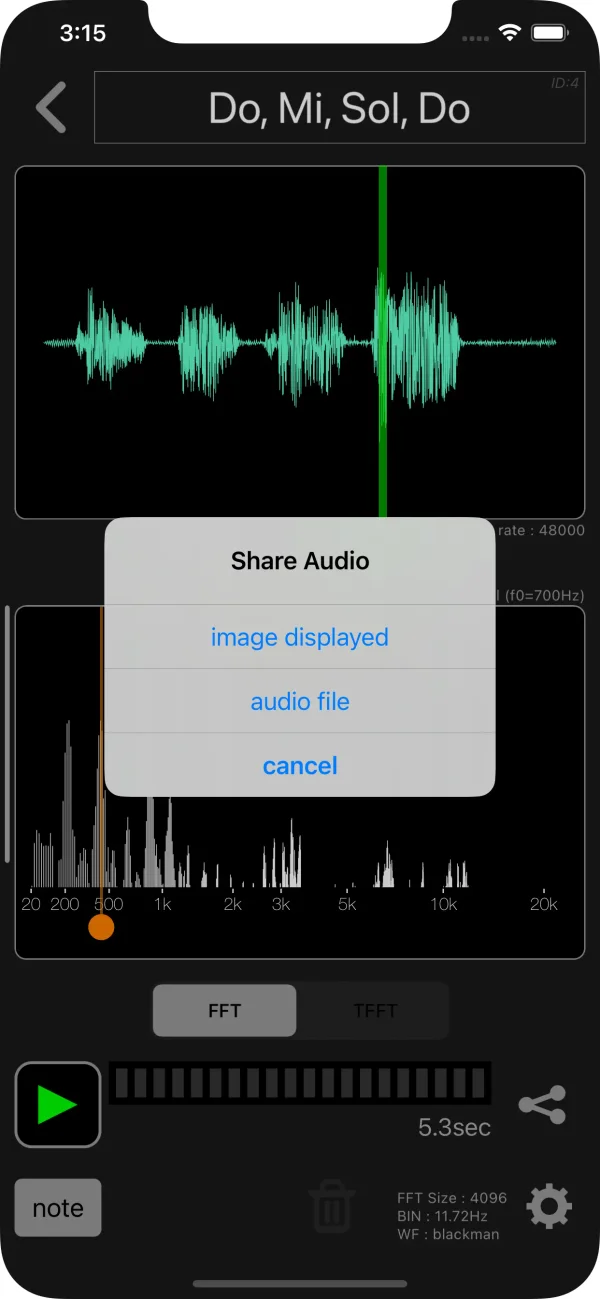
"Audio SA" is a spectrum analyzer that can capture voiceprints as TFFT images.
The created TFFT image can be exported as a high resolution image. (Image size example iPhoneSE3: 4096×4096, iPhoneX: 6144×6144)
If you just want to try creating a voiceprint, you don't need to worry about the settings. Just record your voice and run the TFFT to see the voiceprint.
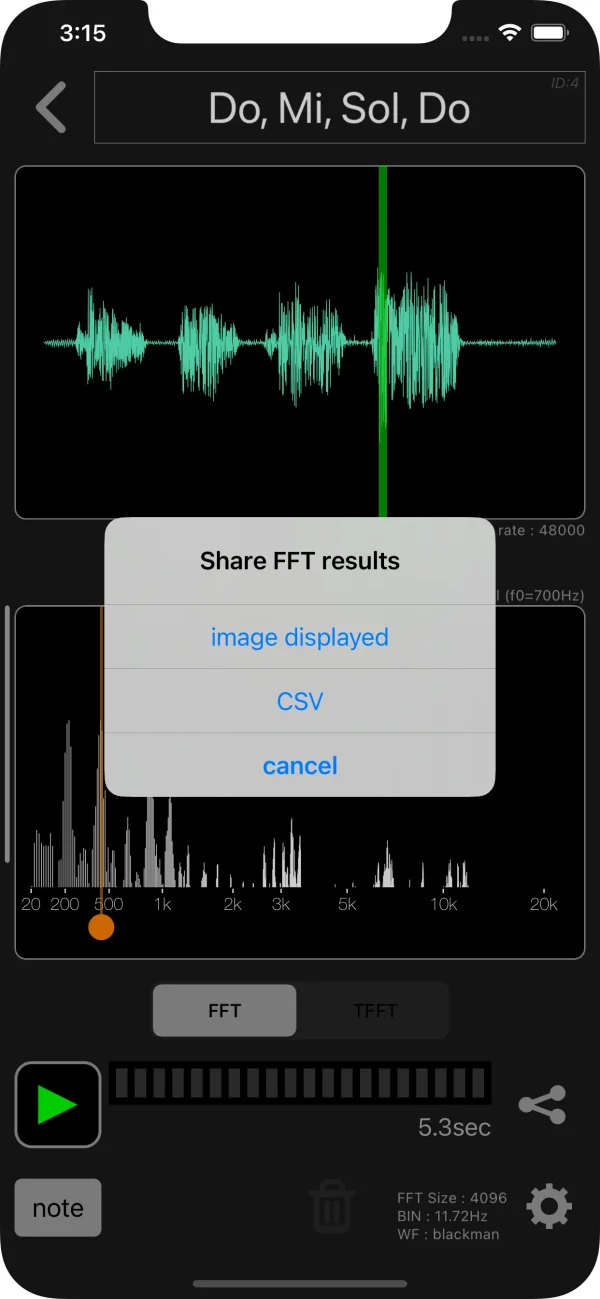
"Audio SA" can also be used for FFT-related learning. You can also check changes in important characteristics such as FFT frequency resolution and dynamic range while switching the FFT size and window function.
As an additional function, we have implemented a simple waveform generator, so please try it when learning. The simple waveform generator can generate sine waves, square waves, Gaussian white noise, and their combinations.
When using TFFT images for machine learning, etc., it will be necessary to give sufficient consideration to the settings.
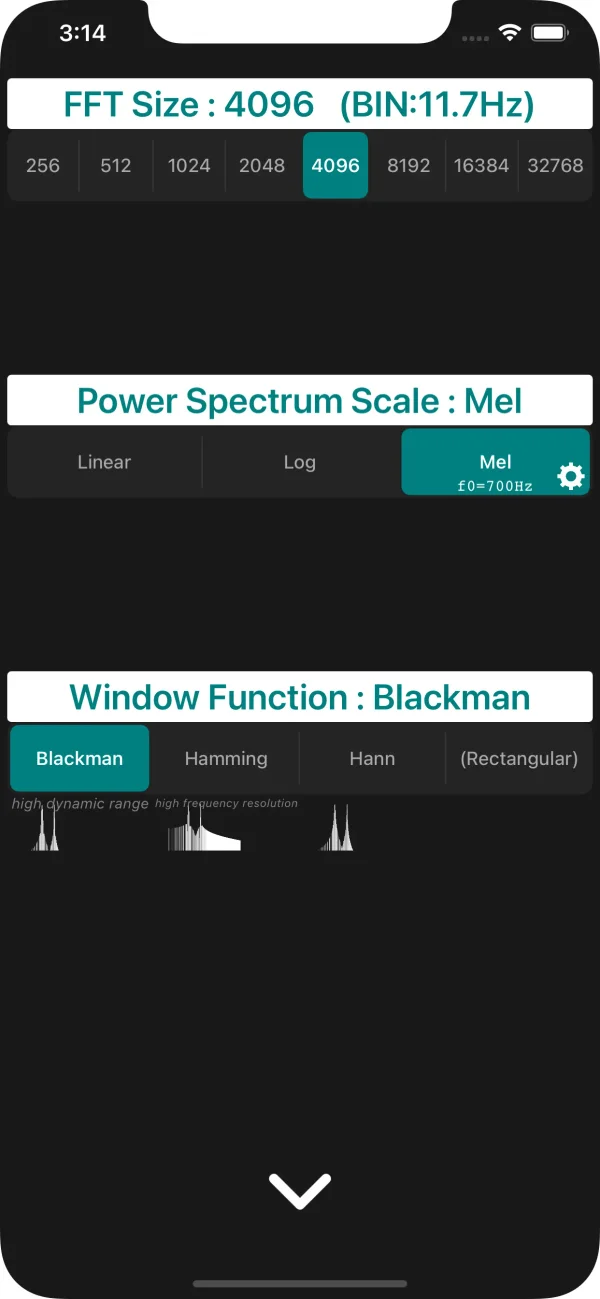
"Audio SA" allows you to set the audio waveform analysis range, FFT size, power spectrum scale, window function, and drawing color.
The analysis range of the audio waveform is set by scaling and moving the audio waveform. The displayed range becomes the analysis range.
Tap the play button to play only the analysis range, which is convenient for checking.
FFT size can be selected from 256,512,1024,2048,4096,8192,16384,32768.
(However, you can select from 256, 512, 1024, 2048, and 4096 during recording and playback.)
The power spectrum scale can be selected from Linear scale, Log scale, and Mel scale.
For Mel scale, you can set the break frequency. The mel scale is close to a linear scale up to the break frequency and close to a log scale after the break frequency. 700Hz, which is the most commonly used frequency, is set as the default value.
The window function can be selected from Blackman, Hamming, Hann, Rectangular.
It is recommended to choose Blackman when wide dynamic range is required and Hamming when high frequency resolution is required.
Roughly speaking, Hann is a trait between Blackman and Hamming.
For Rectangular, no special window function is multiplied during FFT transform. The audio data cut out from the audio waveform for the FFT size is used as it is.
In addition, the lower limit of the dynamic range when drawing TFFT images can also be set. It's easy to set up, just swipe up and down on the FFT image. The part displayed as the FFT image is drawn as it is in the TFFT image.
"Audio SA" consumes tickets to record audio. Tickets can be earned by watching ads.
However, if you purchase "Remove Ads" as an in-app purchase, you will be able to record without a ticket.
[details]
https://app.brain-workout.org/spectrumanalyzer-e/
What’s new
Version 1.0.8 · Nov 13, 2026
performance improvements
App privacy
What Yasuyoshi Ota declares on the App Store about how this app handles data.
-
Data used to track you
May be used to track you across apps and websites owned by other companies.
- Location
- Identifiers
- Usage data
- Diagnostics
-
Data linked to you
May be collected and linked to your identity.
- Location
- Identifiers
- Usage data
- Diagnostics
-
Data not linked to you
May be collected but is not linked to your identity.
- Diagnostics
Privacy practices may vary, for example with the features you use or your age.
Information
- Seller
- Yasuyoshi Ota
- Category
- Utilities
- Version
- 1.0.8
- Updated
- Nov 13, 2026
- Released
- Jan 7, 2023
- Size
- 5.5 MB
- Requires
- iOS 17.0 or later
- Age rating
- 4+
- Price
- Free
- In-app purchases
- Yes
- Languages
- English, Japanese
- Copyright
- © 2026 y.ota
You might also like
-
 VoicePrinterUtilities
-
 MeasureMate - RTA & beyondSmaart, Galaxy, 10EaZy, RTA
-
 SimpleFFTFrequency analysis
-
 RST ScopeSpectrum&WaterFall Display App
-
 Audio AnalystExplore a new world of audio
-
 Husker ScopeUtilities
-
 SmarterNoise ProVideo recording sound analyzer
-
 N-Signal / FFT Sound AnalyzerAudio Spectrum Analyzer
-
 SpectroliteSmooth real-time spectrograms
-
 Sorama AppMake sound insightful