SmarterNoise Pro
Video recording sound analyzer
Designed for iPhone, iPod touch
Free · In-app purchases
- Age rating12+
- CategoryUtilities
- DeveloperJohan Rogard
- LanguagesEnglish+ 15 more
- Size24.4 MB
Links to the official App Store page
Download.org hosts no file of SmarterNoise Pro. The button opens its official App Store page, published by Johan Rogard. Listing last checked on Nov 12, 2026.
Screenshots



About
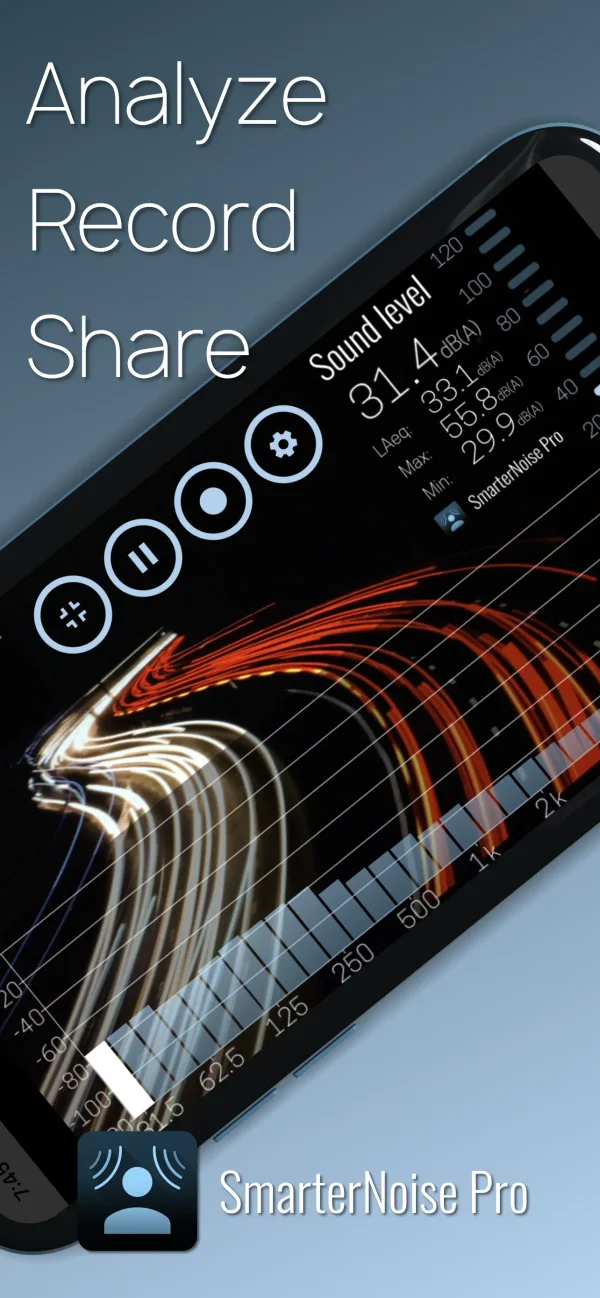
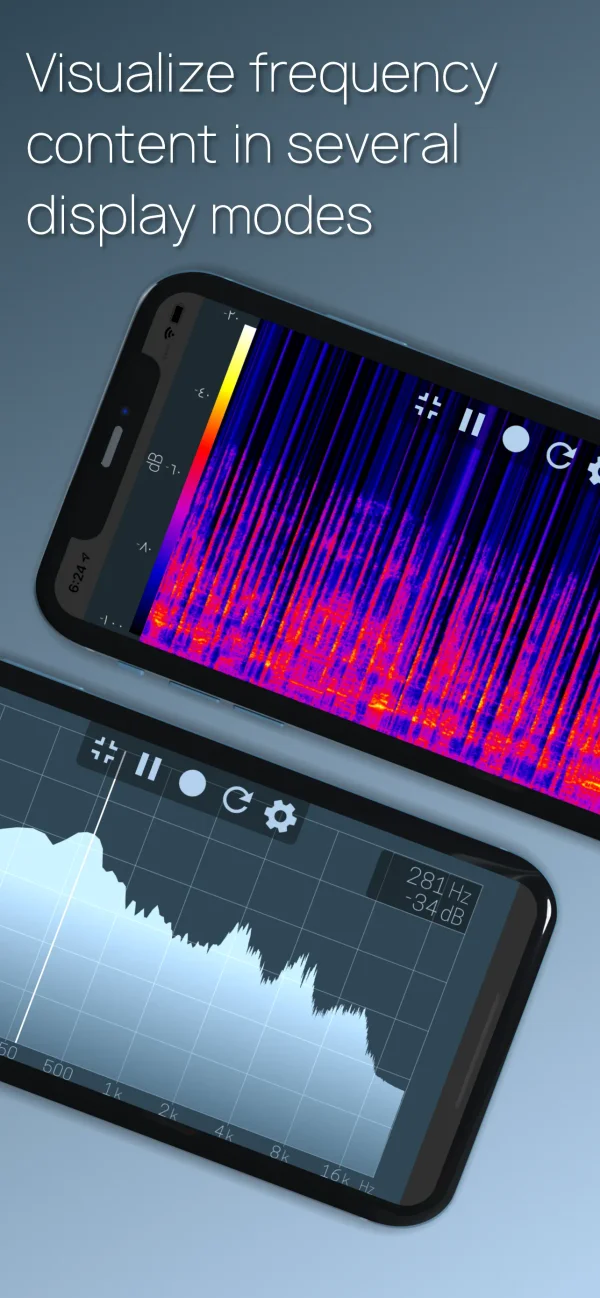
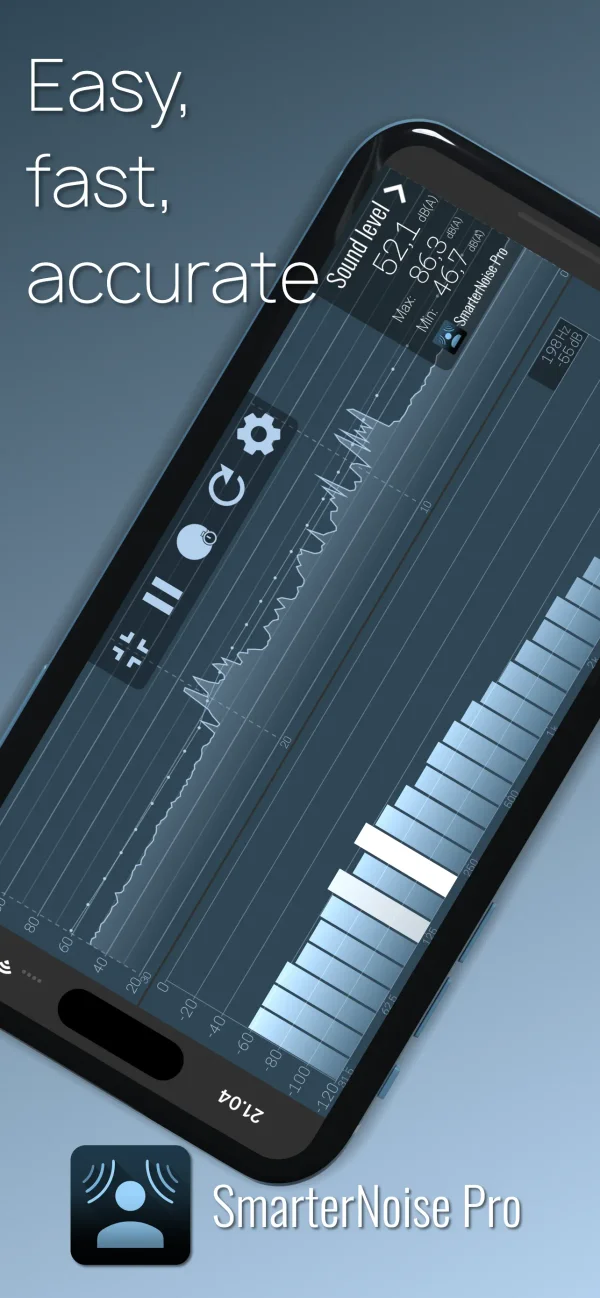
SmarterNoise Pro is the most advanced edition of the SmarterNoise recording sound level meters. SmarterNoise Pro edition is developed especially with more advanced measurements in mind, and includes many requested features such as a frequency spectrum display, export of measurement data, A-, C- or no weighting for sound level measurement, and full screen audio mode. SmarterNoise Pro edition does not contain any advertising, and performs accurately and fast.
Features:
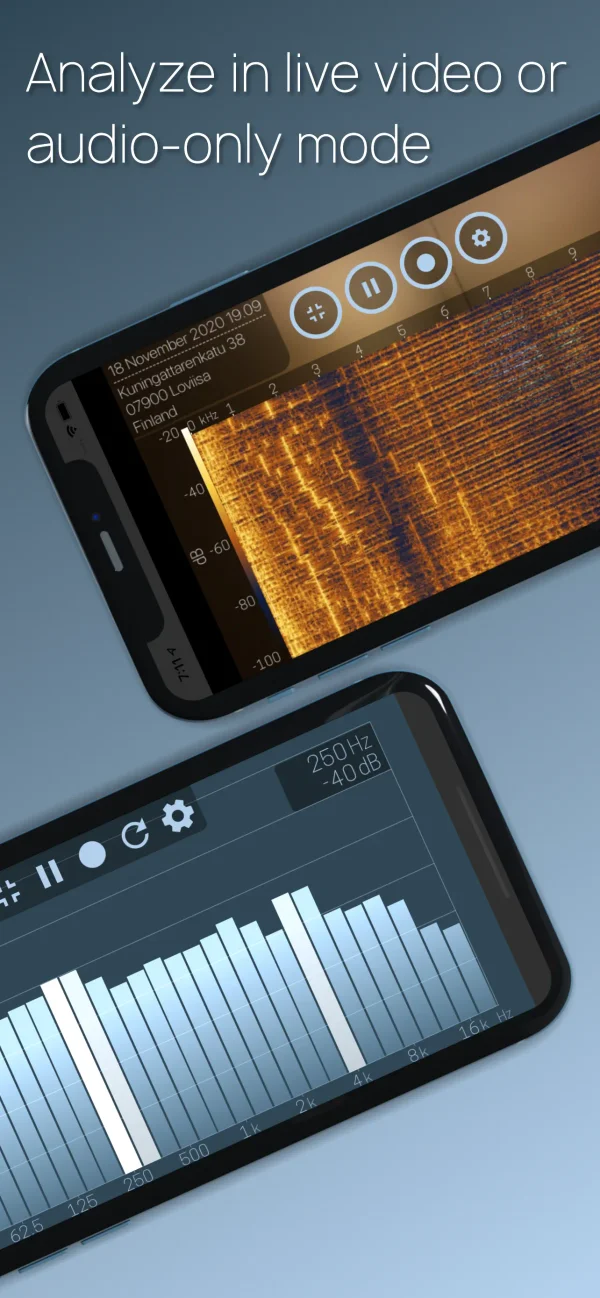
• Sound level measurement in video mode
• Sound level measurement in audio mode
• Sound meter snapshot camera
• Record video and audio files (paid function)
• Recording timer
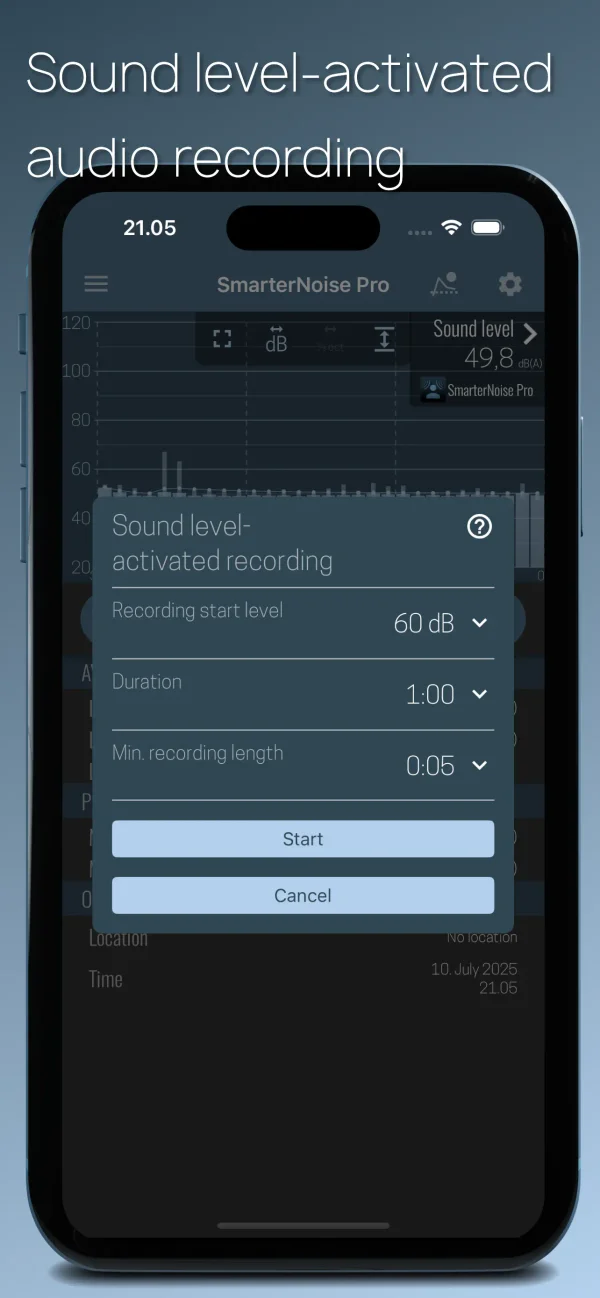
• Sound level activated audio recording
• Frequency spectrum display (paid function)
• Peak frequency detection
• A-, C- or no frequency weighting
• Export of measurement data in CSV format
• Full HD (paid function), HD and VGA video resolution
• Three video quality settings
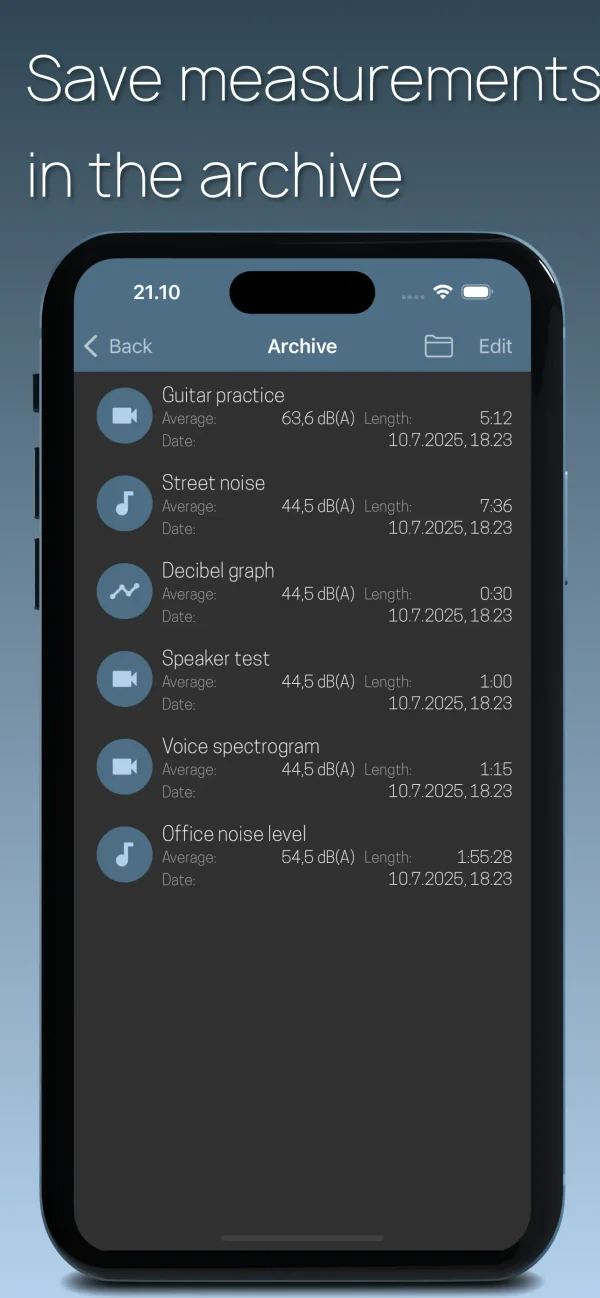
• Archive for saved files
• Sharing of saved files
• Calibration
• Save location of measurement (optional)
• Time and date
• Continuous Leq, LAeq, LCeq value
• 10 second sound level average (Leq, LAeq, LCeq)
• 60 second sound level average (Leq, LAeq, LCeq)
• Maximum and minimum decibel level
About decibels and sound level measurement
The unit for measuring sound is called a decibel. Because the decibel scale is logarithmic, a sound with an intensity that is twice that of a reference sound corresponds to an increase of about 3 decibels. The reference point of 0 decibel is set at the intensity of the least perceptible sound, the threshold of hearing. On such a scale a 10-decibel sound is 10 times the intensity of the reference sound. Highlighting this is important as already a few decibels higher or lower makes a noticeable difference in how noise is perceived.
The preferred method to describe sound levels that vary over time, resulting in a single decibel value measuring the total sound energy over the period, is called Leq. It is however common practice to measure sound levels using A-weighting, which attenuates lower and higher frequencies that the average person cannot hear. In this case the value is called LAeq.
A- and C-weighting
The A-weighting is a standard, commonly used filter that attempts to alter the measured sound pressure levels to more closely match the perception of the human ear. A-weighting makes the sound level meter less sensitive to very high (over 8000 Hz) and low frequencies (below 1000 Hz).
C-weighting also attenuates low and high frequencies, but the attenuation of low frequencies is much less severe compared to A-weighting.
Calibrate:
Calibrate the application using the calibration tool found in the settings menu. Phones and their components vary in quality and setup so you need to calibrate the app in order for the results to be relatively comparable. One suggestion is that you close the window and door to your bedroom or bathroom, turn off appliances, and once its very quiet calibrate the app so the reading is about 30 decibel.
What’s new
Version 1.028 · Jul 13, 2026
Improved handling of errors in video recording.
App privacy
What Johan Rogard declares on the App Store about how this app handles data.
-
Data not collected
The developer does not collect any data from this app.
Privacy practices may vary, for example with the features you use or your age.
Information
- Seller
- Johan Rogard
- Category
- Utilities
- Version
- 1.028
- Updated
- Jul 13, 2026
- Released
- Jul 27, 2019
- Size
- 24.4 MB
- Requires
- iOS 12.0 or later
- Age rating
- 12+
- Price
- Free
- In-app purchases
- Yes
- Languages
- English, Arabic, Dutch, Finnish, French, German, Hindi, Indonesian, Italian, Japanese, Korean, Polish + 4 more
- Copyright
- © 2019 Agibili
You might also like
-
 SpectroliteSmooth real-time spectrograms
-
 SignalScope XSpectrum Analyzer, RTA & FFT
-
 Decibel Meter XAudio spectrum analyzer
-
 Sound Spectrum AnalysisAudio Frequency Analyzer (RTA)
-
 SoundMeter XMeasure, Monitor, Record
-
 Tone Gen ProAdvanced tone generator
-
 Spectrum Analyzer+ Audio FFTFind Peak Hz, Hum & Room Modes
-
 Audio AnalystExplore a new world of audio
-
 Song Meter TouchPro Bioacoustics Recorder
-
 EyeSound VocalSEE what is said