
Aurora Remote (Cheat Happens)
Remote Control CH Trainers
Designed for iPhone, iPad, iPod touch
Free
- Age rating12+
- CategoryUtilities
- DeveloperChris ORorke
- Size91.8 MB
Links to the official App Store page
Download.org hosts no file of Aurora Remote (Cheat Happens). The button opens its official App Store page, published by Chris ORorke. Listing last checked on Nov 27, 2026.
Screenshots
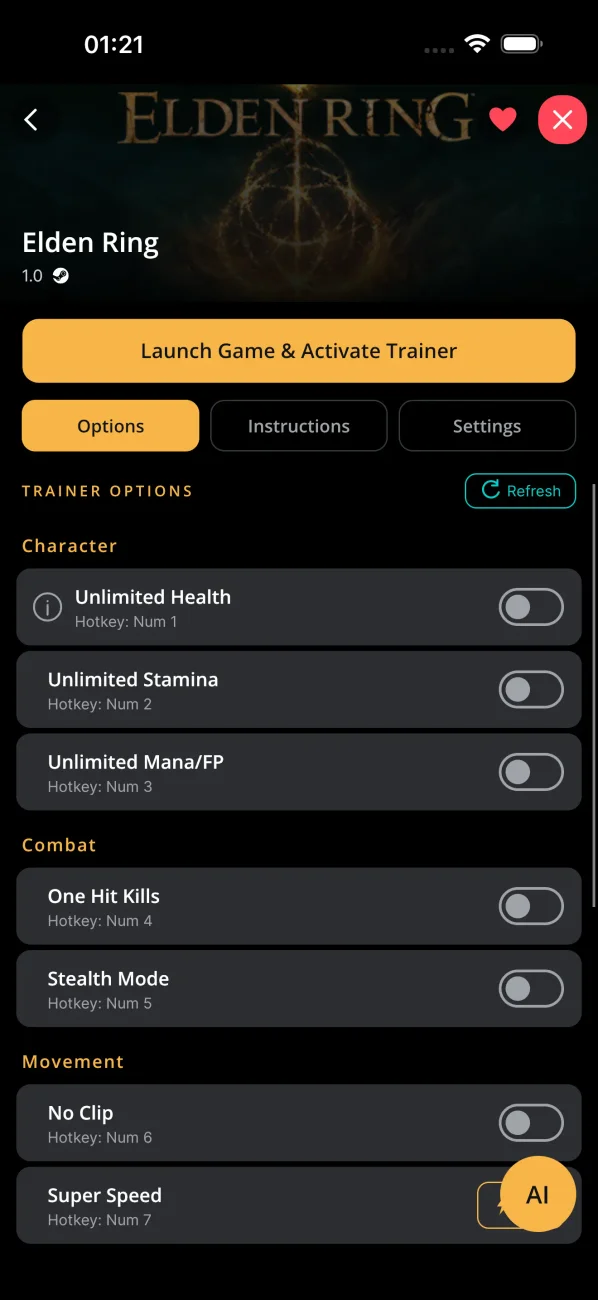
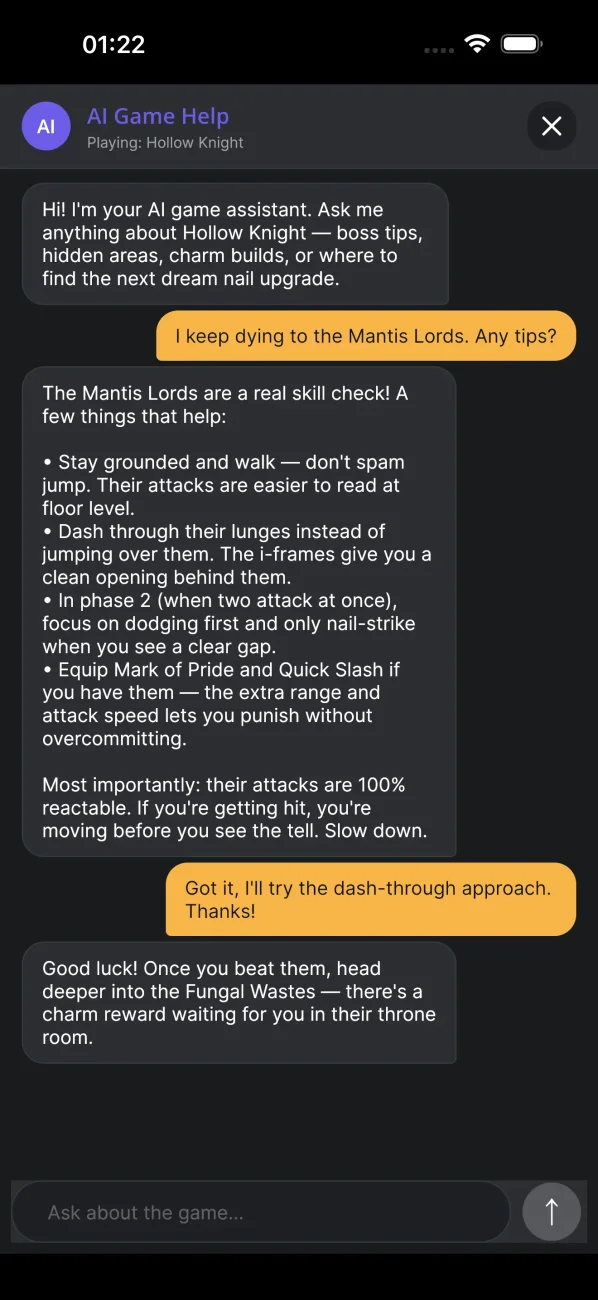
About
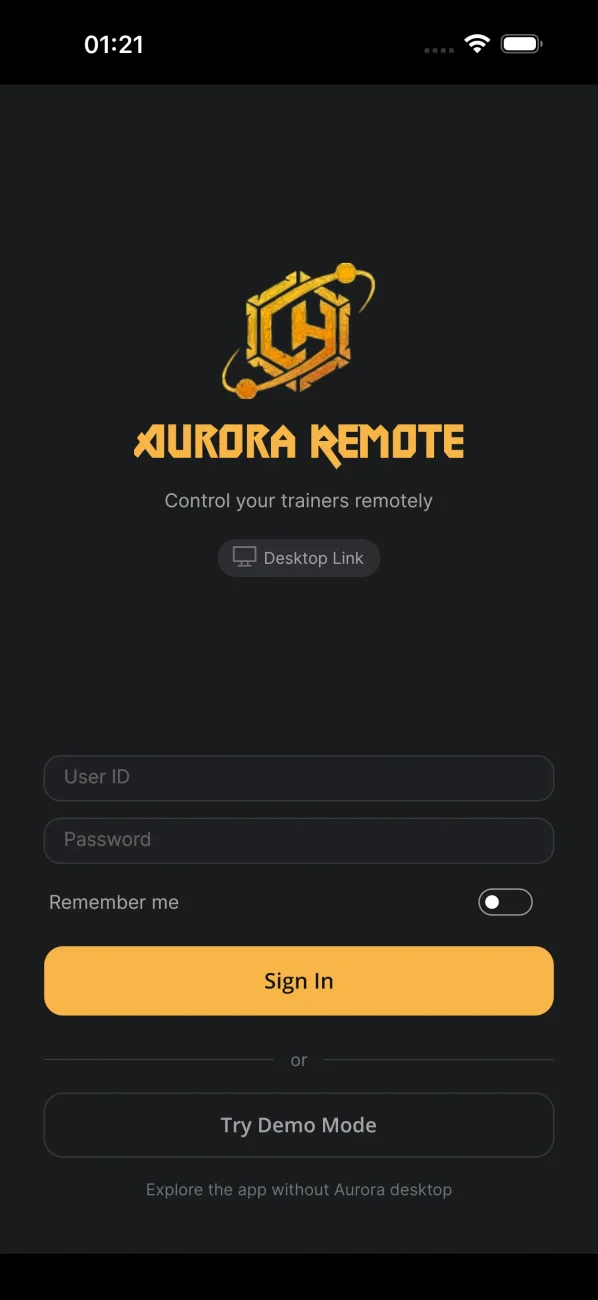
HOW TO USE: Load the PC Aurora app (download from https://www.cheathappens.com/trainers.asp). Login. Click the laptop/phone icon in the top dashboard. It will give you a User ID and a way to set your mobile password. Use your ID and mobile password to login and use the mobile app. The app will remember your password and Aurora on the PC can be configured to automatically enable mobile mode when run.
This mobile app is compatible with Aurora on the Steam Deck. See our Steam Deck Tool/Launcher for additional info (https://www.cheathappens.com/steamdecktool.asp).
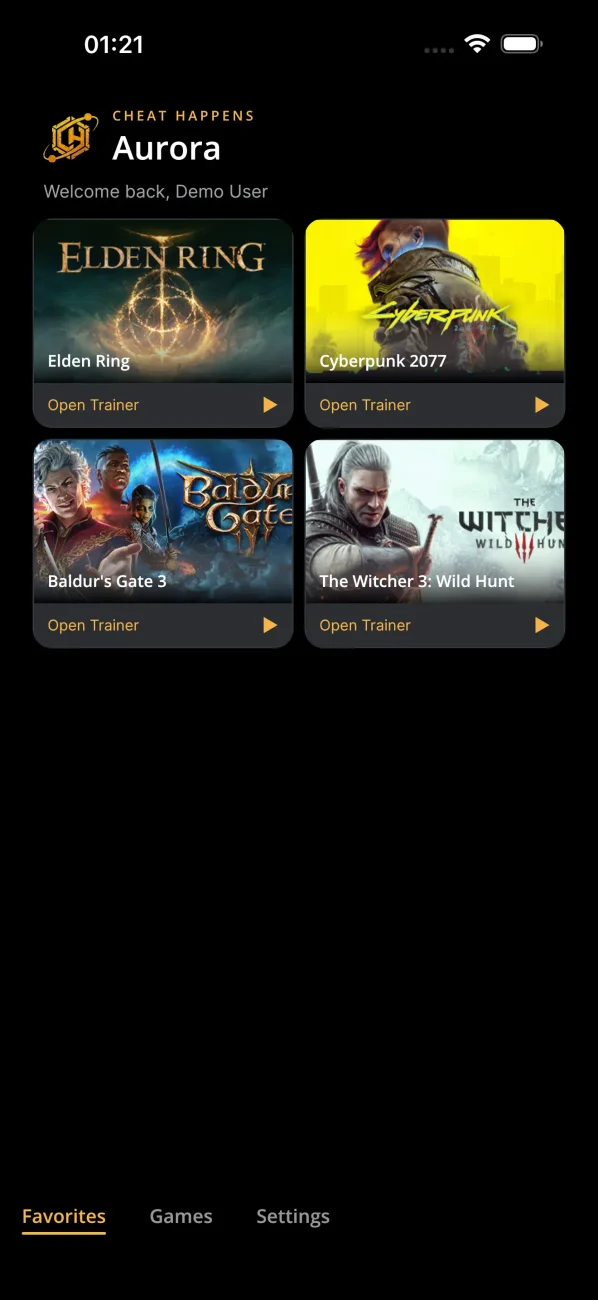
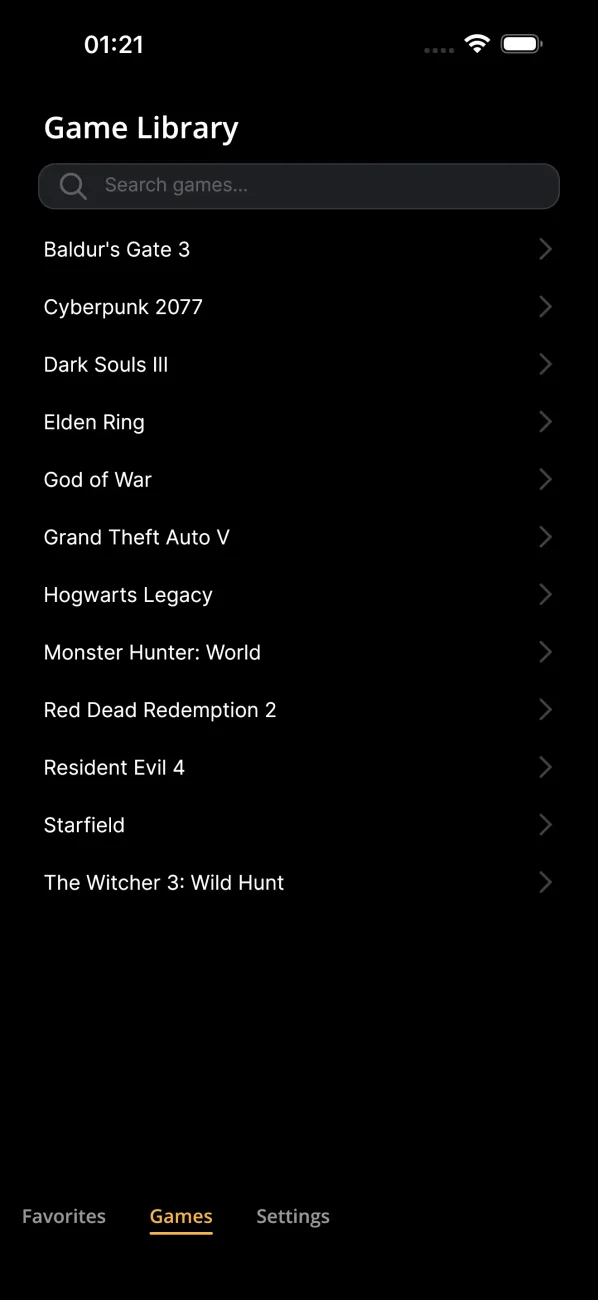
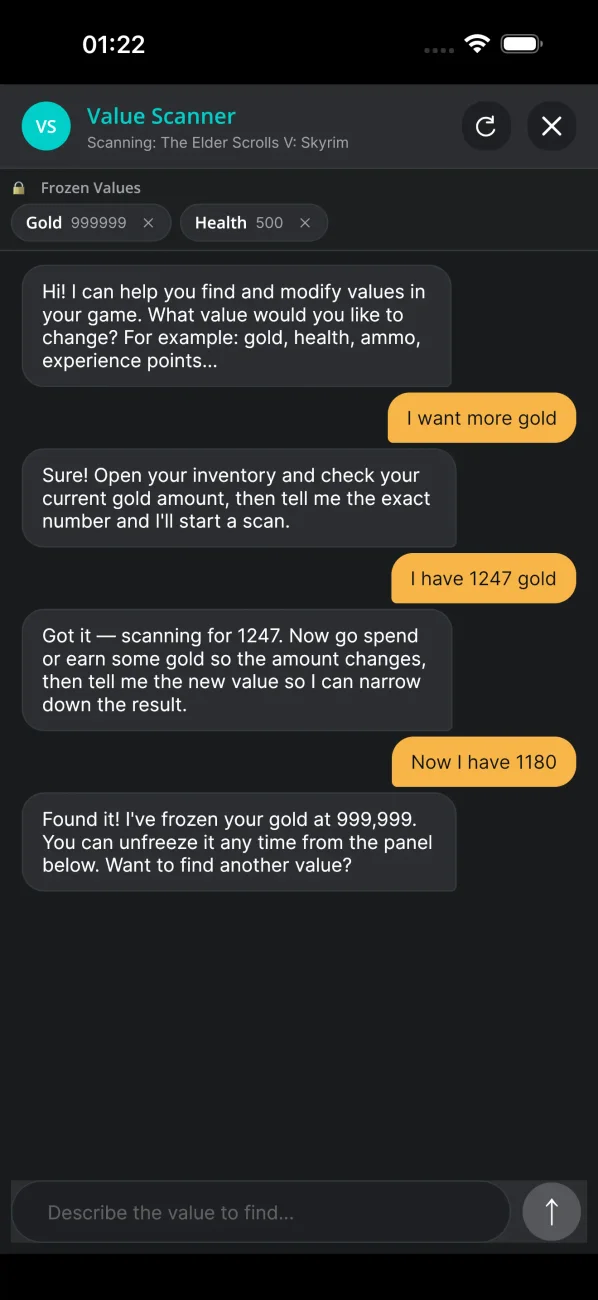
The Cheat Happens Aurora mobile app was developed as a FREE add-on to our FREE Aurora software which will allow you to activate and control our trainers using your mobile device (phone or tablet). You will also be able to launch and control your favorite trainers or search the entire Cheat Happens database for trainers to control. NOTE: This app is not for cheating in Apple/iOS games. It is ONLY a remote control convenience feature for our PC users.
What’s new
Version 1.02 · Apr 28, 2026
Minor bug fixes.
App privacy
What Chris ORorke declares on the App Store about how this app handles data.
-
Data not linked to you
May be collected but is not linked to your identity.
- Diagnostics
Privacy practices may vary, for example with the features you use or your age.
Information
- Seller
- Chris ORorke
- Category
- Utilities
- Version
- 1.02
- Updated
- Apr 28, 2026
- Released
- Apr 23, 2026
- Size
- 91.8 MB
- Requires
- iOS 15.0 or later
- Age rating
- 12+
- Price
- Free
- Copyright
- © Dingo WebWorks, LLC
You might also like
-
 PLITCH Companion AppUtilities
-
 DashboarrUtilities
-
 Wand Pro Remote (WeMod)Interactive Controls
-
 GOS CompanionSteam Gaming Companion
-
 Flashiibo Pro ToolsFile Manager & Firmware Update
-
 DeckSettings: Handheld ReportsSteam Deck compatibility
-
 HelmarrOne app to rule them all
-
 Neckband Remote by VITUREEasily Control Your Neckband
-
 Crimson MapDesert Companion, Guide & Wiki
-
 PrismXRUtilities