DeckSettings: Handheld Reports
Steam Deck compatibility
Designed for iPhone, iPad
Free
- Age rating4+
- CategoryUtilities
- DeveloperWEBGEHEUER OU
- LanguagesEnglish+ 14 more
- Size18.1 MB
Links to the official App Store page
Download.org hosts no file of DeckSettings: Handheld Reports. The button opens its official App Store page, published by WEBGEHEUER OU. Listing last checked on Nov 25, 2026.
Screenshots

About
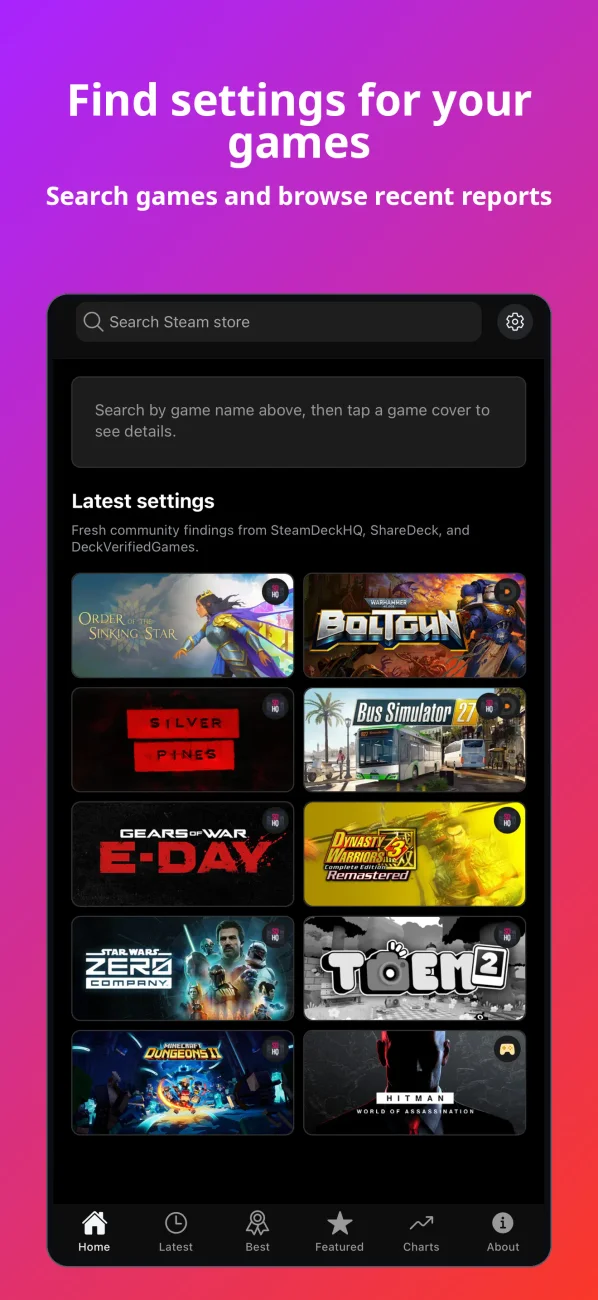
Check Steam Deck compatibility and find community-tested game settings.
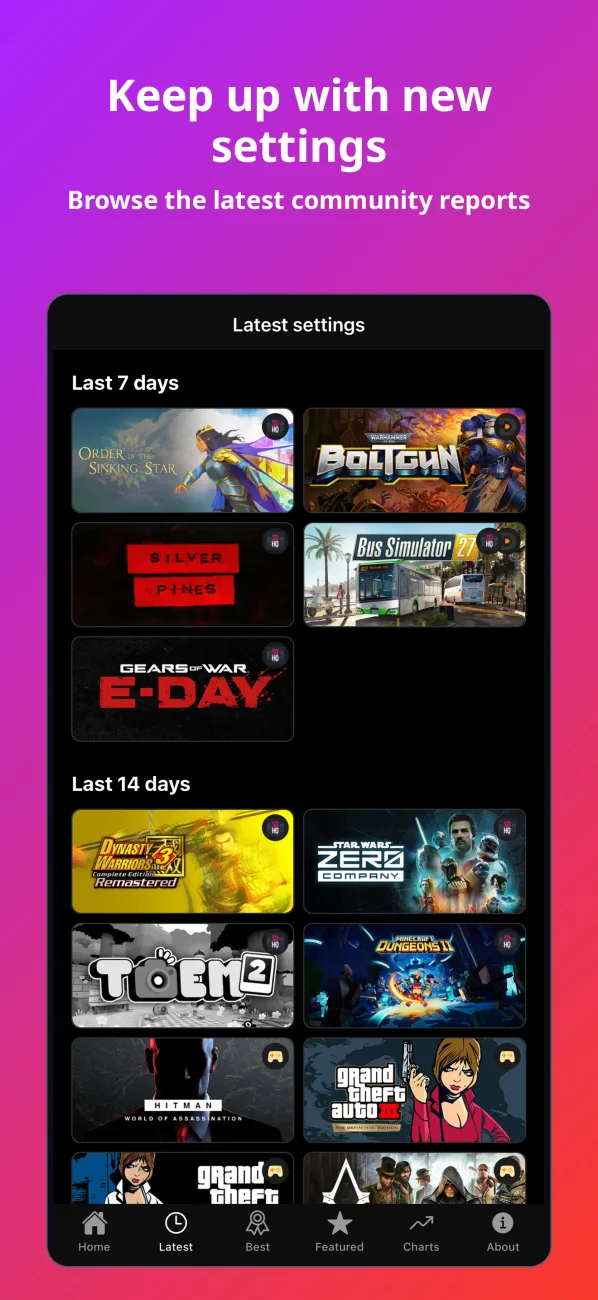
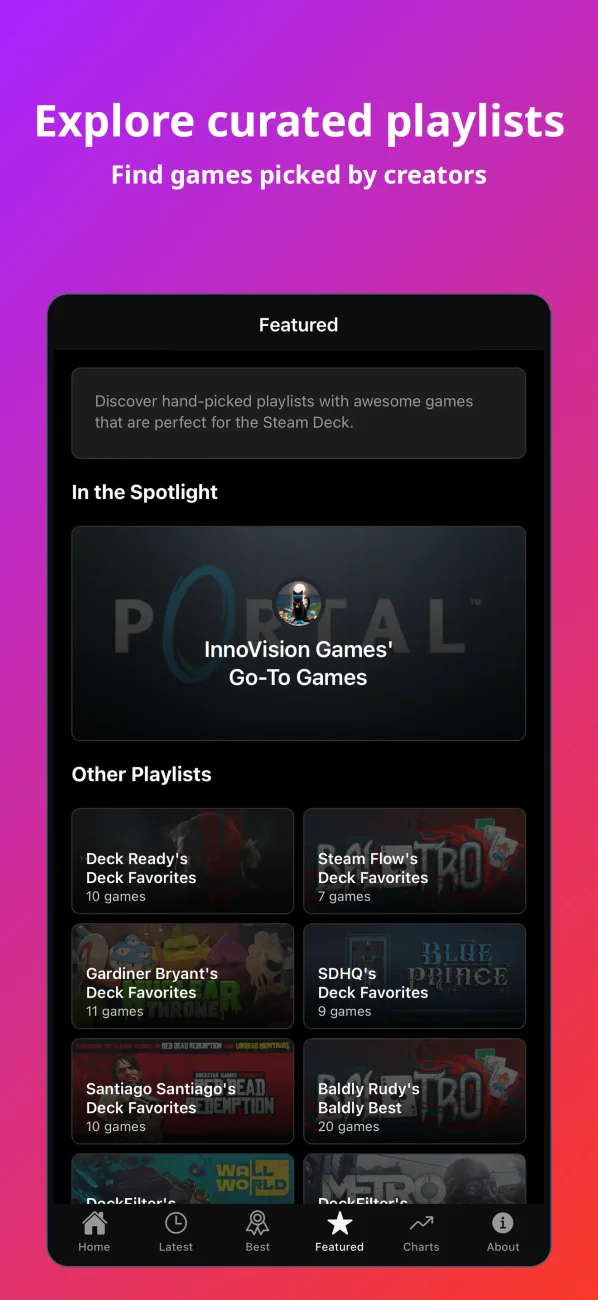
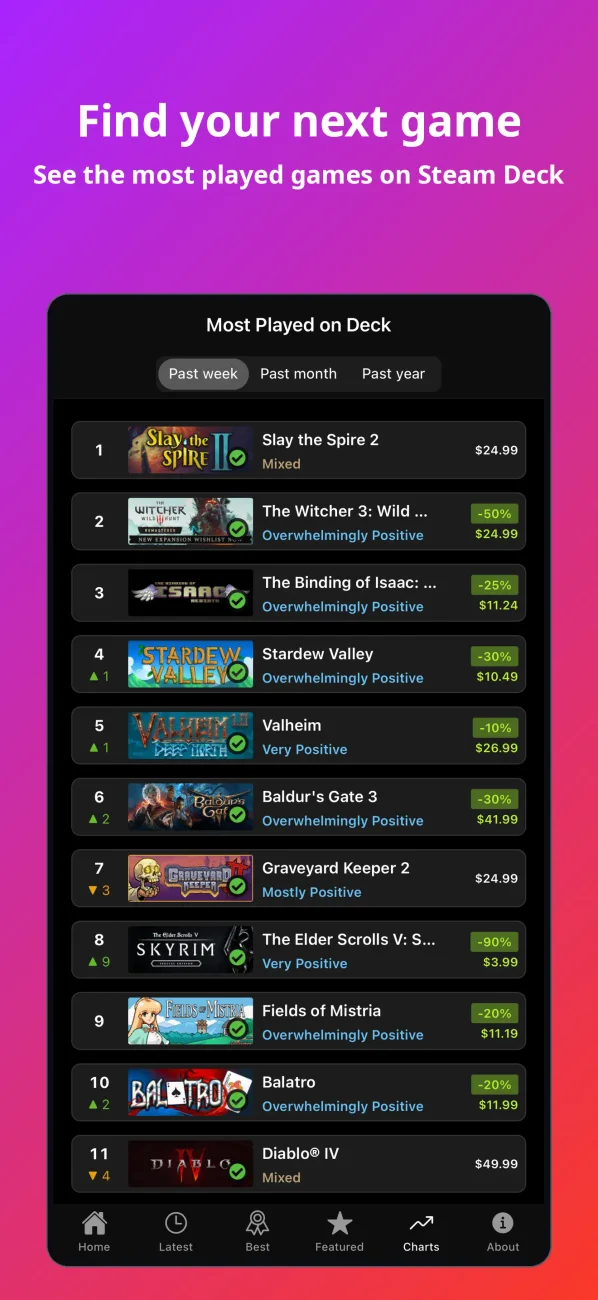
Browse Most Played charts, Latest Settings, and hand-picked playlists.
Compare trusted signals in one free companion app.
DeckSettings helps Steam Deck players explore games, get them running, and tune them without jumping between store pages, Reddit threads, and report sites.
Why Steam Deck players use DeckSettings:
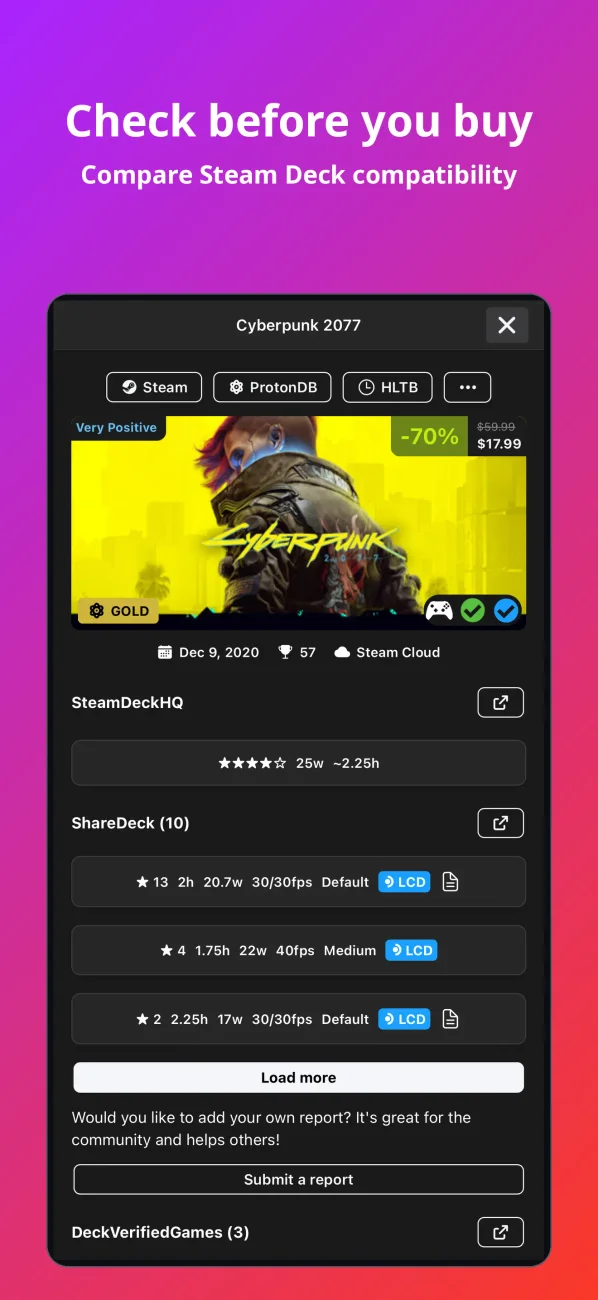
- Check Deck Verified status, SteamOS compatibility, ProtonDB tiers, release details, tags, and Steam review sentiment
- Find community-tested settings from sources like ShareDeck, SteamDeckHQ, and DeckVerifiedGames when reports are available
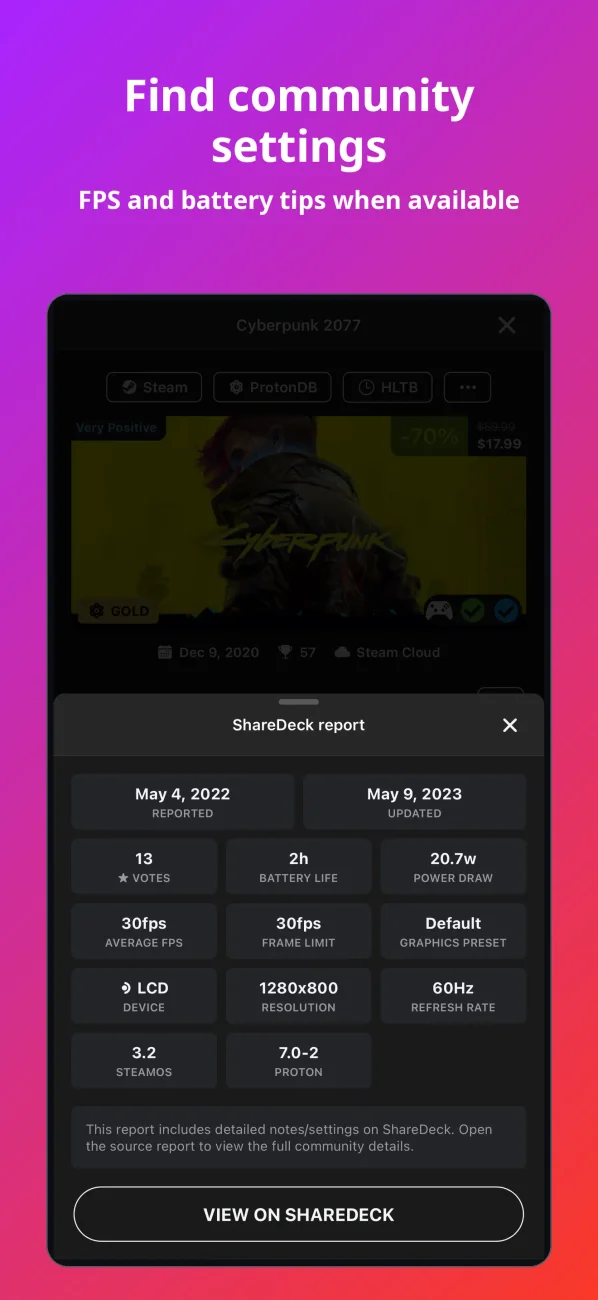
- Compare FPS targets, battery estimates, power draw, graphics presets, and LCD/OLED notes when supported by source data
- See regional prices, discounts, free-to-play labels, and coming-soon releases
- Jump to Steam, ProtonDB, HowLongToBeat, PCGamingWiki, discussions, SteamDB, SteamCharts, and other trusted resources
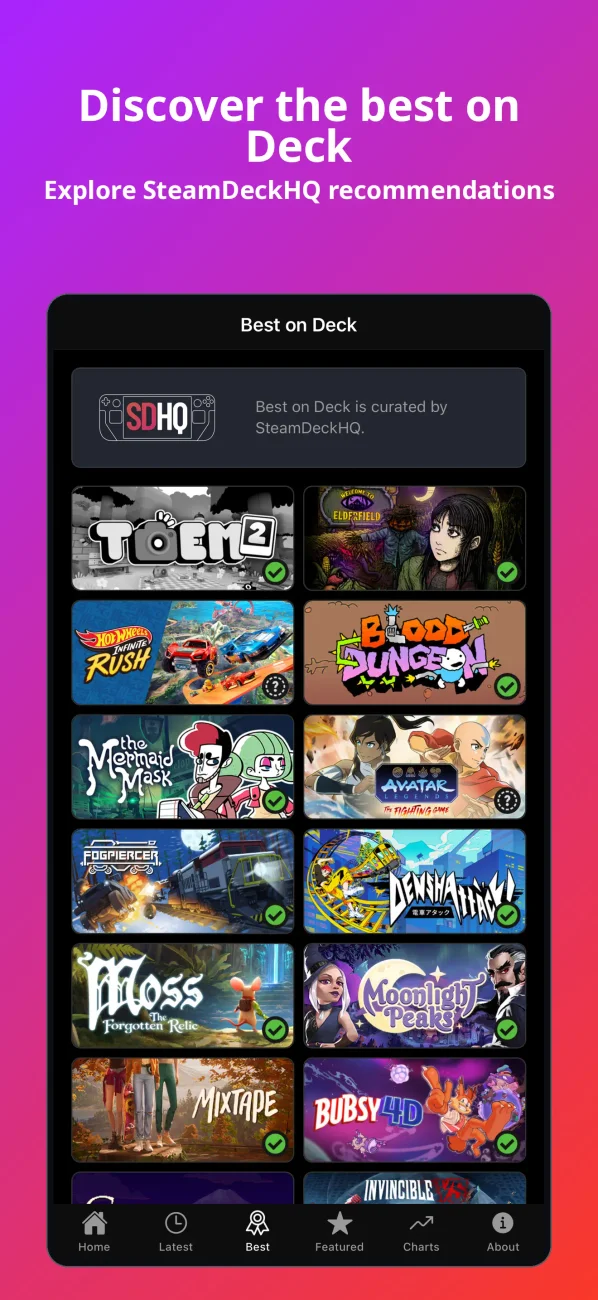
- Browse Latest Settings, Best on Deck recommendations, and creator-curated playlists
How it works:
1. Search the Steam store or browse discovery feeds
2. Open a game to compare compatibility, reviews, price, and release signals
3. Use available community settings to tune FPS, battery life, and graphics faster
DeckSettings is free to use, with no login requirements, ads, or in-app purchases.
Download DeckSettings to spend less time researching and more time choosing what to play next.
Disclaimer: DeckSettings is an unofficial companion app and is not affiliated with, endorsed by, or sponsored by Valve Corporation, Steam, Steam Deck, ProtonDB, ShareDeck, SteamDeckHQ, DeckVerifiedGames, HowLongToBeat, PCGamingWiki, SteamDB, or SteamCharts. All trademarks, logos, images, and game assets belong to their respective owners.
What’s new
Version 1.9.0 · Nov 23, 2026
- New: Steam Deck LCD and OLED average frame rates and charts in game details
- Improvement: What’s New includes the releases you skipped when updating
App privacy
What WEBGEHEUER OU declares on the App Store about how this app handles data.
-
Data not linked to you
May be collected but is not linked to your identity.
- Usage data
Privacy practices may vary, for example with the features you use or your age.
Information
- Seller
- WEBGEHEUER OU
- Category
- Utilities
- Version
- 1.9.0
- Updated
- Nov 23, 2026
- Released
- Oct 22, 2025
- Size
- 18.1 MB
- Requires
- iOS 16.4 or later
- Age rating
- 4+
- Price
- Free
- Languages
- English, Bulgarian, French, German, Italian, Japanese, Korean, Polish, Portuguese, Romanian, Russian, Simplified Chinese + 3 more
- Copyright
- © 2026 WEBGEHEUER OÜ
You might also like
-
 GOS CompanionSteam Gaming Companion
-
 Ultimate Software V2Utilities
-
 Flashiibo Pro ToolsFile Manager & Firmware Update
-
 Aurora Remote (Cheat Happens)Remote Control CH Trainers
-
 Sable.Mobile File Manager
-
 HelmarrOne app to rule them all
-
 Cibby: Game CollectionScan and track physical games
-
 SpaceWalker by VITURENatively Support Spatial Video
-
 PrismXRUtilities
-
 Parachute Backup MobileFor iCloud Photos & Drive