
Auth
Multi-Factor Authentication
Designed for iPhone, iPad, Mac
Free · In-app purchases
- Age rating4+
- CategoryUtilities
- DeveloperOliver Hayman
- LanguagesEnglish
- Size2.4 MB
Links to the official App Store page
Download.org hosts no file of Auth. The button opens its official App Store page, published by Oliver Hayman. Listing last checked on Nov 17, 2026.
Screenshots


About
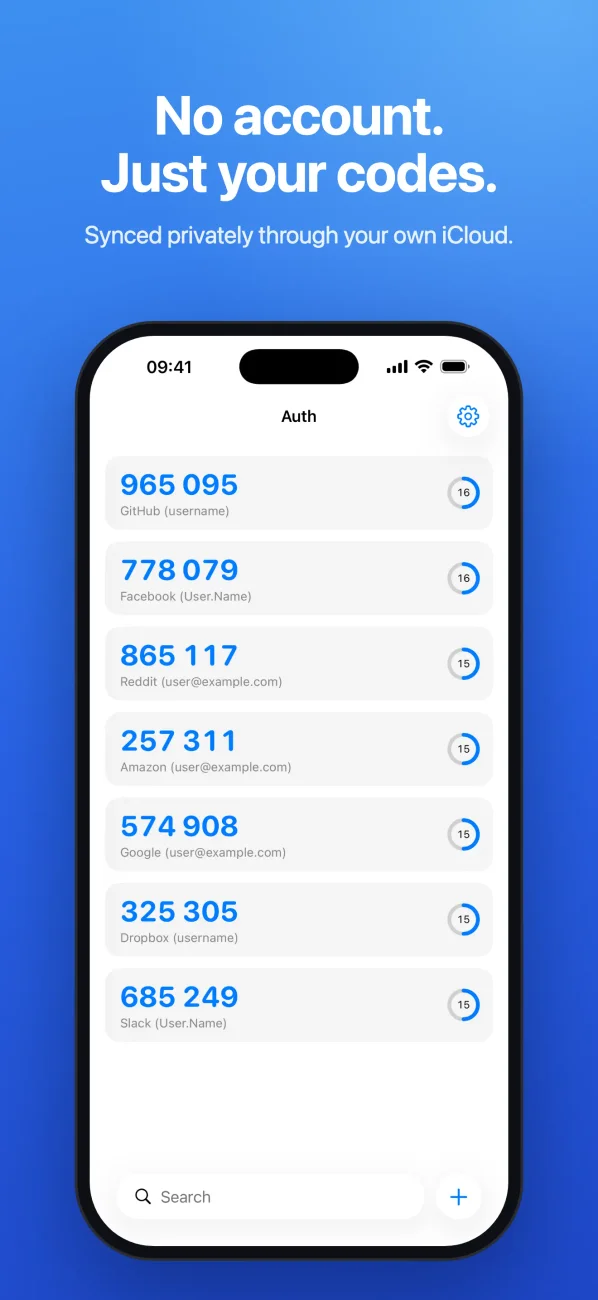
Auth is a 2-factor authentication app that generates time-based one time passwords (TOTP).
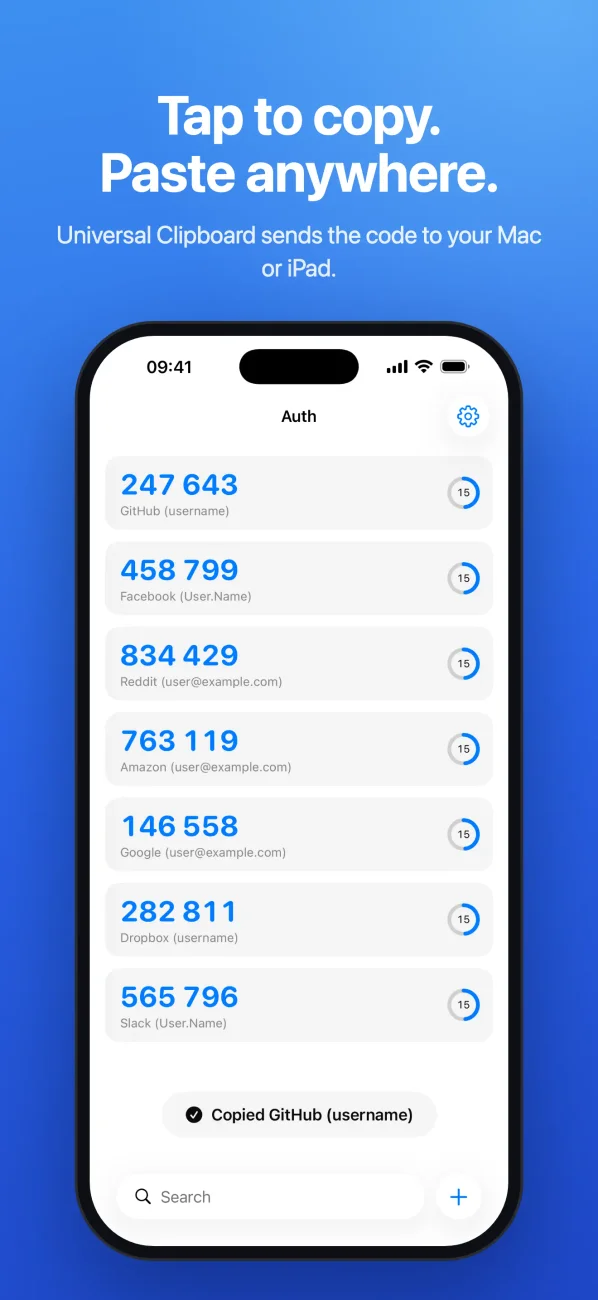
Simply tap on the generated code to copy it to your clipboard. Using iCloud shared clipboard you can paste the code on any of your devices.
By enabling iCloud Sync your accounts are shared between all of your devices, allowing you to generate your authentication code on any of your devices.
In settings you can enable AutoFill to automatically fill your verification codes from the Auth App. Note that this may require editing your existing codes to set the autofill websites - popular providers are auto-recognised and configured as far as possible.
Features include:
- iCloud Support
- AutoFill
- Supports iOS Dark Theme
- Works with all the most popular websites
- TOTP QR code recognition from the camera app or from photos
What’s new
Version 1.3.1 · Oct 24, 2026
Improved button positions on iPhone Duo to move some controls closer to your hand in different phone fold states and orientations
App privacy
What Oliver Hayman declares on the App Store about how this app handles data.
-
Data not collected
The developer does not collect any data from this app.
Privacy practices may vary, for example with the features you use or your age.
Information
- Seller
- Oliver Hayman
- Category
- Utilities
- Version
- 1.3.1
- Updated
- Oct 24, 2026
- Released
- Apr 19, 2020
- Size
- 2.4 MB
- Requires
- iOS 17.0 or later
- Age rating
- 4+
- Price
- Free
- In-app purchases
- Yes
- Languages
- English
- Copyright
- © 2026 Ollies Cloud Ltd.
You might also like
-
 Authenticator - OTP & TOTP2FA Codes, Secure iCloud Sync
-
 2FA: TOTP Authenticator AppGoogle, Microsoft, Authy 2FA
-
 Authenticator App – 2FA & MFATwo factor Authentication-OTP
-
 Authenticator Password ManagerSAASPASS 2FA MFA App Generator
-
 Authenticator: Mobile 2FA, MFATwo Factor Authentication・TOTP
-
 Authentication App - MFA, tOTPAuthenticator 2FA, Two Factor
-
 Authenticator app - 2FA, MFATwo Factor Authentication, OTP
-
 Authenticator App ¹2FA, MFA & TOTP Code Generator
-
 Authenticator App #1Sign In to All Your Accounts
-
 Authenticator App · 2FA2FA: Two Factor Authentication