
Authenticator Password Manager
SAASPASS 2FA MFA App Generator
Designed for iPhone, iPad, iPod touch
Free · In-app purchases
- Age rating4+
- CategoryUtilities
- DeveloperSAASPASS
- LanguagesEnglish+ 28 more
- Size55.4 MB
Links to the official App Store page
Download.org hosts no file of Authenticator Password Manager. The button opens its official App Store page, published by SAASPASS. Listing last checked on Nov 15, 2026.
Screenshots


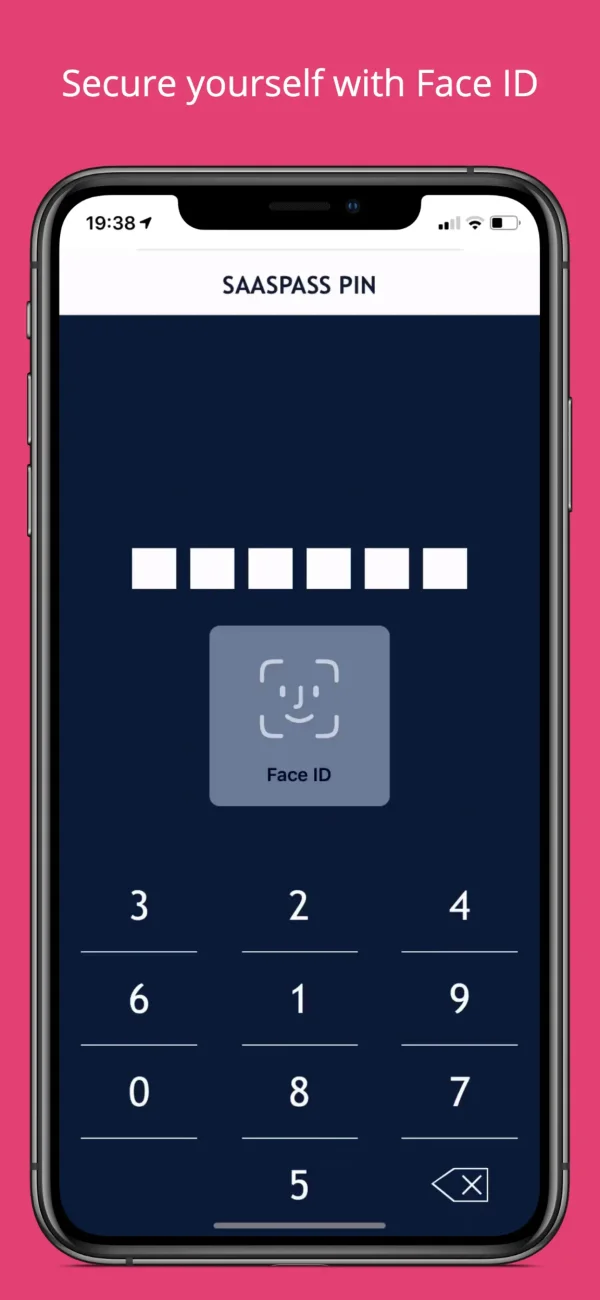
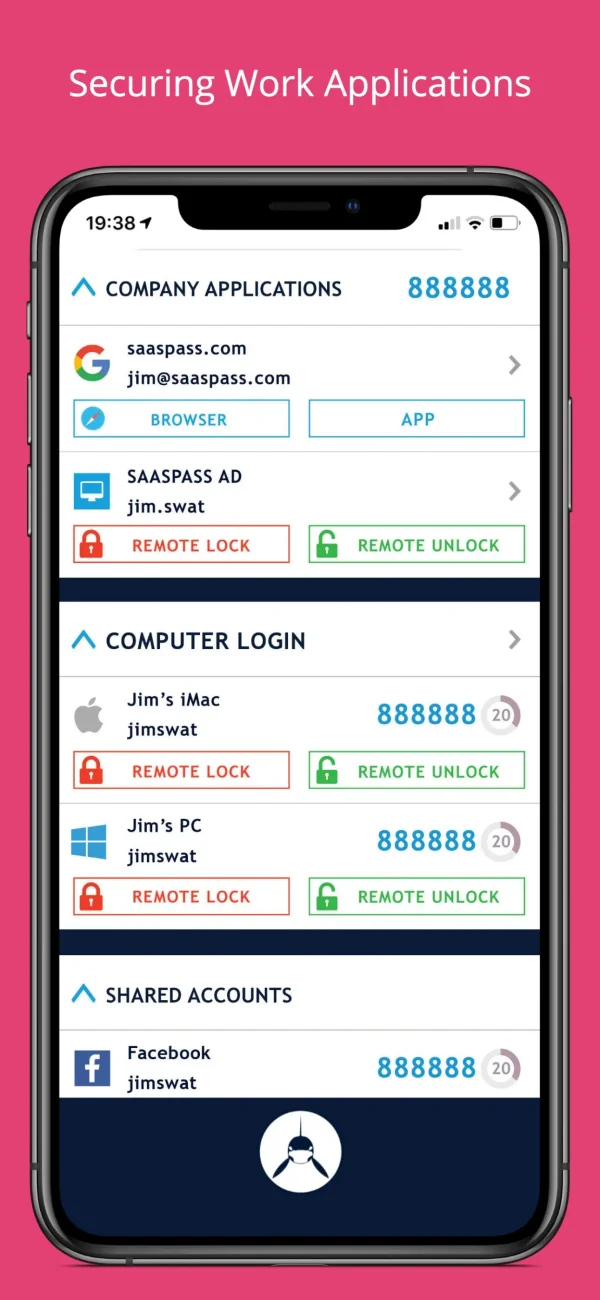

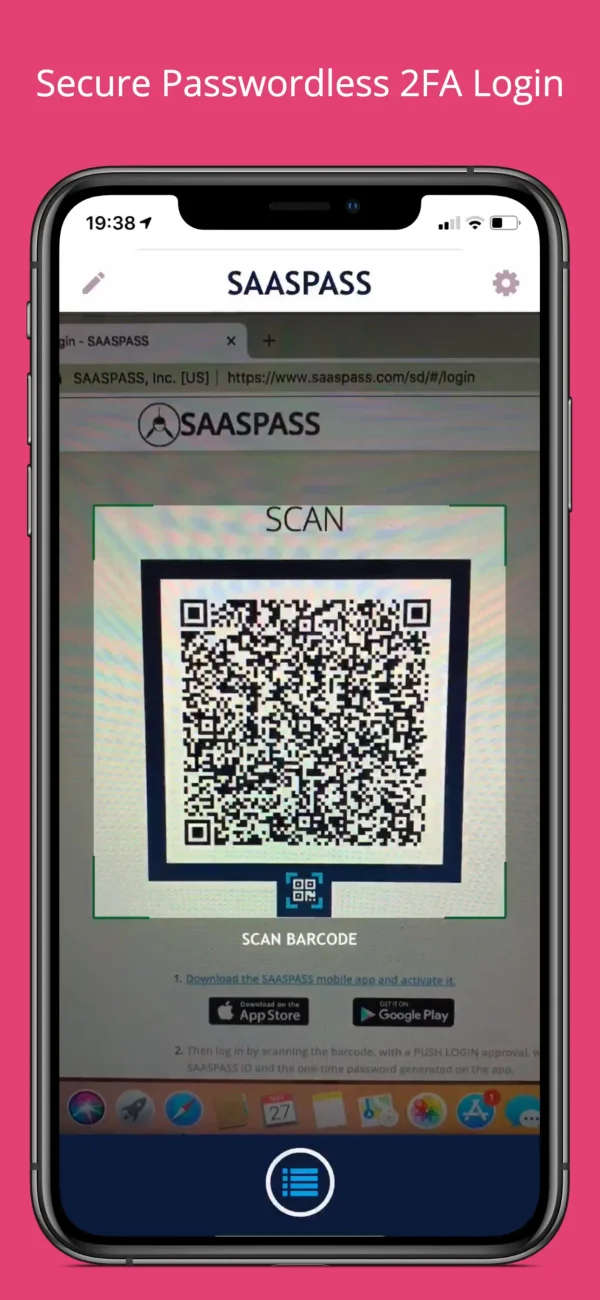
About
SAASPASS is a Password manager & Authenticator 2FA code generator with autofill & autologin capabilities.
It is built with Security & Usability in mind and is secured by Passwordless MFA
Password Manager
Web and Browser access secured by passwordless MFA
Over 100 Thousand pre-configured websites & mobile services
Custom additions available
AutoFill support
Notes section
Quick copy support
Web portal
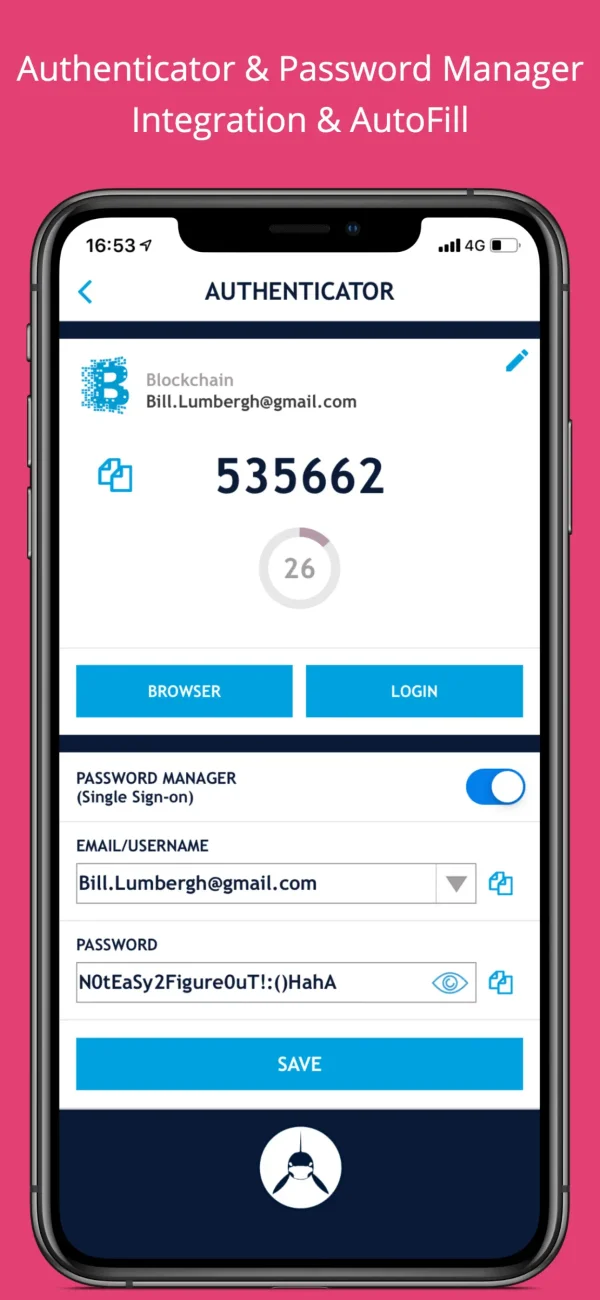
Authenticator Code
Desktop, Web & Browser extension access secured by passwordless MFA
AutoFill support with password manager integration
Notes section
Quick copy support
Support for both HOTP/TOTP.
Support for 6, 7 and 8 digits
Support for SHA1, SHA256, SHA512
Companies can share access to the Authenticator code across multiple individuals
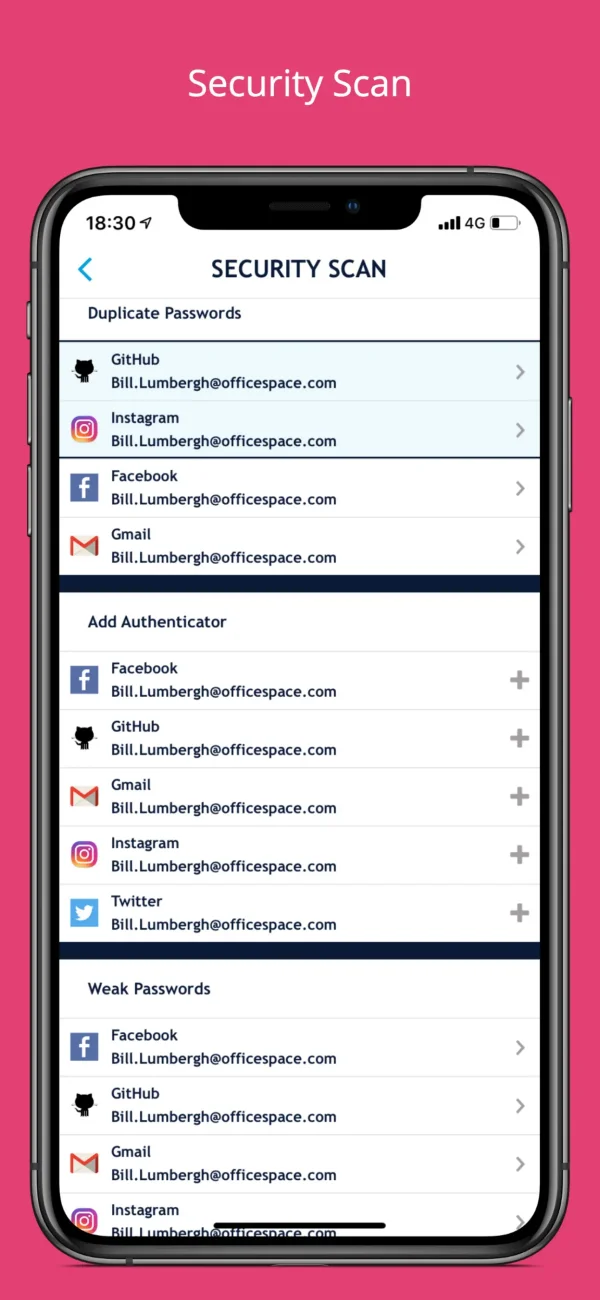
Security Scan
Identifies which websites & apps you use in the password manager have:
Authenticator 2FA format
Duplicate passwords
Weak passwords
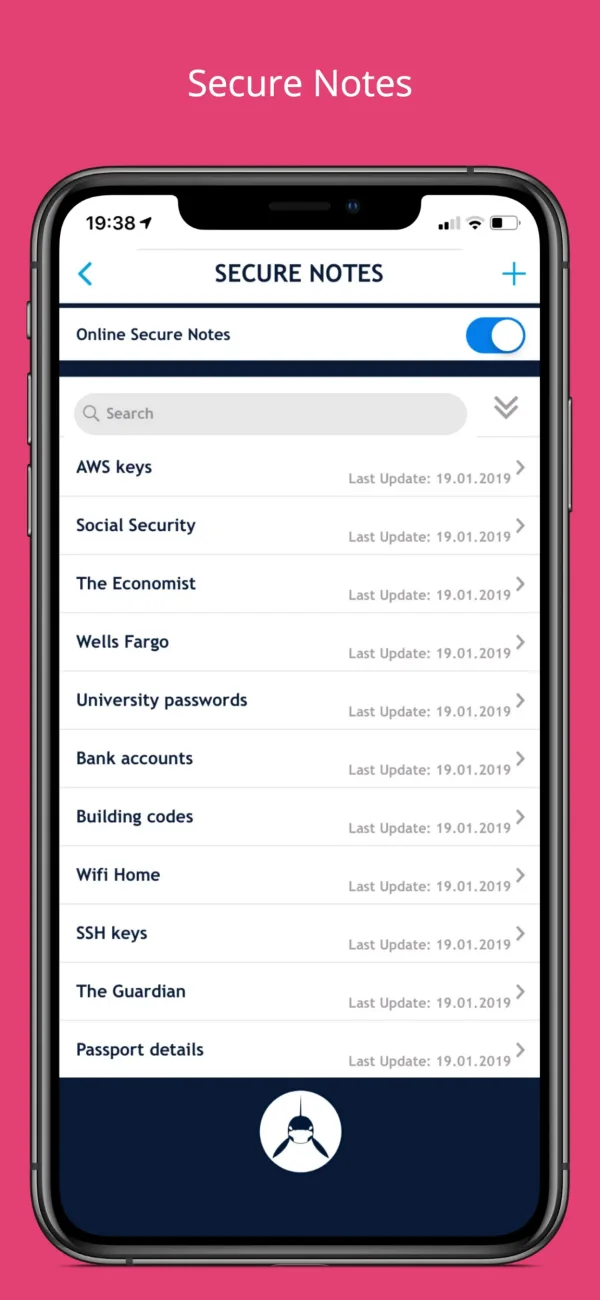
Secure Notes
Save notes, edit it in the mobile app or web portal & enable it to be on multiple devices and be recoverable. Web access is secured by passwordless MFA
Multiple Devices
You can have SAASPASS securely on multiple devices. Comes with device management capabilities where you can remotely disable it.
Recovery - Secure Backup & Restore
Multiple secure recovery capabilities where you can prevent SIM swap attacks.
This way if you lose your Authenticators and passwords, you can have them restored on your new device without going through the hassle of painstakingly setting each one individually.
Autofill
Both the password manager and Authenticator code generator are available on your desktop from both the web portal (login at https://www.saaspass.com/sd/#/login ) and the browser extension. They come with optional Autofill and AutoLogin capabilities on your mobile app as well as the desktop.
iPad Multitasking with Split Screen & Landscape view support
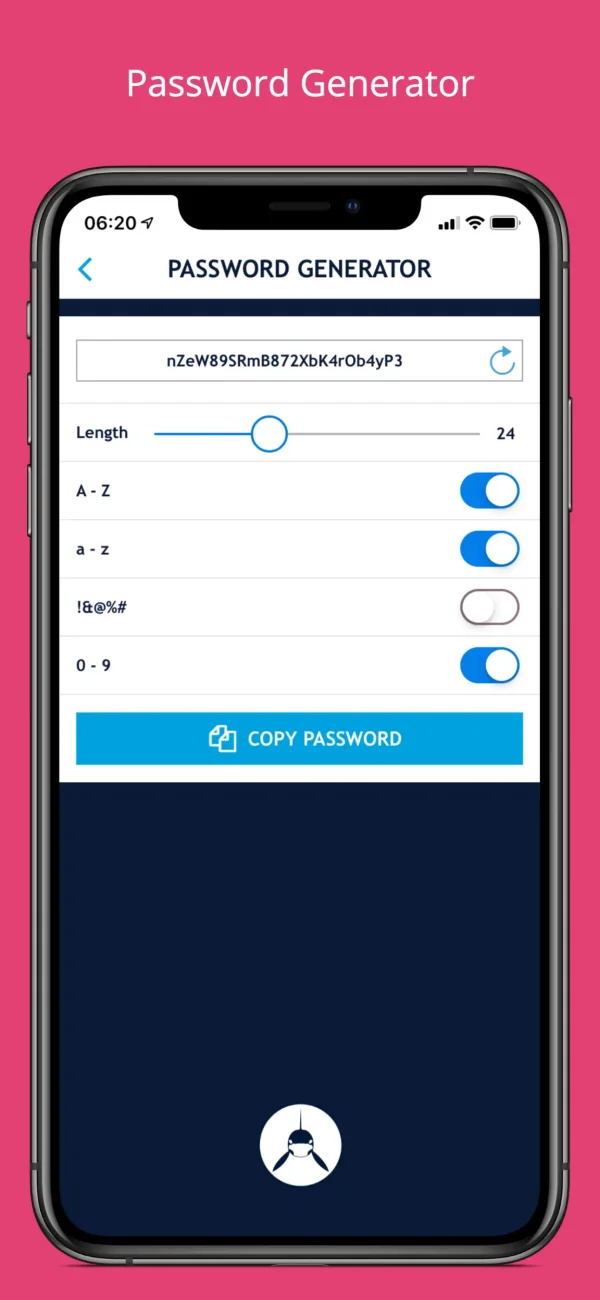
Password Generator
Offline Support
Download the SAASPASS browser extension to see the magic in action.
It is available for the following browsers:
Safari
Chrome
Firefox
Microsoft Edge
and Chromium browsers like:
Brave
Vivaldi
There is NO need for a desktop application on your computer.
The browser extension is a full blown application.
Unlocking app:
- Touch ID
- Face ID
- Scrambled Keypad
- 4 or 6 digits as your PIN length
SAASPASS app opening protection includes brute-force attack mitigation.
Edit Order:
Change the order of the Main Menu by choosing Customize Menu Layout under the Settings.
Search Bar
Use to quickly find services.
Apple Watch support
To enable SAASPASS Autofill go to your devices Settings > Passwords & Accounts > AutoFill Passwords
After turning on AutoFill Passwords select SAASPASS.
There are quick copy links under every service as well.
-
SAASPASS also offers security for employees, companies, developers, admins and computers.
Developers can integrate multi-factor authentication (MFA) services with ready code snippets in multiple languages and SDKS from:
developer.saaspass.com
Companies can sign up for usage of MFA, SSO, IAM solutions, Directory Services, Team Password Manager, Enterprise Password Manager, Shared Authenticator codes with teams, the Shared Access Center, Adaptive Authentication from the www.saaspass.com website.
Companies can integrate:
On-premise applications
Cloud applications
Hybrid applications
The Identity & Access Management of SAASPASS can be used to integrate many business and productivity applications including email and collaboration suites
Out of the box integration to over 100 THOUSAND applications include, but are not limited to, the following services:
VPN
RDP
RADIUS
SAML
OIDC
OAuth 2
LDAP
Active Directory
Microsoft 365
Microsoft OWA
Google Workspace G Suite
Office 365
Salesforce
On premise applications
Dropbox
1password
Zendesk
Onelogin
Keeper
Zoho
Freshdesk
Netsuite
Amazon Web Services (AWS)
Clarizen
Ping
Samanage
TSPlus
Authy
ShiftPlanning
Duo Security
Dashlane
Lastpass
Bitwarden
Okta
& many more
What’s new
Version 2.1.51 · Aug 4, 2026
Usability updates and performance improvements
App privacy
What SAASPASS declares on the App Store about how this app handles data.
-
Data not collected
The developer does not collect any data from this app.
Privacy practices may vary, for example with the features you use or your age.
Information
- Seller
- SAASPASS, Inc.
- Category
- Utilities
- Version
- 2.1.51
- Updated
- Aug 4, 2026
- Released
- Apr 5, 2014
- Size
- 55.4 MB
- Requires
- iOS 9.0 or later
- Age rating
- 4+
- Price
- Free
- In-app purchases
- Yes
- Languages
- English, Albanian, Bosnian, Bulgarian, Croatian, Danish, Dutch, Finnish, French, German, Greek, Hindi + 17 more
- Copyright
- © 2012 -2024 SAASPASS
You might also like
-
 Authenticator: Mobile 2FA, MFATwo Factor Authentication・TOTP
-
 SpotTheSpy: Accounts SecurityMobile Hacker Protection App
-
 Evo AuthenticatorMulti-Factor Authentication
-
 Authenticator App – 2FA & MFATwo factor Authentication-OTP
-
 2FA App - Authenticatortwo factor authentication, mfa
-
 AuthPass – Password ManagerOne Password, on all Devices.
-
 AuthMulti-Factor Authentication
-
 Step TwoSimple two-step verification
-
 Deep Whoiswhois for all domains and IPs
-
 Authenticator App ‘Two factor authentication, 2fa