Authenticator-2FA Code
2-Step Verification-Secure ID
Designed for iPhone, iPod touch
Free · In-app purchases
- Age rating4+
- CategoryProductivity
- Developer林炽 钟
- LanguagesEnglish+ 1 more
- Size58.1 MB
Links to the official App Store page
Download.org hosts no file of Authenticator-2FA Code. The button opens its official App Store page, published by 林炽 钟. Listing last checked on Nov 18, 2026.
Screenshots

About
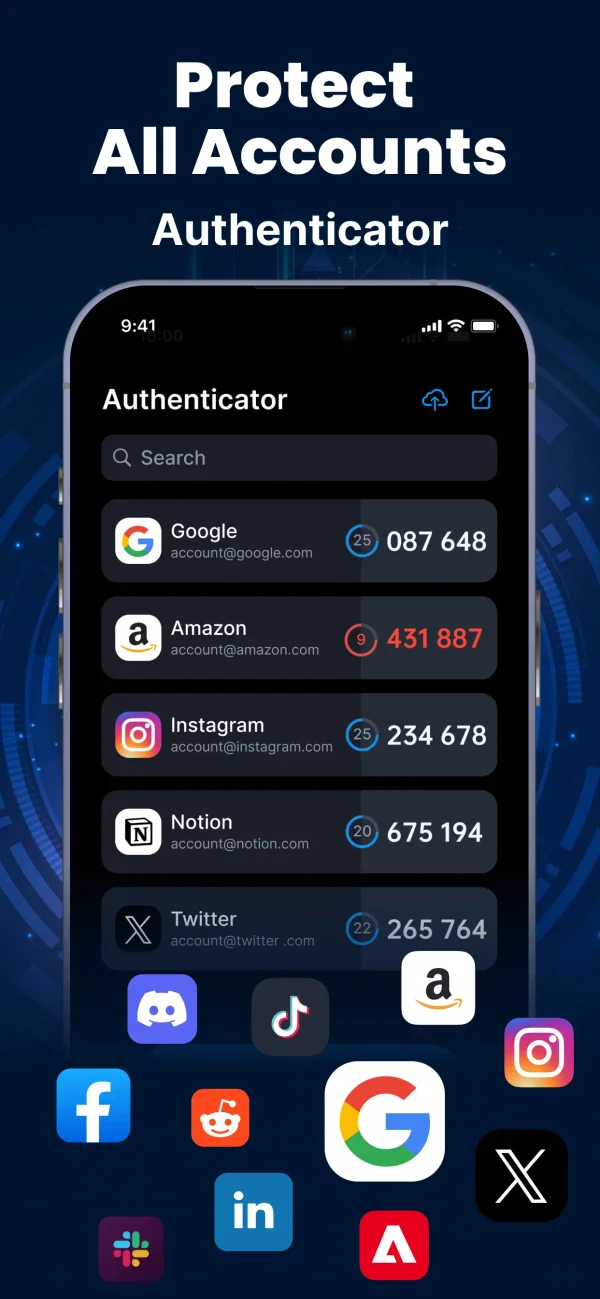
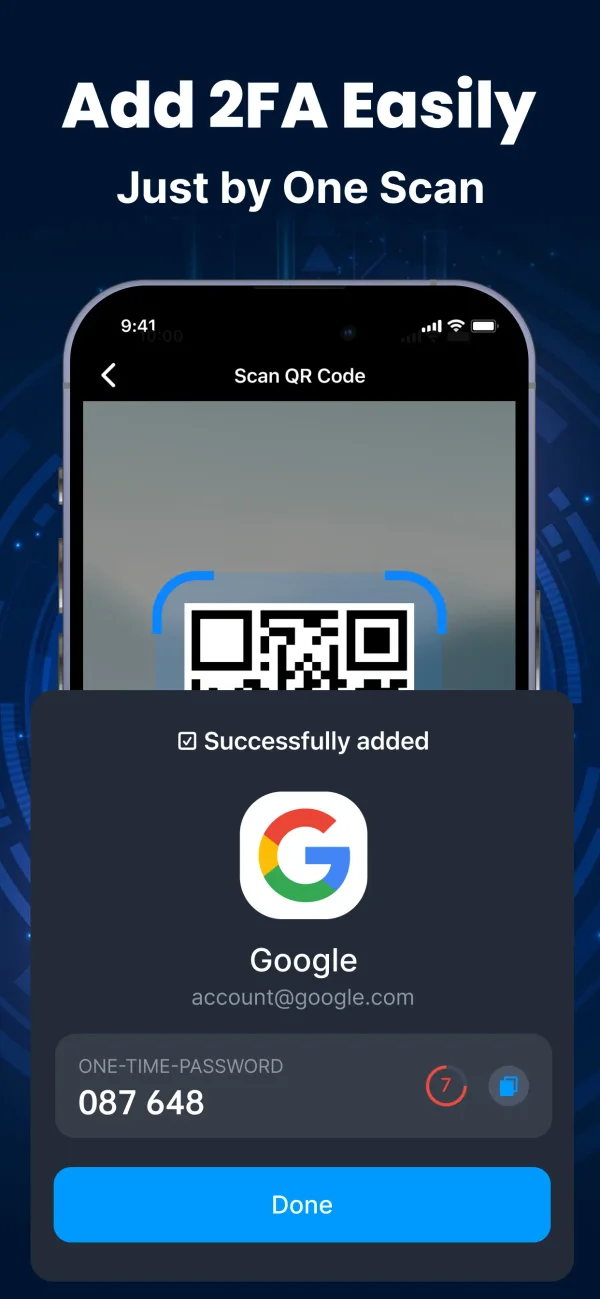
The Authenticator app is your gateway to enhanced login security, leveraging two-factor authentication to safeguard your personal data and passwords from online threats. Acting as your personal password manager, it ensures you stay clear of the embarrassment of forgotten passwords. Easily scan QR codes or manually input codes to access and register for a wide array of popular services. With features like auto-fill and password generation, logging in becomes both convenient and secure. Moreover, your data is securely backed up with encryption, and your privacy is paramount, with robust measures in place to prevent misuse of your personal information.
Key Features:
- Convenient Operation: Easily scan QR codes or manually input codes for quick adding 2FA codes.
- Wide Compatibility: Supports numerous popular services like Facebook, Google, Amazon, covering a wide range of your commonly used accounts.
- Data Backup Assurance: Your data is securely backed up with iCloud encryption, ensuring its safety in case of device loss or replacement.
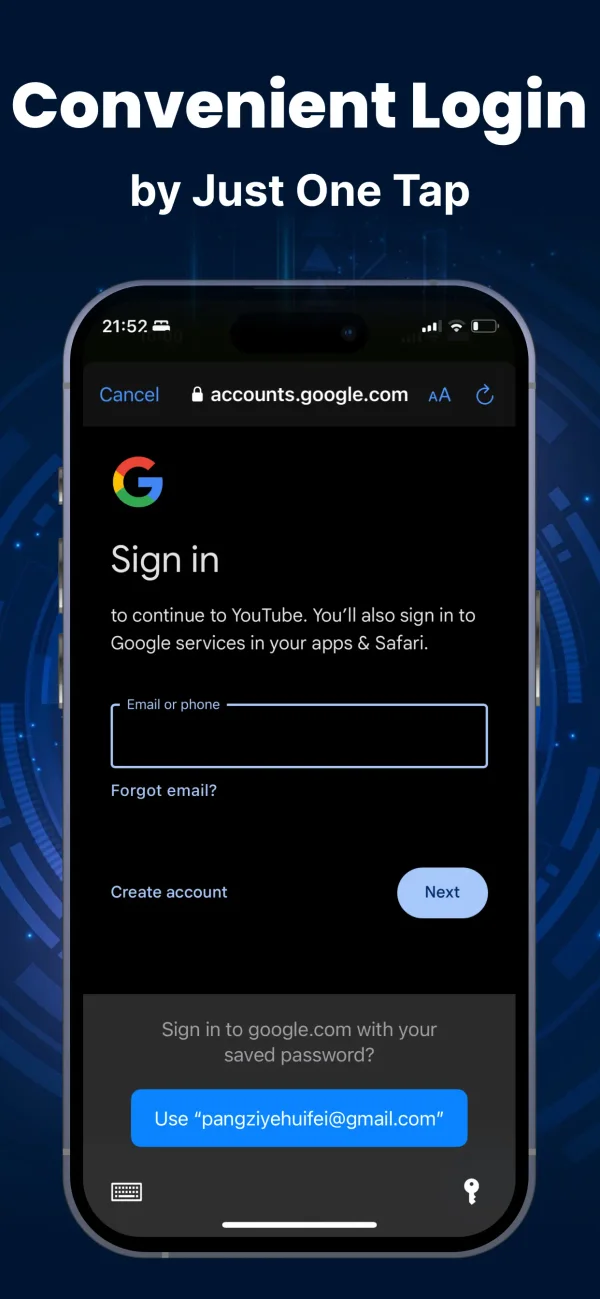
- Automatic Login Support: Auto-fill and one-click fill for login information liberate you from the hassle of remembering account passwords, making usage more convenient.
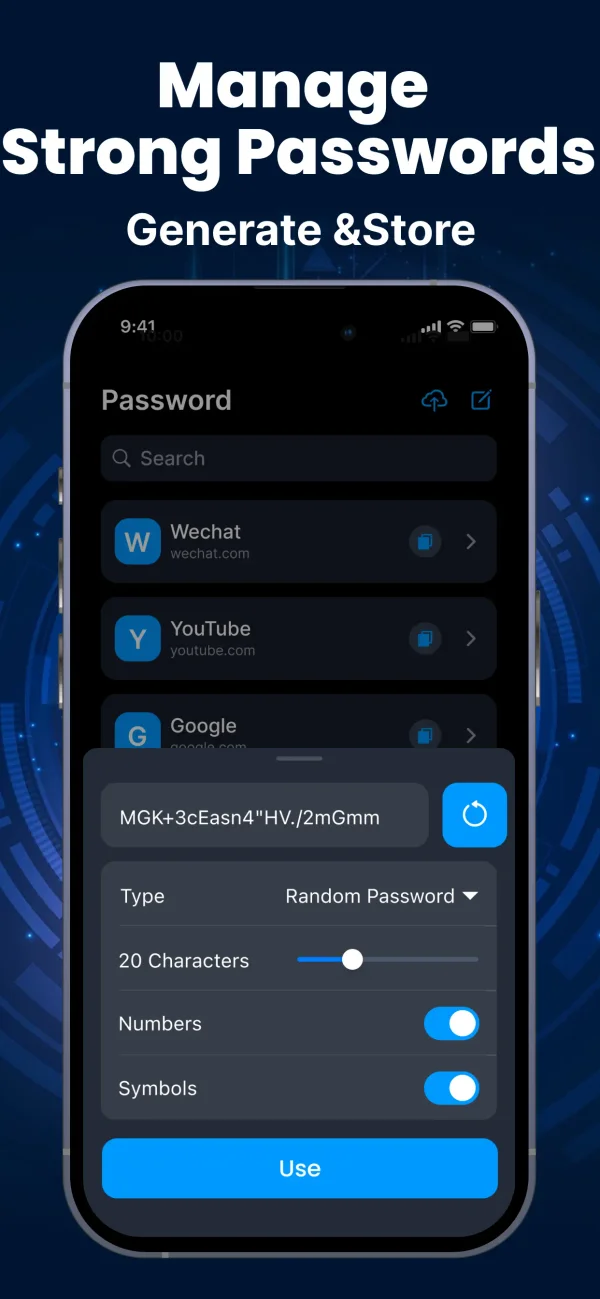
- Strong Password Generation: The built-in password generator effortlessly creates hard-to-guess passwords, ensuring the security of your accounts. Plus, you can access these passwords on any device.
- Biometric Unlock: Supports Face ID and Touch ID unlock, ensuring only authorized users can access your accounts.
- Complete Privacy Protection: Employs unique security measures to comprehensively protect your privacy, preventing intrusion by cybercriminals, and ensuring your data is never used, shared, or sold.
Subscription:
1. Subscription service will be paid directly through iTunes account.
2. 24 hours before the subscription service expires, the system will automatically renew the subscription and deduct the corresponding fees according to the subscription type.
3. If you need to turn off the automatic renewal service, please do so in "Account Settings" at least 24 hours in advance. Subscriptions may be managed by the user and auto-renewal may be turned off by going to the user's Account Settings at iTunes Store after purchase.
Privacy Policy:https://docs.qq.com/doc/DRGRTZ3BTTVJWVmpk
Terms of Use:https://docs.qq.com/doc/DRFBXSWxwZ2FtcXRI
If you have any questions or requests, please reach out to our customer support at: applinkhelp@outlook.com
What’s new
Version 1.5.0 · Mar 3, 2026
Bug fixes and performance improvements
App privacy
What 林炽 钟 declares on the App Store about how this app handles data.
-
Data not linked to you
May be collected but is not linked to your identity.
- Usage data
- Diagnostics
Privacy practices may vary, for example with the features you use or your age.
Information
- Seller
- 林炽 钟
- Category
- Productivity
- Version
- 1.5.0
- Updated
- Mar 3, 2026
- Released
- Jul 8, 2024
- Size
- 58.1 MB
- Requires
- iOS 14.3 or later
- Age rating
- 4+
- Price
- Free
- In-app purchases
- Yes
- Languages
- English, Simplified Chinese
- Copyright
- © 2FA Authenticator
You might also like
-
 Authenticator App: 2FA & CloudBackup: Google, Discord & Work
-
 2FA Authenticator-MFA,OTP,AuthTwo Factor Authentication Aрр
-
 Authe for Google AuthenticatorAuthentication MFA App
-
 2FA Authenticator CodeTrusted Two Factor Protection
-
 LanStudio VPNProductivity
-
 Authenticator App ℠2FA, Two Factor Authentication
-
 有道翻译官-107种语言翻译Productivity
-
 Auth Authenticator2FA Authentication MFA & OTP
-
 Mail Master by NetEaseProductivity
-
 Auth: Authenticator AppTwo Factor Authentication App