
Authenticator: 2FA Code Backup
Two-Factor Authentication MFA
Designed for iPhone, iPad
Free · In-app purchases
- Age rating4+
- CategoryProductivity
- DeveloperBodrya Hardikkummar Vinodbhai
- LanguagesEnglish
- Size68.8 MB
Links to the official App Store page
Download.org hosts no file of Authenticator: 2FA Code Backup. The button opens its official App Store page, published by Bodrya Hardikkummar Vinodbhai. Listing last checked on Nov 14, 2026.
Screenshots
About
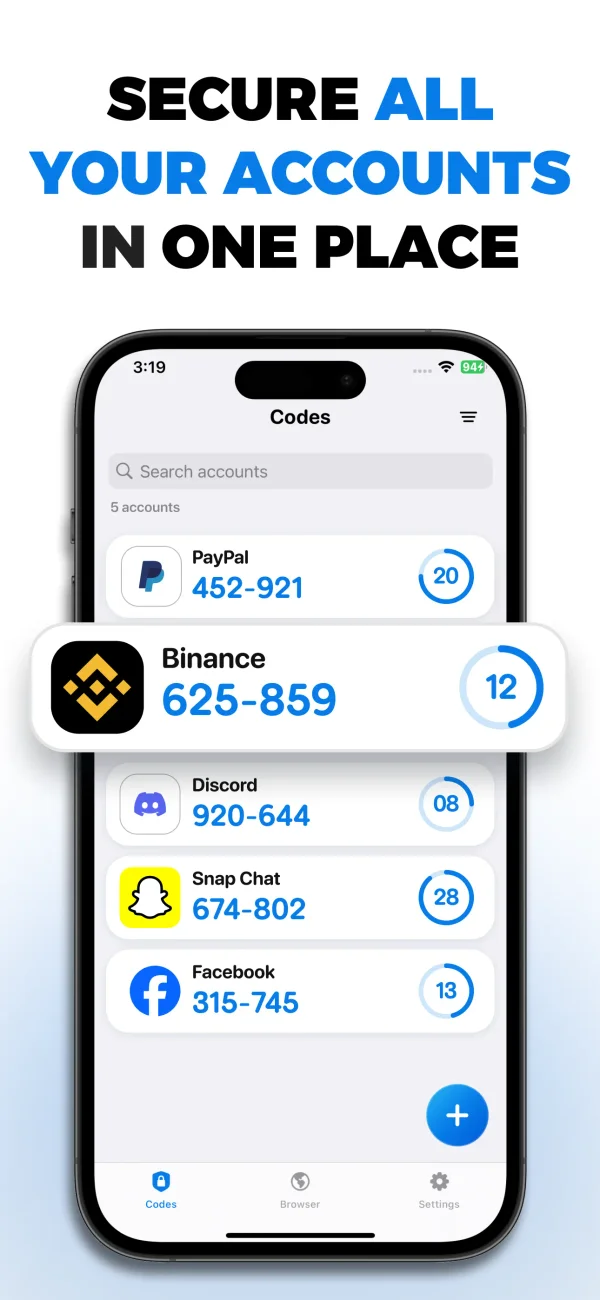
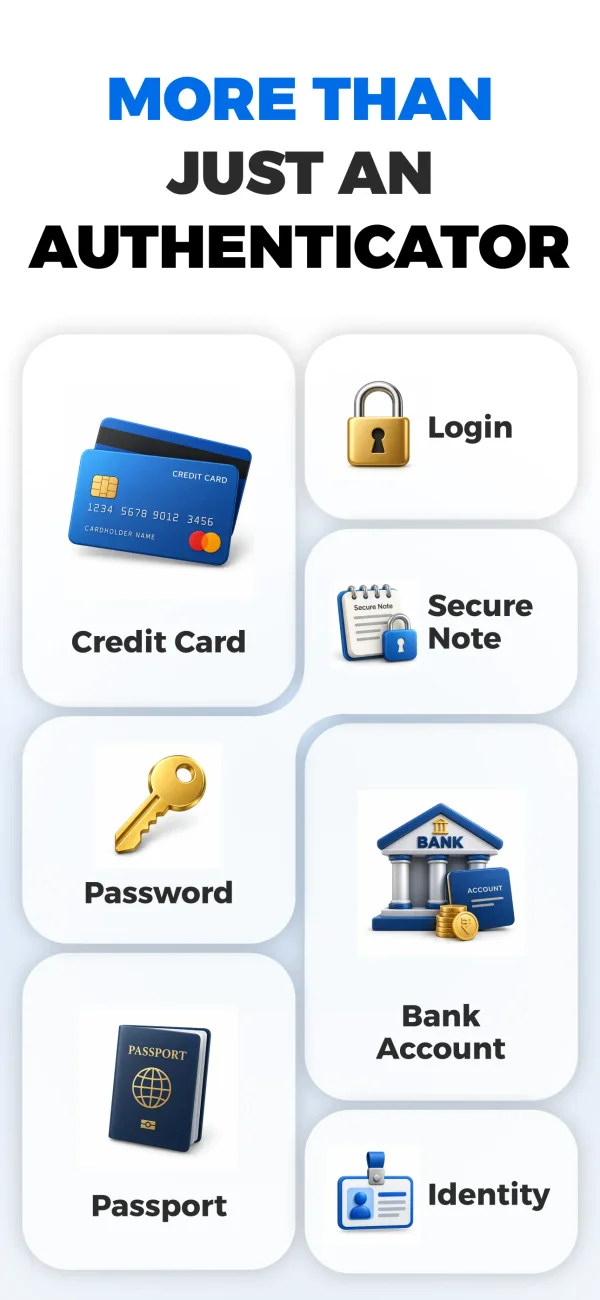
Never get locked out of your accounts. Authenticator creates secure 2FA codes for every account, keeps them encrypted on your device and backs them up to your private iCloud, so a lost, broken or new iPhone is never a problem.
WHY PEOPLE SWITCH
• Encrypted iCloud backup and one-tap restore on a new iPhone (Pro)
• Codes work offline: no signal or Wi-Fi needed
• Face ID and Touch ID keep your codes private
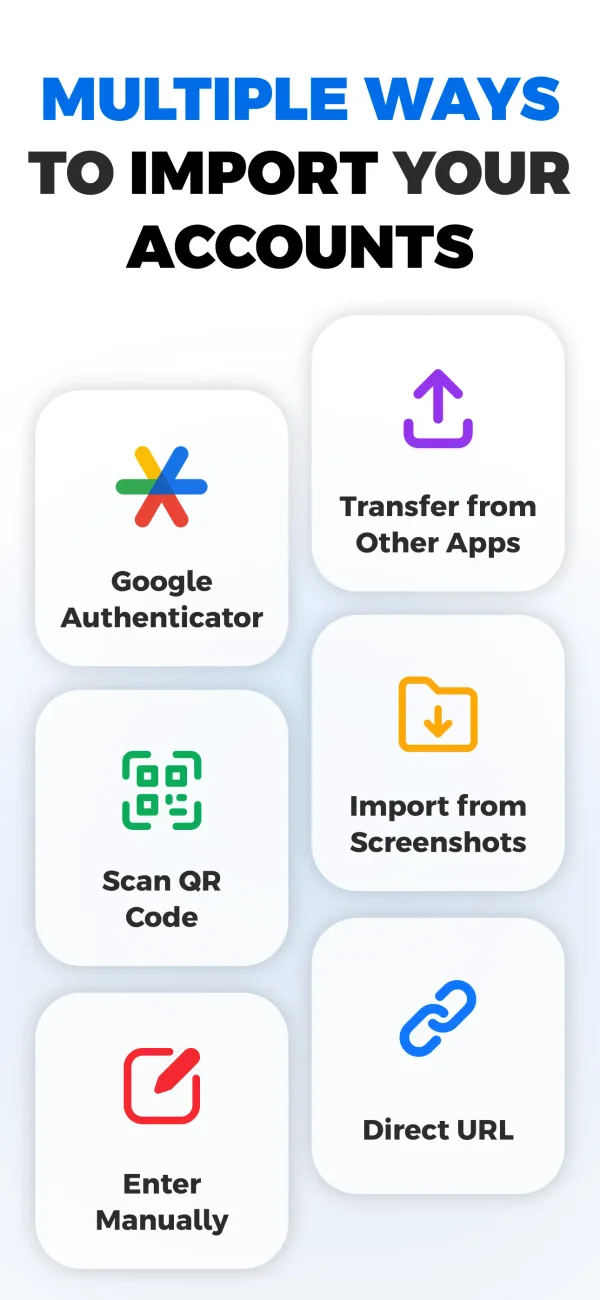
• Move accounts over in one step from Google Authenticator, other apps or a file
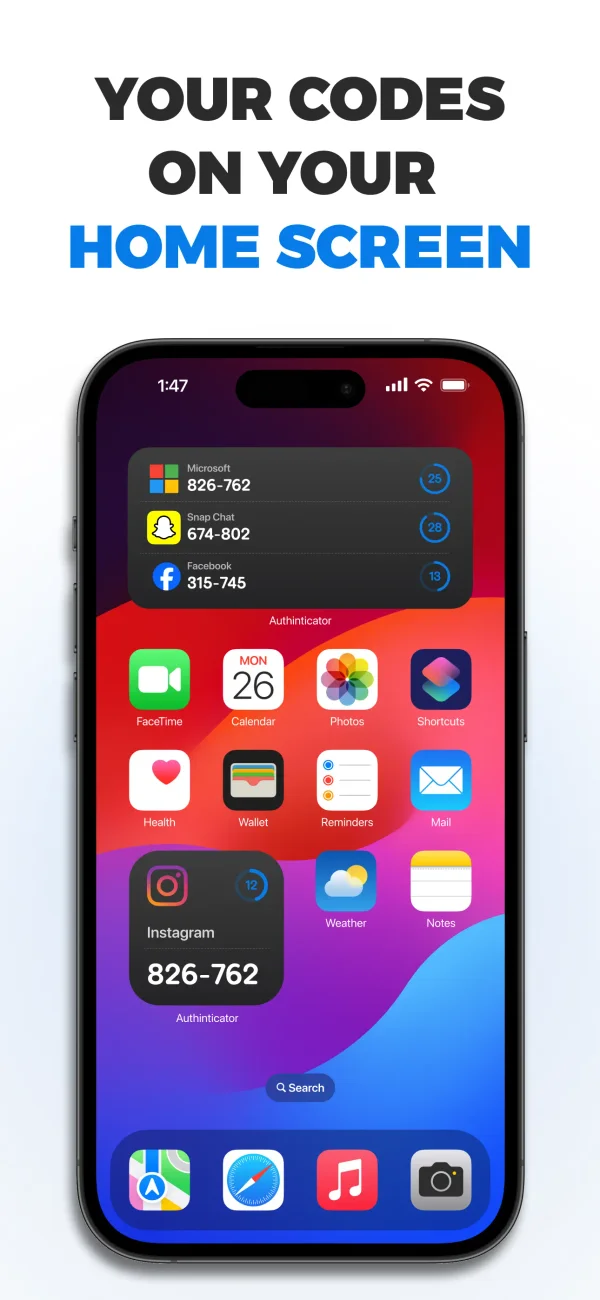
• Home Screen widget shows codes without opening the app
BACKUP AND RESTORE
Your 2FA secrets are encrypted before they leave your device and are stored in your own iCloud. Sign in on a new iPhone and every account comes back. Prefer to keep it yourself? Export an encrypted backup file.
END-TO-END ENCRYPTION
Codes are encrypted on your device using your iCloud Keychain. No one but you can read them.
SET UP IN SECONDS
Scan a QR code or enter the setup key. No account, no email, no signup.
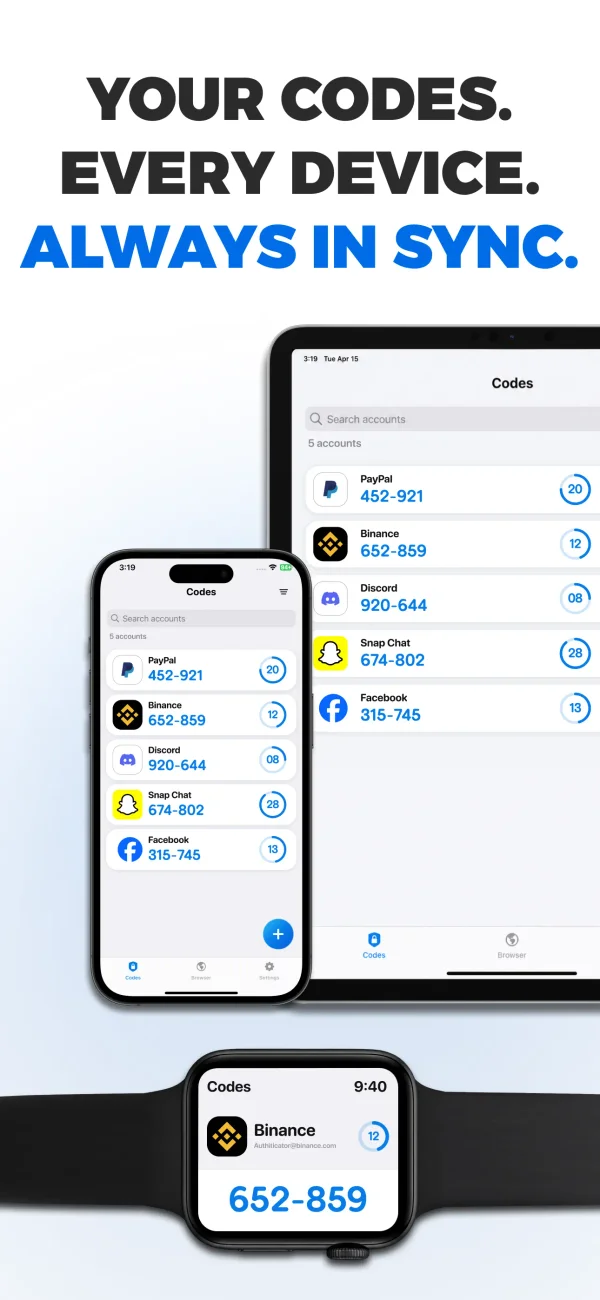
SYNC ACROSS DEVICES
Accounts stay in sync between iPhone and iPad automatically, and your codes are available on Apple Watch.
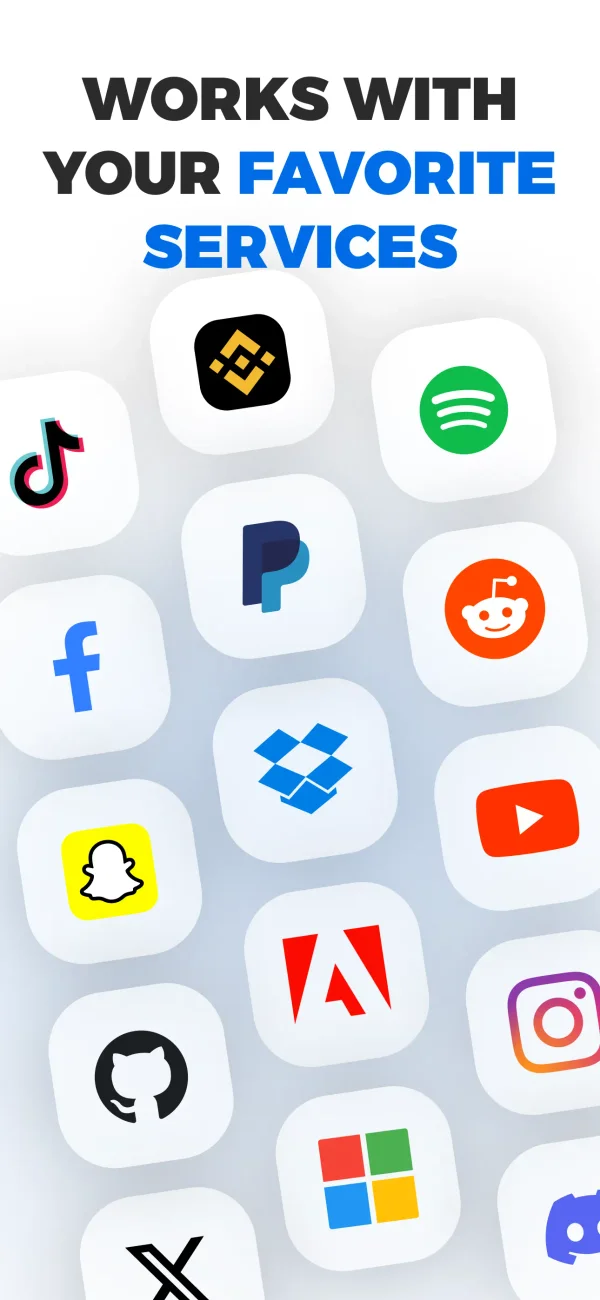
WORKS WITH THOUSANDS OF SERVICES
Authenticator uses the standard TOTP protocol for two-factor authentication (2FA/MFA) and two-step verification. It works with email, banking, cloud storage, crypto exchanges, social networks, gaming, and work or school logins. If a service shows a QR code when you turn on 2FA, it works here.
PRO
Remove ads and unlock encrypted iCloud backup, restore and sync across devices. Start with a free week.
Weekly, monthly and yearly plans are available. Payment is charged to your Apple Account at confirmation of purchase. Subscriptions renew automatically unless auto-renew is turned off at least 24 hours before the end of the current period. Manage or cancel anytime in your Apple Account settings. Any unused portion of a free trial is forfeited when you purchase a subscription.
Terms of Use: https://bodrya-hardik.blogspot.com/2025/09/terms-of-service-tap2-authenticator.html
Privacy Policy: https://bodrya-hardik.blogspot.com/2025/09/privacy-policy-tap2-authenticator.html
NEED HELP?
We read every message. Send feature requests or questions to sundaylab.apps@gmail.com
What’s new
Version 2.2 · Oct 10, 2026
Thanks for using Authenticator! This update brings stability and performance improvements to keep your codes fast and your backups reliable.
Enjoying the app? A quick rating helps more people protect their accounts.
App privacy
What Bodrya Hardikkummar Vinodbhai declares on the App Store about how this app handles data.
-
Data used to track you
May be used to track you across apps and websites owned by other companies.
- Identifiers
-
Data not linked to you
May be collected but is not linked to your identity.
- Identifiers
Privacy practices may vary, for example with the features you use or your age.
Information
- Seller
- Bodrya Hardikkummar Vinodbhai
- Category
- Productivity
- Version
- 2.2
- Updated
- Oct 10, 2026
- Released
- Feb 10, 2025
- Size
- 68.8 MB
- Requires
- iOS 17.0 or later
- Age rating
- 4+
- Price
- Free
- In-app purchases
- Yes
- Languages
- English
- Copyright
- © Tap2 Authenticator
You might also like
-
 Device Track & FinderTrack & Locate Lost Devices
-
 Morrow: Countdown WidgetDays Until Event & Day Counter
-
 Busy Bee: To Do List & PlannerFocus, Habits & Daily Goals
-
 GitFocusTurn Commits into Focus Time
-
 Scan-to-PDFScan and convert to PDF
-
 Viraam: Focus & Screen TimeScreen Time, Focus & App Block
-
 Scan & Translate ProScan & Translate Text
-
 PDF Scanner Document OCR ToolScan, QR, OCR, Sign ,Note tool
-
 Trove: Save AnythingUse it later.
-
 Trade360Productivity