PDF Scanner Document OCR Tool
Scan, QR, OCR, Sign ,Note tool
Designed for iPhone, iPod touch
Free
- Age rating4+
- CategoryProductivity
- DeveloperJay Shah
- LanguagesEnglish
- Size76.0 MB
Links to the official App Store page
Download.org hosts no file of PDF Scanner Document OCR Tool. The button opens its official App Store page, published by Jay Shah. Listing last checked on Nov 18, 2026.
Screenshots


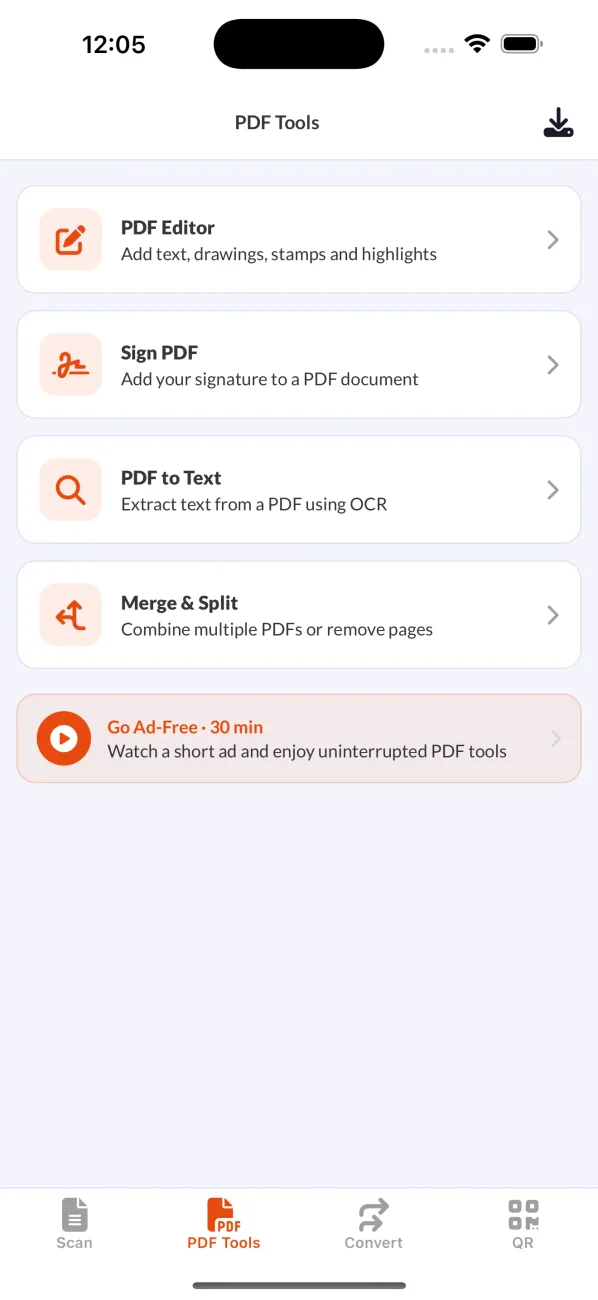


About
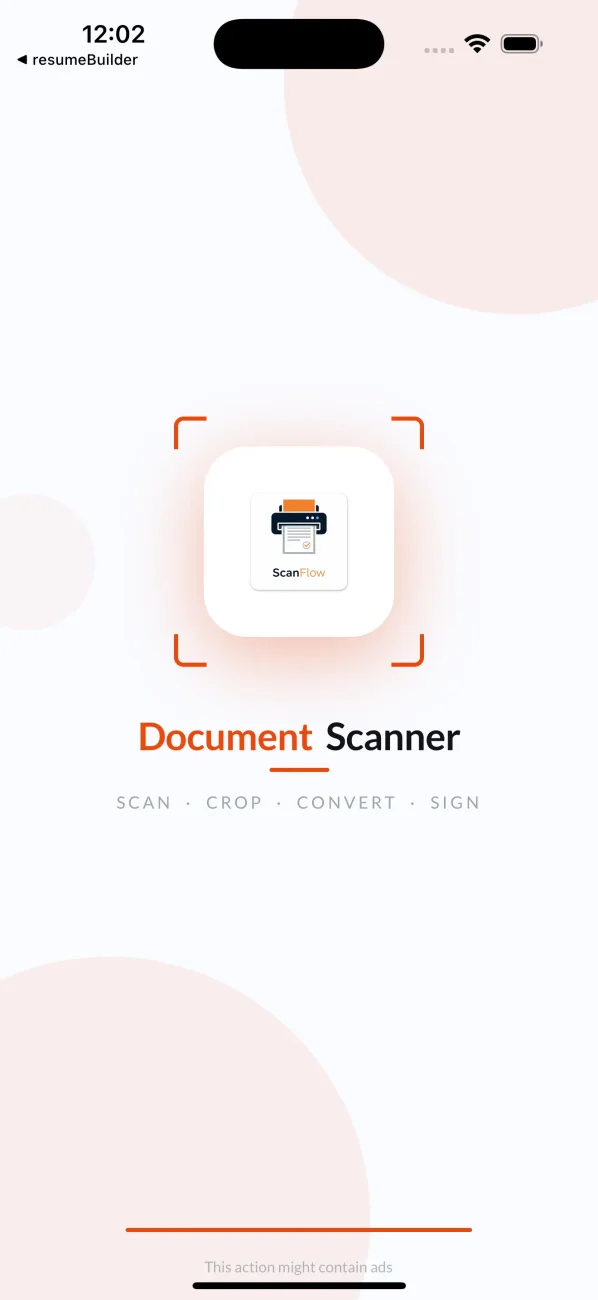
Scan Flow – The Ultimate Document Scanner
Turn your iPhone or iPad into a powerful scanner with Scan Flow. Effortlessly digitize, manage, and share all your important documents anytime, anywhere. Whether it’s receipts, contracts, notes, or images, Scan Flow makes scanning fast, easy, and precise.
Key Features:
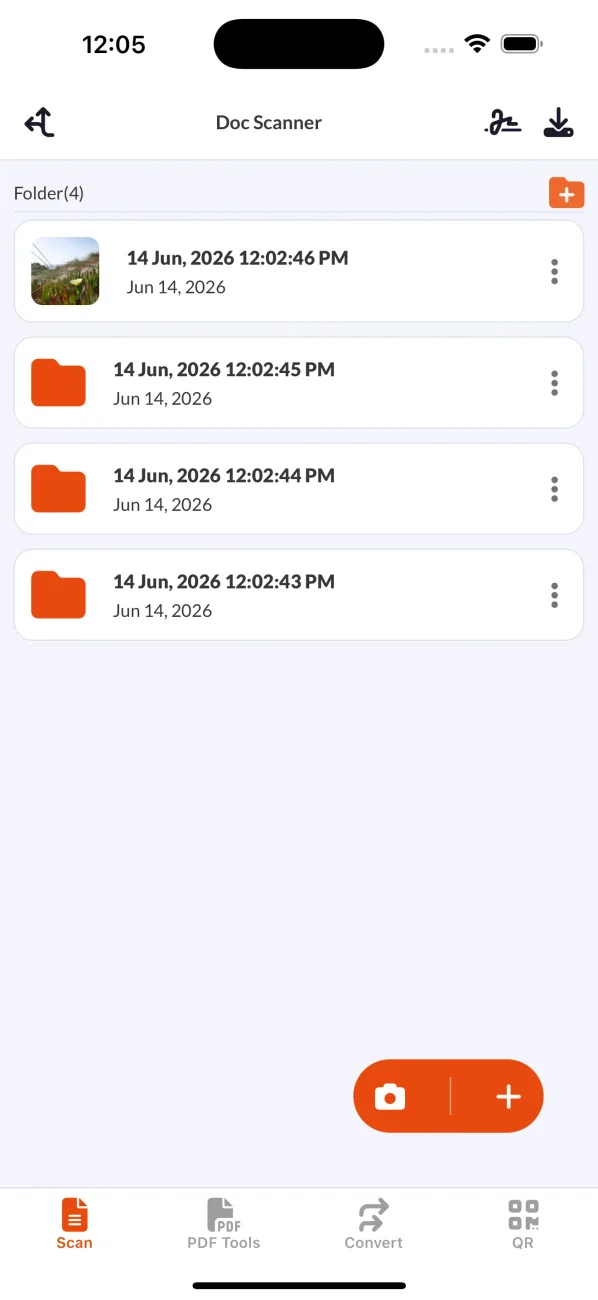
Instant Document Scanning: Capture high-quality scans using your device camera with automatic edge detection and perspective correction.
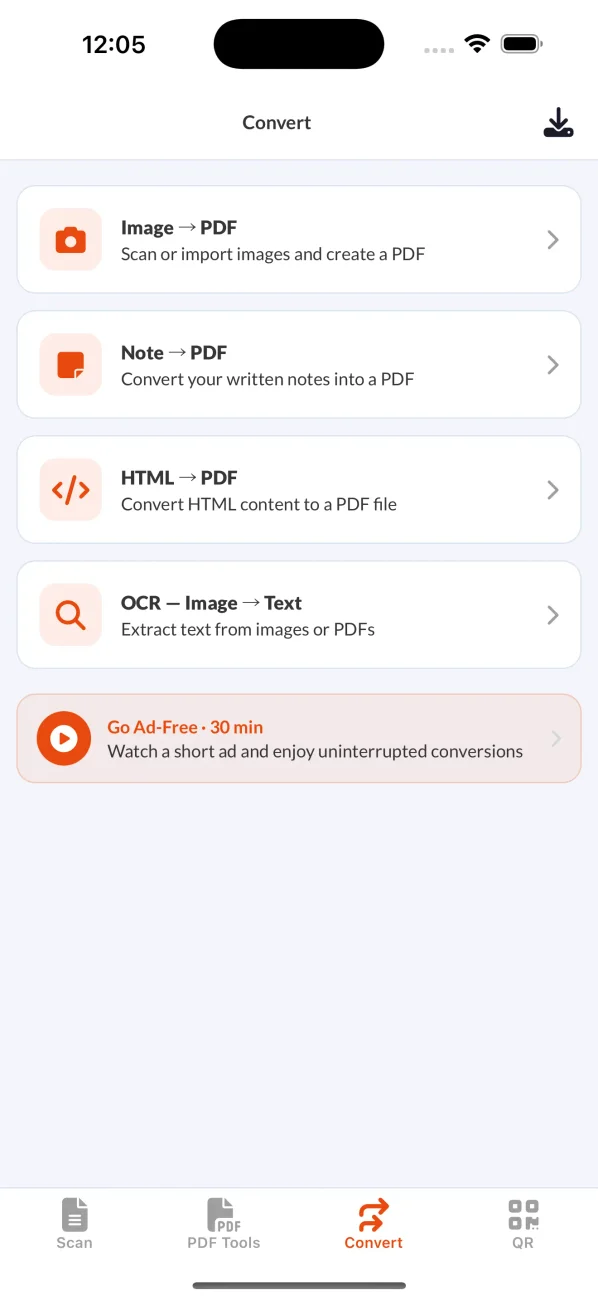
PDF & Image Management: Convert images to PDF, merge multiple files, split PDFs, or extract pages with ease.
Text Recognition (OCR): Convert scanned documents and images into editable text in seconds.
PDF Signing: Sign your documents digitally, making approvals and submissions simple.
Annotation Tools: Highlight, mark, or add notes directly on your scanned files.
Quick Sharing: Share scanned files via email or messaging apps instantly.
Why Choose Scan Flow?
Scan Flow combines speed, accuracy, and versatility in a single app. Perfect for personal, educational, or business use, it helps you manage documents efficiently on the go.
Scan Flow – Scan. Convert. Sign. Share. All in one place.
What’s new
Version 3.0.1 · Aug 14, 2026
Enahnce UI added more features like QR code generation , bar code , pdf overlay edit.
App privacy
What Jay Shah declares on the App Store about how this app handles data.
-
Data not linked to you
May be collected but is not linked to your identity.
- Identifiers
- Usage data
Privacy practices may vary, for example with the features you use or your age.
Information
- Seller
- Jay Shah
- Category
- Productivity
- Version
- 3.0.1
- Updated
- Aug 14, 2026
- Released
- Oct 6, 2025
- Size
- 76.0 MB
- Requires
- iOS 15.1 or later
- Age rating
- 4+
- Price
- Free
- Languages
- English
- Copyright
- © 2024 ScanFlow - Document scanner
You might also like
-
 Scanza - PDF & QR ScannerScan Documents, QR & Barcodes
-
 Doci: PDF Scanner & EditorOCR, Compress, Sign & Merge
-
 Quick Assignment TrackerQuick Assignment Tracker
-
 PDF Snap - PDF Scanner AppDocument Scanner PDF Converter
-
 CleanScan: PDF Scanner & OCRSearch, translate, read aloud
-
 Sanam JabchorBhutan agromet dss
-
 Scanify: PDF Document ScannerScan, Edit & Convert PDFs
-
 Solacely: Tarot JournalReading Log & Outcome Tracker
-
 Docs & PDF Editor & ScannerSpreadsheets & Presentations
-
 Scan-to-PDFScan and convert to PDF