
Authenticator - 2FA & MFA
OTP Generator & Private Pass
Designed for iPhone, iPad
In-app purchases
- Age rating17+
- CategoryUtilities
- DeveloperTITAJA LTD
- LanguagesEnglish
- Size23.0 MB
Links to the official App Store page
Download.org hosts no file of Authenticator - 2FA & MFA. The button opens its official App Store page, published by TITAJA LTD. Listing last checked on Nov 13, 2026.
Screenshots

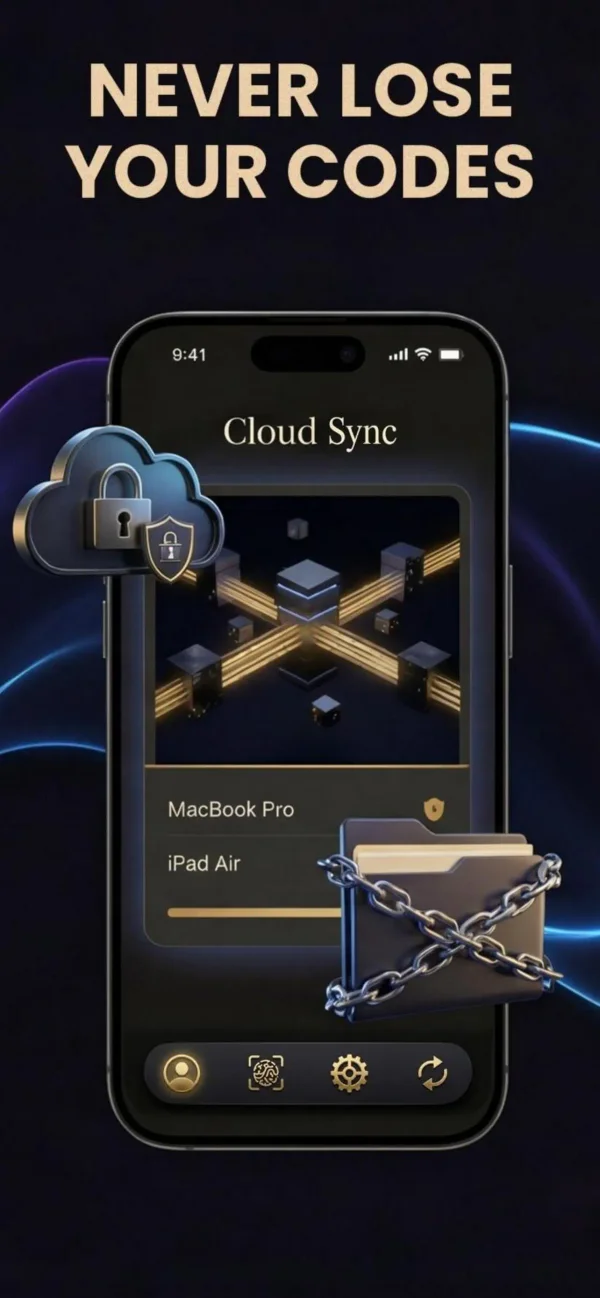
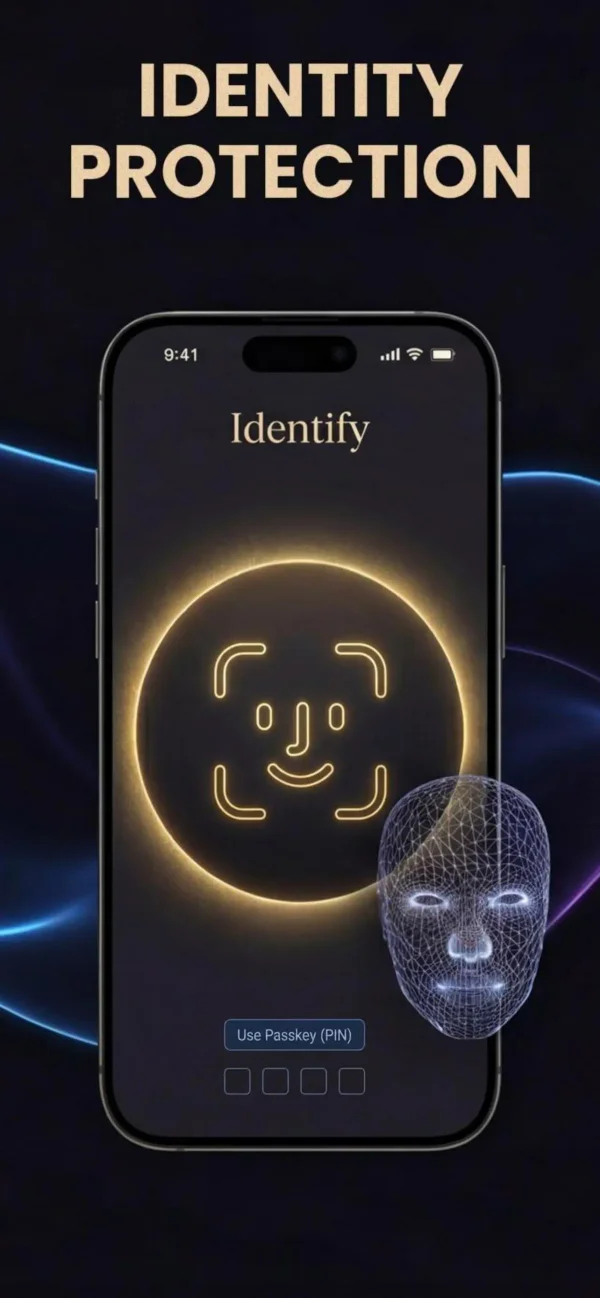
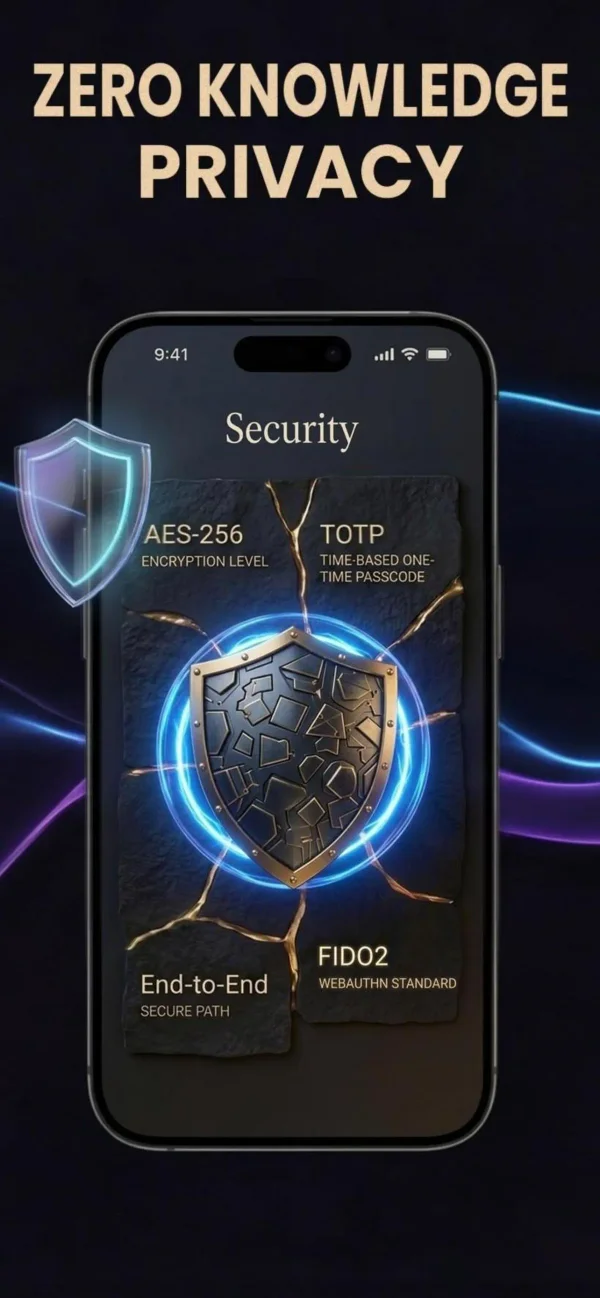
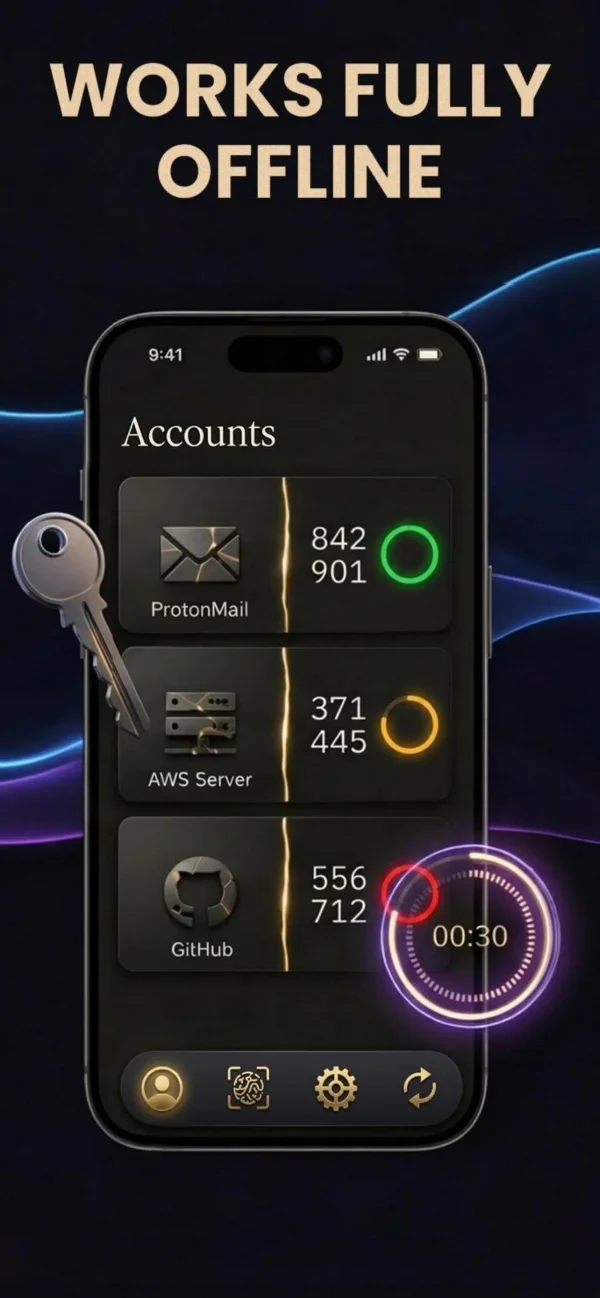
About
Authenticator - 2FA & MFA helps you protect your digital identity and manage credentials using simple tools you can set up in a few seconds.
FREQUENT QUESTIONS
Q: What can I do with this app? A: You can secure your accounts, manage your passwords, and browse the web safely using built-in tools like the QR scanner and the private browser.
Q: Do I need any special skills? A: No. Authenticator - 2FA & MFA is made for beginners. You can start with guided flows to set up your MFA & OTP codes, and explore advanced options like Cloud Sync and Encryption later.
Q: Which tools are included? A: You get access to 2FA Authentication, a secure TOTP generator, Backup Codes, and Auto Fill functionalities. You also get Widgets to quickly access your codes directly from your home screen.
Q: Is this a professional tool or just for basic use? A: It works as a serious helper for advanced security, utilising a secure vault to protect your data, but also fits casual use when you just want to log into your favourite websites quickly and safely.
SUBSCRIPTION & ACCESS
MegaPro Plan.
MegaPro Plan Year.
Important: Subscription required; no free content. Payment upon subscription confirmation.
Authenticator - 2FA & MFA offers an auto-renewable subscription that unlocks full access to all content and features in the app.
You can start with a free trial period. After the trial ends, your subscription will begin and renew automatically unless auto-renew is turned off at least 24 hours before the end of the current period. Payment will be charged to your Apple ID account upon subscription confirmation. You can manage your subscription and turn off auto-renewal at any time in your Account Settings on the App Store after purchase. Any unused portion of a free trial period, if offered, will be forfeited when you purchase a premium subscription.
For further details, please refer to our privacy policy and terms of use.
Privacy Policy: https://docs.google.com/document/d/1TGiZOlZPd6LvxvKNUKu03qs38OM8Uec3z_EnYenagKw/edit?usp=sharing
Terms of Use: https://docs.google.com/document/d/1DZ4zFzve1ixXqXw6a4JUSX-ciwDhFyo8clnQ_OKZL_g/edit?usp=sharing
What’s new
Version 2.1 · Jun 10, 2026
This update focuses on enhancing the overall reliability and security of the authentication process. We have refined the synchronization logic for encrypted backups and optimized the interface for a smoother user experience. Internal performance adjustments ensure that code generation remains fast and accurate across all your accounts. These improvements are designed to provide a more stable environment for your sensitive data.
App privacy
What TITAJA LTD declares on the App Store about how this app handles data.
-
Data used to track you
May be used to track you across apps and websites owned by other companies.
- Identifiers
-
Data not linked to you
May be collected but is not linked to your identity.
- Identifiers
- Usage data
Privacy practices may vary, for example with the features you use or your age.
Information
- Seller
- TITAJA LTD
- Category
- Utilities
- Version
- 2.1
- Updated
- Jun 10, 2026
- Released
- Jun 10, 2026
- Size
- 23.0 MB
- Requires
- iOS 18.5 or later
- Age rating
- 17+
- In-app purchases
- Yes
- Languages
- English
- Copyright
- © TITAJA LTD
You might also like
-
 AutharaAuthenticator & recovery vault
-
 CryptoText: Text Encryptor10 Ciphers - Encrypt & Decode
-
 Authenticator • 2FA AppScan QR For Login Backup
-
 EMF Detector: VectorscopeParanormal EMF scope & REM-pod
-
 DoorFlow UtilityUtilities
-
 Authenticator - 2FA & MFASecure 2FA for All Accounts
-
 Authenticator autenticador APPTwo factor Authenticator, 2fa
-
 Shift Worker Calendar & AlarmSchedule, Alarms, Pay & Bills
-
 Authenticator: Encrypt CodesProtect Accounts With Face ID
-
 手机闹钟 –无广告智能闹钟Utilities