Authenticator: Encrypt Codes
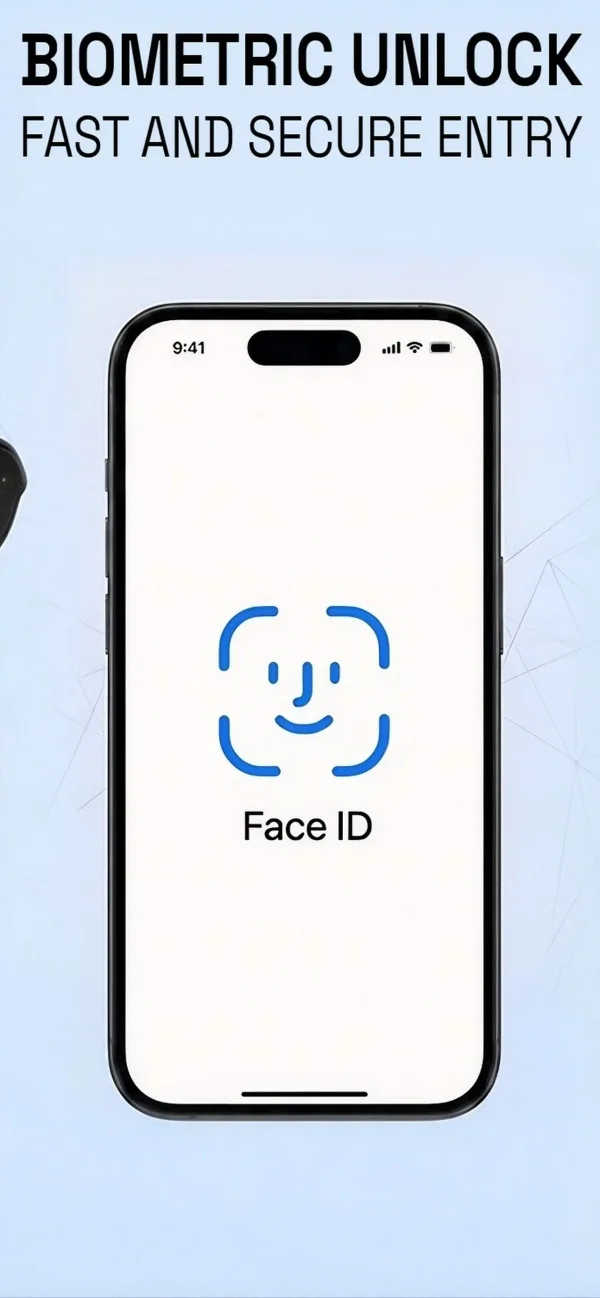
Protect Accounts With Face ID
Designed for iPhone, iPad
Free · In-app purchases
- Age rating4+
- CategoryUtilities
- DeveloperN & W DESIGN LTDA
- LanguagesEnglish+ 70 more
- Size29.5 MB
Links to the official App Store page
Download.org hosts no file of Authenticator: Encrypt Codes. The button opens its official App Store page, published by N & W DESIGN LTDA. Listing last checked on Nov 12, 2026.
Screenshots

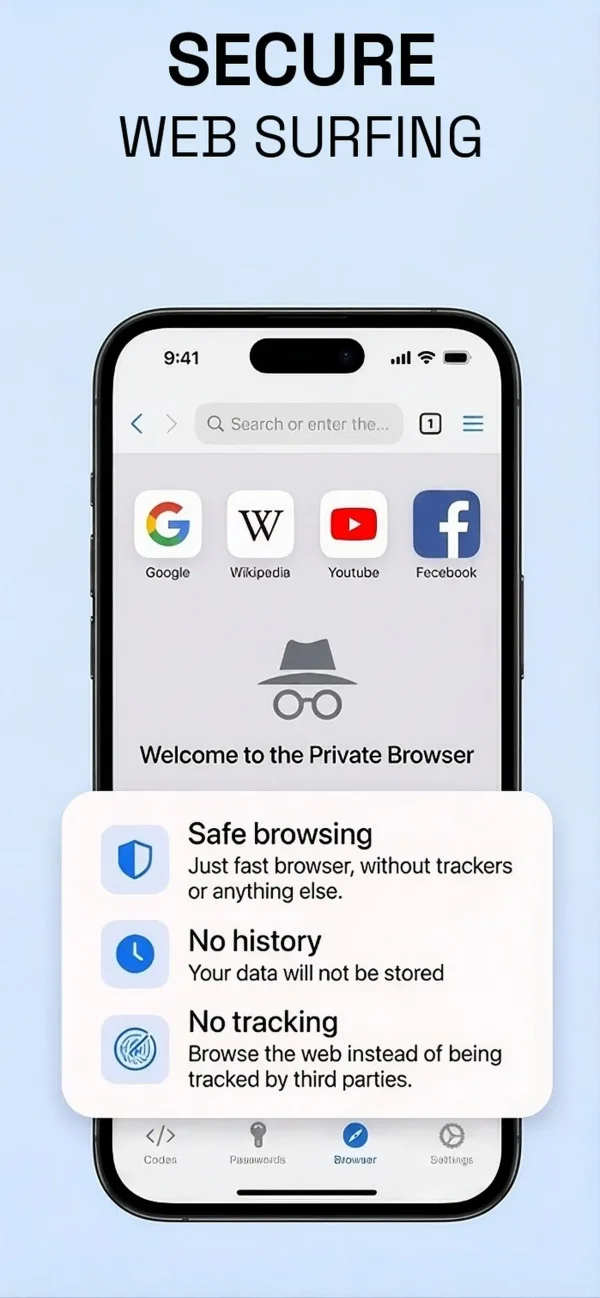
About
A password is one layer of protection. Two-factor authentication is a second. An encrypted vault for your most sensitive data is a third. Most security apps give you one of these. This one gives you all three — in a single place, locked behind Face ID, protected by end-to-end encryption and backed up to the cloud so you never lose access when you change your phone.
This is built around three sections that work together to cover every part of your account security.
SECTION 1 – AUTHENTICATOR
Everything related to two-factor authentication and one-time passwords. Use this section when you want to secure any account that supports 2FA — social media, email, banking, crypto or any platform that offers it.
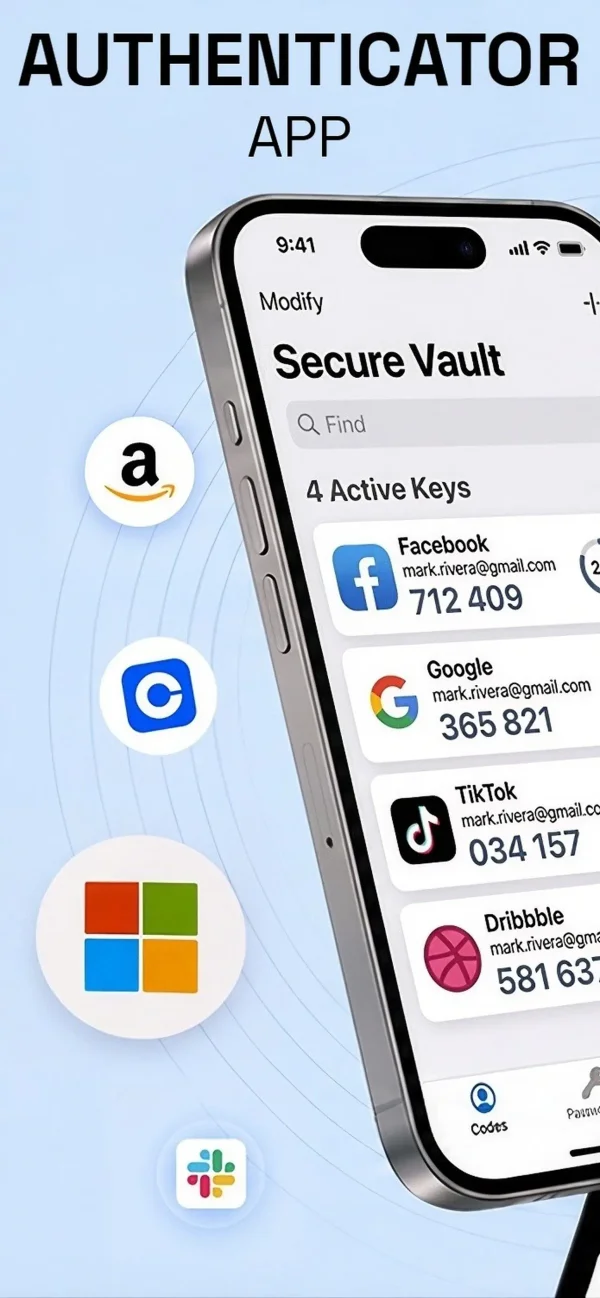
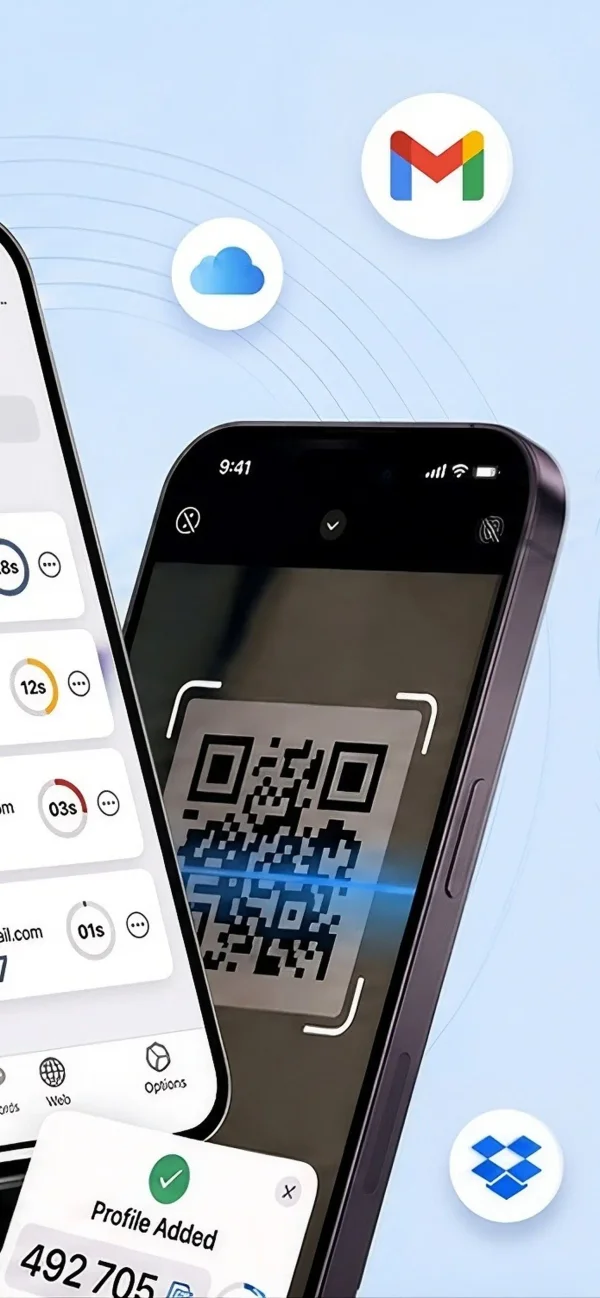
TOTP code generation for any account that supports two-factor authentication — codes refresh automatically every 30 seconds, no internet connection required
QR code scanner for fast account setup: point the camera at any 2FA QR code and the account is added in seconds
Backup codes storage so you always have a fallback if your primary device is unavailable
App Lock with Face ID keeps the authenticator inaccessible to anyone who is not you, even if your phone is unlocked
SECTION 2 – PASSWORD MANAGER
Focused on storing, organizing and protecting your login credentials. Use this section to replace scattered saved passwords, browser autofill and notes-app workarounds with a single encrypted manager.
Store usernames, passwords and login URLs for every account in one encrypted location
2FA Encryption protects every entry so credentials are unreadable without your master authentication
Generate strong passwords for new accounts directly inside the app
Access your passwords across devices with Cloud Sync — everything stays current and encrypted in transit
SECTION 3 – SECURE VAULT
This is where you store what cannot be lost or exposed. Use this section for documents, recovery keys, private notes and any sensitive information that does not belong in a standard notes app or cloud folder.
End-to-end encrypted storage for files, notes and credentials you want kept completely private
App Lock with Face ID applies to the Vault separately, adding a second confirmation layer before anything inside is visible
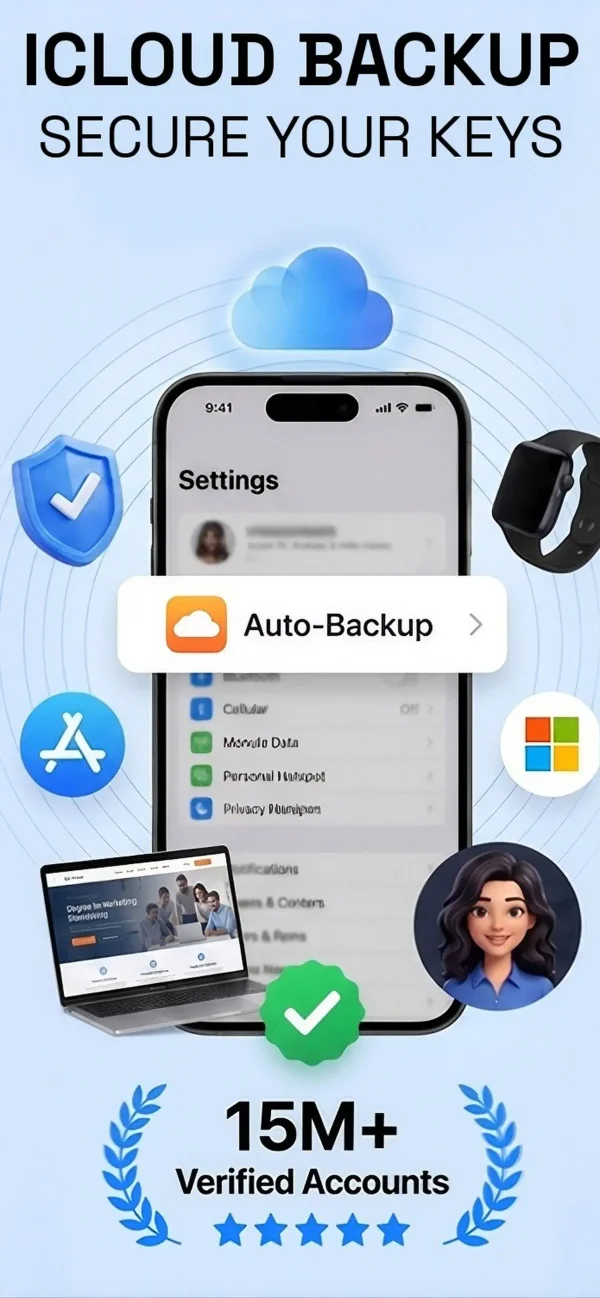
Cloud Sync keeps your Vault backed up and accessible across your devices without compromising the encryption
All three sections share the same security foundation — 2FA encryption, Face ID protection and encrypted cloud backup — so every layer of your digital life is covered by the same standard of protection.
SUBSCRIPTION & ACCESS
Instant Unlock.
Instant Unlock Year.
Important: Subscription required; no free content. Payment upon subscription confirmation.
This app offers an auto-renewable subscription that unlocks full access to all security features, including:
Full TOTP Authenticator with QR Scanner, Backup Codes and App Lock
Password Manager with 2FA Encryption, Cloud Sync and password generator
Secure Vault with end-to-end encryption and Face ID protection
You can start with a free trial period. After the trial ends, your subscription will begin and renew automatically unless auto-renew is turned off at least 24 hours before the end of the current period. Payment will be charged to your Apple ID account upon subscription confirmation. You can manage your subscription and turn off auto-renewal at any time in your Account Settings on the App Store after purchase.
For further information, please consult our privacy policy and terms of use:
- Privacy Policy: https://docs.google.com/document/d/1nzSMtDKJ1ssp-kL_TFGJ9l6ckQ6HkIR6LU58O4yHdDo/edit?usp=sharing
- Terms of Use: https://docs.google.com/document/d/1iqtipBJ1U6RFB8TsDNoysFG8RFck5c7xczZ03u_3F80/edit?usp=sharing
What’s new
Version 2.2.5 · Jul 12, 2026
Updated: refined the code scanner. Improved: how the password manager works. Fixed: minor issues affecting stability and everyday use.
App privacy
What N & W DESIGN LTDA declares on the App Store about how this app handles data.
-
Data used to track you
May be used to track you across apps and websites owned by other companies.
- Identifiers
-
Data not linked to you
May be collected but is not linked to your identity.
- Identifiers
- Usage data
Privacy practices may vary, for example with the features you use or your age.
Information
- Seller
- N & W DESIGN LTDA
- Category
- Utilities
- Version
- 2.2.5
- Updated
- Jul 12, 2026
- Released
- Apr 21, 2026
- Size
- 29.5 MB
- Requires
- iOS 18.5 or later
- Age rating
- 4+
- Price
- Free
- In-app purchases
- Yes
- Languages
- English, Afrikaans, Arabic, Armenian, Azerbaijani, Belarusian, Bosnian, Bulgarian, Burmese, Croatian, Czech, Danish + 59 more
- Copyright
- © Nairlene Delgado
You might also like
-
 QR Code & Barcode - Batch ReadCreate Generate Quick Codes
-
 Cleanora Phone CleanerClean Junk, Duplicate Photos
-
 Followers Tracker & In ReportsUnfollow Tracker & Analytics
-
 MetaboNoteProUtilities
-
 Nova: Phone Storage CleanerClean up your phone in seconds
-
 Phone Tracker: Always ClosePhone Tracker: Always Close
-
 QR MasteryScan, Create & Share QR Codes
-
 TidyVibe-Storage CleanerPhoto cleanup, album cleanup
-
 Scanner : PDF Scanner.Scan, edit and sign pdf.
-
 CleanSnap: Smart Phone CleanupClean Album, Delete Duplicates