
Authenticator: 2FA & MFA Codes
Two Factor Auth & Passwords
Designed for iPhone
In-app purchases
- Age rating4+
- CategoryUtilities
- DeveloperAleksey Erko
- LanguagesRussian+ 32 more
- Size82.4 MB
Links to the official App Store page
Download.org hosts no file of Authenticator: 2FA & MFA Codes. The button opens its official App Store page, published by Aleksey Erko. Listing last checked on Nov 17, 2026.
Screenshots
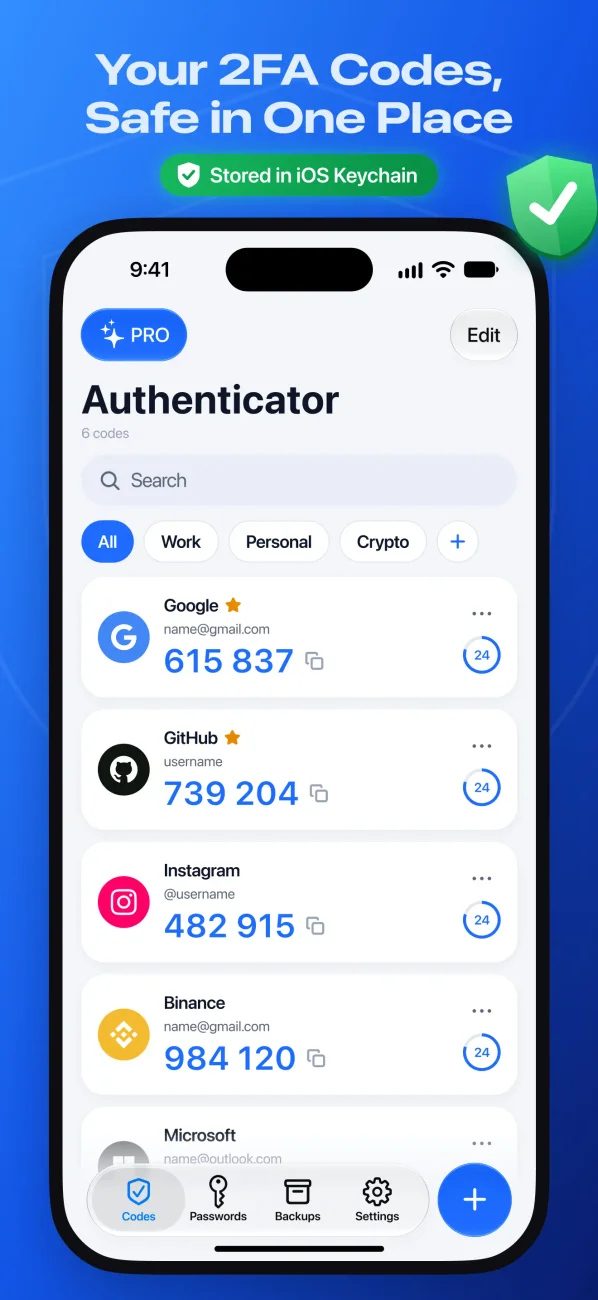
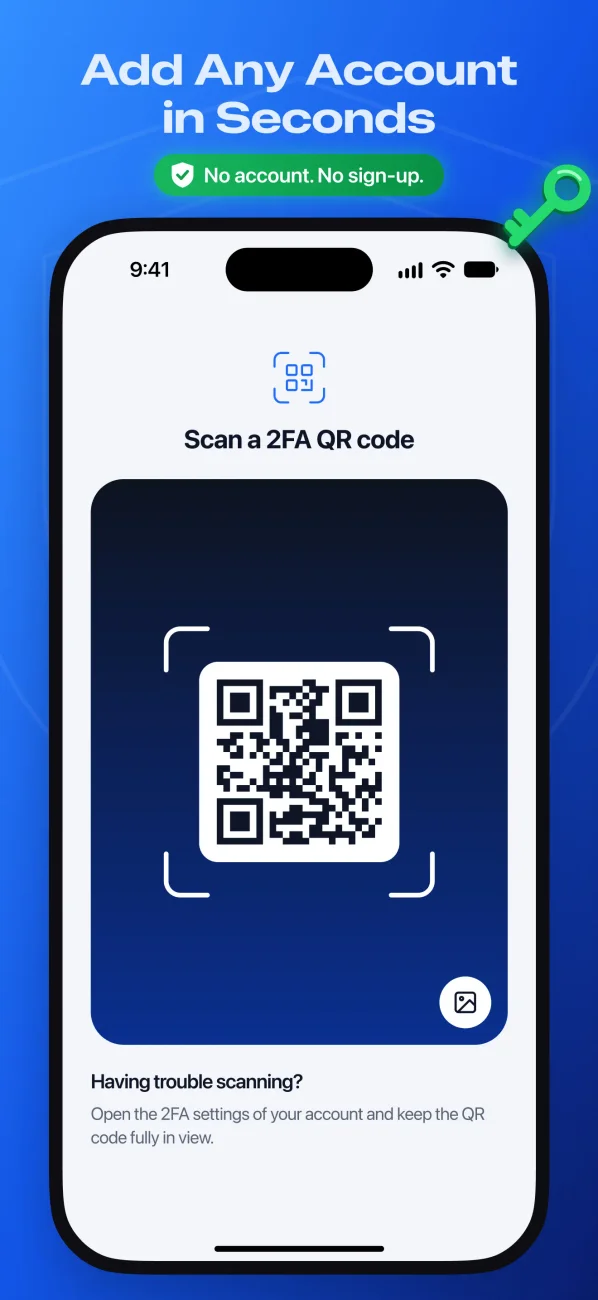
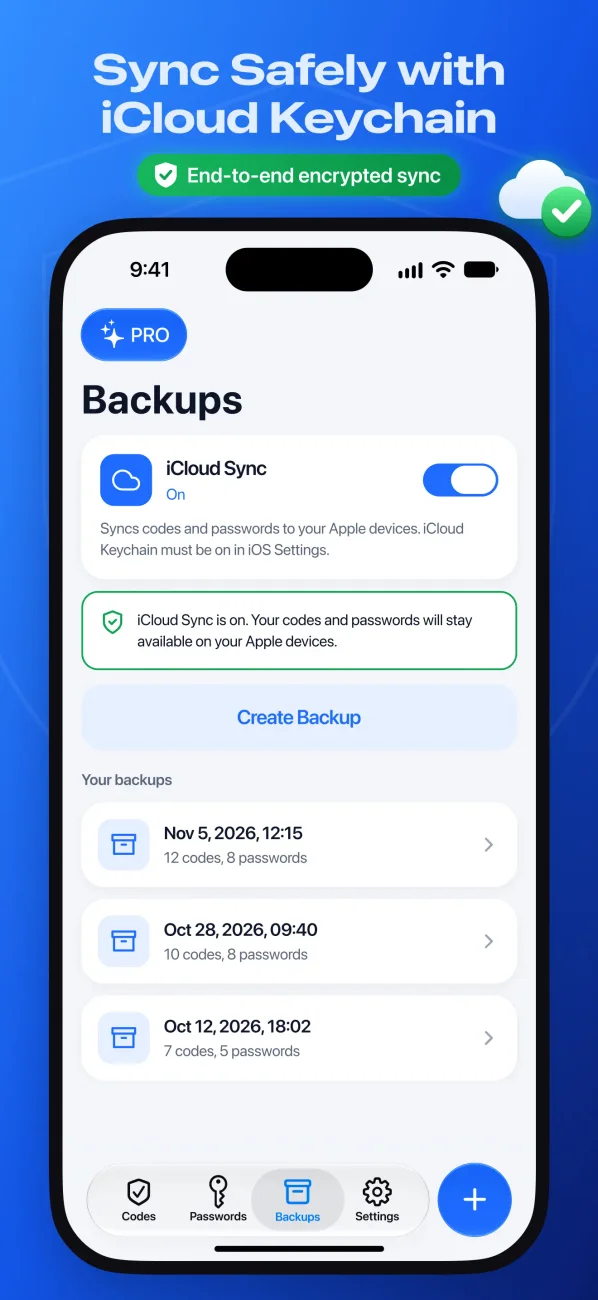


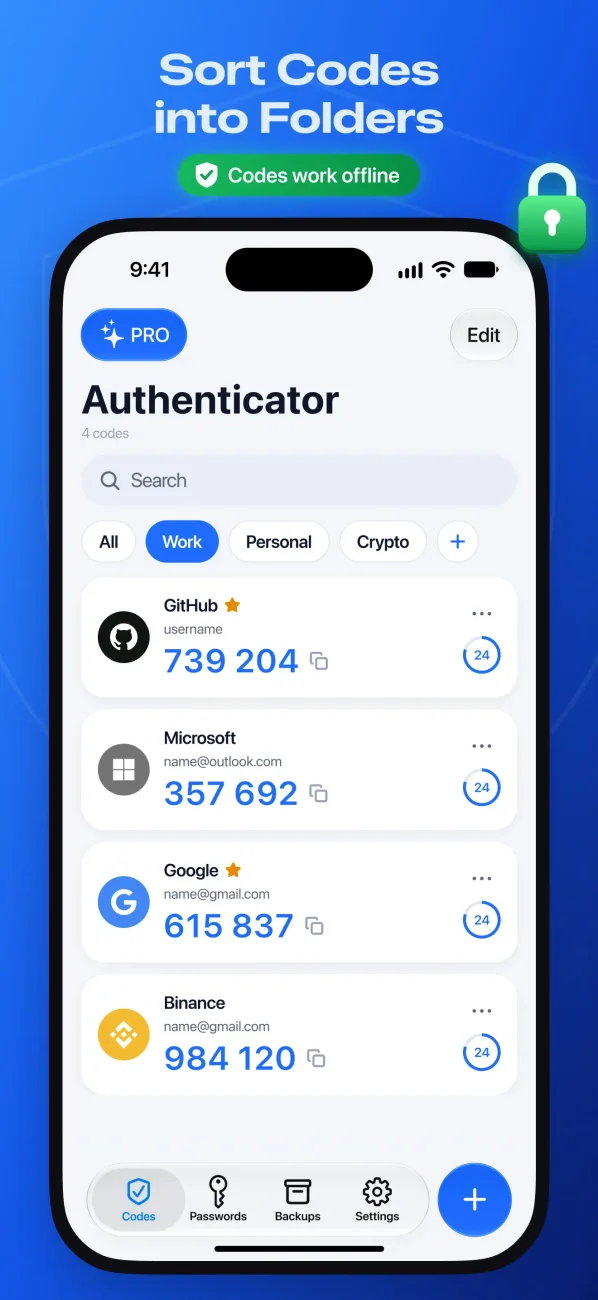
About
Protect your accounts with two-factor authentication. Add a 2FA code in seconds and get a fresh one-time code whenever a site or app asks for it.
ADD A CODE IN SECONDS
Turn on two-factor authentication in your account settings and scan the QR code with your camera. You can also pick a QR code from your photos or files, or type the setup key by hand.
WORKS WITH YOUR ACCOUNTS
Email, social media, gaming, shopping, crypto, work: use it wherever a service lets you sign in with codes from an authenticator app. Time-based (TOTP) and counter-based (HOTP) codes are supported, with 6 or 8 digits, SHA-1, SHA-256 or SHA-512 and any refresh period.
CODES AT A GLANCE
A timer shows how long each code stays valid, and its color changes as time runs out. Tap a code to copy it. For counter-based codes, tap the arrow to get the next one. Codes are generated right on your iPhone, so they work without internet.
FOLDERS AND ORDER
Sort codes into folders, pin the ones you use most to the top and drag to reorder. Edit mode lets you move or delete several codes at once.
PASSWORDS NEXT TO CODES
Save logins for your sites and apps in the Passwords tab: website, username and password, right next to their 2FA codes.
LOCKED WITH PIN AND FACE ID
The app asks for your PIN every time you open it, or you can unlock it with Face ID.
SYNC AND BACKUP
Turn on iCloud sync to keep codes and passwords in iCloud Keychain with end-to-end encryption, so they move with you to a new iPhone. You can also create a backup file, save it to Files or share it, and restore it in a tap. Export codes as a QR code when you need them elsewhere.
NO SIGN-UP
No account to create: open the app and add your first code. Codes and passwords are kept in the Keychain, the protected storage built into iOS.
SUBSCRIPTION
Free: 1 code, backups and iCloud sync. With an auto-renewable subscription you can add unlimited codes and save passwords. Payment is charged to your Apple Account when you confirm the purchase. The subscription renews automatically unless canceled at least 24 hours before the end of the current period. Manage or cancel it anytime in your Apple Account settings.
Privacy Policy: https://doc-hosting.flycricket.io/authenticator-app-privacy-policy/296ce6bc-8718-4d8c-ad5d-c113dc3df1ca/privacy
Terms of Use: https://doc-hosting.flycricket.io/authenticator-app-terms-conditions/ff414533-33a5-4d80-b85f-e480a9394e2e/terms
App privacy
What Aleksey Erko declares on the App Store about how this app handles data.
-
Data used to track you
May be used to track you across apps and websites owned by other companies.
- Purchases
- Identifiers
-
Data not linked to you
May be collected but is not linked to your identity.
- Purchases
- Identifiers
- Diagnostics
Privacy practices may vary, for example with the features you use or your age.
Information
- Seller
- Aleksey Erko
- Category
- Utilities
- Version
- 1.0
- Updated
- Nov 13, 2026
- Released
- Nov 12, 2026
- Size
- 82.4 MB
- Requires
- iOS 16.0 or later
- Age rating
- 4+
- In-app purchases
- Yes
- Languages
- Russian, Hindi, Vietnamese, English, Arabic, Hungarian, Dutch, Greek, Danish, Hebrew, Indonesian, Spanish + 21 more
- Copyright
- © 2026 Oleksii Yerko
You might also like
-
 eMedics AuthenticatorOffline 2FA codes
-
 СтандартиUtilities
-
 ID&V ProofingUtilities
-
 Authenticator App "Secure OTP Codes & Backup
-
 GoKWhUtilities
-
 SketchifyTracerTraces to Art Fast
-
 Bare: Private Ad Block BrowserIncognito web, no pop-ups
-
 QR Reader*QR Scanner, Generator & Reader
-
 QR Code Generator MakerCreate & Share Custom QR Codes
-
 AI Photo Duplicate CleanerAI-Powered Duplicate Remover