
Authenticator: 2FA, MFA, OTP
Two Factor Authentication, MFA
Designed for iPhone, iPad
Free · In-app purchases
- Age rating17+
- CategoryUtilities
- DeveloperLumetro LLC
- LanguagesEnglish+ 5 more
- Size42.9 MB
Links to the official App Store page
Download.org hosts no file of Authenticator: 2FA, MFA, OTP. The button opens its official App Store page, published by Lumetro LLC. Listing last checked on Nov 14, 2026.
Screenshots
About
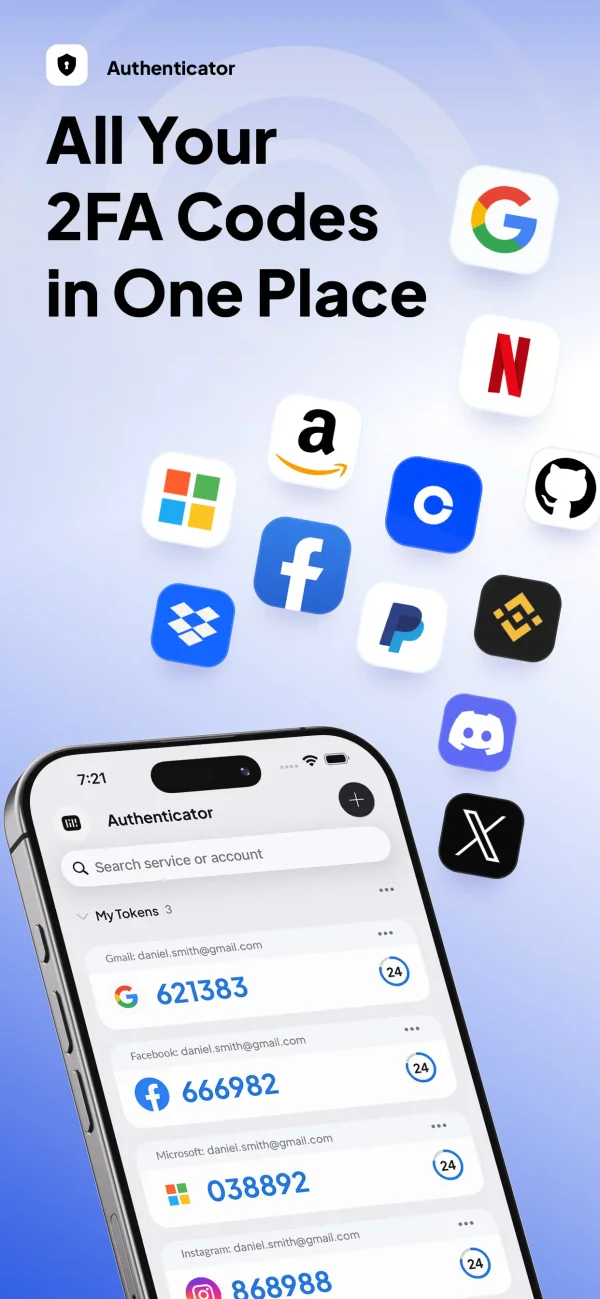
Secure your accounts with two-factor authentication generated on your device. Authenticator creates time-based one-time passwords (TOTP) for every service that supports 2FA.
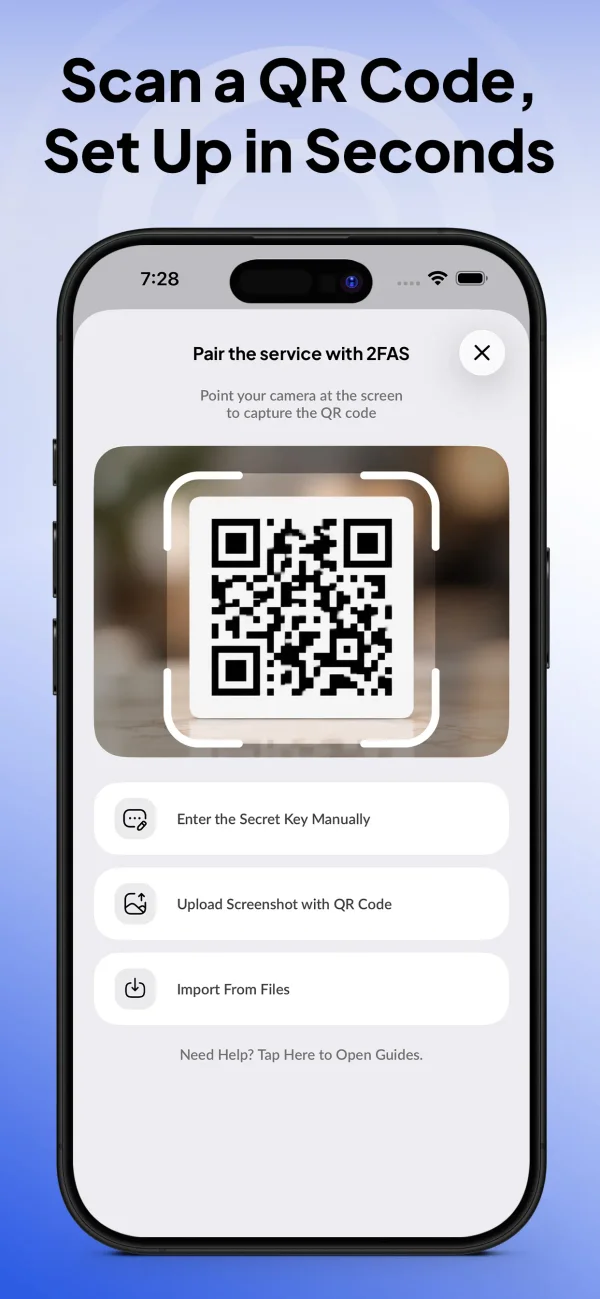
Scan a QR code and you're set up in seconds. Codes refresh every 30 seconds and work fully offline.
Works with Google, Microsoft, Apple, Facebook, Instagram, X, Amazon, PayPal, Coinbase, Binance, Dropbox, GitHub, Slack, Discord, Shopify and thousands more.
FEATURES
► Secure TOTP codes
Standards-based one-time passwords that refresh automatically. Generated on your device, so airplane mode or weak signal never blocks a sign-in.
► Setup in seconds
Scan a QR code or enter a key manually. No account, no email, no registration.
► Encrypted backup and sync
Codes are encrypted before they reach iCloud. Restore on a new phone in a minute, with automatic sync across iPhone, iPad, Mac and Apple Watch.
► Import from any authenticator
Switch from Google Authenticator, Authy or Microsoft Authenticator via QR code or CSV. Export anytime.
► App Lock
Face ID, Touch ID or PIN, with auto-lock the moment you switch away.
► Organize your accounts
Folders, drag and drop, custom names and icons. Thirty accounts still take one glance to search.
► Apple Watch and widgets
Codes on your wrist, plus Home Screen and Lock Screen widgets that copy a code without opening the app.
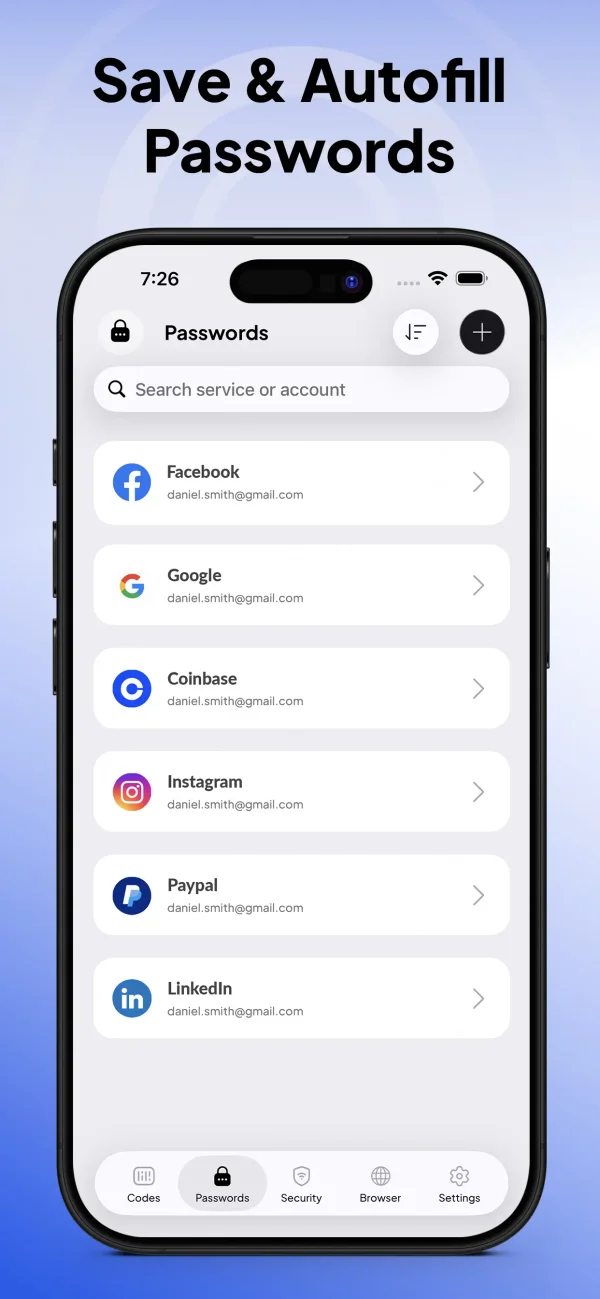
► Password manager with autofill
Unlimited logins in the same encrypted vault, filled into Safari and any app by iOS. Built-in generator for strong passwords.
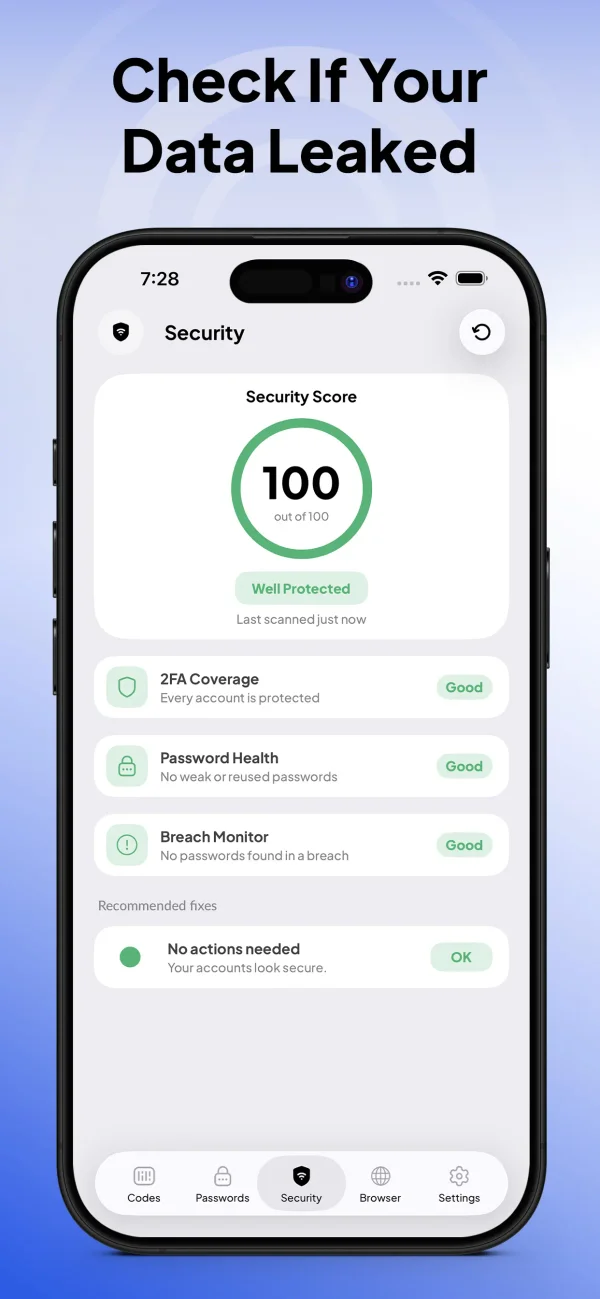
► Data breach monitoring
Get alerted when your email or password appears in a known leak, with a clear list of what to change first.
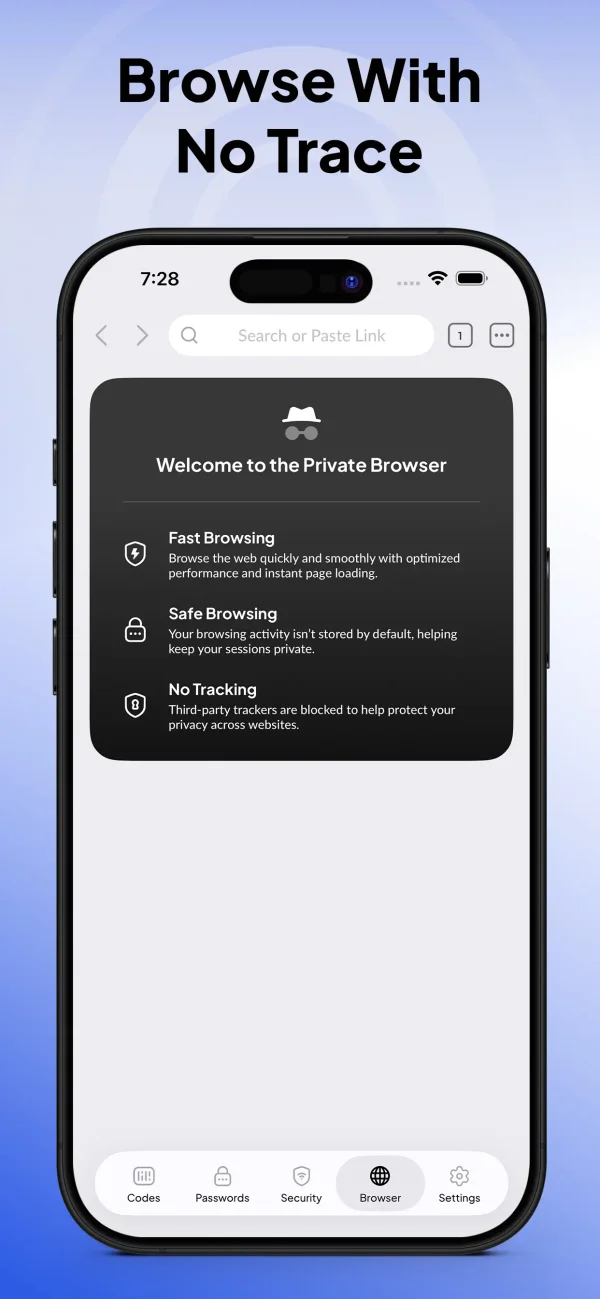
► Private browser
No history, no cookies, no tracking. Sign in to sensitive accounts leaving nothing behind.
► Unlock the Full Experience
To access all features and create unlimited designs, an active Authenticator subscription is required.
Download Authenticator today and take control of your accounts with the security and simplicity of modern two-factor authentication.
If you have questions or ideas, we’d love to hear from you:
support@lumetro.com
Privacy Policy: https://lumetro.com/authenticator/privacy
Terms of Use: https://lumetro.com/authenticator/terms
What’s new
Version 1.0.2 · Sep 18, 2026
- Bugfixes and performance improvements
App privacy
What Lumetro LLC declares on the App Store about how this app handles data.
-
Data used to track you
May be used to track you across apps and websites owned by other companies.
- Identifiers
-
Data not linked to you
May be collected but is not linked to your identity.
- Contact info
- Identifiers
- Usage data
- Diagnostics
- Other data
Privacy practices may vary, for example with the features you use or your age.
Information
- Seller
- Lumetro LLC
- Category
- Utilities
- Version
- 1.0.2
- Updated
- Sep 18, 2026
- Released
- Sep 10, 2026
- Size
- 42.9 MB
- Requires
- iOS 18.0 or later
- Age rating
- 17+
- Price
- Free
- In-app purchases
- Yes
- Languages
- English, French, German, Italian, Portuguese, Spanish
- Copyright
- © Lumetro LLC
You might also like
-
 2FA Authenticator: OTP CodesTwo Factor Auth & MFA Backup
-
 Authenticator App - 2FA, OTPBackup,Transfer & Protect Code
-
 Authenticator 2FA, MFA, OTPSecure Login & TOTP Code Vault
-
 Authenticator App2FA, MFA & OTP Authentication
-
 Authenticator+ 2FA AppAuthentication - 2FA, MFA, OTP
-
 Authenticator App • 2FA, MFATwo Factor Authentication, OTP
-
 BlazeAuth - MFA AuthenticatorTOTP Two Factor Authentication
-
 TDS Home Wi-FiManage your TDS Wi-Fi network