
Authenticator: 2FA & Passkey
2FA, OTP, MFA, Passkey Login
Designed for iPhone, iPad
Free · In-app purchases
- Age rating4+
- CategoryUtilities
- DeveloperAQUAWOOD PTE. LTD.
- LanguagesEnglish
- Size36.1 MB
Links to the official App Store page
Download.org hosts no file of Authenticator: 2FA & Passkey. The button opens its official App Store page, published by AQUAWOOD PTE. LTD. Listing last checked on Nov 14, 2026.
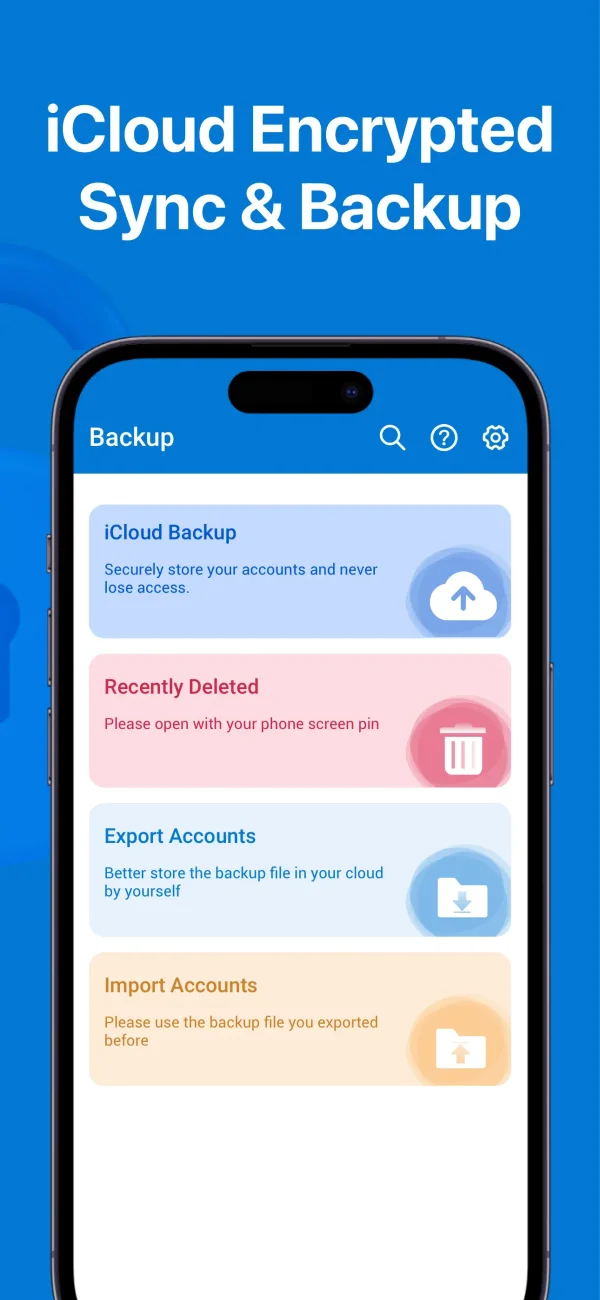
Screenshots

About
Authenticator: 2FA & Passkey – Secure Login Made Simple
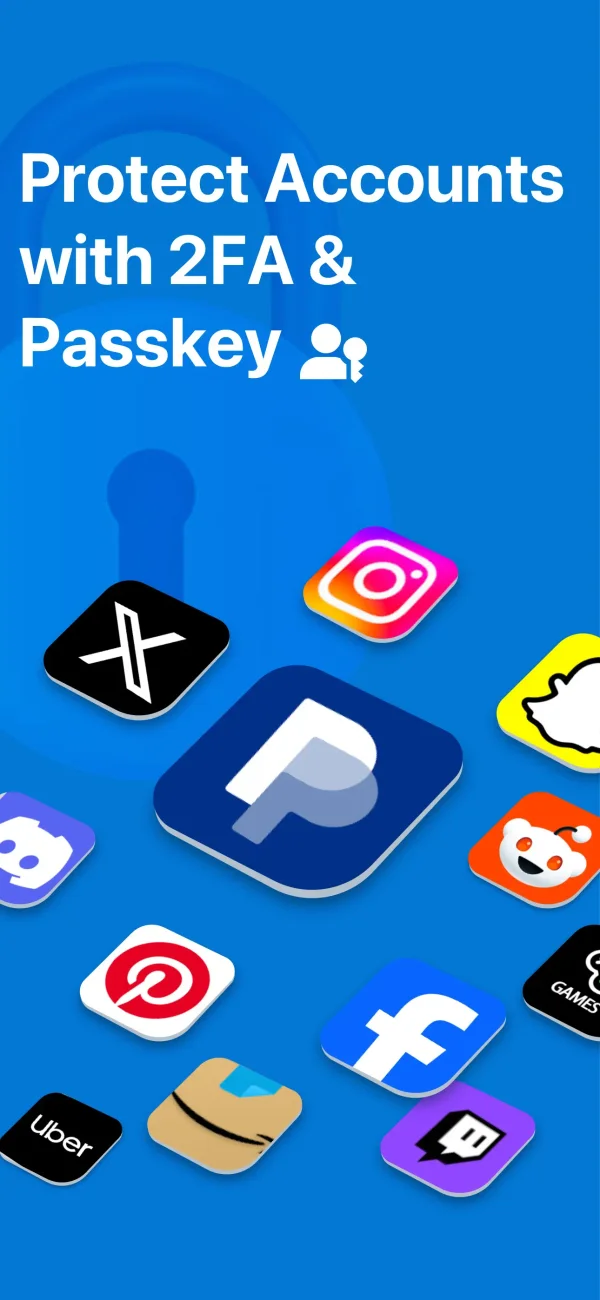
Protect your online accounts with Authenticator, a secure app that generates 2FA codes (OTP) and enables modern Passkey login for passwordless, phishing-resistant access. With encrypted storage, iCloud backup, and cross-device sync, your accounts stay safe, private, and always accessible.
---------
Key Benefits
▶ 1. Strong 2FA Security
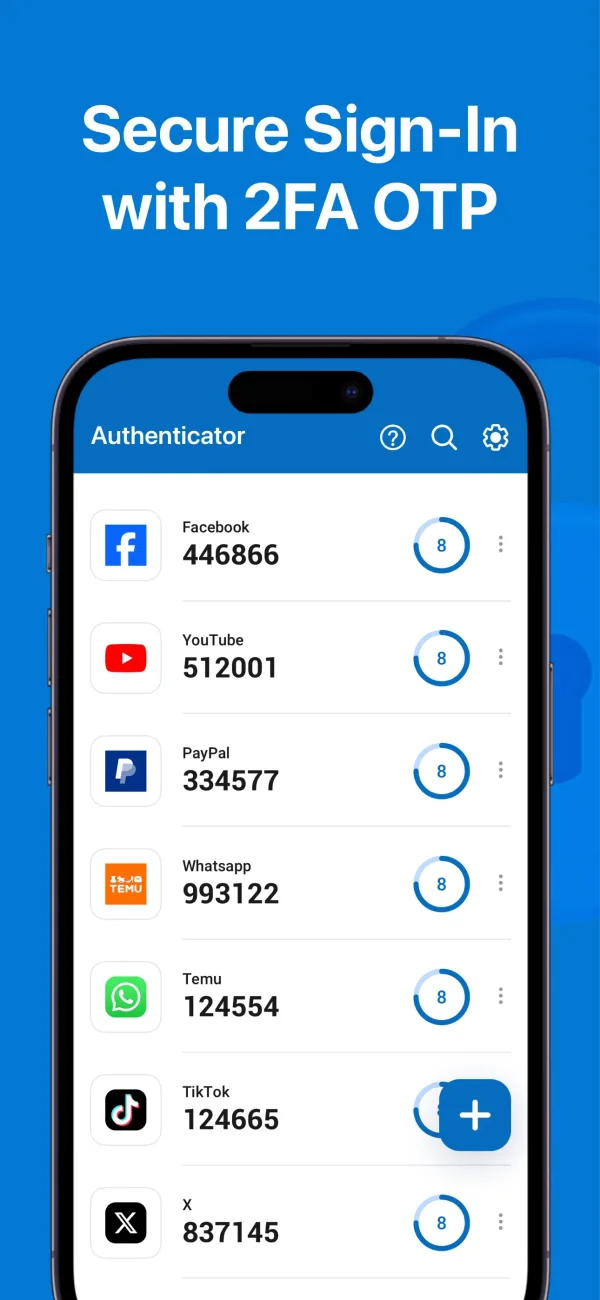
Generate time-based one-time passwords (OTP) to add an extra layer of protection to your email, banking, and social media accounts.
▶ 2. Modern Passkey Login
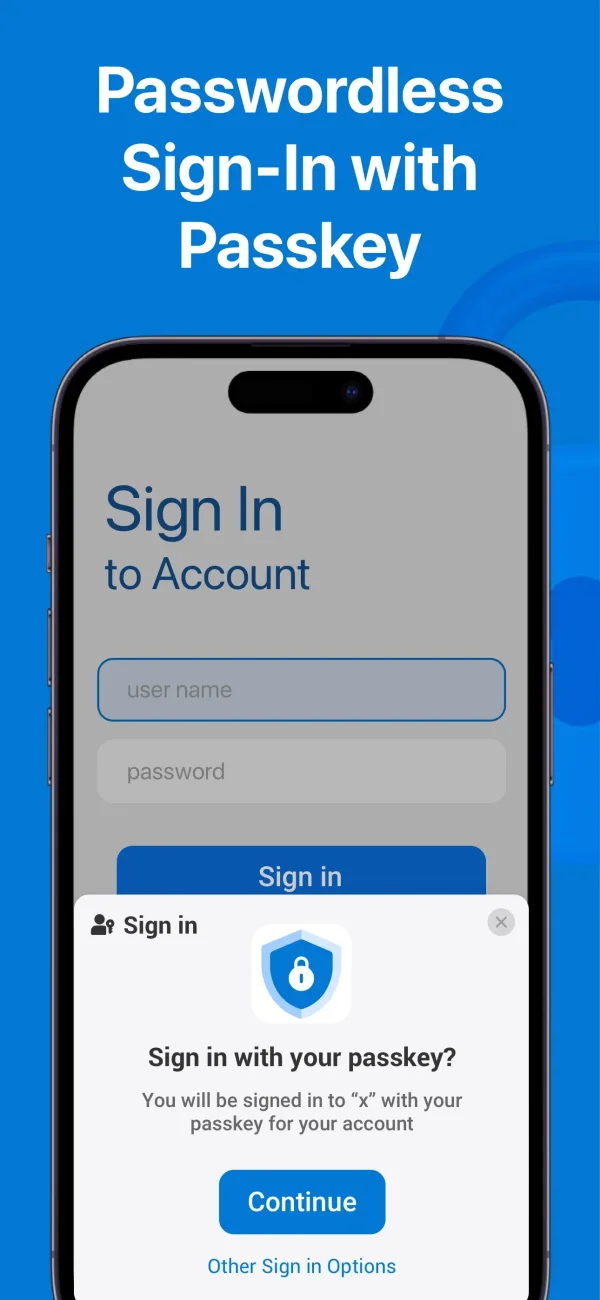
Say goodbye to passwords. Use Passkeys for fast, secure, and passwordless sign-ins designed to resist phishing and simplify login across devices.
▶ 3. Secure iCloud Backup
All codes and Passkeys are encrypted and safely stored in iCloud. Restore instantly on new devices and keep your security keys available everywhere.
▶ 4. Cross-Device Synchronization
Access your accounts on all Apple devices with automatic sync. Whether on iPhone, iPad, or Mac, your tokens and Passkeys are always in sync.
▶ 5. Import & Export Flexibility
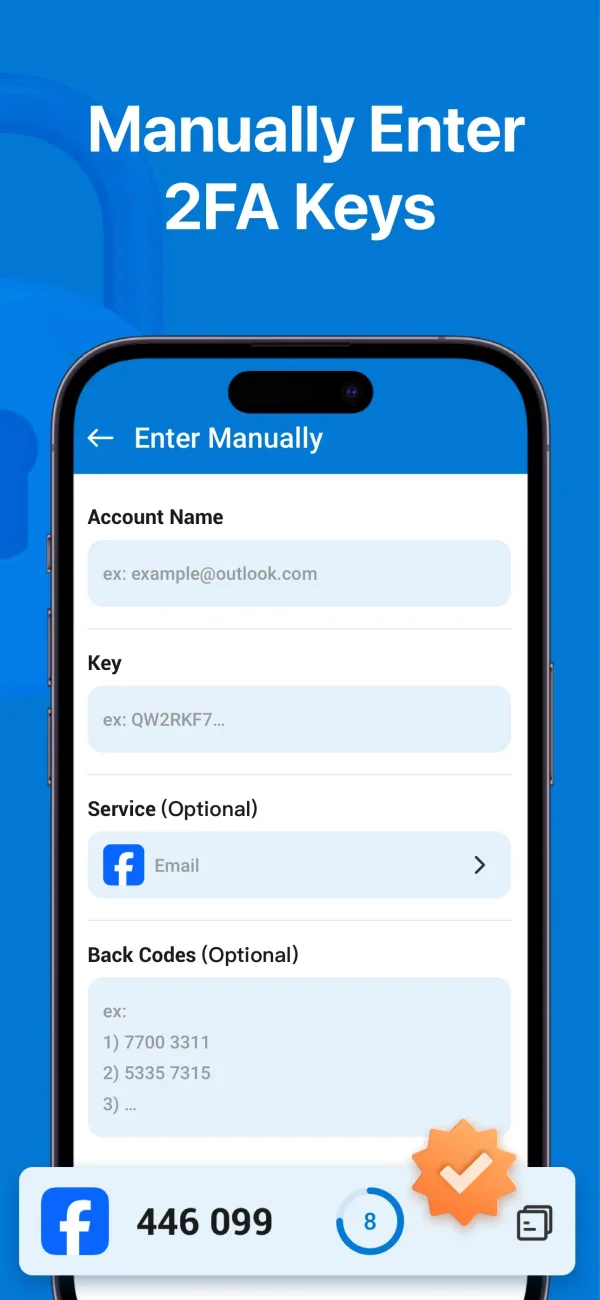
• Import 2FA codes from other authenticator apps with QR scan or JSON file.
• Export your codes securely whenever you need.
▶ 6. Organized & Easy to Use
Create folders for different accounts, drag-and-drop to reorder, and manage all your security tokens in one place.
▶ 7. Advanced Privacy Protection
• Lock the app with a PIN
• Offline support to access OTP codes anytime
---------
Why Choose Authenticator: 2FA & Passkey?
• Combines proven 2FA OTP security with the future of passwordless Passkeys
• Ensures your data is encrypted, private, and recoverable
• Designed for simplicity, speed, and maximum account protection
Stay ahead of hackers and take control of your digital security today.
Download Authenticator: 2FA & Passkey today and secure your accounts with the perfect balance of security + convenience.
---------
Subscription Information
Furthermore, this app offers auto-renewing subscription, granting you unlimited access to all premium features throughout the subscription period.
About subscription: payment will be charged to iTunes Account at confirmation of purchase. Subscriptions automatically renew unless auto-renew is turned off at least 24 hours before the end of the current period. Your account will be charged for renewal within 24 hours prior to the end of the current period. You can manage your subscriptions and turn off auto-renewal by going to your Account Settings after purchase. Any unused portion of a free trial period (if provided) will be forfeited upon purchasing a subscription (if applicable).
For more information, please see our Privacy Policy and Terms of Service.
Terms of Service: https://xtrustai.github.io/tos
Privacy Policy: https://xtrustai.github.io/privacy.html
What’s new
Version 1.7.0 · Dec 20, 2025
- Optimize the onboarding flow to help users easily create 2FA codes
App privacy
What AQUAWOOD PTE. LTD. declares on the App Store about how this app handles data.
-
Data not linked to you
May be collected but is not linked to your identity.
- Identifiers
- Usage data
- Diagnostics
Privacy practices may vary, for example with the features you use or your age.
Information
- Seller
- AQUAWOOD PTE. LTD.
- Category
- Utilities
- Version
- 1.7.0
- Updated
- Dec 20, 2025
- Released
- Oct 23, 2024
- Size
- 36.1 MB
- Requires
- iOS 17 or later
- Age rating
- 4+
- Price
- Free
- In-app purchases
- Yes
- Languages
- English
- Copyright
- © 2024 TrustAI
You might also like
-
 PassKeysAI Reply & Translate Keyboard
-
 Authenticator App - Auth Code2FA Authentication - OTP Token
-
 Authenticator: Mobile 2FA, MFATwo Factor Authentication・TOTP
-
 Authenticator App: 2FA, OTPScan QR, TOTP Code Generator
-
 2FA Authenticator: OTP CodesTwo Factor Auth & MFA Backup
-
 Authenticator 2FA, MFA, OTPSecure Login & TOTP Code Vault
-
 Authenticator App - 2FA ◦ MFATwo Factor Authentication: OTP
-
 Authenticator App | 2FA AuthSecure 2-Factor Auth Manager
-
 Authenticator App • 2FA, MFATwo Factor Authentication, OTP
-
 BlazeAuth - MFA AuthenticatorTOTP Two Factor Authentication