Authenticator: 2FA & Passwords
2FA codes & password vault
Designed for iPhone
Free · In-app purchases
- Age rating4+
- CategoryUtilities
- DeveloperSecgin LLC
- LanguagesEnglish+ 4 more
- Size8.5 MB
Links to the official App Store page
Download.org hosts no file of Authenticator: 2FA & Passwords. The button opens its official App Store page, published by Secgin LLC. Listing last checked on Nov 18, 2026.
Screenshots
About
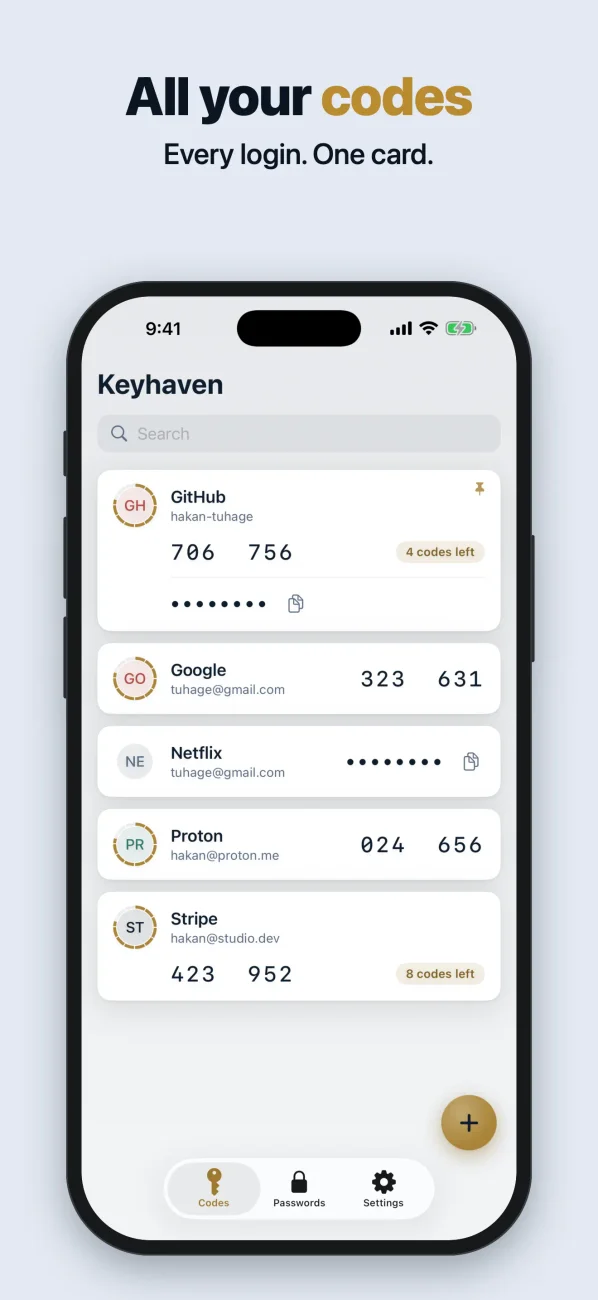
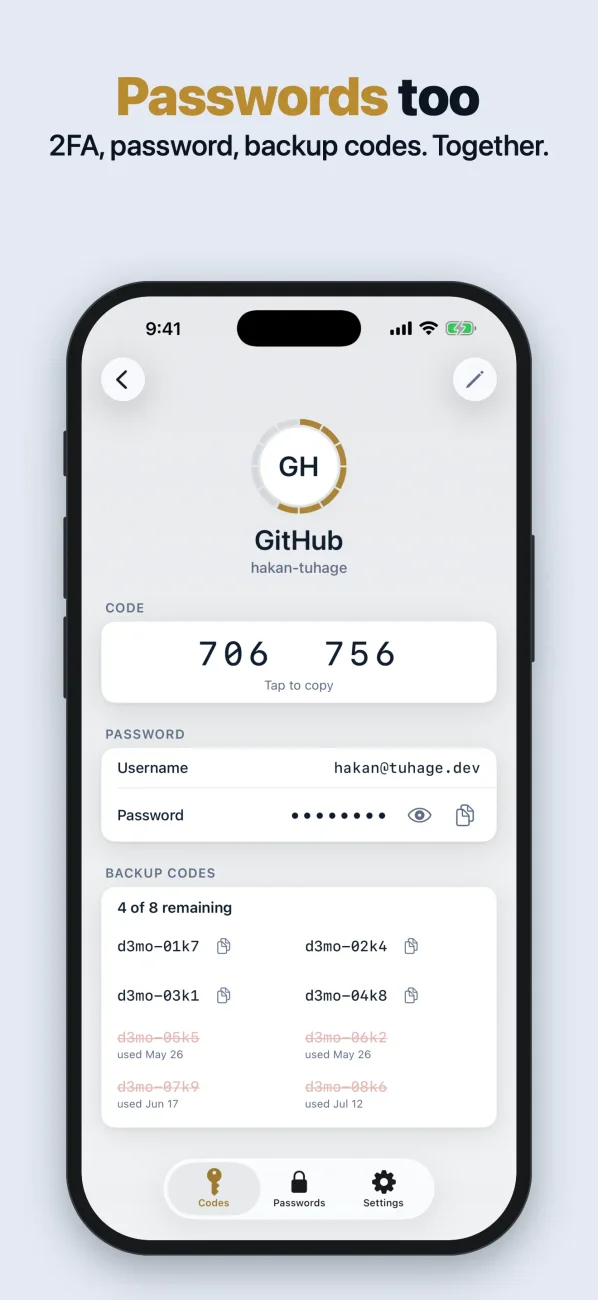
Authenticator keeps everything a login needs in one private place: your 2FA codes and your passwords, organized into Codes and Passwords tabs, with backup codes on the same card as the account they belong to.
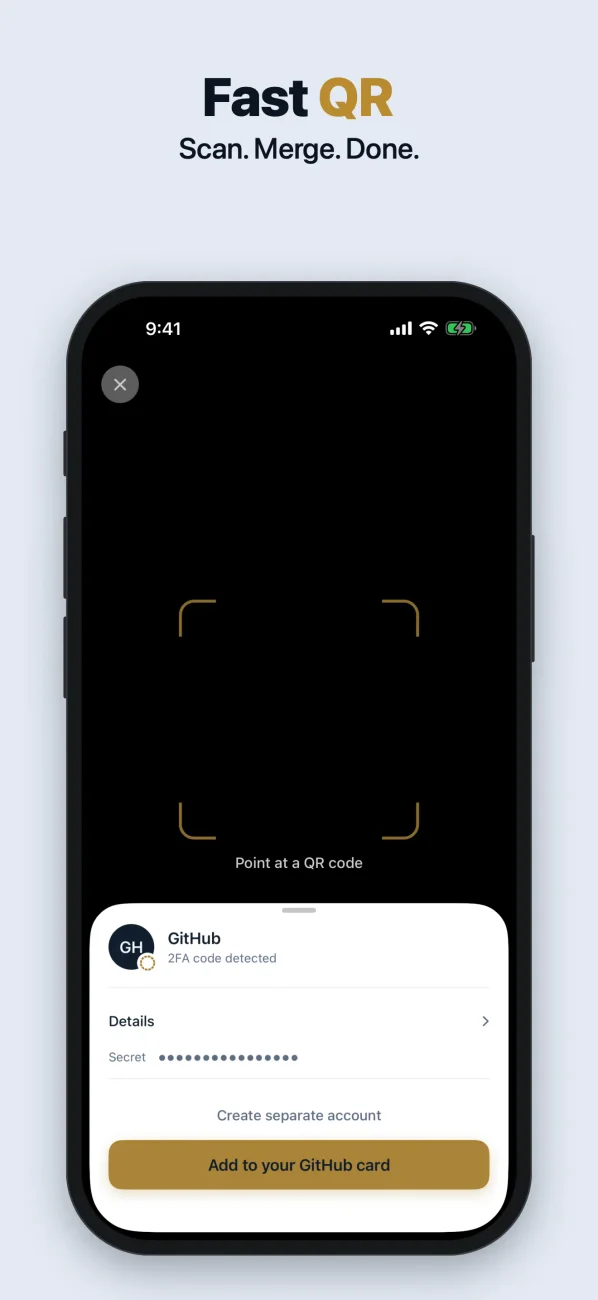
Most of us juggle a separate authenticator app, passwords scattered across notes, and recovery codes buried in screenshots. Authenticator brings them together. Add an account once and its verification code, password, and backup codes live together. Add a credential for a service you already have and Authenticator offers to merge it, so everything about one login stays in one place.
PRIVATE BY DESIGN
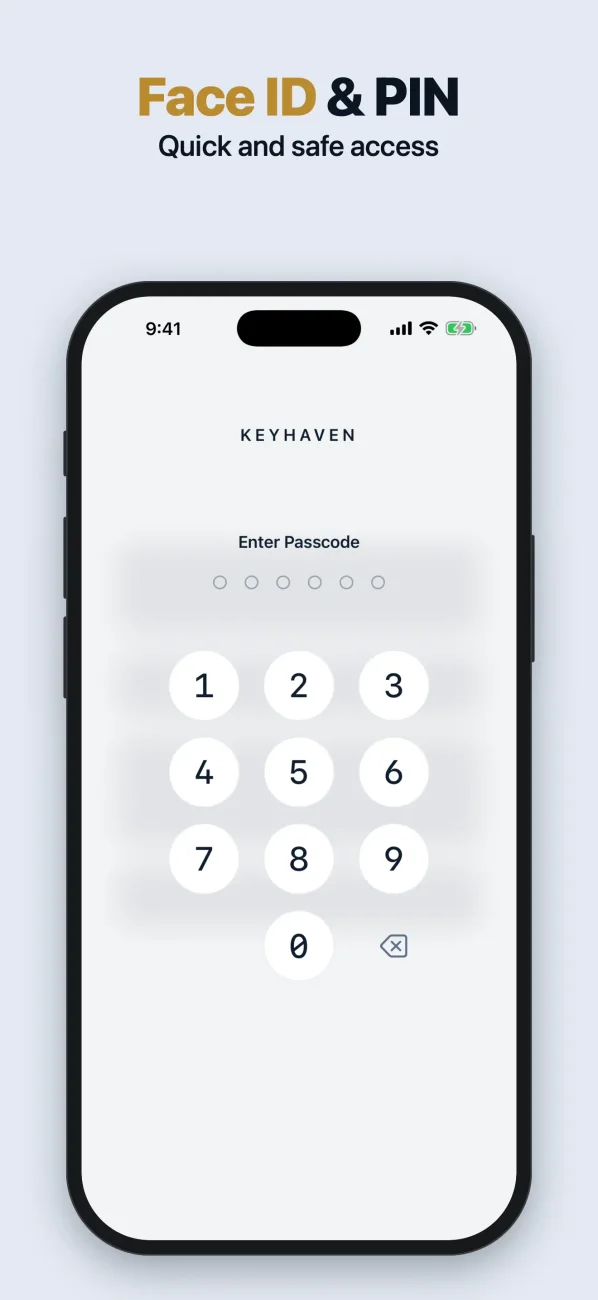
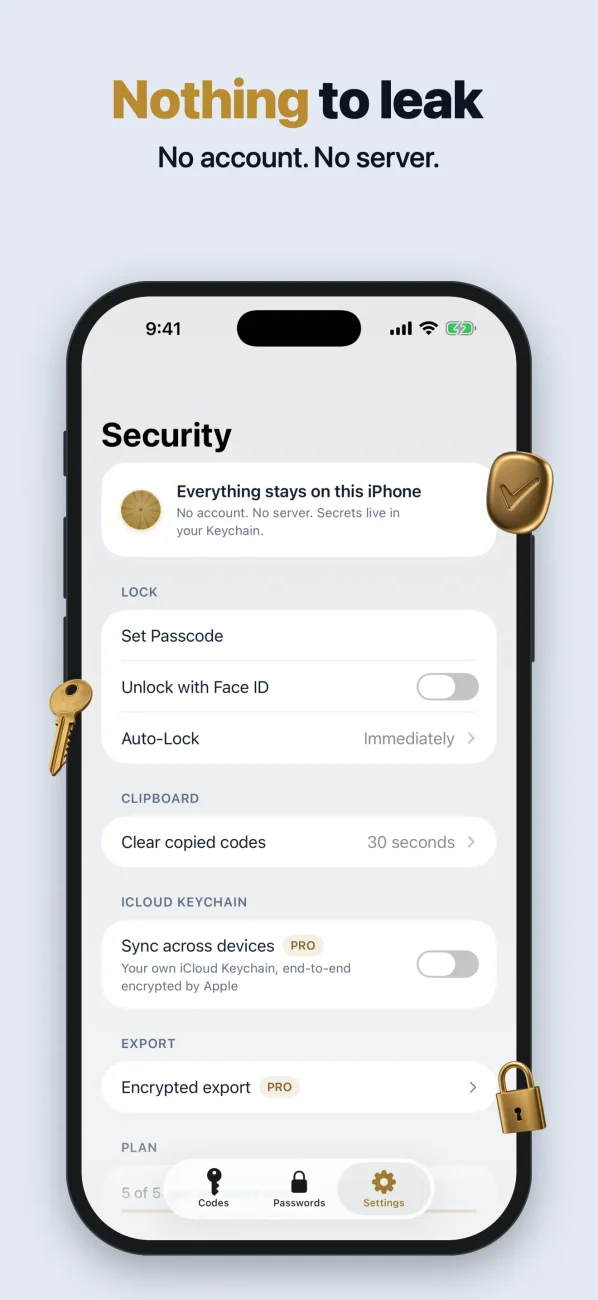
- Optional app lock: protect the vault with Face ID and/or a 6-digit passcode — your choice.
- Nothing leaves your iPhone. No account to create, no company server. Your secrets live in your device's Keychain and, if you turn it on, your own iCloud Keychain.
- Copied codes clear from the clipboard automatically.
BUILT FOR EVERYDAY LOGINS
- Live 2FA codes with a ring that drains over each 30-second window.
- Add by scanning a QR code or by entering details yourself.
- Passwords with tap-to-reveal and one-tap copy.
- Backup codes you can mark as used, so you always know which are left.
- Search and pin the accounts you reach for most.
FAIR BY DEFAULT
Viewing, revealing, and copying what you have is always free — your data is never held hostage. Authenticator Pro is an optional subscription that adds unlimited accounts, iCloud Keychain sync across your devices, and encrypted export (file or paper backup). Weekly, monthly, and yearly plans are available.
Authenticator stores, shows, reveals, and copies your logins on iPhone. It does not autofill into other apps.
Terms of Use (EULA): https://www.apple.com/legal/internet-services/itunes/dev/stdeula/
App privacy
What Secgin LLC declares on the App Store about how this app handles data.
-
Data not collected
The developer does not collect any data from this app.
Privacy practices may vary, for example with the features you use or your age.
Information
- Seller
- secgin gida sanayi ve ticaret limited sirketi
- Category
- Utilities
- Version
- 1.0.0
- Updated
- Jul 24, 2026
- Released
- Jul 27, 2026
- Size
- 8.5 MB
- Requires
- iOS 17.0 or later
- Age rating
- 4+
- Price
- Free
- In-app purchases
- Yes
- Languages
- English, French, German, Russian, Spanish
- Copyright
- © 2026 Hakan Tuhage
You might also like
-
 Keep It password managerPassword manager
-
 Authenticator App: OTP and 2FAMFA, Two Factor Authentication
-
 Argyle PD ConnectUtilities
-
 Radar ToolkitLocation data infrastructure
-
 Authenticator App "Secure OTP Codes & Backup
-
 Authenticator for InstagramProtect Your Account
-
 Authenticator App - OTP & 2FAEasy login with iCloud sync
-
 Authenticator: 2FA, MFA, OTPTwo Factor Authentication, MFA
-
 Authenticator App ••2FA Two Factor Authentication
-
 ZOOJIUtilities