
Authenticator - 2FA & Vault
2-Factor OTP & Passwords
Designed for iPhone, iPad
Free · In-app purchases
- Age rating4+
- CategoryUtilities
- DeveloperHuong Dang
- LanguagesEnglish+ 12 more
- Size48.7 MB
Links to the official App Store page
Download.org hosts no file of Authenticator - 2FA & Vault. The button opens its official App Store page, published by Huong Dang. Listing last checked on Nov 15, 2026.
Screenshots



About
Authenticator helps you manage authentication codes and organize your saved credentials on iPhone and iPad.
KEY FEATURES
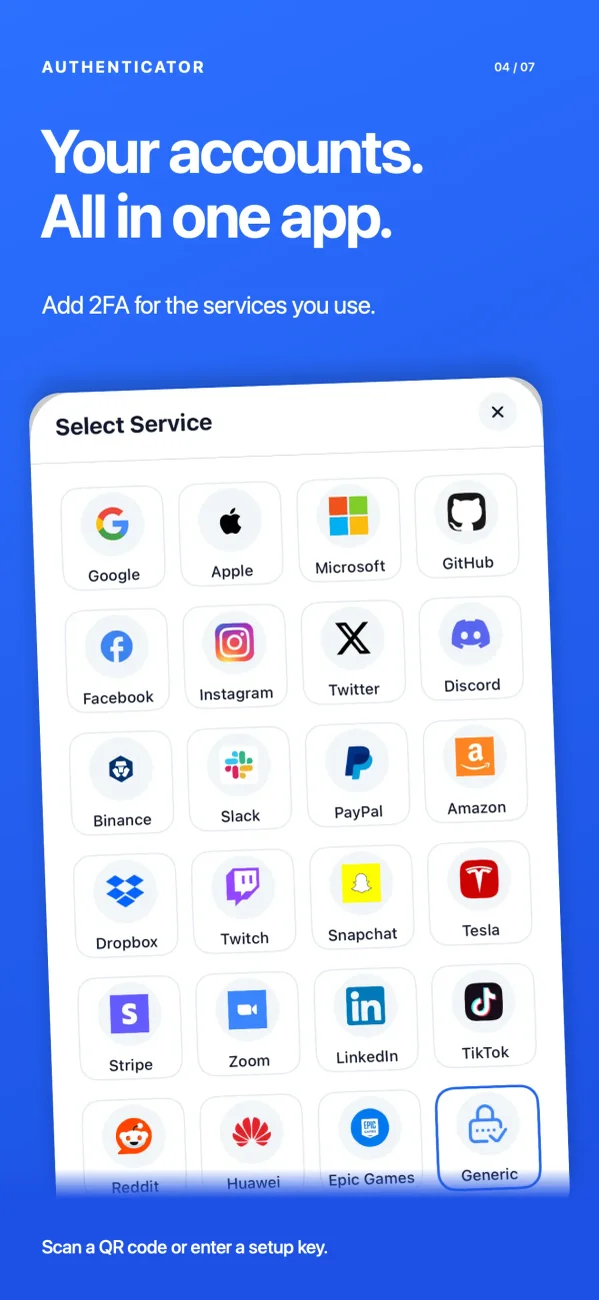
• Authentication codes: Generate TOTP and HOTP codes for compatible online services. Add accounts by scanning a QR code or entering setup details.
• Encrypted local vault: Store logins, passwords, payment details, Wi-Fi credentials and notes in an encrypted file on your device.
• Optional iCloud backup: Back up and restore your vault through your private Apple CloudKit database. Cloud backups use Apple's CloudKit protections; local vault encryption does not mean app-managed end-to-end encryption of cloud backups.
• Security checks: Check passwords against Pwned Passwords and manually check an email using LeakCheck. Checks require a network connection and reflect the providers' available records; no match is not a guarantee of safety.
• Private browsing sessions: Browse using nonpersistent website storage. Websites still receive normal requests, and bookmarks you choose to save remain available.
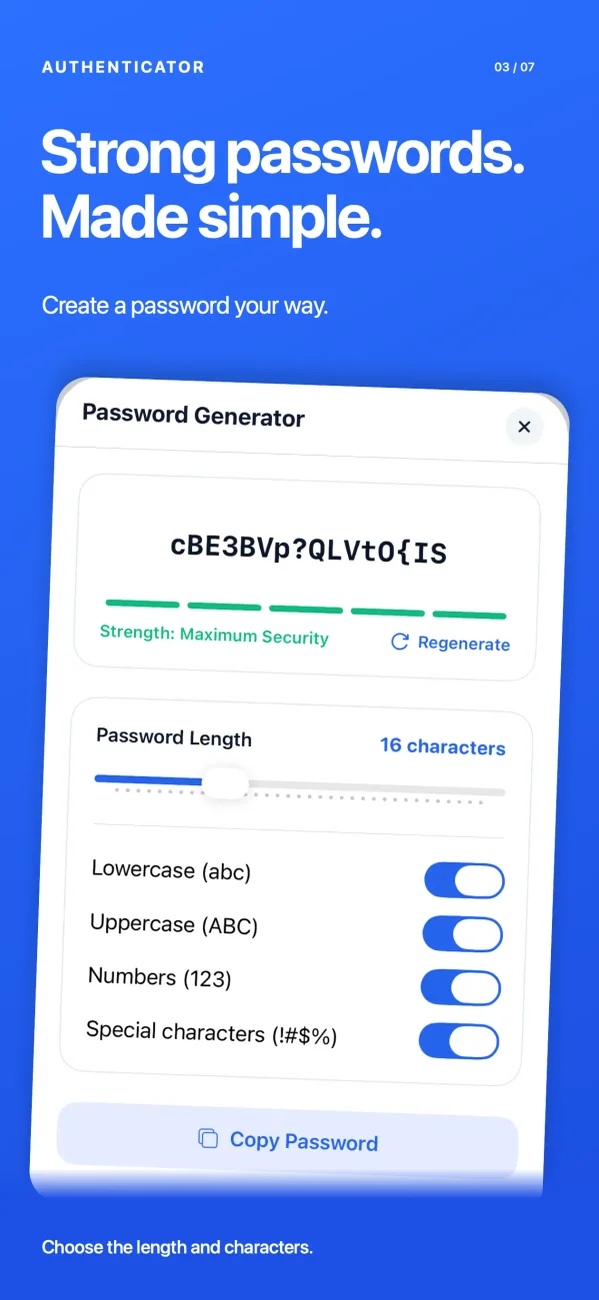
• Password generator: Create random passwords with your preferred length and character options.
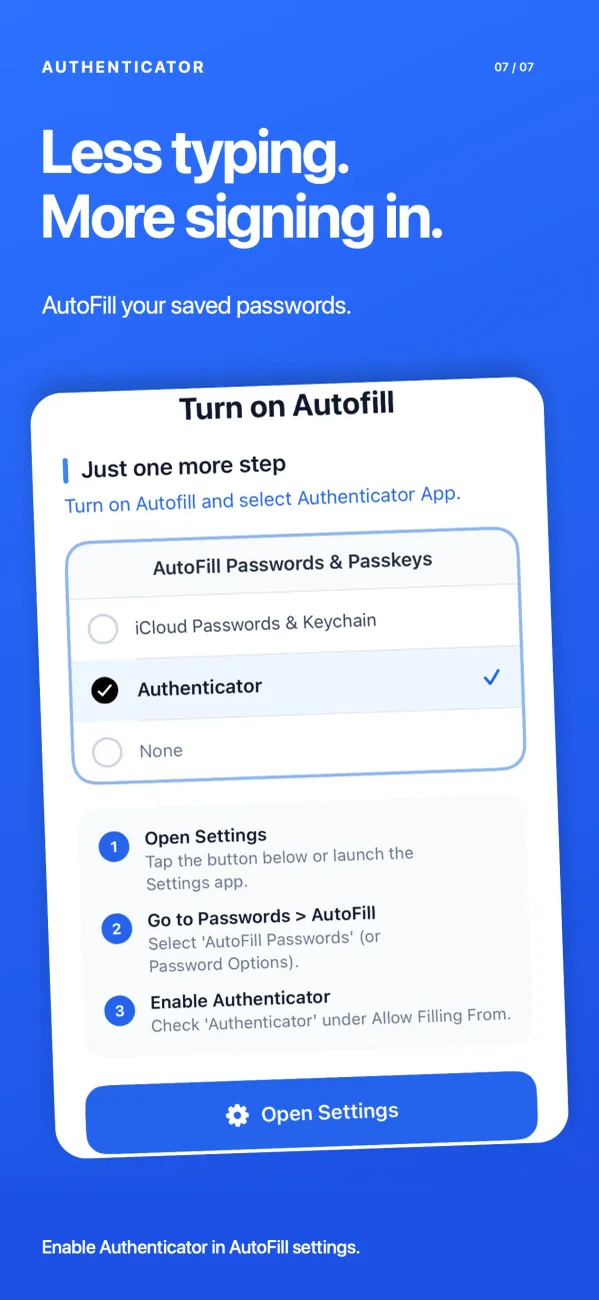
• AutoFill: Use supported saved credentials in Safari and compatible apps.
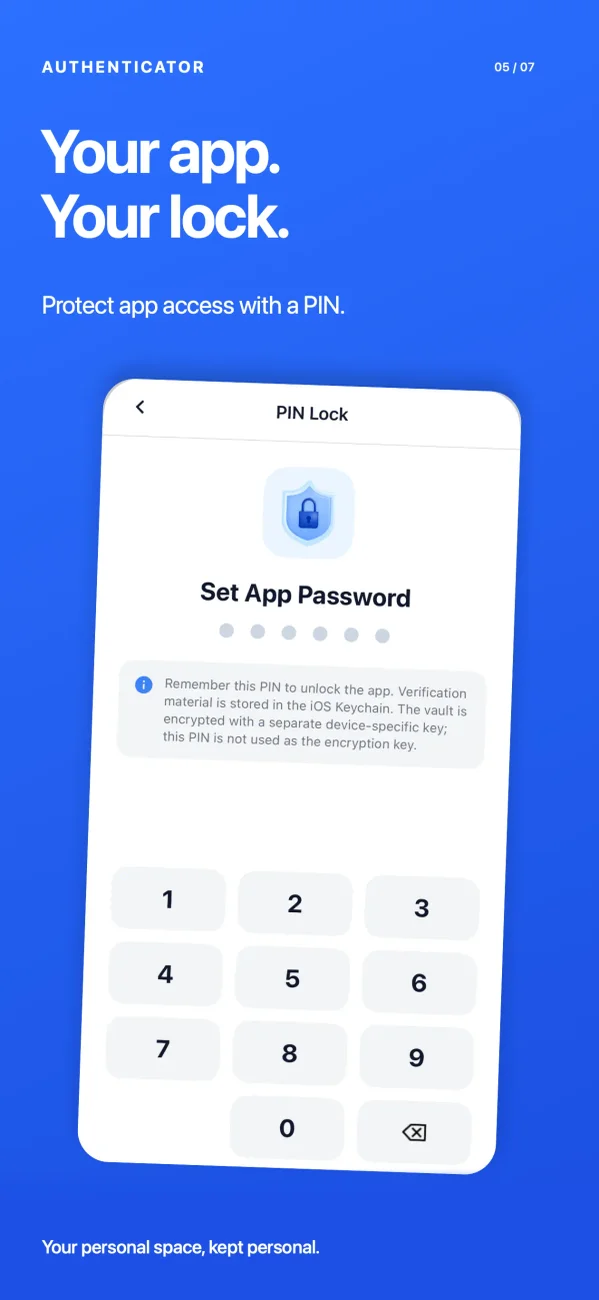
• App lock: Protect access to the app with a PIN and supported biometric authentication.
Some features require a subscription. Prices and available offers are shown in the app before purchase.
Privacy Policy: https://sites.google.com/view/authenticator-2fa-vault/privacy-policy
Terms of Use (EULA): https://www.apple.com/legal/internet-services/itunes/dev/stdeula/
Terms of Service: https://sites.google.com/view/authenticator-2fa-vault/terms-conditions
What’s new
Version 1.0.1 · Oct 21, 2026
- Fixed bugs and performance improvements
App privacy
What Huong Dang declares on the App Store about how this app handles data.
-
Data used to track you
May be used to track you across apps and websites owned by other companies.
- Identifiers
-
Data linked to you
May be collected and linked to your identity.
- Purchases
- Financial info
- Location
- Contact info
- User content
- Identifiers
- Usage data
-
Data not linked to you
May be collected but is not linked to your identity.
- Diagnostics
Privacy practices may vary, for example with the features you use or your age.
Information
- Seller
- Huong Dang
- Category
- Utilities
- Version
- 1.0.1
- Updated
- Oct 21, 2026
- Released
- Sep 21, 2026
- Size
- 48.7 MB
- Requires
- iOS 17.0 or later
- Age rating
- 4+
- Price
- Free
- In-app purchases
- Yes
- Languages
- English, Arabic, French, German, Hindi, Italian, Japanese, Korean, Portuguese, Russian, Simplified Chinese, Spanish + 1 more
- Copyright
- © 2026 Authenticator App
You might also like
-
 Printer App: Scan & AirPrintPDF, Fax & Document Tools
-
 Message Vault: Private ArchiveEncrypted backup of your texts
-
 CamSave: Mini WiFi CameraLive view for Wi-Fi mini cams
-
 2FA Vault - TOTP AuthenticatorSecure 2FA TOTP Generator
-
 2Pass: Password Authenticator2FA Codes, Vault & Autofill
-
 爱上陕西菜-大西北特色美食做法步骤大全Utilities
-
 MODOLELL RESIDENCIAL SLUtilities
-
 QR Studio - QR Code GeneratorAI Scan, Design, Track & Sync
-
 Keepit - Swipe Photo CleanerSwipe photos. No ads ever.
-
 AppLcokerDuration controller