
Authenticator App: 2FA MFA.
Online security・Authentication
Designed for iPhone, iPod touch
Free · In-app purchases
- Age rating4+
- CategoryUtilities
- DeveloperDenis Kondratovich
- LanguagesEnglish
- Size16.8 MB
Links to the official App Store page
Download.org hosts no file of Authenticator App: 2FA MFA. The button opens its official App Store page, published by Denis Kondratovich. Listing last checked on Nov 12, 2026.
Screenshots

About
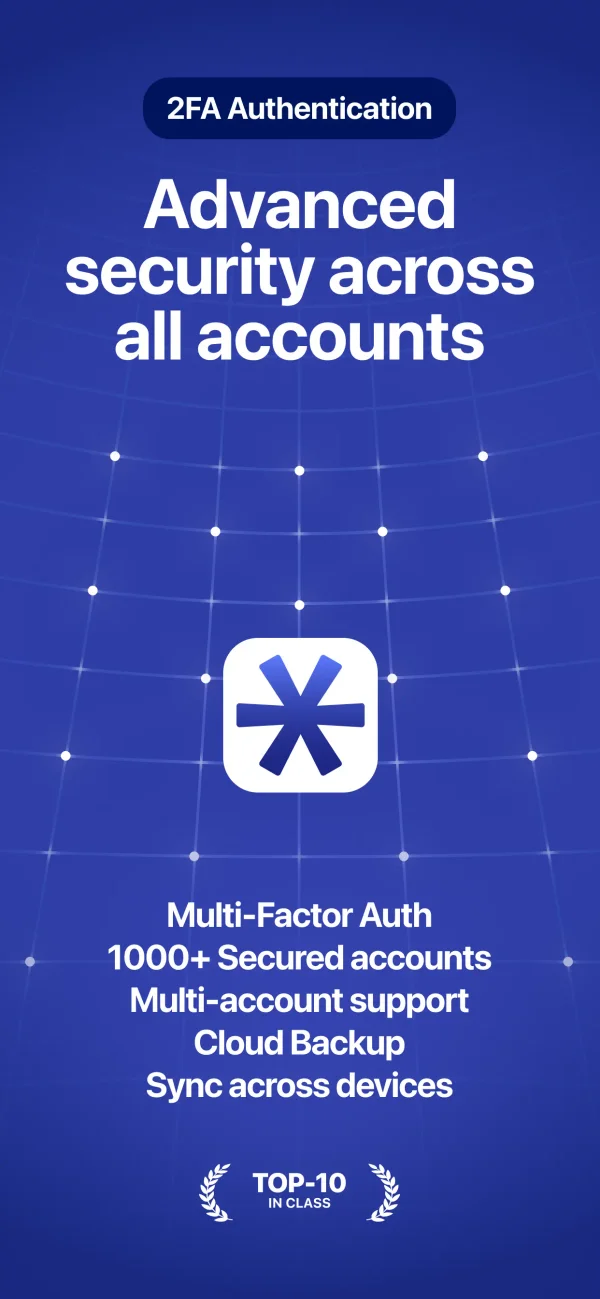
Keep your accounts secure with the Authenticator App.
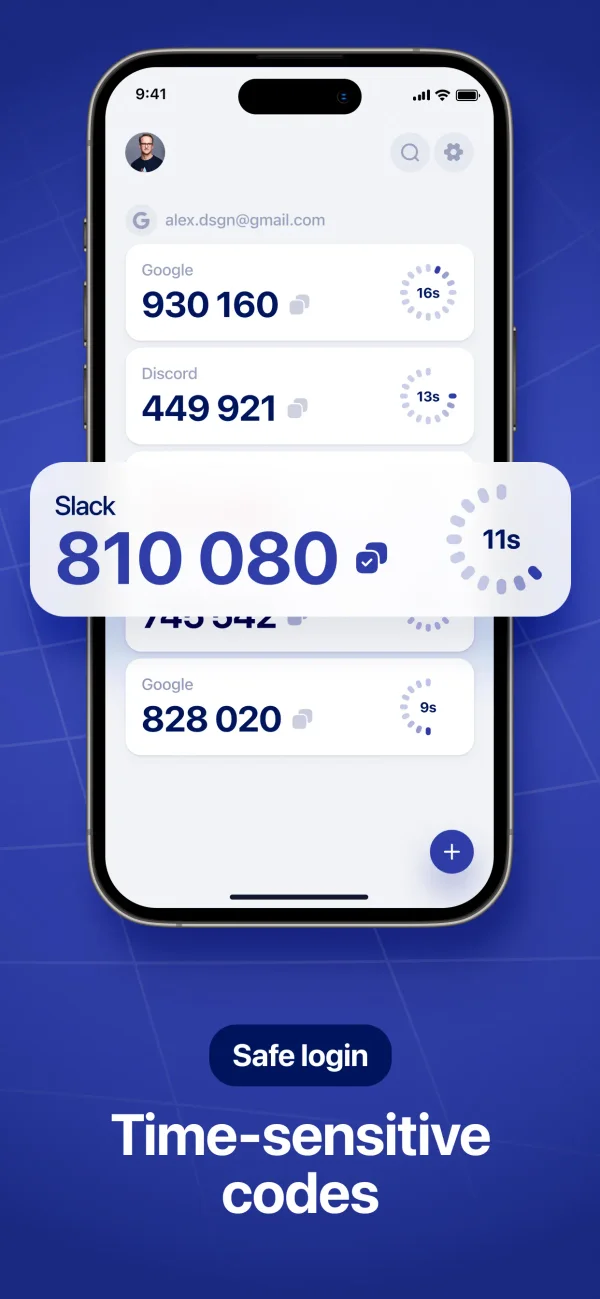
The Authenticator App protects your online accounts by generating secure two-factor authentication (2FA) codes — ensuring only you can access your sensitive data.
Key Features:
• Secure & Private Encryption
Your data is fully encrypted — including backups in iCloud. Only you have access to your 2FA codes, ensuring maximum privacy and security.
• Encrypted Backup
Create a secure, encrypted backup of your codes to easily restore access if you lose or upgrade your device.
• Real-Time Sync Across Apple Devices
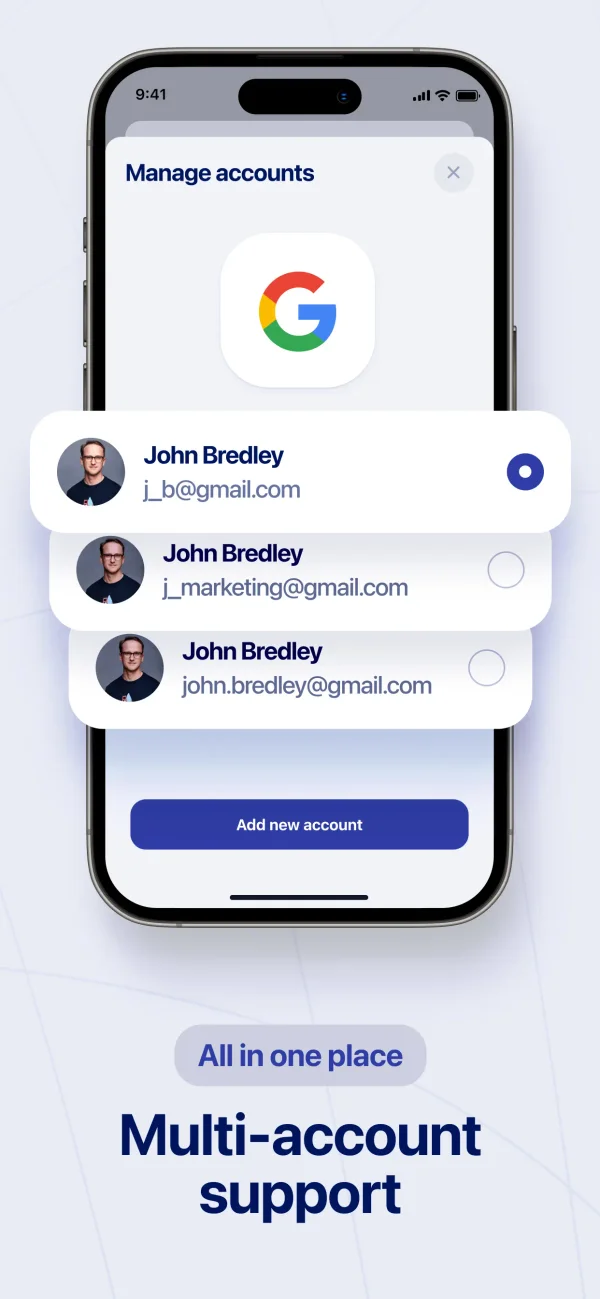
Automatically synchronize your 2FA accounts across iPhone, iPad, Mac, and Apple Watch for a smooth and consistent experience.
• Instant Access with Home Screen Widget
Use the Authenticator Widget to quickly view your 2FA codes right from your Home Screen — no need to open the app.
• Offline Functionality
Generate 2FA codes even when you’re offline or in airplane mode. Your security stays intact no matter the connection.
• Easy Multi Import
Import 2FA codes effortlessly from other authenticators, password managers, or files — including Google Authenticator and more.
• Designed for Apple Users
Enjoy a native Apple experience with dark mode, smooth gestures, and seamless iCloud syncing.
Your security. Your control. Anywhere, anytime.
Get started with Authenticator App and take your online protection to the next level.
Subscription Pricing and Terms:
- Subscription periods are weekly and yearly. Every week or year your subscription renews.
- Payment will be charged to iTunes Account at confirmation of purchase.
- The subscription is automatically renewed unless auto-renew is turned off at least 24-hours before the end of the current period.
- Account will be charged for renewal within 24-hours prior to the end of the current period, and identify the cost of the renewal.
- Subscriptions may be managed by the user and auto-renewal may be turned off by going to the user's Account Settings after purchase.
- Any unused portion of a free trial period, if offered, will be forfeited when the user purchases a subscription to that publication, where applicable.
The free version allows you to monitor the current status of one child without the possibility of obtaining detailed statistics and status notifications.
This app doesn’t violate the Privacy Policy and Terms of Service of any third parties and use only publicly available data. The app is not affiliated with any 3rd parties.
Terms - https://docs.google.com/document/d/18q8wcxwxsGdYL7J9TNmNZvyjnwaq0TgAOr6hn-x54x8/edit?usp=sharing
Policy - https://docs.google.com/document/d/1HeWlH3RvUIfHvA-NJzqebuy8FaZe_ixWZE84TeU8uxI/edit?usp=sharing
What’s new
Version 2.4 · Jan 23, 2026
- Improved account setup and QR scanner performance.
- Enhanced stability and fixed bugs.
App privacy
What Denis Kondratovich declares on the App Store about how this app handles data.
-
Data not collected
The developer does not collect any data from this app.
Privacy practices may vary, for example with the features you use or your age.
Information
- Seller
- Denis Kondratovich
- Category
- Utilities
- Version
- 2.4
- Updated
- Jan 23, 2026
- Released
- Jul 6, 2025
- Size
- 16.8 MB
- Requires
- iOS 15.0 or later
- Age rating
- 4+
- Price
- Free
- In-app purchases
- Yes
- Languages
- English
- Copyright
- © DK
You might also like
-
 Authenticator App‧‧MFA, 2FA, OTP & TOTP Auth
-
 TOTP Authenticator6-digit code for your account
-
 Authentication App - MFA, tOTPAuthenticator 2FA, Two Factor
-
 VanyaVPN: Fast & Secure VPNFast VPN in 180+ countries
-
 Authenticator App · 2FA2FA: Two Factor Authentication
-
 VPN Master Secure VPN proxyVPN Beaver — VPN for iPhone
-
 BlazeAuth - MFA AuthenticatorTOTP Two Factor Authentication
-
 Authenticator App | 2FA AuthSecure 2-Factor Auth Manager