
Authenticator App 2FA, MFA
Two Factor Authentication 2fas
Designed for iPhone
Free · In-app purchases
- Age rating4+
- CategoryUtilities
- DeveloperJonas Endthaller
- LanguagesEnglish
- Size15.4 MB
Links to the official App Store page
Download.org hosts no file of Authenticator App 2FA, MFA. The button opens its official App Store page, published by Jonas Endthaller. Listing last checked on Nov 13, 2026.
Screenshots
About
Authenticator App: 2FA, MFA – Secure Your Accounts with Two-Factor Authentication
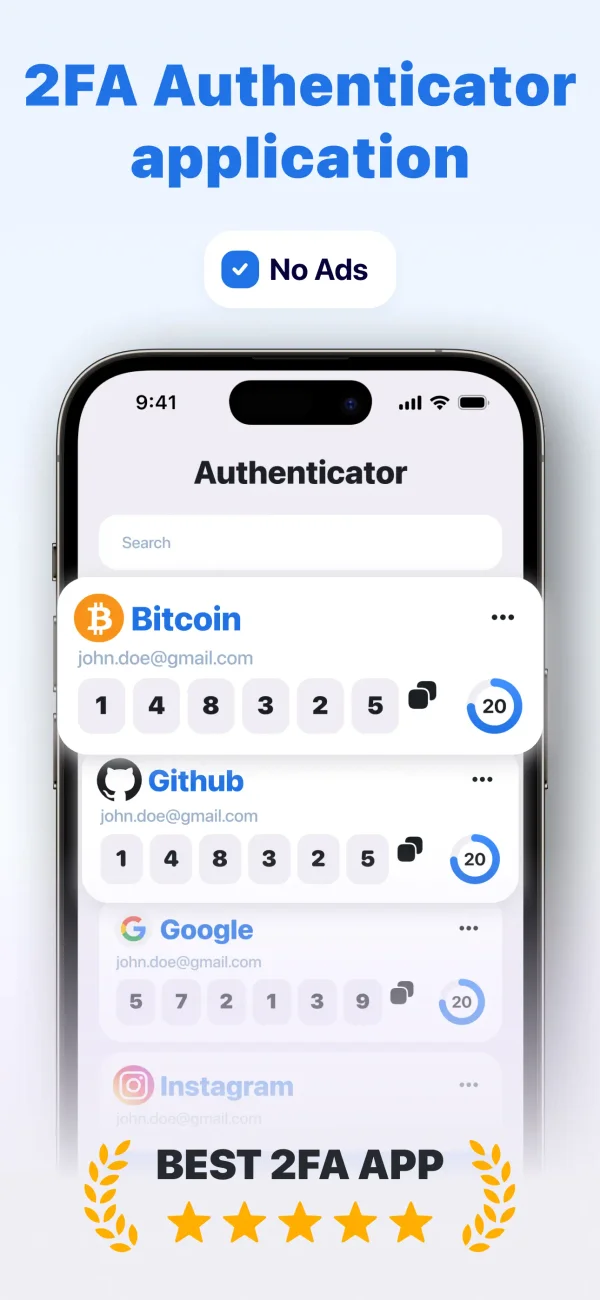
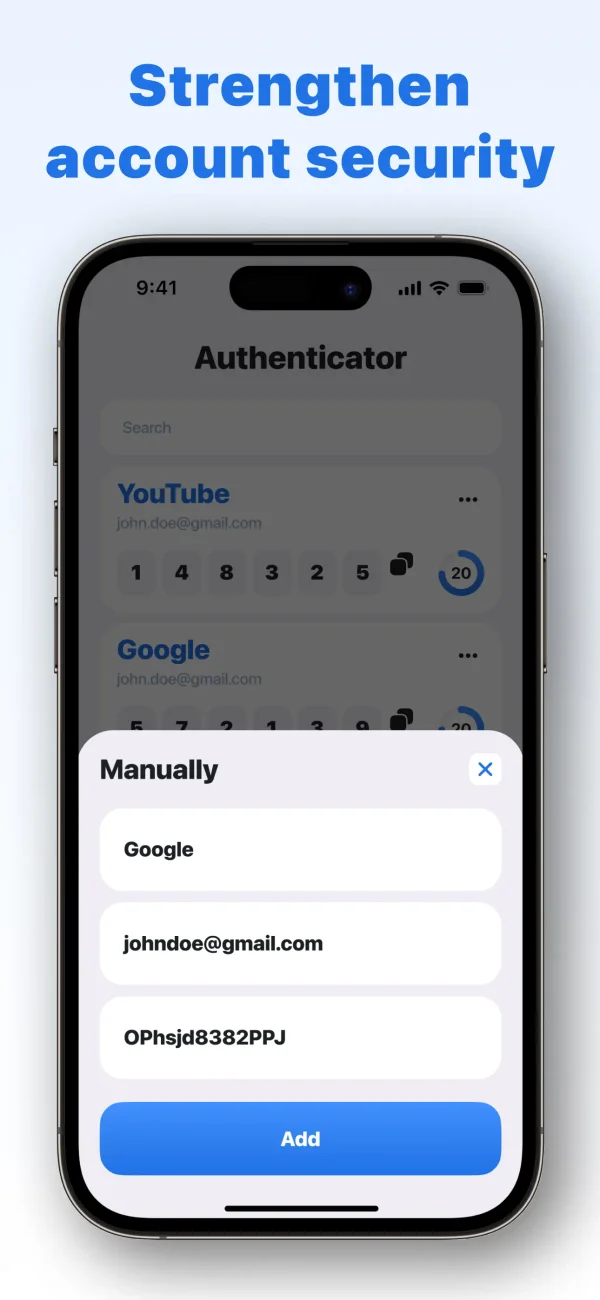
Take control of your online security with the Authenticator App: 2FA, MFA, a powerful and easy-to-use two-factor authentication (2FA) solution. Protect your accounts from unauthorized access by adding an extra layer of security beyond your password. Whether you’re securing personal accounts, or business logins, this app makes it easy to manage all your authentication codes in one place.
Key Features:
Secure Account Storage
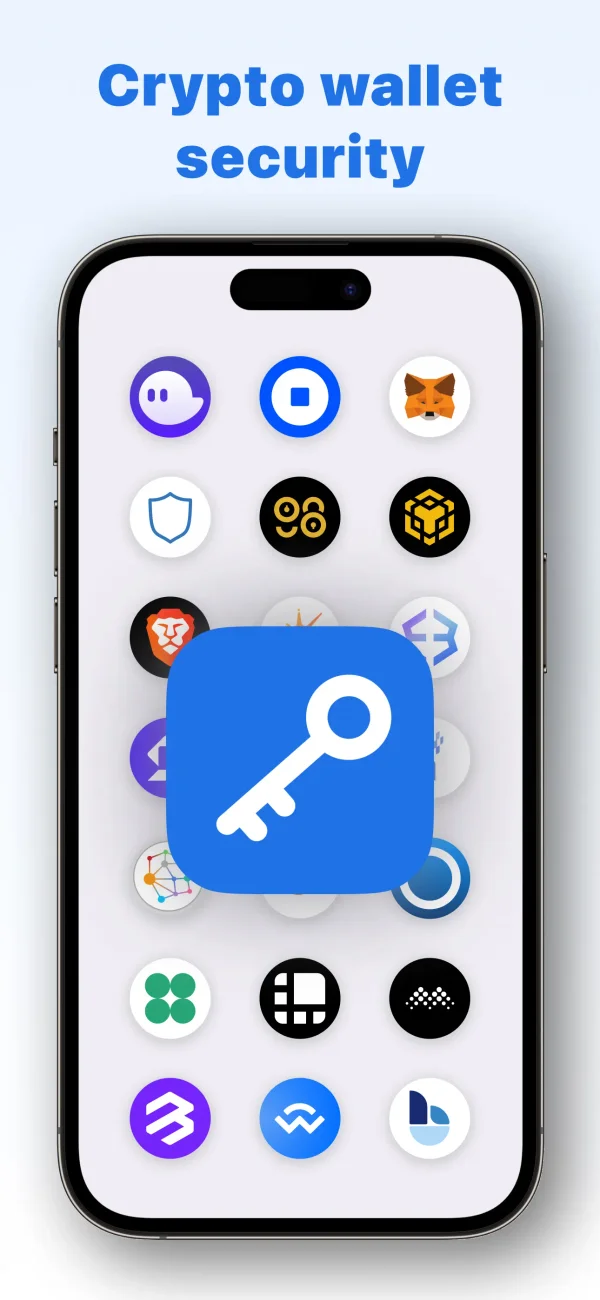
Store your login credentials safely within the app. Keep track of your usernames and passwords for multiple online accounts in one convenient and encrypted location. Never worry about forgetting your login details again!
Generate 2FA Authentication Codes
Enhance your security with time-based one-time passwords (TOTP). Use the app to generate unique, time-sensitive 2FA codes that you’ll need in addition to your password when logging in. This ensures that even if someone gets hold of your password, they won’t be able to access your accounts without the second authentication factor.
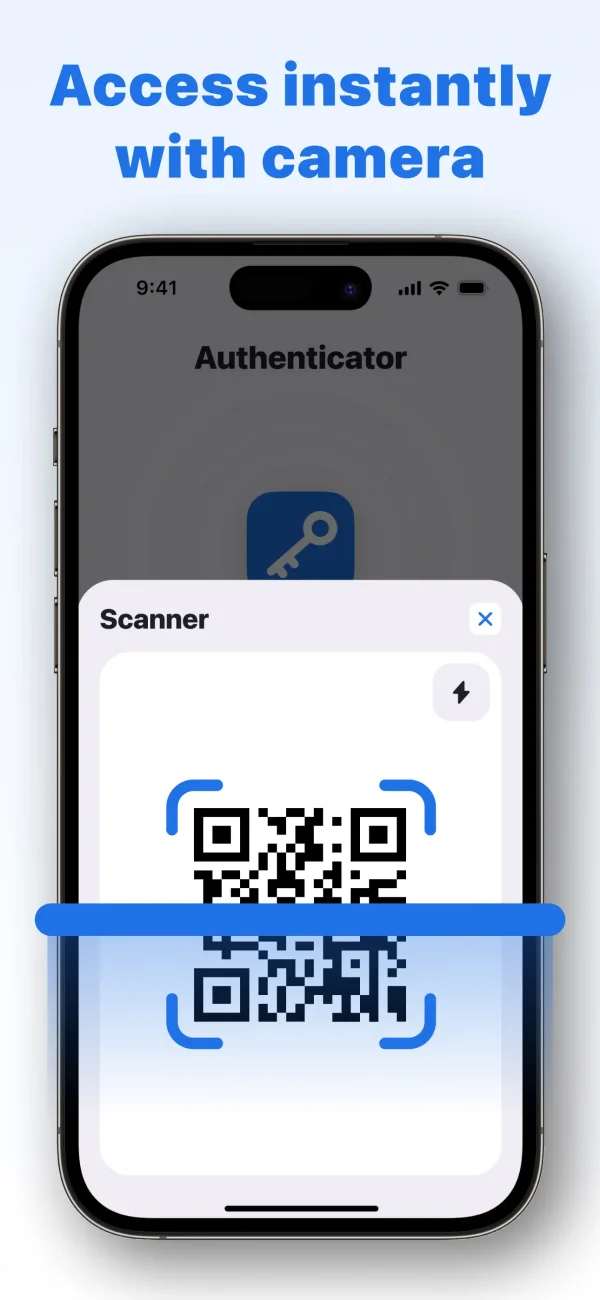
Easy QR Code Scanning
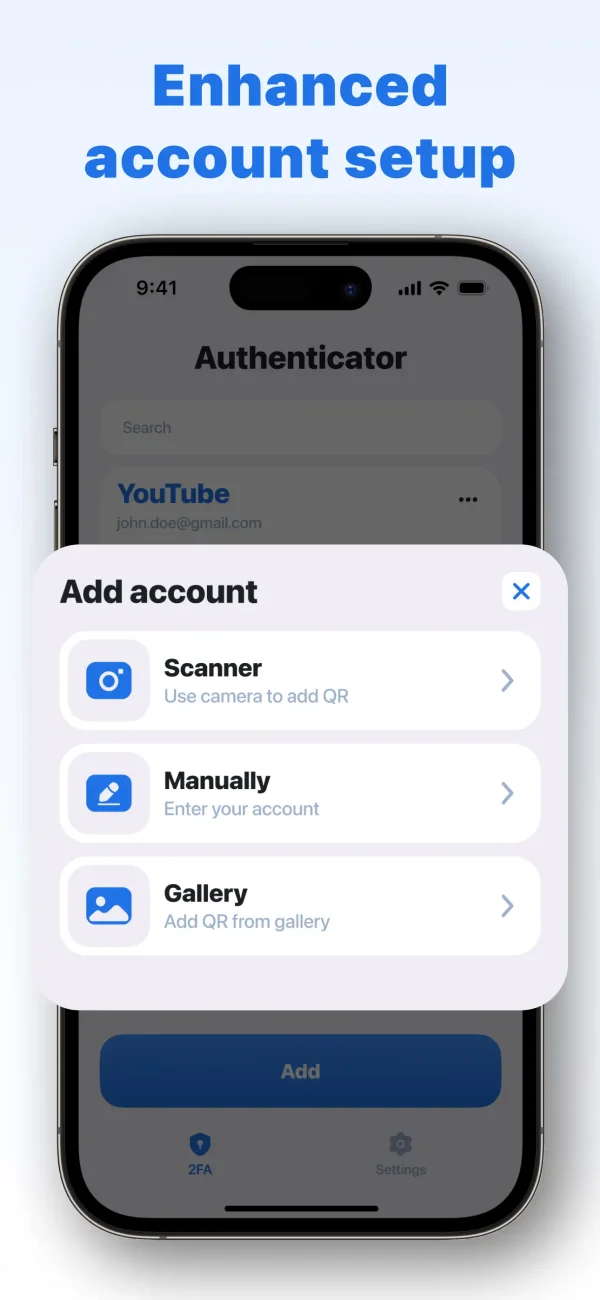
Adding a new account is effortless—simply scan the QR code provided by the service you’re enabling 2FA for, and the app will automatically generate the authentication codes. No need to manually enter long setup keys!
Manual Code Entry
If QR code scanning isn’t an option, you can still add accounts manually by entering the setup key provided by your service provider. The app will instantly generate 2FA codes for secure login.
Stay Secure – Get Started Today!
Don’t leave your accounts vulnerable! Download the Authenticator App: 2FA, MFA now and take a step towards stronger online security. Enable two-factor authentication effortlessly and keep your personal data safe from cyber threats.
Terms of Use: https://docs.google.com/document/d/1Nyx-MH28aAgwKGaNrw6GGoiNUNZ2zLL4TV_6nozG_Pc/edit?tab=t.0
Privacy Policy: https://docs.google.com/document/d/1gKnpstOBOfH0jfgZxVhQDLpp3aqg_RffjsSql58p5V0/edit?tab=t.0
What’s new
Version 1.3 · Aug 25, 2026
We’ve improved overall app performance and stability. This update includes bug fixes, faster loading.
App privacy
What Jonas Endthaller declares on the App Store about how this app handles data.
-
Data not collected
The developer does not collect any data from this app.
Privacy practices may vary, for example with the features you use or your age.
Information
- Seller
- Jonas Endthaller
- Category
- Utilities
- Version
- 1.3
- Updated
- Aug 25, 2026
- Released
- Apr 9, 2025
- Size
- 15.4 MB
- Requires
- iOS 17.2 or later
- Age rating
- 4+
- Price
- Free
- In-app purchases
- Yes
- Languages
- English
- Copyright
- © Aysenur Erbagci
You might also like
-
 Auth Authenticator: 2FA & MFAAuth: Authenticate Verify App
-
 Authenticator: Password KeeperTwo-Factor & MFA Protection
-
 Infrared Remote Glint DetectorHidden Wireless Covert Device
-
 Coin Identifier Scanner Value.Money Price Scan Snap Checker
-
 Smart Air Printer:Scan PrinterAir Printer : Document Scanner
-
 Spy Camera Detector : GR8Hidden Device Finder & Tracker
-
 Secure App: 2FA AuthenticatorPowerful for your Security
-
 eSign Signature: Fill & SignPDF Signer & Document Maker
-
 Call Record: Phone Recorder.Voice Memo Recording Calls App
-
 Phone Locator: Find My Family.Geo Tracking Friends Device