
Authenticator: Password Keeper
Two-Factor & MFA Protection
Designed for iPhone, iPod touch
Free · In-app purchases
- Age rating4+
- CategoryUtilities
- DeveloperCrossing Pub
- LanguagesEnglish
- Size11.2 MB
Links to the official App Store page
Download.org hosts no file of Authenticator: Password Keeper. The button opens its official App Store page, published by Crossing Pub. Listing last checked on Nov 16, 2026.
Screenshots

About
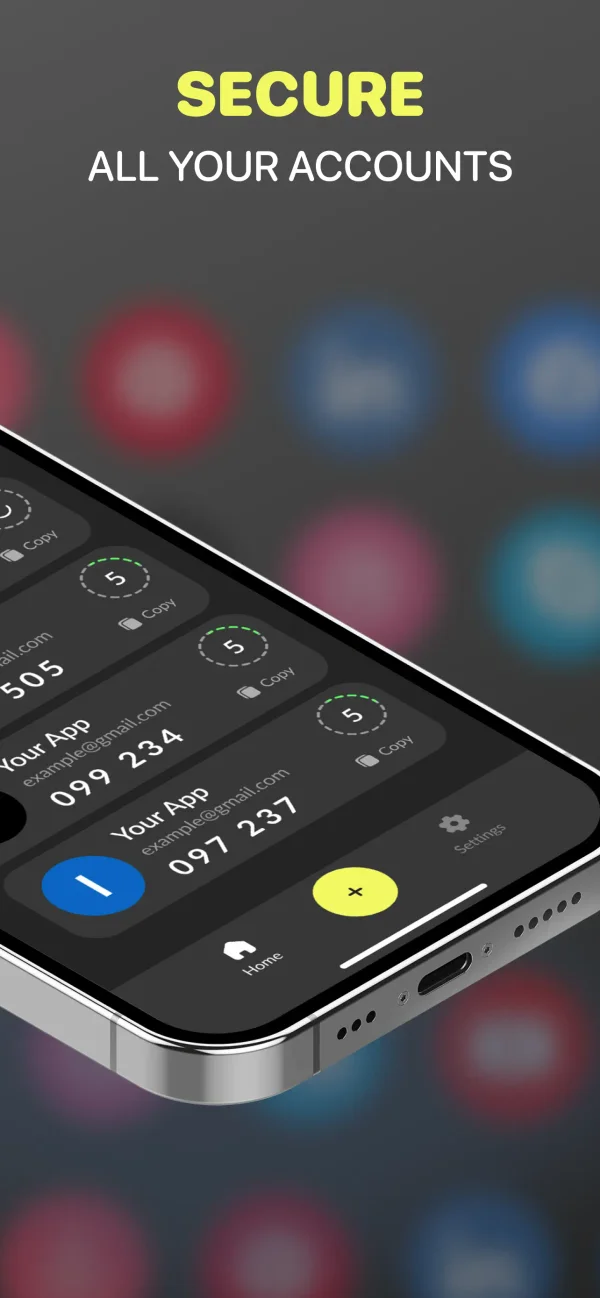
The App is your go-to, free solution for managing two-factor (2FA) and multi-factor (MFA) authentication on your iPhone and iPad. Safeguard your online accounts—like Facebook, Google, Instagram, Microsoft, Roblox, and thousands more—using secure 2FA codes. Whether securing emails, social media profiles, or financial accounts, KeyGuard provides reliable and free two-factor authentication. Download it today on your iPhone or iPad to take control of your online security!
Why?
Goes beyond just two-step verification. It’s a comprehensive solution for managing 2FA codes, passwords, and overall digital security. Whether you’re in need of an authenticator app, a password manager with autofill, or even a built-in VPN, KeyGuard offers unmatched convenience and security.
Key Features:
Two-Factor Authentication (2FA):
Safeguard your accounts with time-based codes (OTP, TOTP). Works perfectly with Google, Facebook, Microsoft, Instagram, and more.
Password Manager with Autofill:
Safely store, organize, and autofill your passwords. Effortlessly generate strong, unique passwords.
Encrypted Backups:
Keep your 2FA codes and passwords secure with end-to-end encrypted iCloud backups.
Cross-Device Sync:
Access your 2FA codes and passwords across your iPhone, iPad, and other Apple devices in real-time.
Offline Access:
Generate 2FA codes without an internet connection, ensuring continuous protection.
Advanced Security Options:
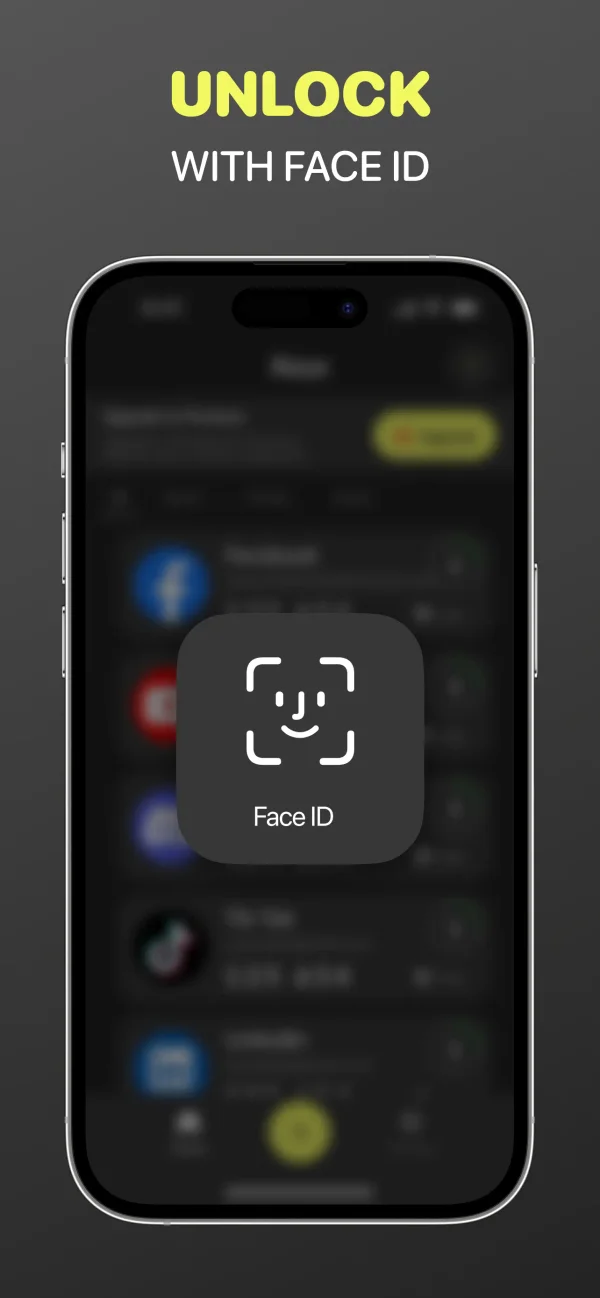
Lock the app with Touch ID, Face ID, or a secure PIN for extra security, ensuring only you can access your data.
Built-In VPN Protection:
Secure your online connection and browse safely with an integrated VPN.
Getting Started is Simple:
Log in to the account you wish to secure (e.g., Google, Facebook, Amazon).
Go to the account's security settings and enable Two-Factor Authentication (2FA).
Choose the "Authentication App" option.
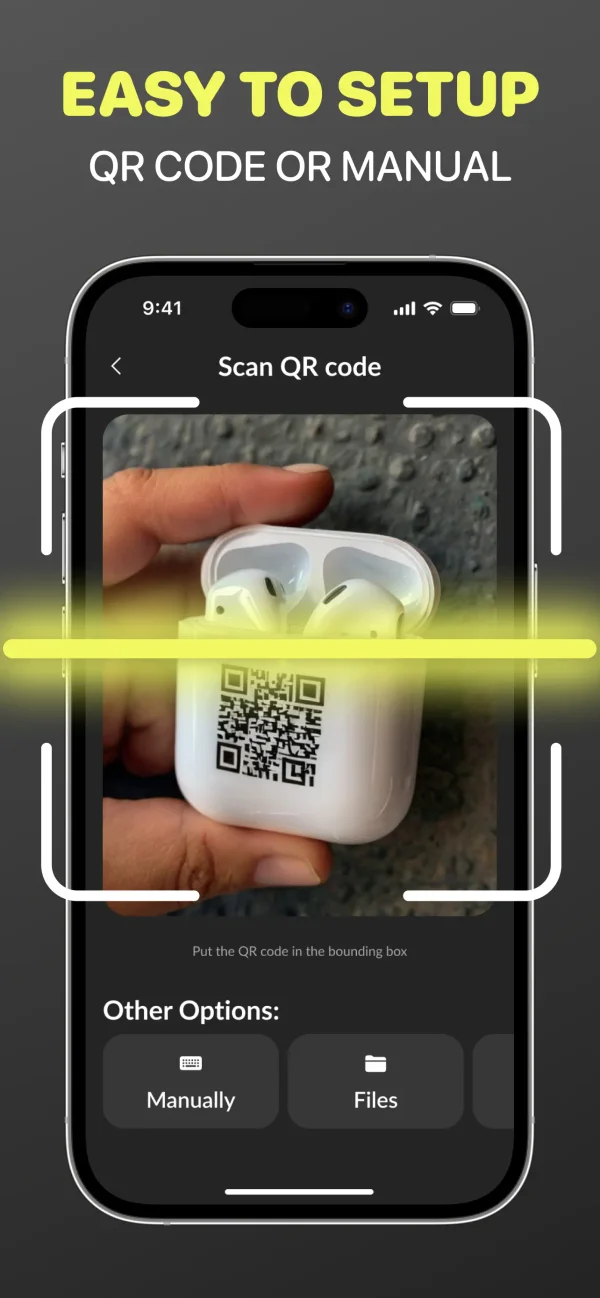
Scan the QR code with the KeyGuard App.
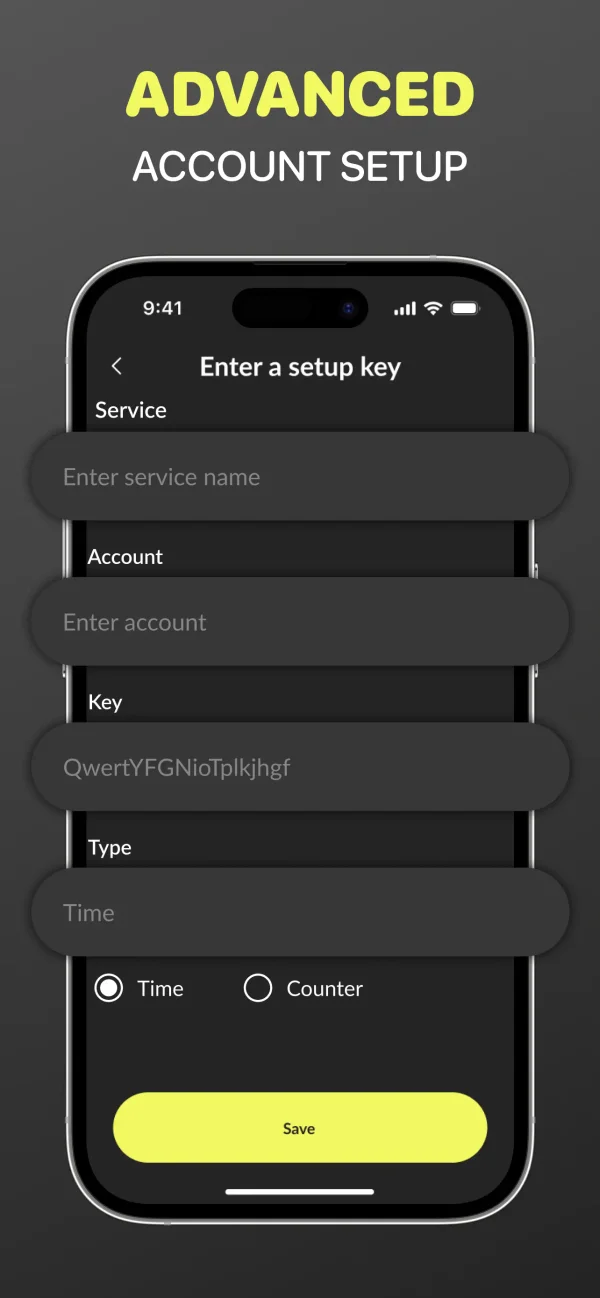
Enter the generated code to confirm the setup.
Enable encrypted backups for extra peace of mind.
Your Data, Fully Secured
App ensures your sensitive data is safe with end-to-end encryption, making sure that only you can access it—whether it’s stored on the cloud or offline. With secure backups, offline access, and seamless device syncing, keeping your data safe has never been easier.
Compatible with Thousands of Services
Protect your favorite accounts, including Gmail, Discord, Reddit, Twitch, PlayStation, Binance, Coinbase, Shopify, Salesforce, PayPal, LinkedIn, and many others.
Download KeyGuard Authenticator App Today!
Take charge of your online security now. With features like password management, a VPN, and encrypted backups, KeyGuard is the ultimate tool for safeguarding your accounts.
Subscription Details
Unlock premium features such as unlimited tokens, advanced password management, and enhanced VPN protection. Subscriptions renew automatically unless canceled at least 24 hours before the current period ends. Manage your subscriptions in the App Store settings.
To protect your security and deter refund fraud, we provide Apple with anonymized data about how the app is used. Our full refund policy is explained in our Privacy Policy and Terms of Use.
Contact us: bedirhank11@outlook.com
Privacy Policy: https://docs.google.com/document/d/1oRxdygmPYDMLOA9lrU9tyxd9XrmEhIdB3zp2awBmmOY/edit?usp=sharing
Terms of Use: https://docs.google.com/document/d/1vo6uJR2_pkKJg_zJ8p7Vz4oMJYyI0FEHo2aSS-il00c/edit?usp=sharing
What’s new
Version 1.1 · Mar 25, 2025
bug fixes
App privacy
What Crossing Pub declares on the App Store about how this app handles data.
-
Data not linked to you
May be collected but is not linked to your identity.
- Purchases
Privacy practices may vary, for example with the features you use or your age.
Information
- Seller
- CROSSING PUB LTD
- Category
- Utilities
- Version
- 1.1
- Updated
- Mar 25, 2025
- Released
- Mar 21, 2025
- Size
- 11.2 MB
- Requires
- iOS 16 or later
- Age rating
- 4+
- Price
- Free
- In-app purchases
- Yes
- Languages
- English
- Copyright
- Bedirhan Kara Copyright ©
You might also like
-
 Spy Camera Detector : GR8Hidden Device Finder & Tracker
-
 Universal Remote TV ◦ for RokuTCL Smart Control with Volume
-
 PDF Converter: Editor, ScannerConvert Image to File & Reader
-
 Smart Air Printer:Scan PrinterAir Printer : Document Scanner
-
 File & PDF Converter - EditorConvert, Scan & Reader Files
-
 Infrared Remote Glint DetectorHidden Wireless Covert Device
-
 Authenticator App 2FA, MFATwo Factor Authentication 2fas
-
 Coin Identifier Scanner Value.Money Price Scan Snap Checker
-
 Auth Authenticator: 2FA & MFAAuth: Authenticate Verify App
-
 Eye Security: Detector HiddenDetect Secret: Device Recorder